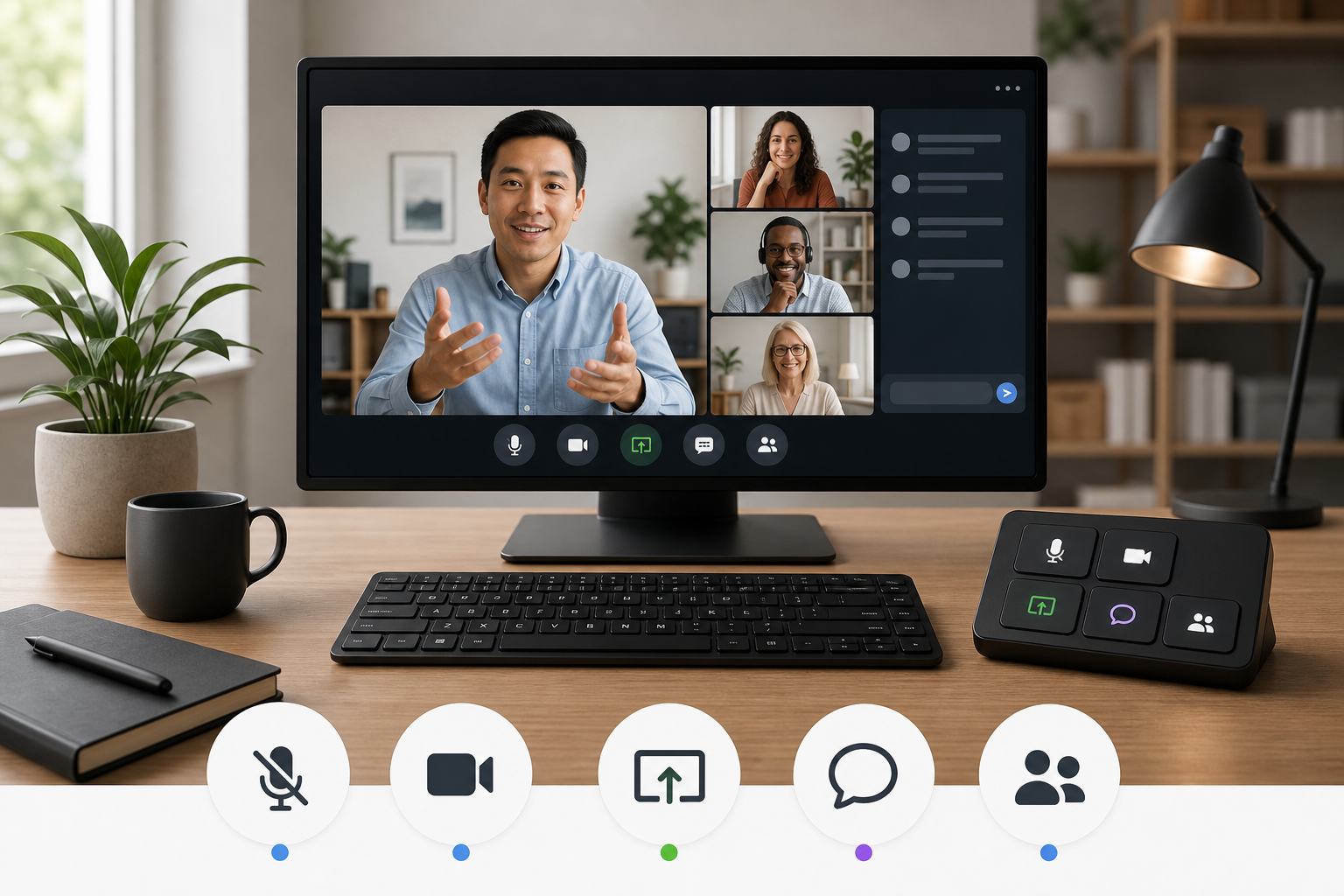
Video Conferencing Keyboard Shortcuts for Hosts
2026-06-26
Use video conferencing keyboard shortcuts without turning meetings into shortcut trivia. Build a small, reliable control set for Zoom, Teams, Meet, and live presentations.
Use video conferencing keyboard shortcuts without turning meetings into shortcut trivia. Build a small, reliable control set for Zoom, Teams, Meet, and live presentations.
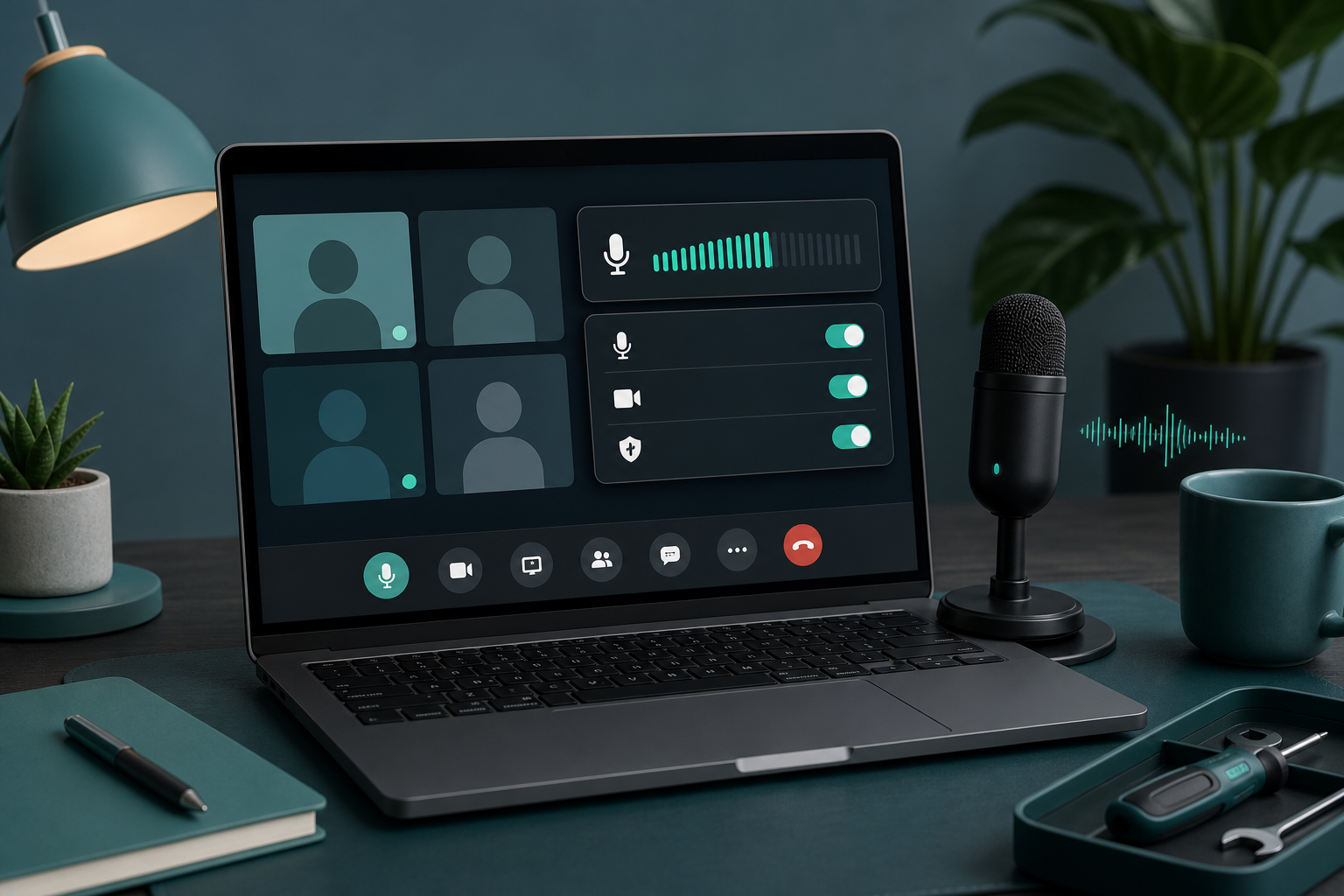
Fix a microphone that is not working in meetings with a host-friendly workflow for mute state, permissions, input routing, browser access, and recovery.
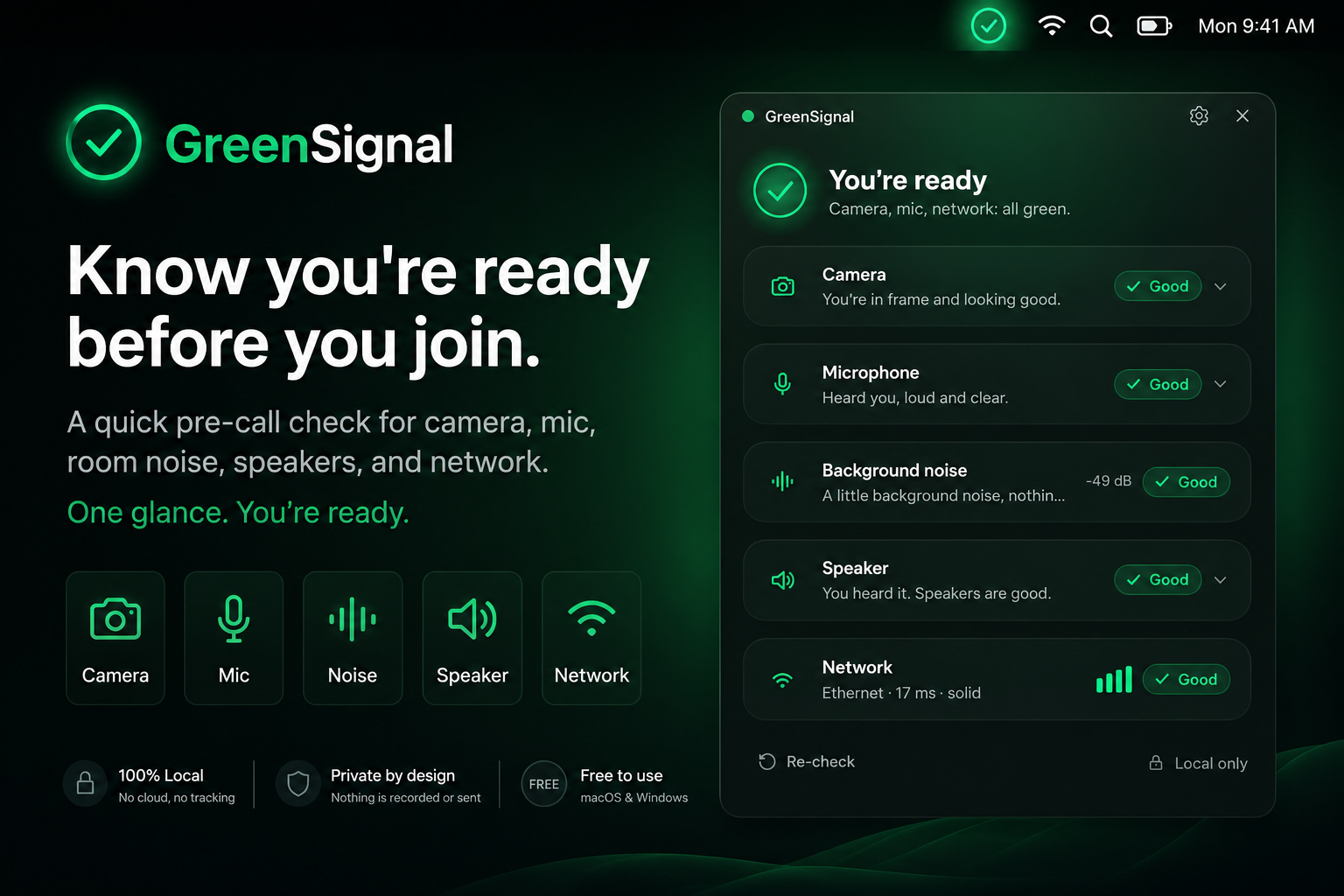
GreenSignal is a free pre-call readiness check from MuteDeck for camera, microphone, speaker, background noise, and network checks before important calls.
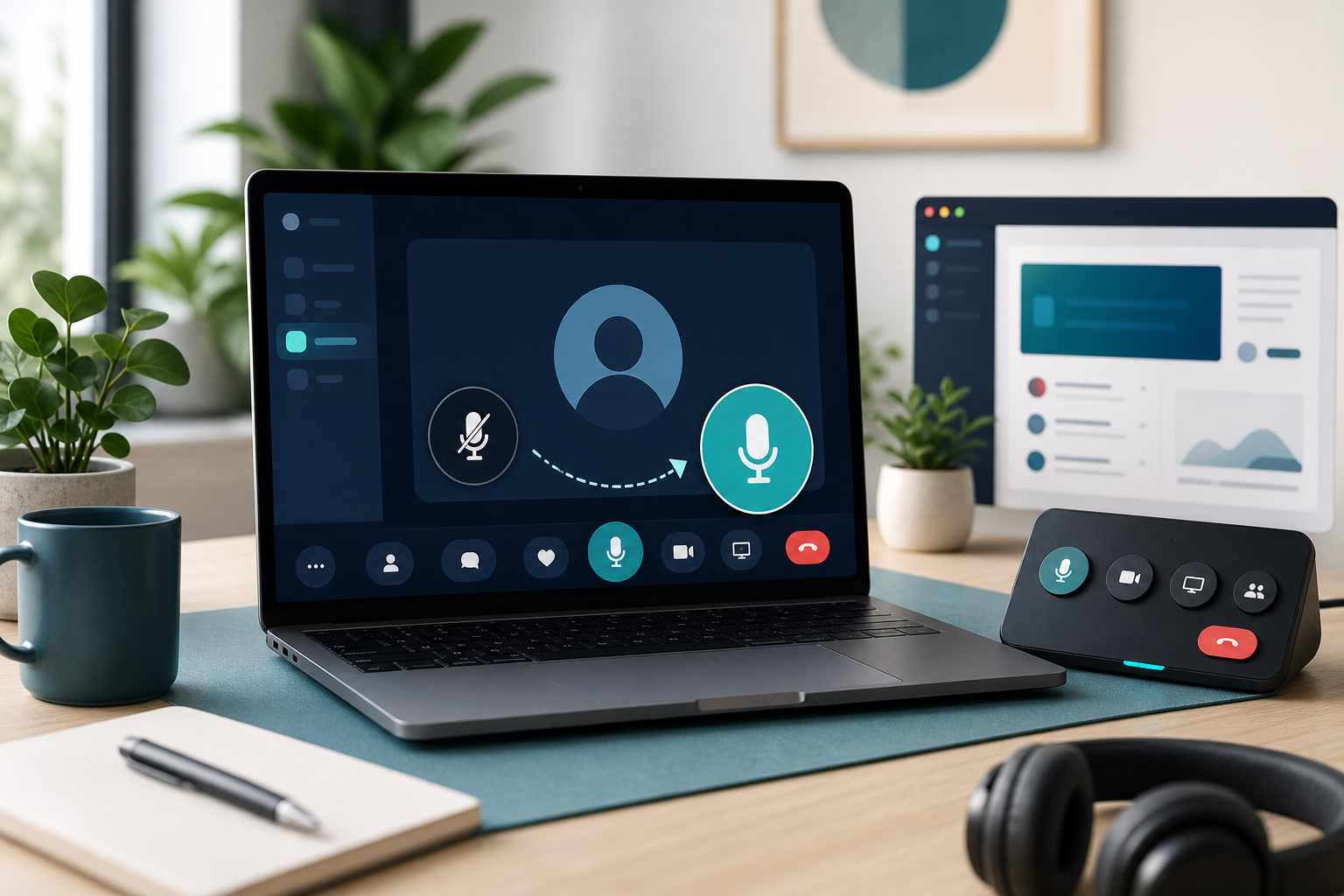
Learn how to unmute yourself in Zoom, Teams, Google Meet, and your computer settings with a layered checklist for reliable meeting audio.
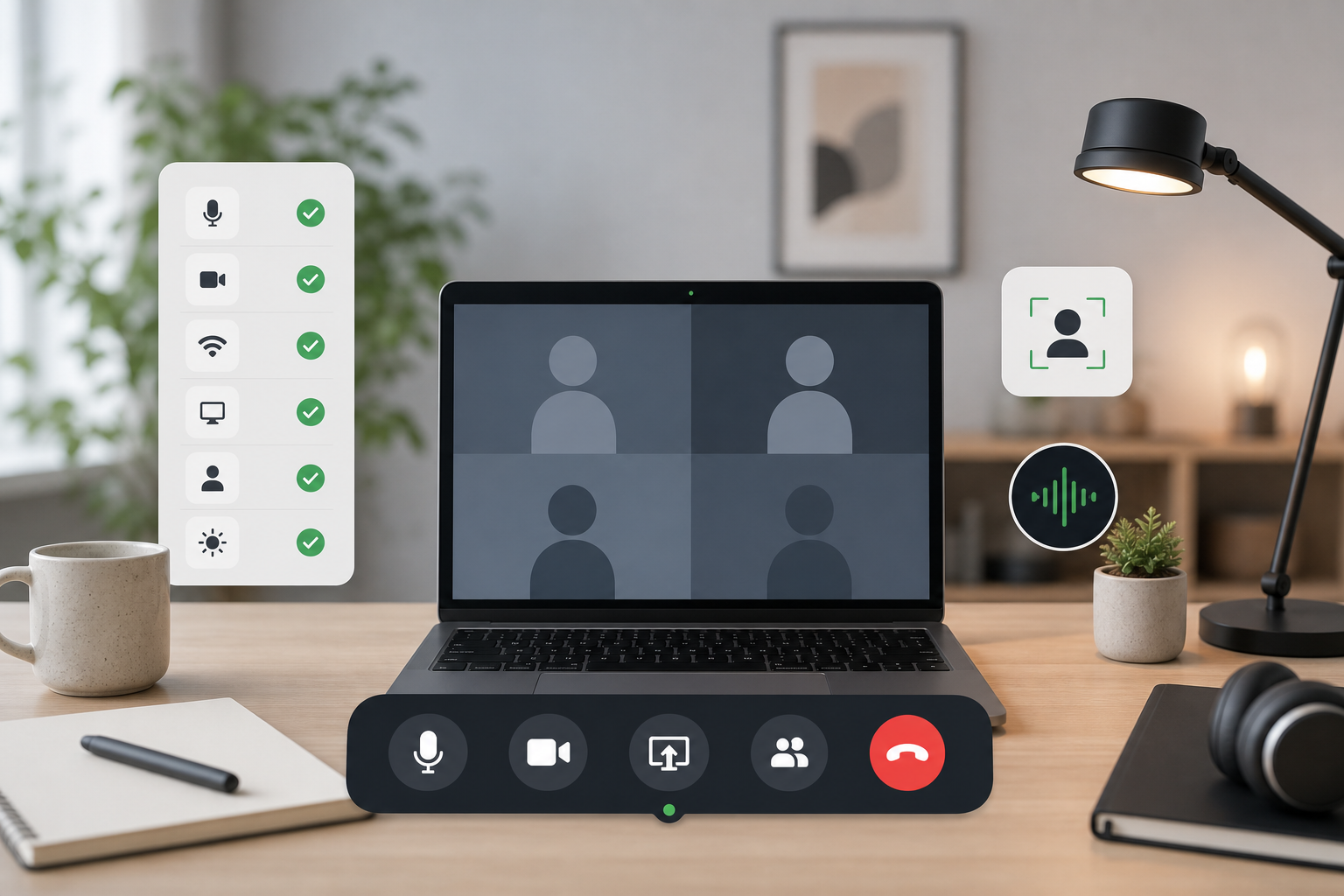
Build a meeting controls checklist for mute, camera, screen sharing, focus, and recovery so calls stay predictable when apps compete for attention.
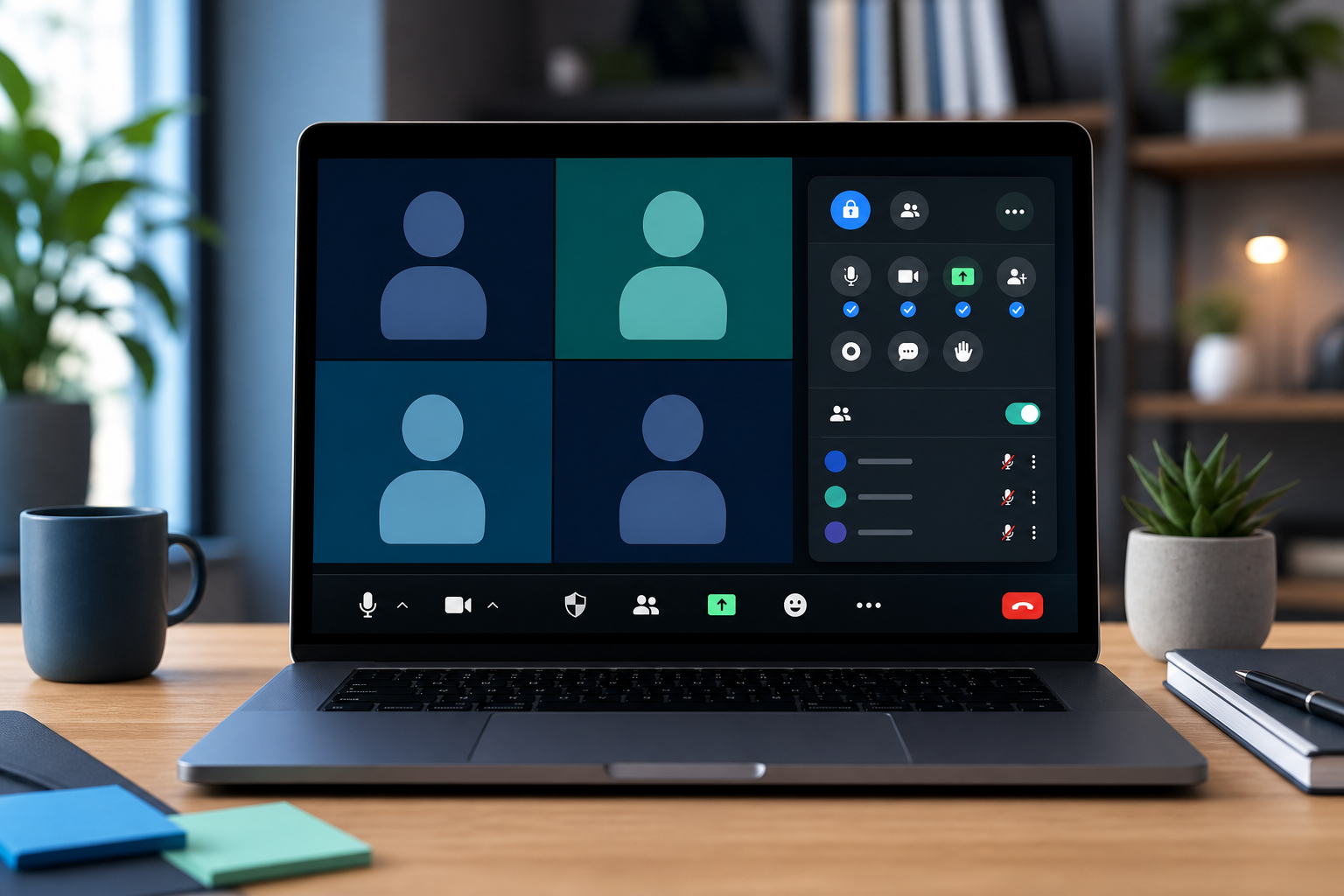
Set up Zoom host controls for mute, camera, sharing, co-hosts, and recovery so meetings stay calm when attention moves fast.
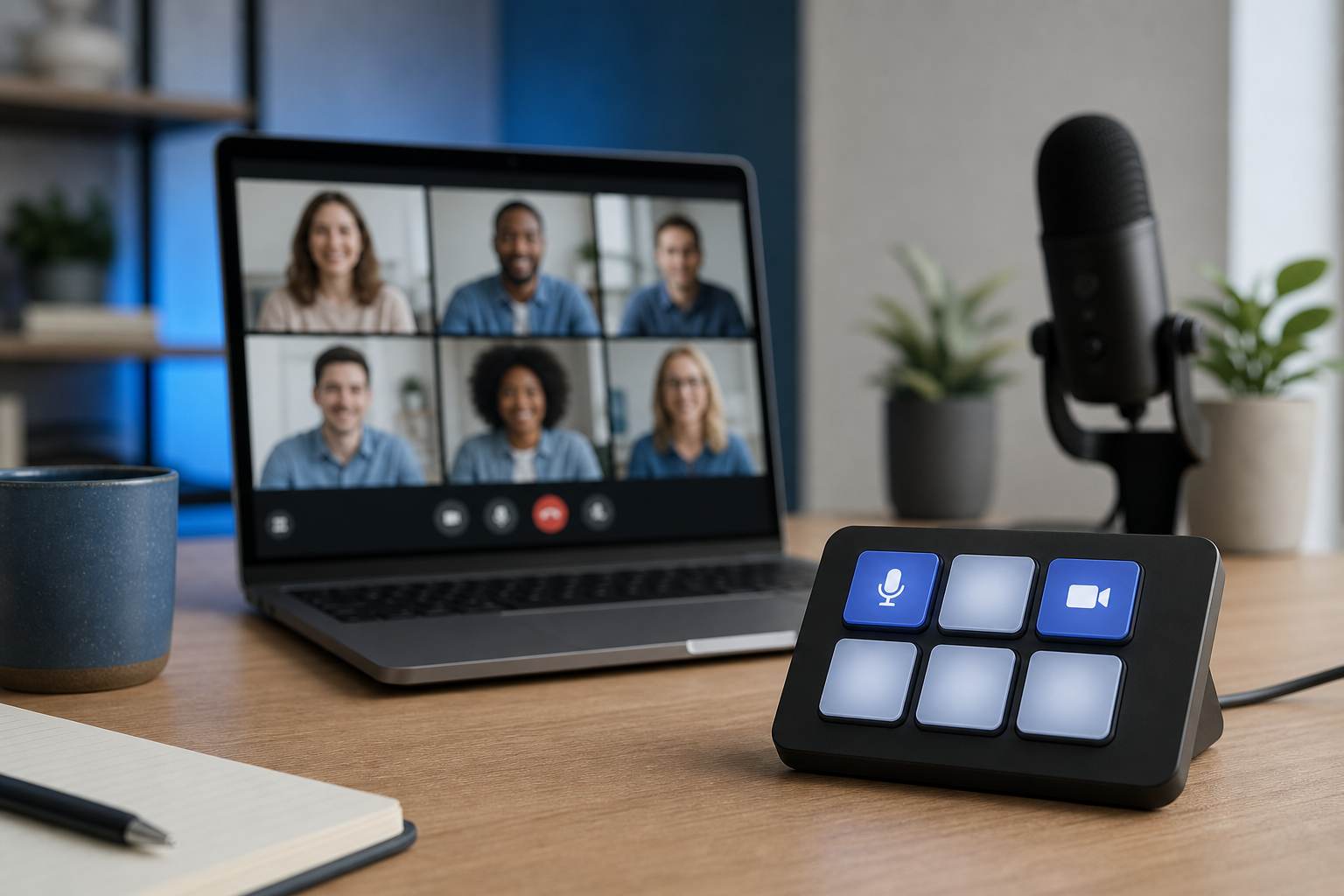
Build a Stream Deck Google Meet control setup that handles mute, camera, screen sharing, captions, and recovery without derailing the call.
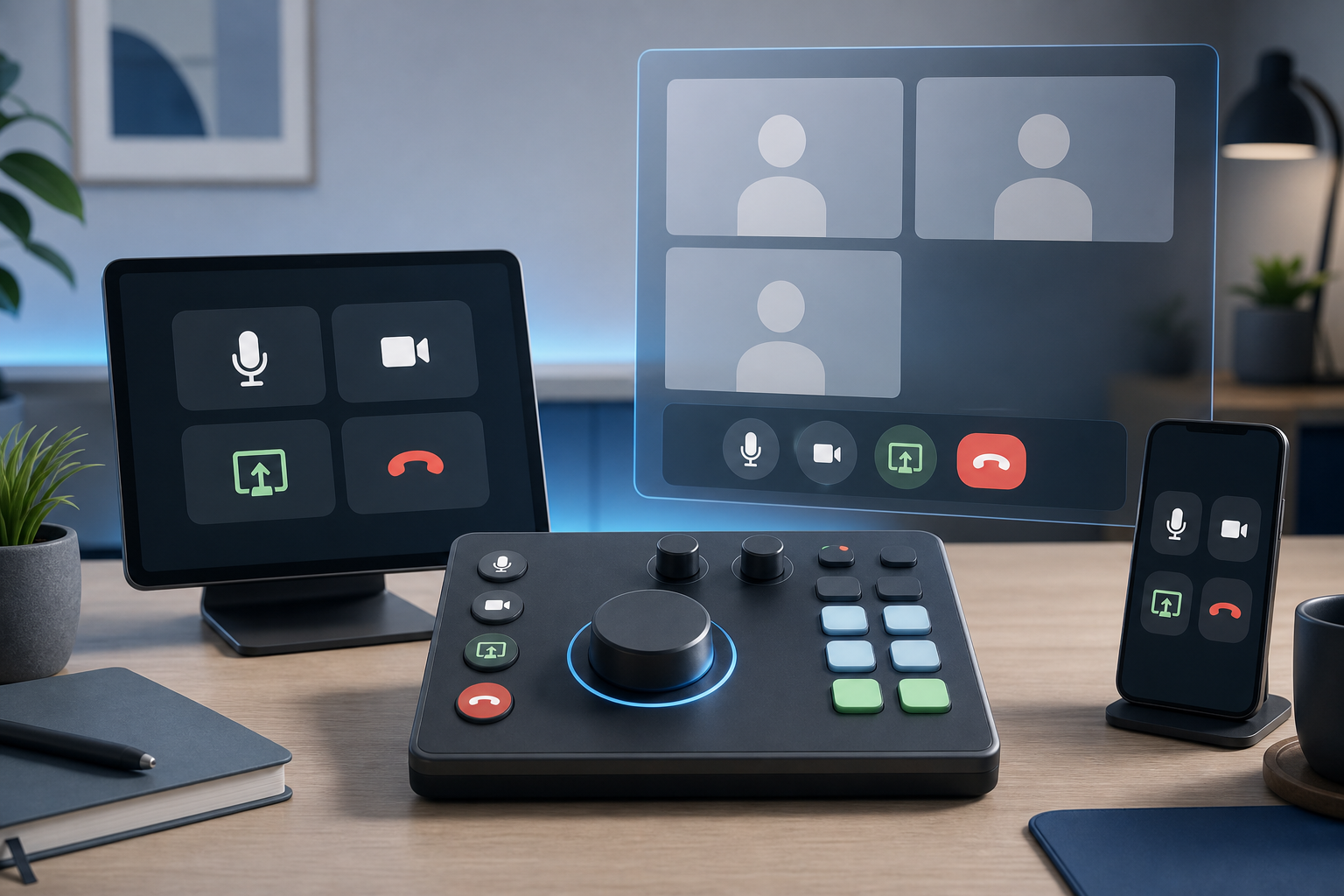
Compare Loupedeck vs Stream Deck for meeting controls, desk ergonomics, setup friction, and reliable Zoom, Teams, and Google Meet workflows.
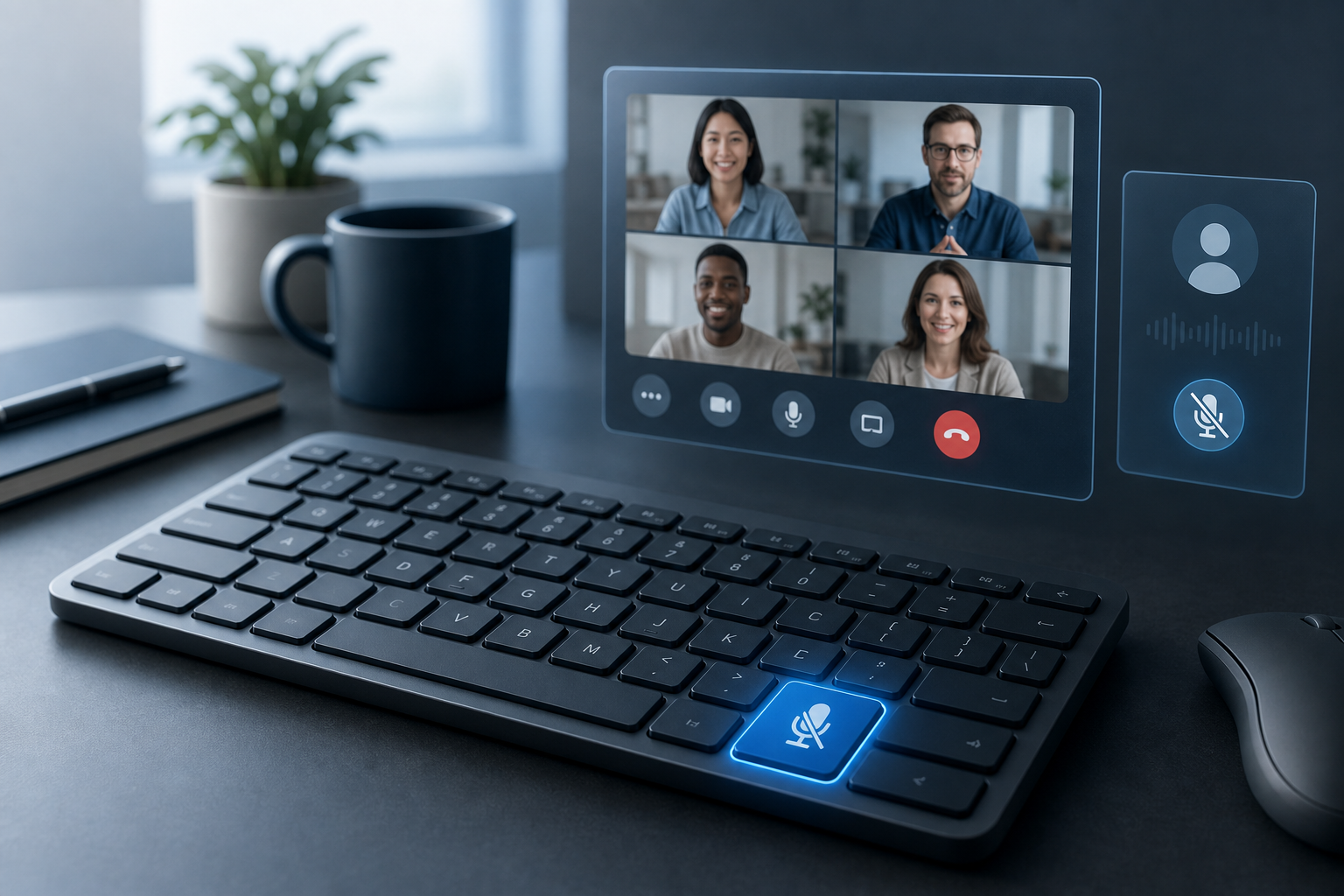
Build a reliable mute button on keyboard workflow for Zoom, Teams, Google Meet, and MuteDeck so meeting audio control stays predictable.
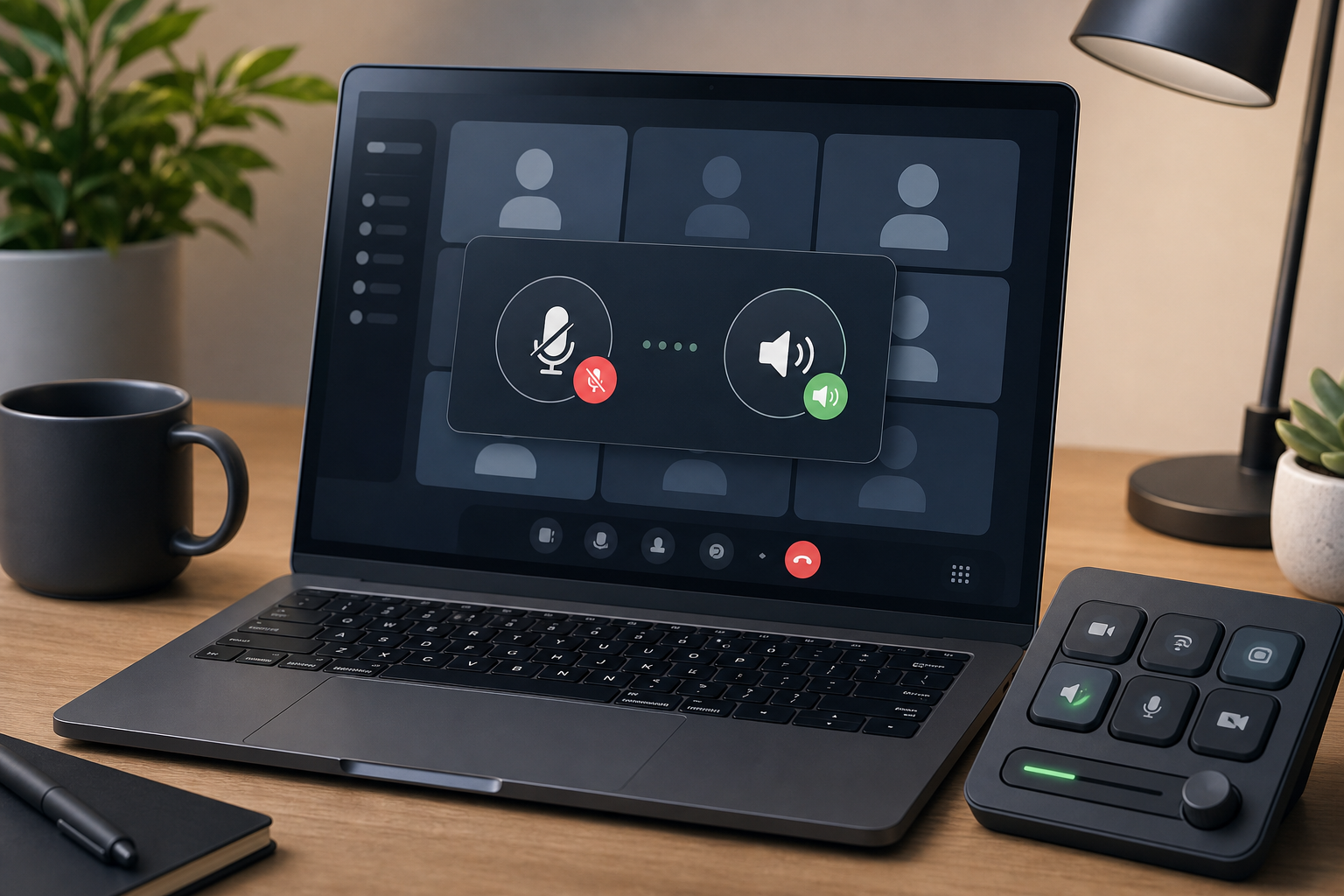
Learn how to unmute computer audio before a meeting with a practical workflow for system mute, app mute, microphone routing, and host controls.
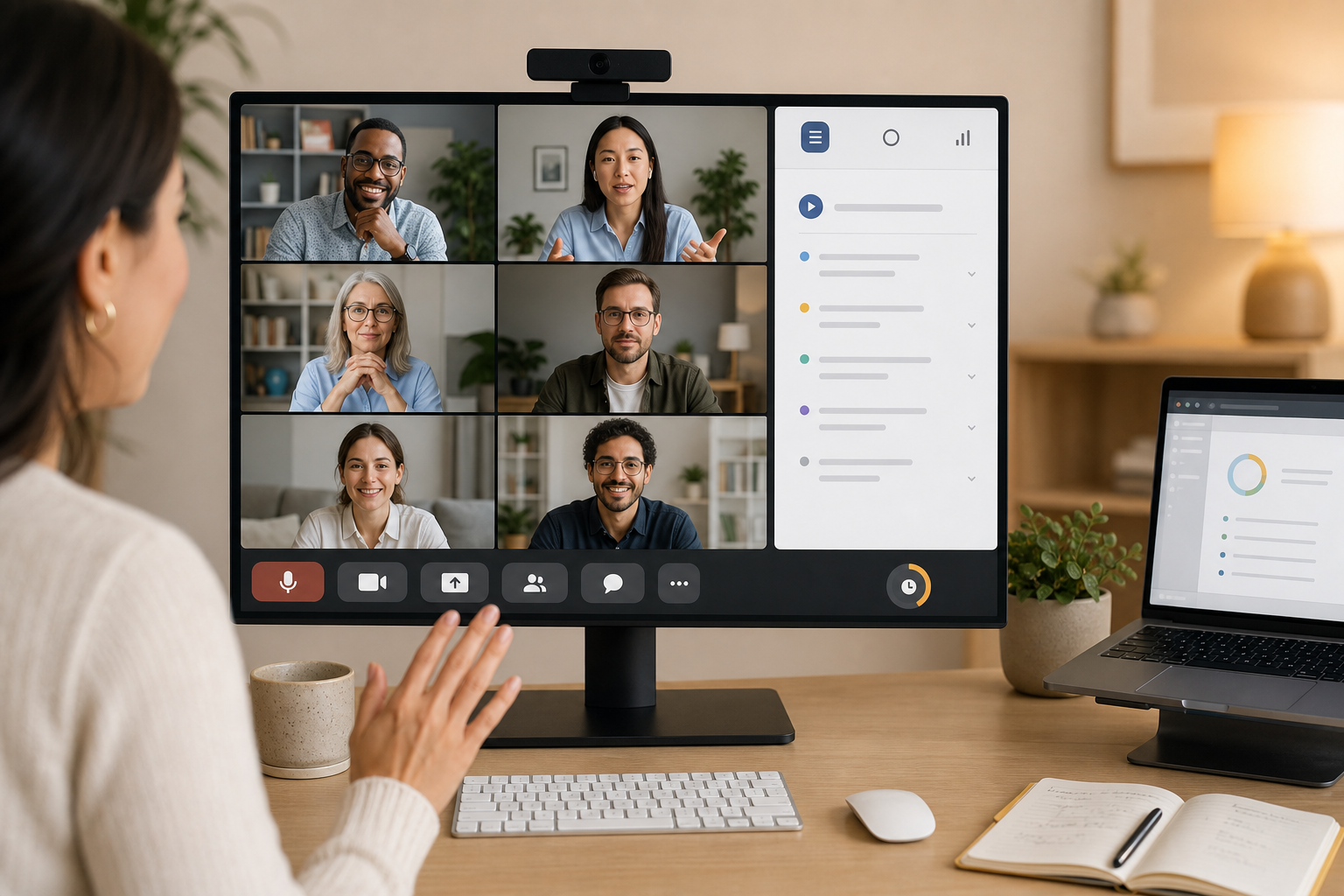
Build an agenda for team meeting flow that keeps decisions visible, meeting controls ready, and follow-up simple for remote and hybrid teams.
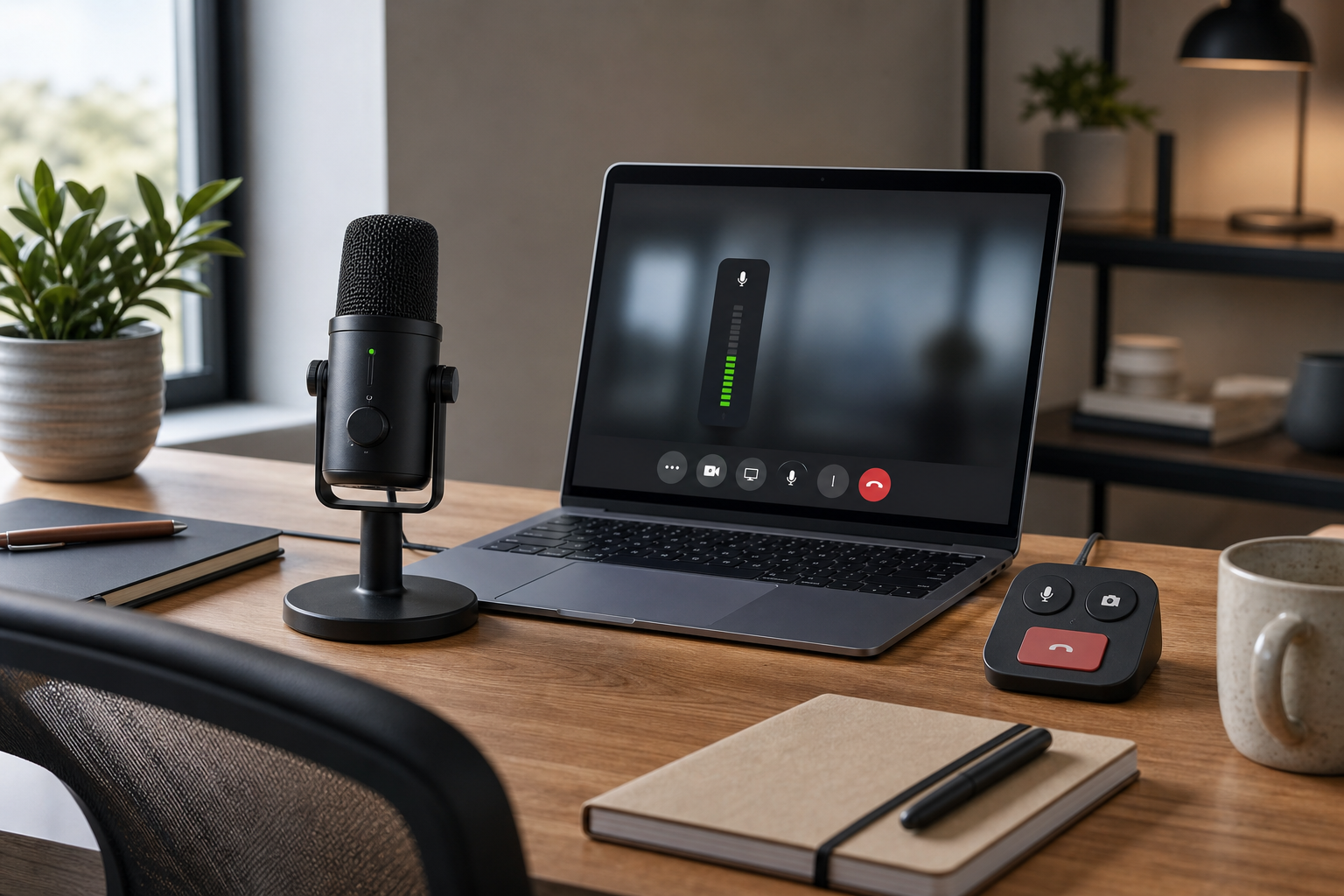
Use a microphone volume booster safely in Zoom, Teams, or Google Meet with a practical workflow for input gain, OS settings, and meeting reliability.
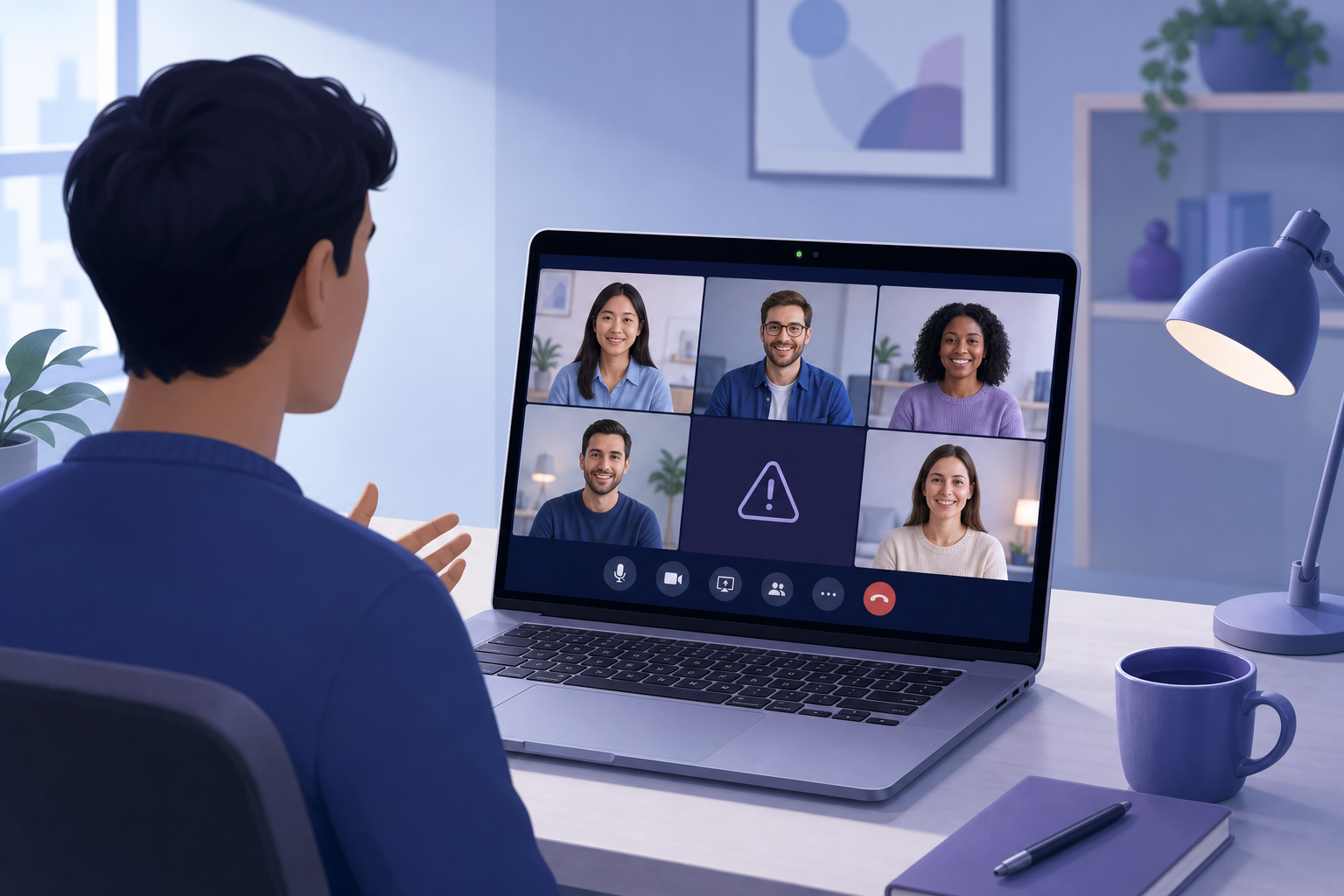
Fix a MacBook camera not working in Zoom, Teams, or Google Meet with a practical host workflow for permissions, app conflicts, browser access, and hardware checks.
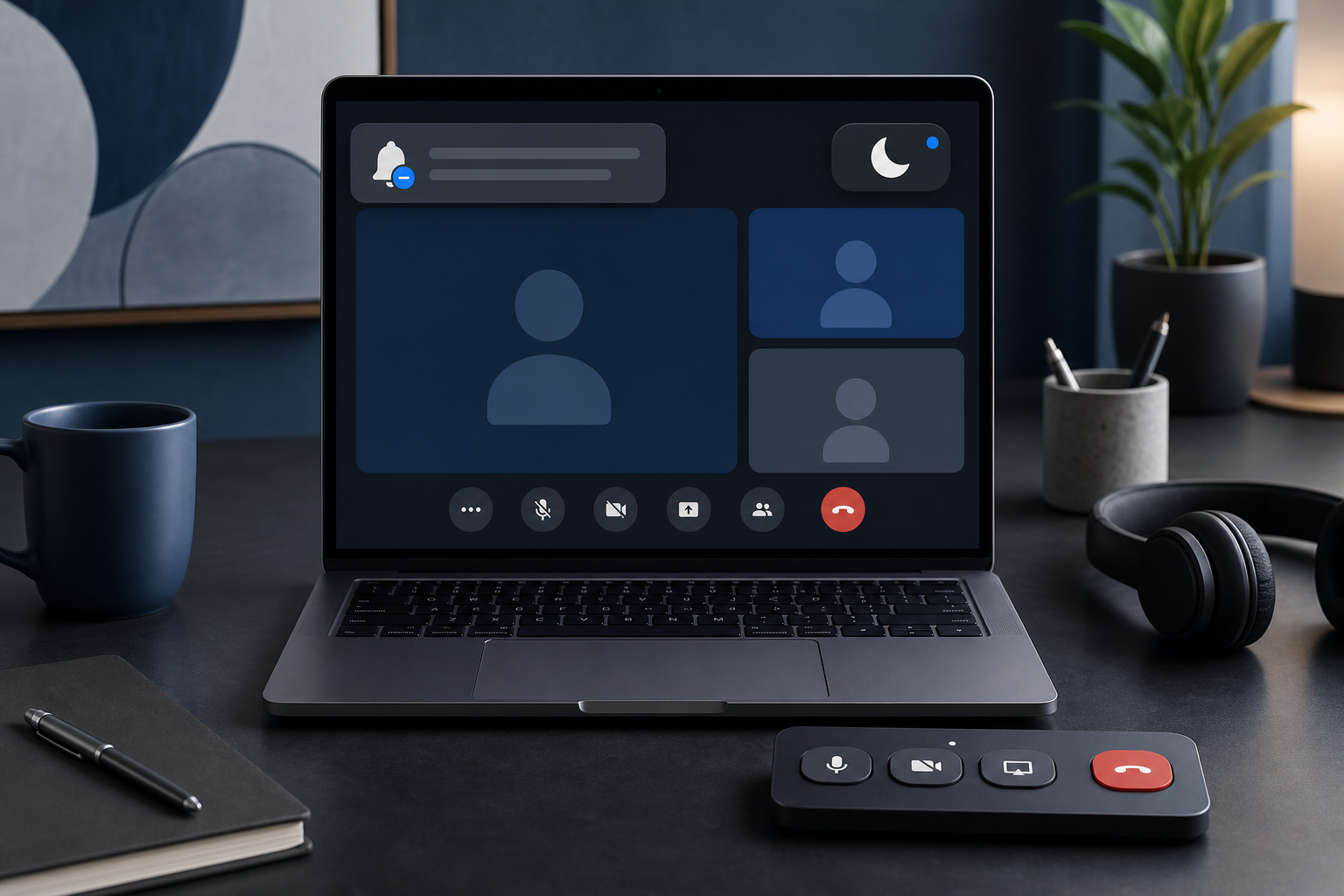
Use Do Not Disturb during meetings with a practical host workflow for cleaner presentations, fewer notification leaks, and calmer call control.
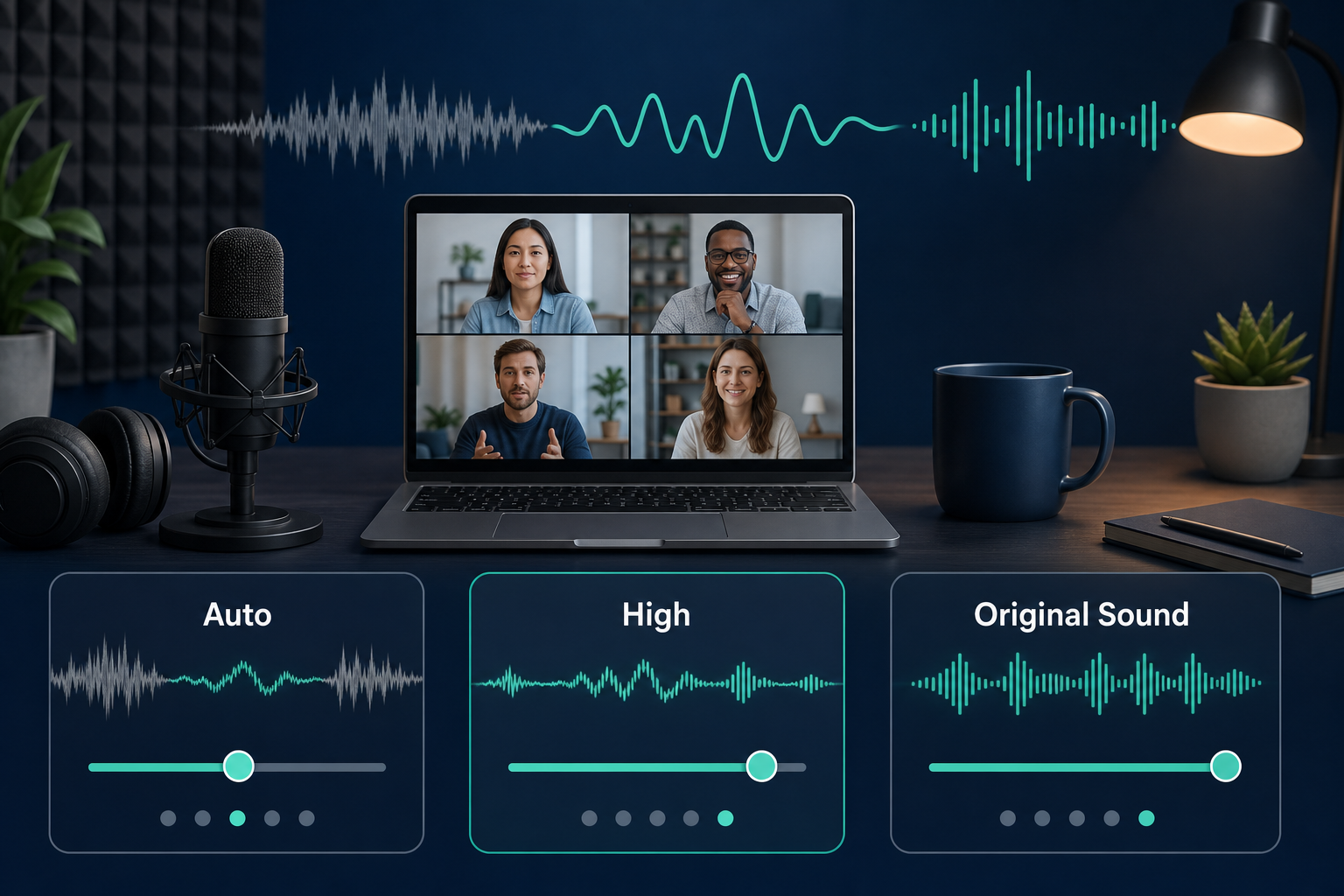
Configure Zoom noise suppression settings with a practical host workflow for cleaner speech, fewer distractions, and reliable meeting audio.
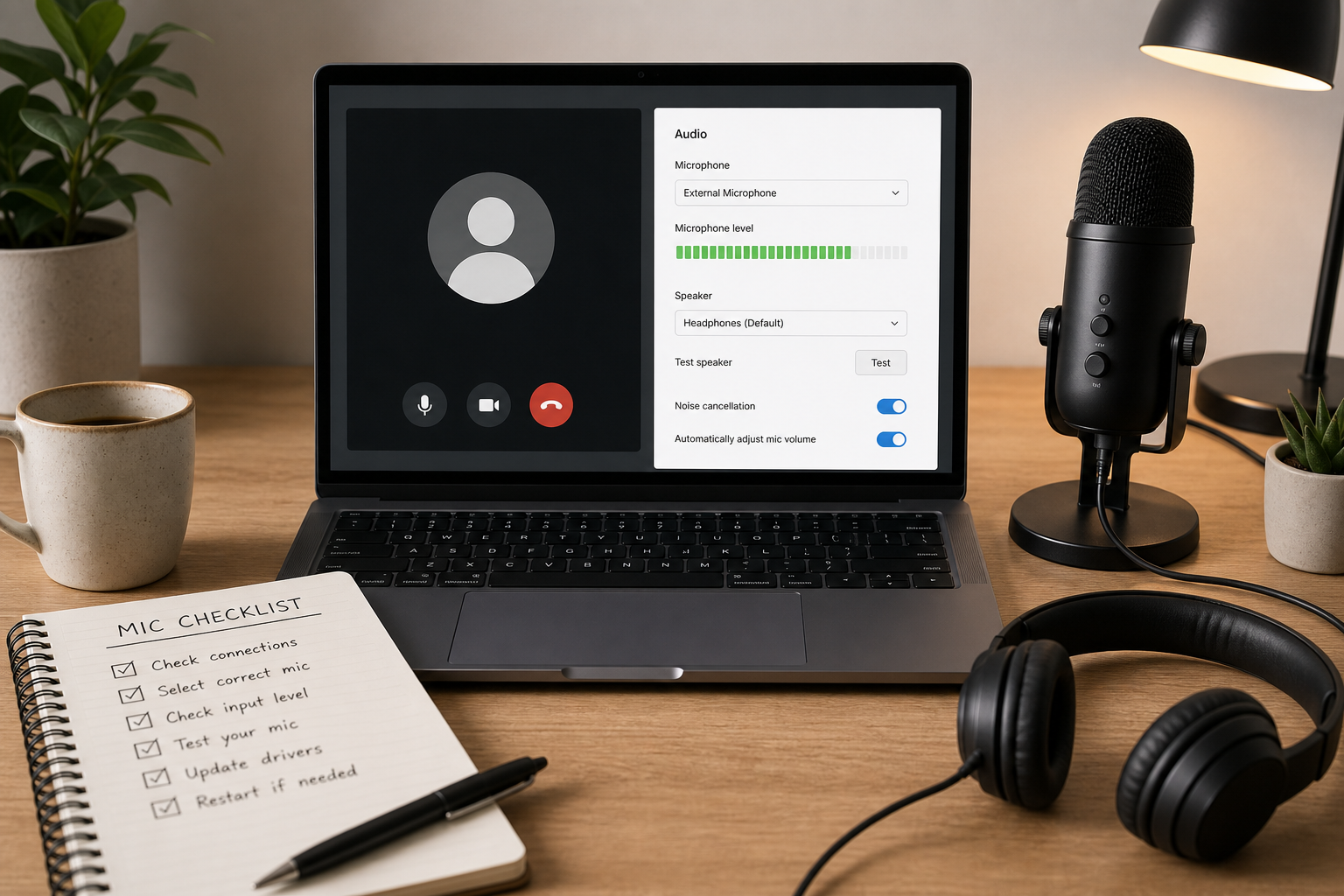
A practical host workflow to diagnose and fix Google Meet microphone failures across permissions, device routing, browser policy, and network conditions.
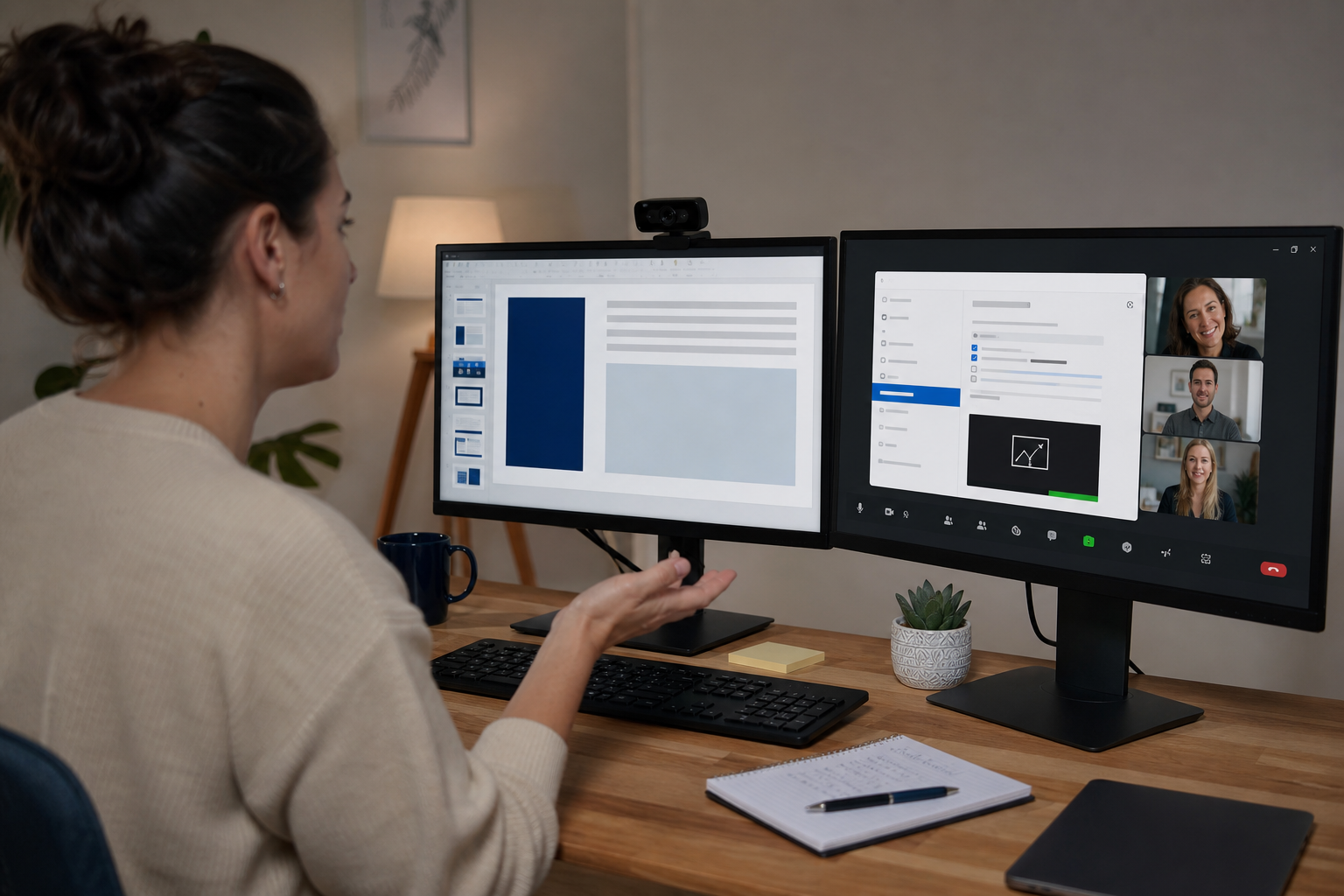
A practical troubleshooting workflow for fixing Zoom screen sharing failures, black screens, audio share issues, and host permission blocks.
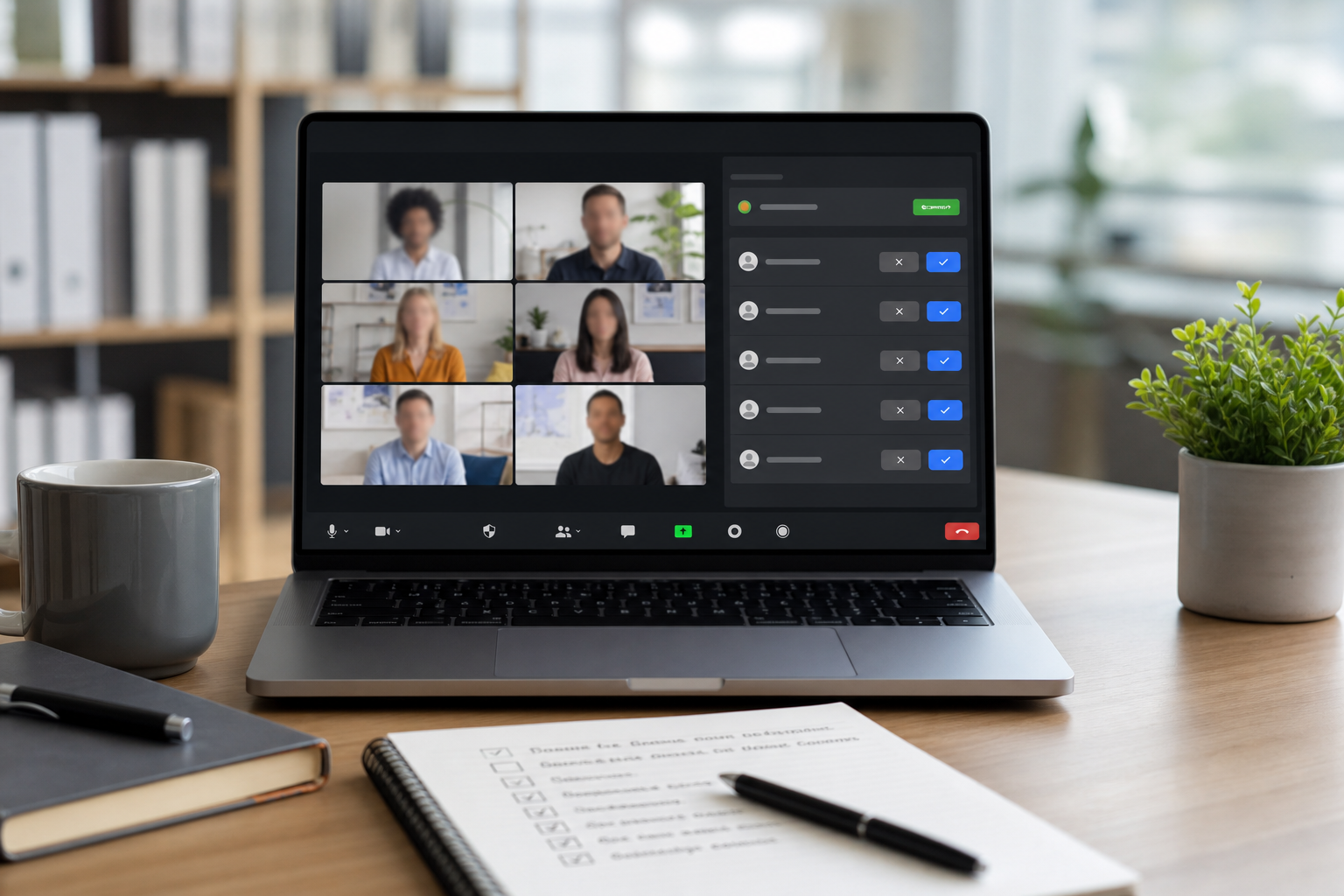
Configure Zoom waiting room settings with a practical host runbook that improves admission speed, reduces disruption, and keeps meeting access under control.
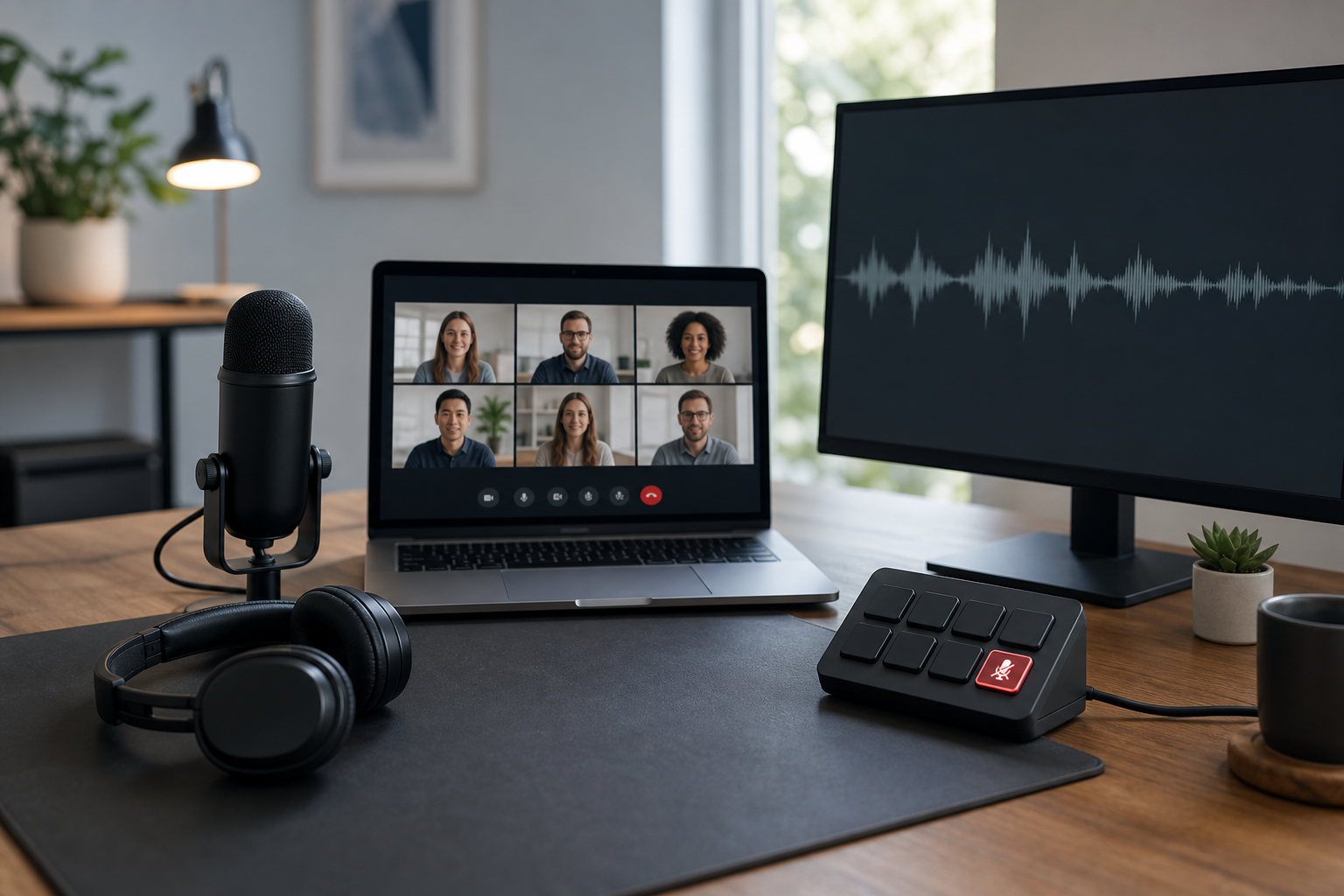
Stop echo in Microsoft Teams by isolating the feedback source, fixing device routing, and applying a repeatable mute workflow for hosts and operators.
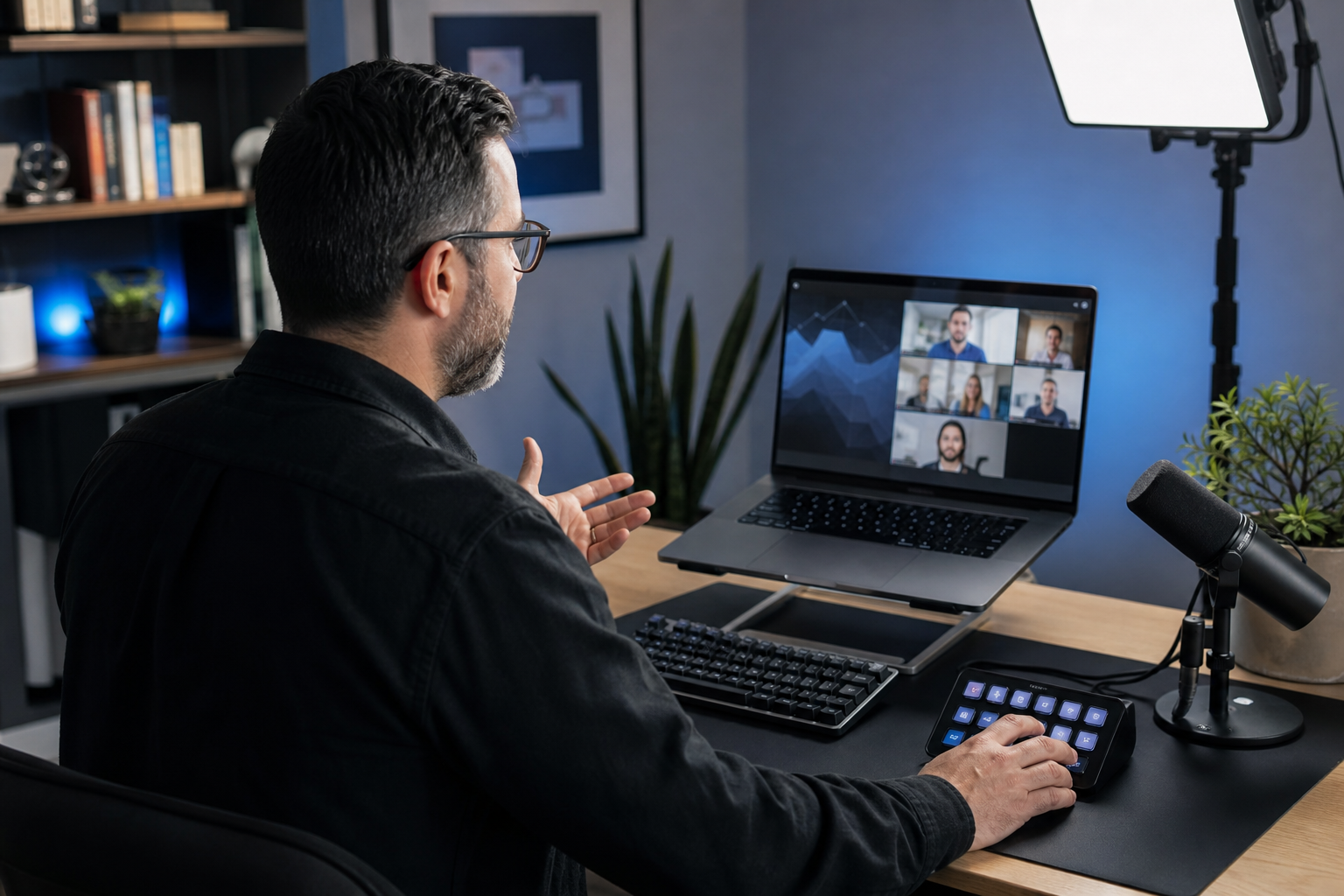
Teams keyboard shortcuts help hosts control mute, camera, screen sharing, and chat without hunting for buttons. This guide gives a practical shortcut runbook for fast and reliable meetings.