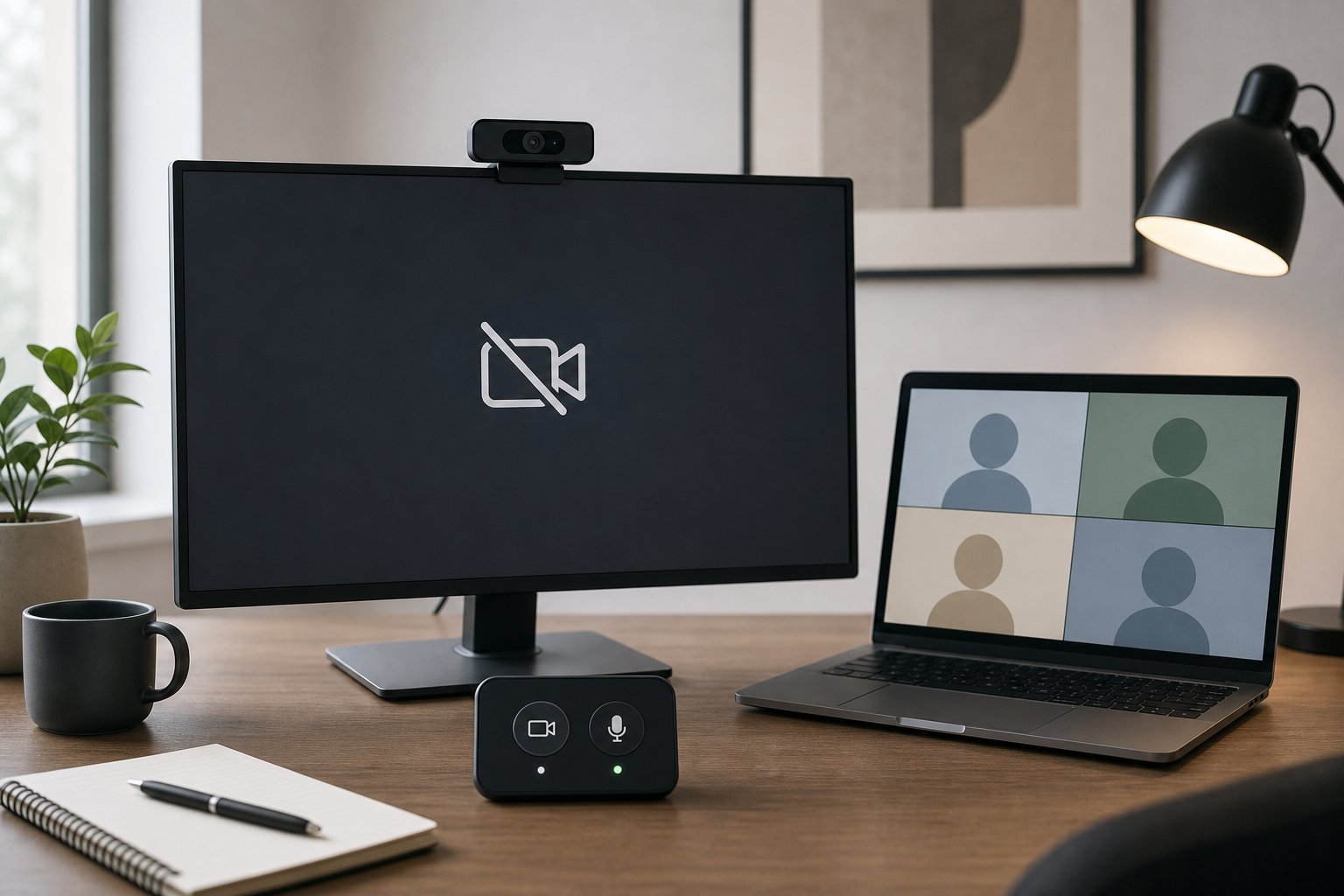
Logitech Camera Not Detected Windows 11: Meeting Fixes
2026-07-24
Fix a Logitech camera not detected on Windows 11 before or during meetings with a layered checklist for Zoom, Teams, Google Meet, USB, and privacy settings.
Fix a Logitech camera not detected on Windows 11 before or during meetings with a layered checklist for Zoom, Teams, Google Meet, USB, and privacy settings.
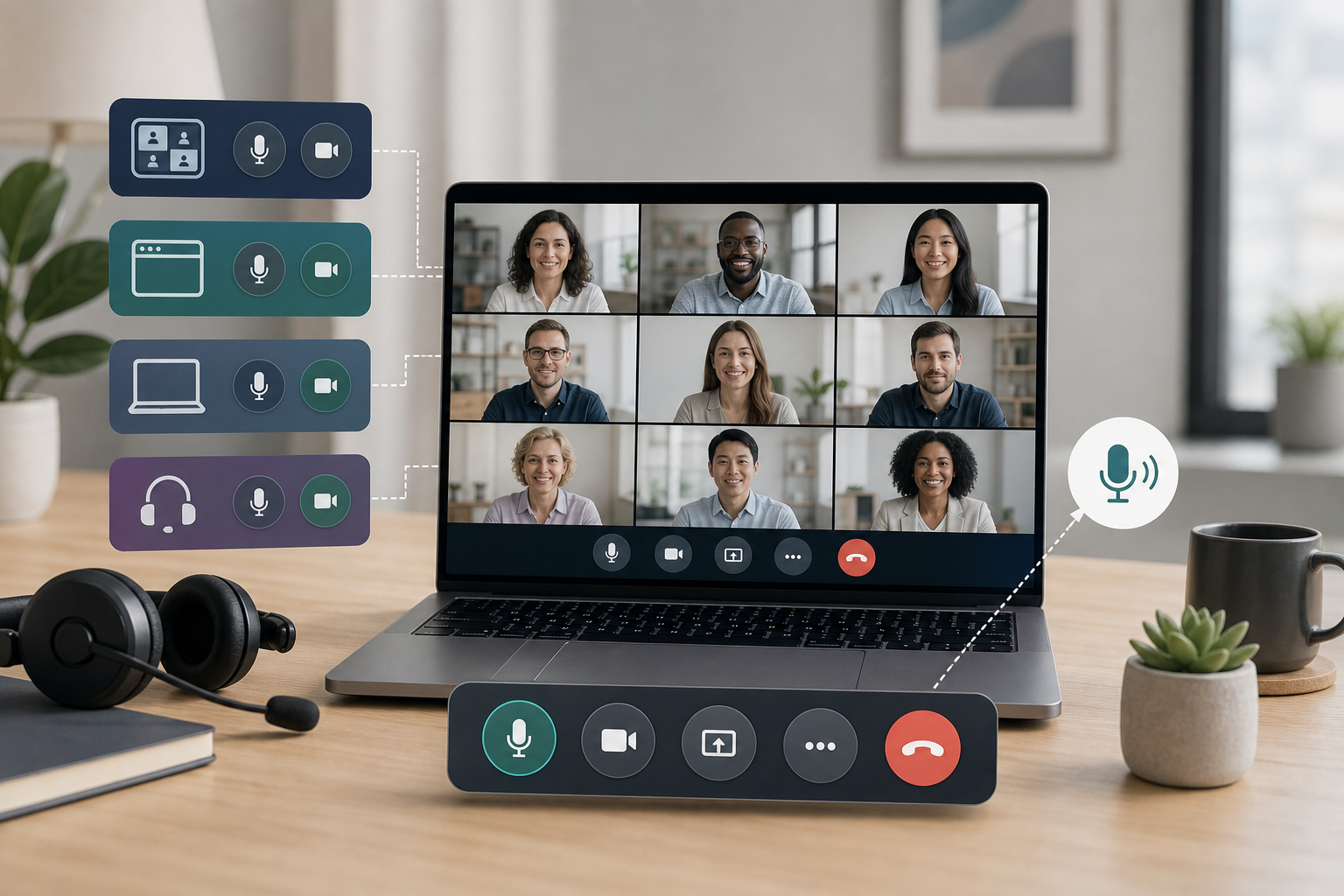
Learn how to unmute in Zoom, Teams, Google Meet, browsers, and OS settings with a reliable meeting-control recovery routine.
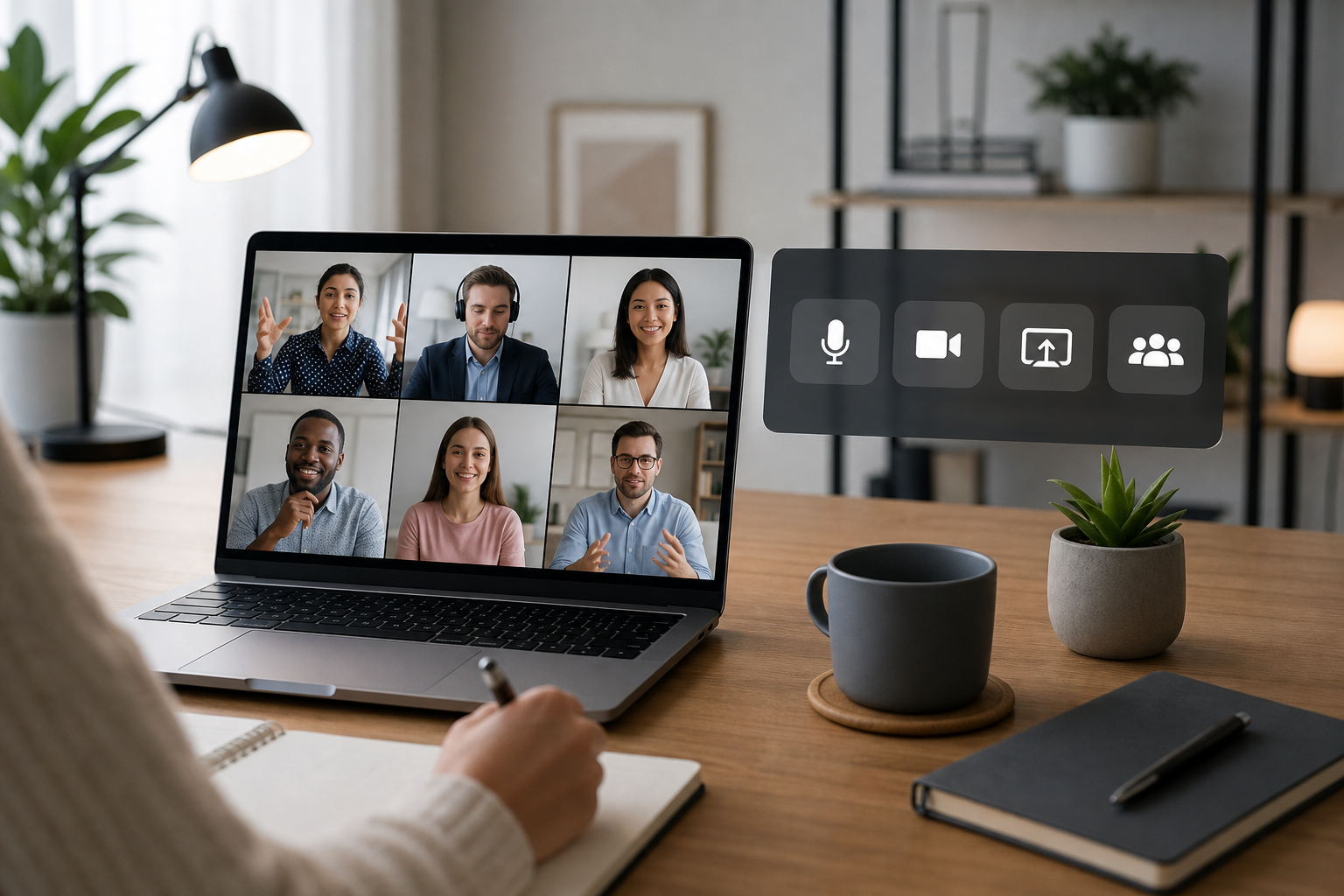
A practical meeting-control guide for remote work best practices, covering mute, camera, screen share, recovery paths, and team norms.
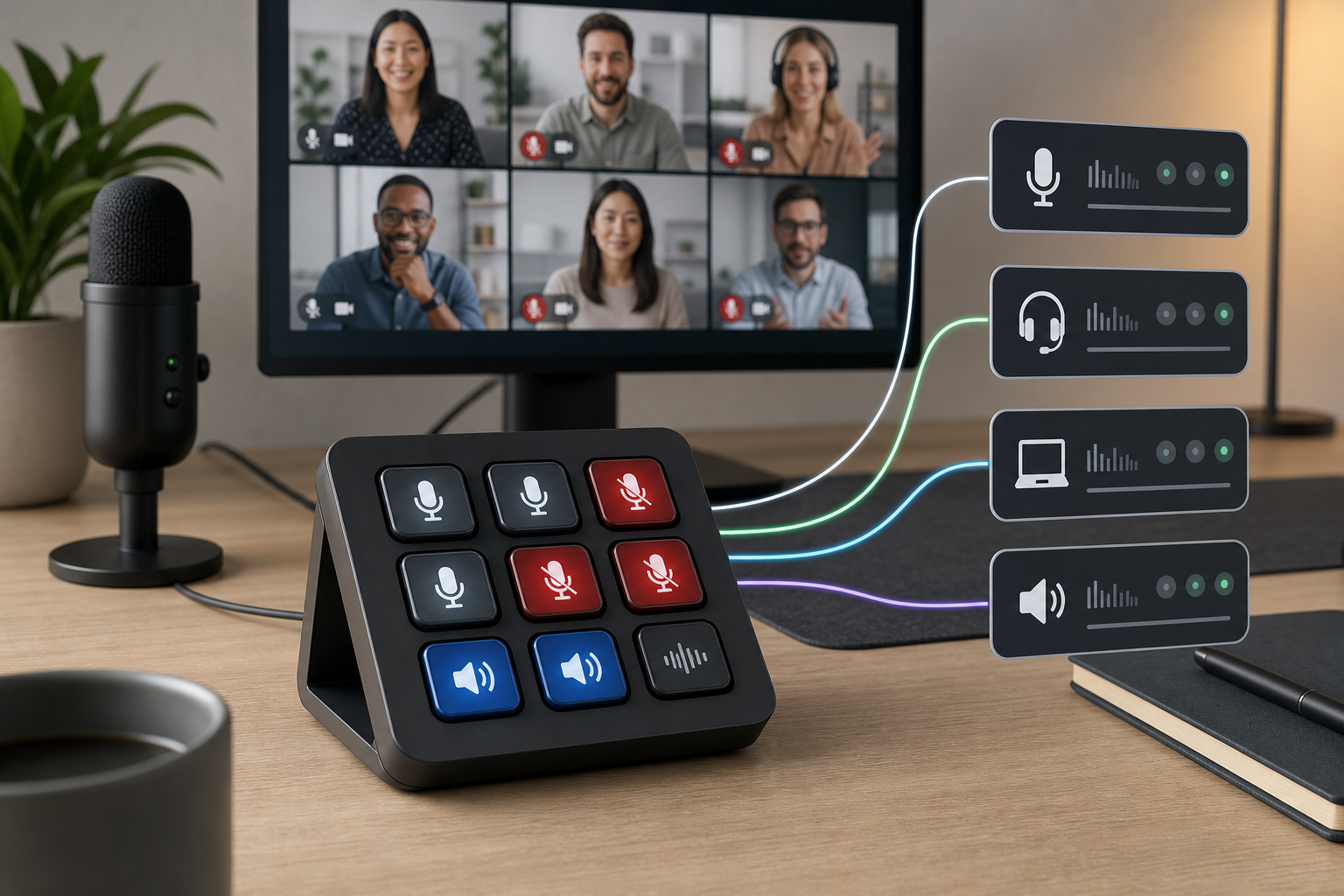
Build a Stream Deck mute channel setup for meetings that controls the right mic, shows state clearly, and avoids app focus problems.
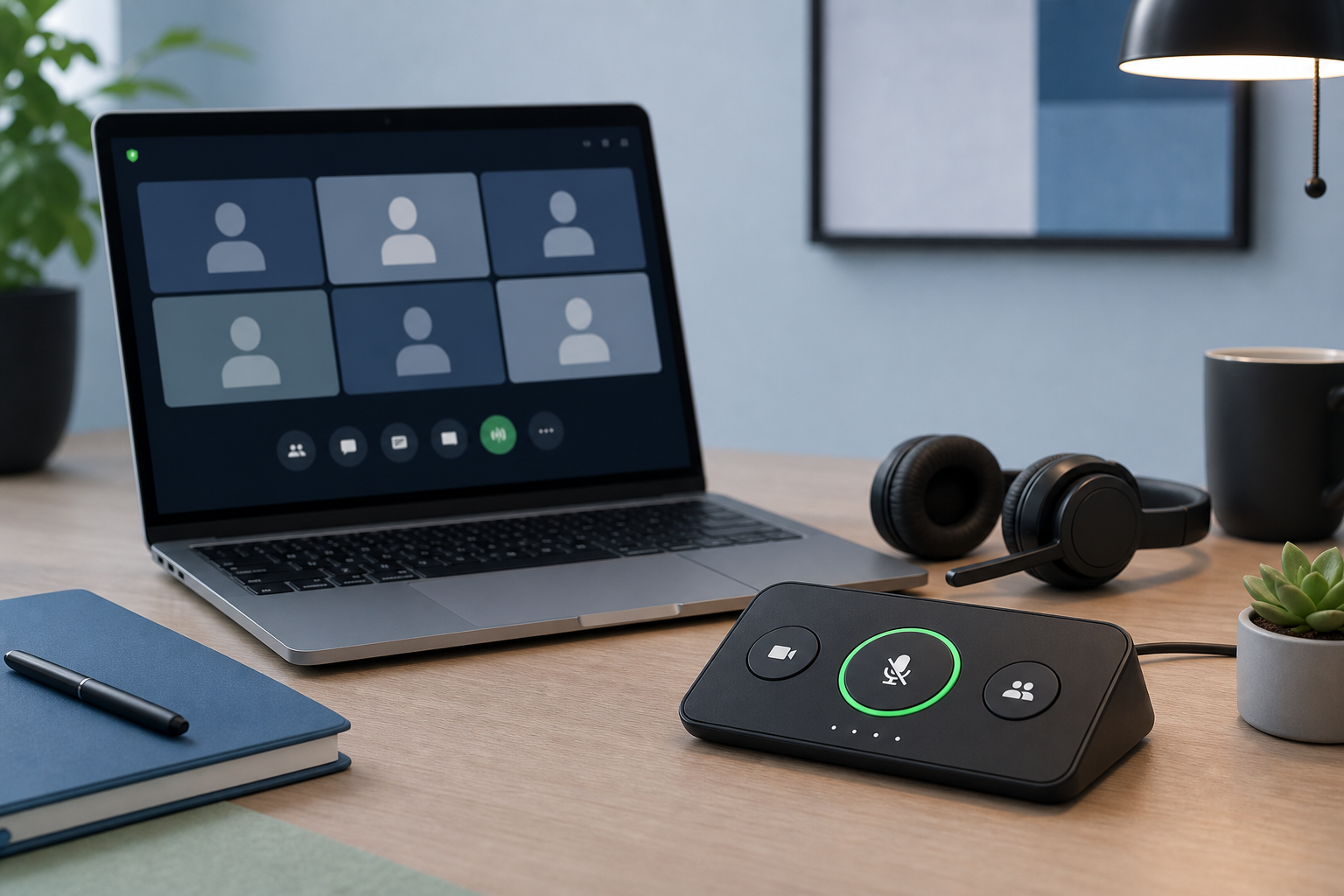
Build a reliable mute button for PC meetings with shortcuts, hardware controls, permissions, and a simple recovery workflow for Zoom, Teams, and Meet.
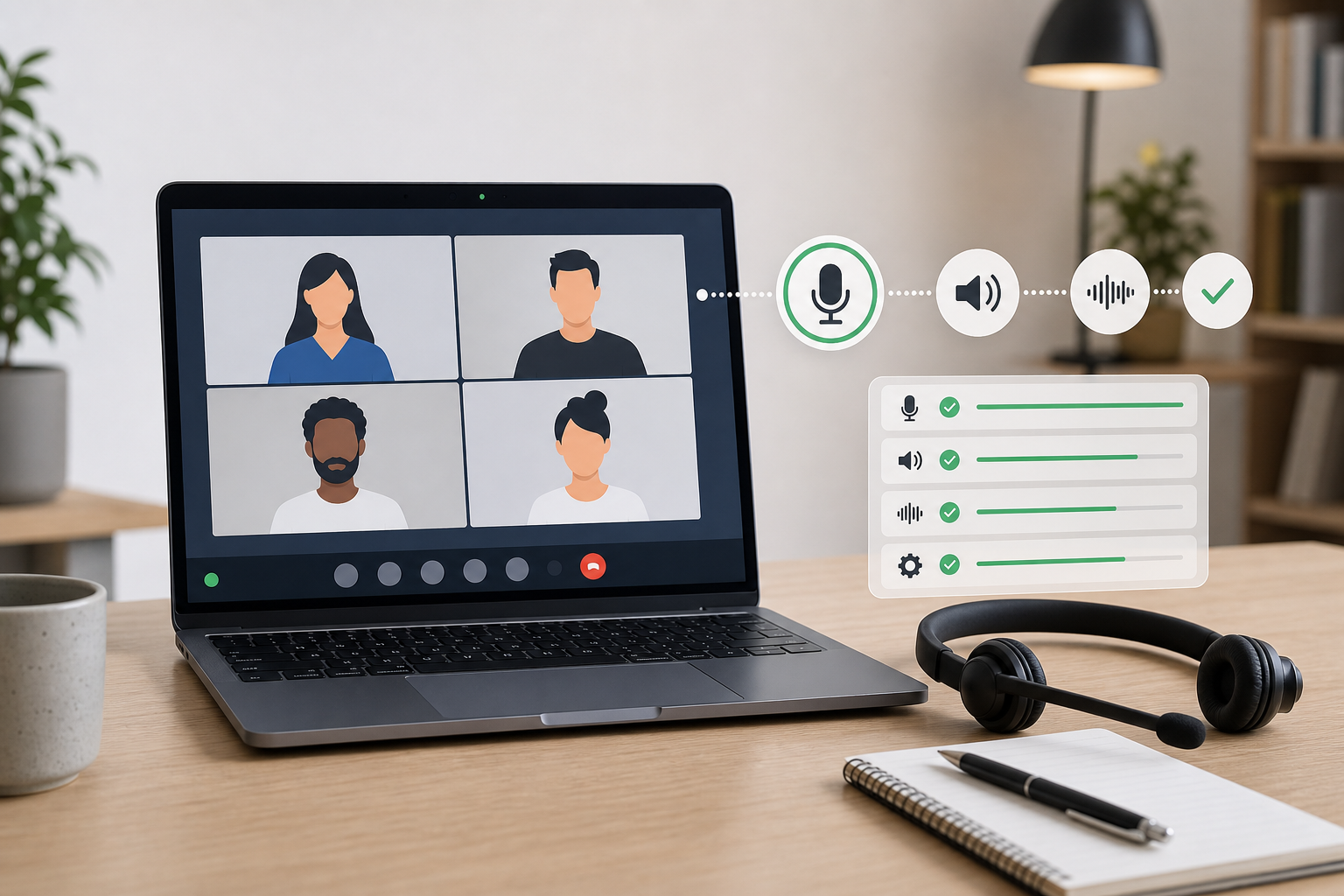
Fix a laptop that will not unmute in Zoom, Teams, or Google Meet with a practical mute chain checklist for hosts and presenters.
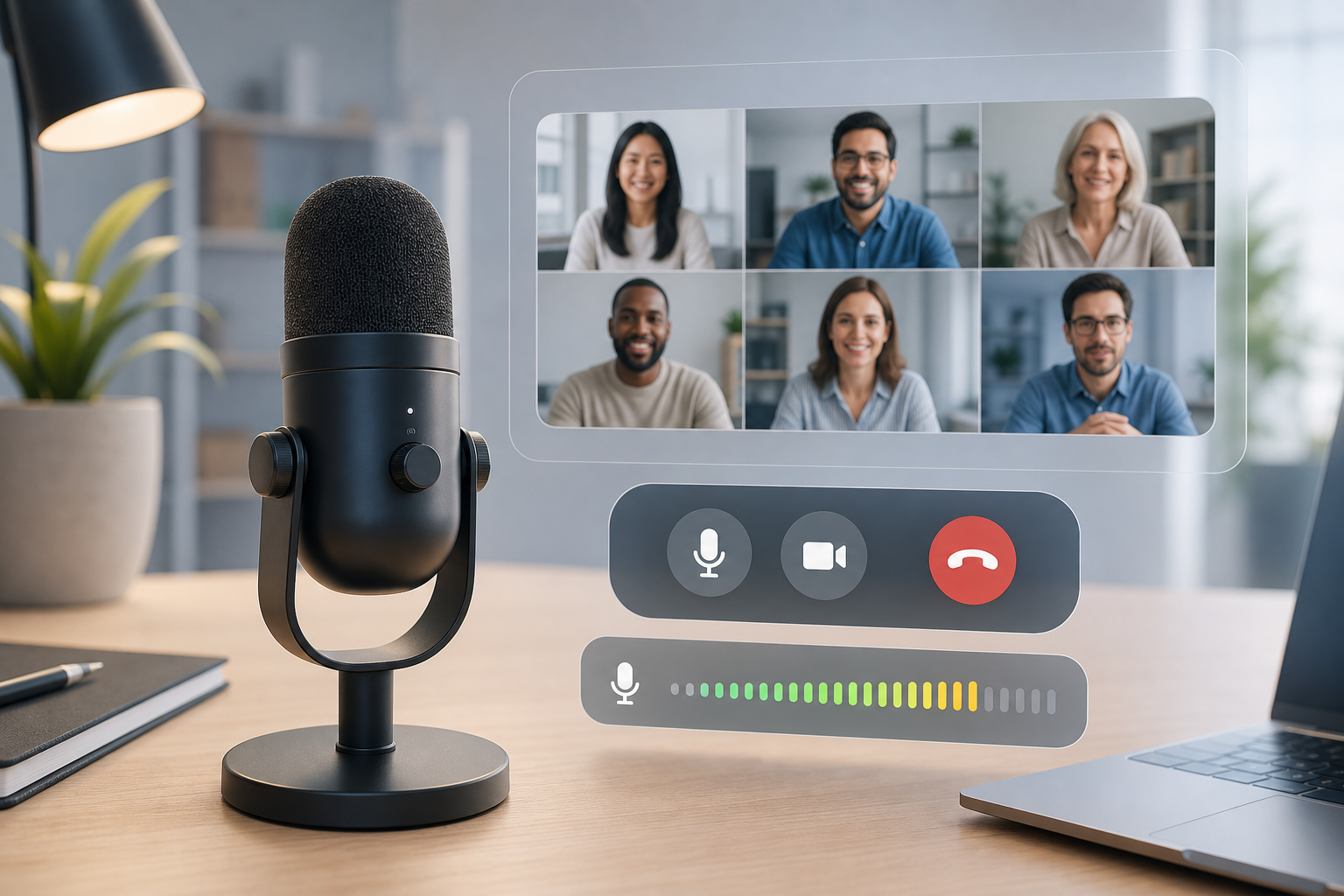
Learn how to boost microphone volume for clearer Zoom, Teams, and Google Meet calls without adding noise or chasing the wrong mute setting.
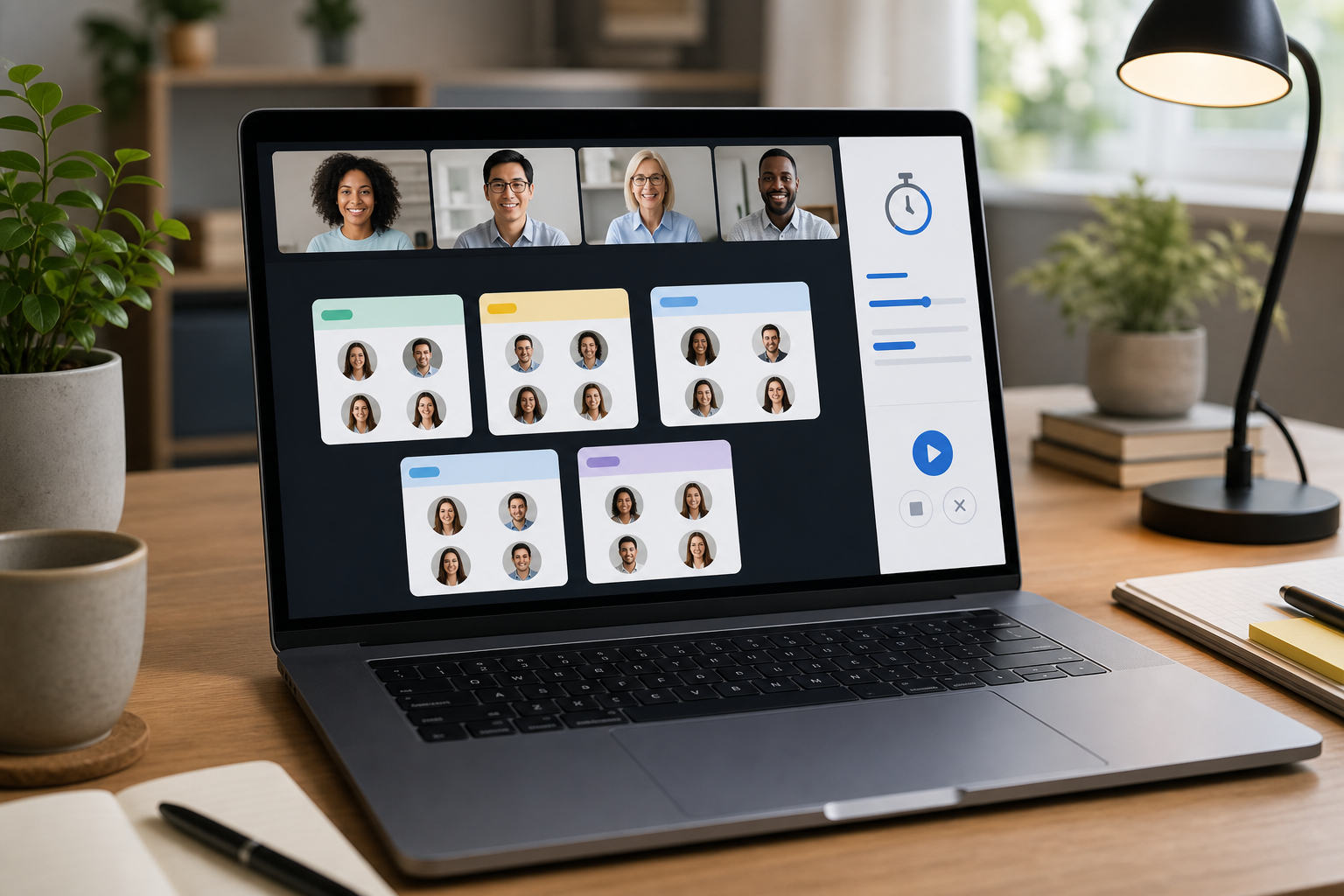
A practical Zoom breakout rooms tutorial for hosts who need cleaner setup, smoother live control, and fewer room-management surprises.
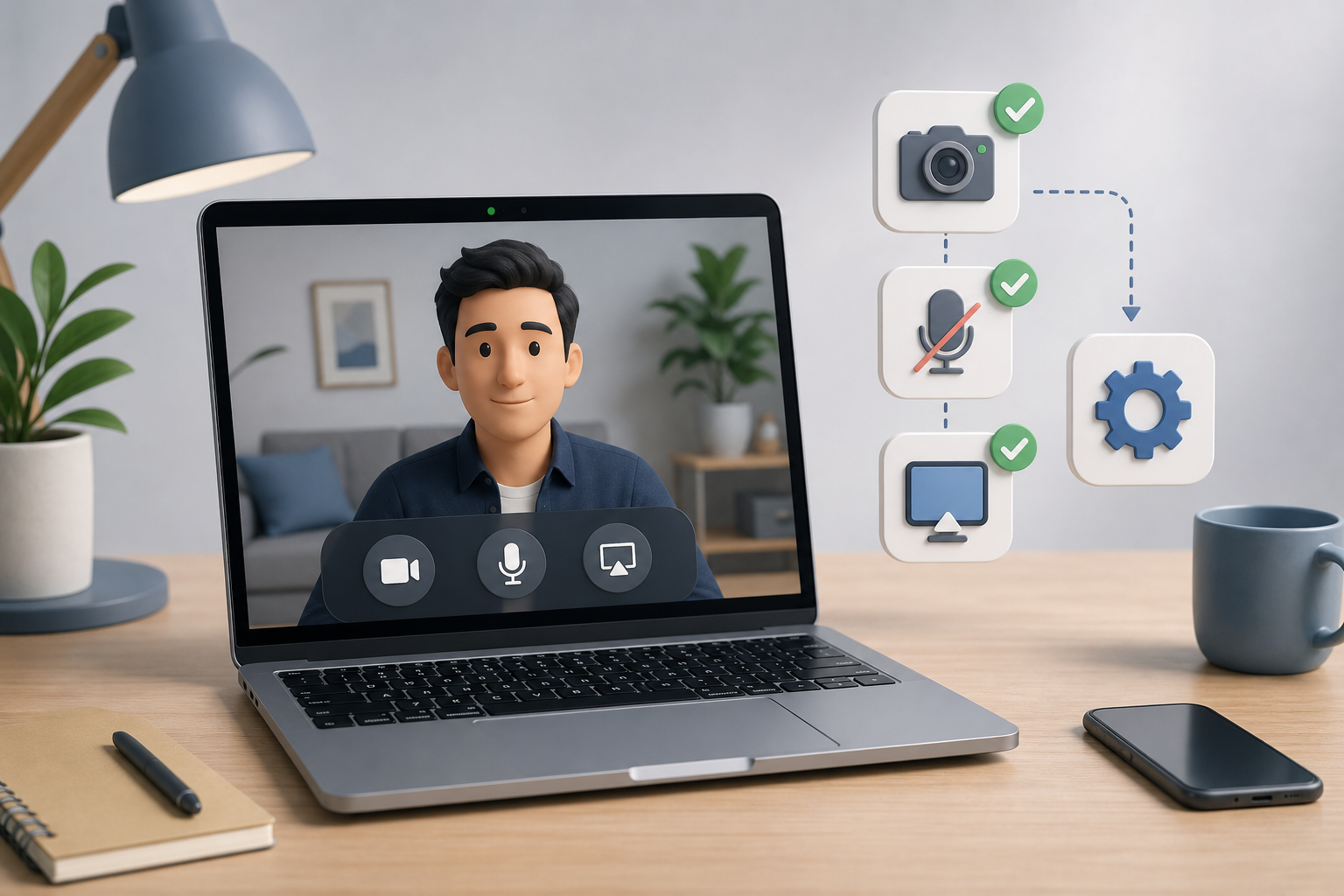
Fix a MacBook camera that is not working in Zoom, Teams, or Google Meet with a host-focused checklist for permissions, app settings, devices, and meeting recovery.
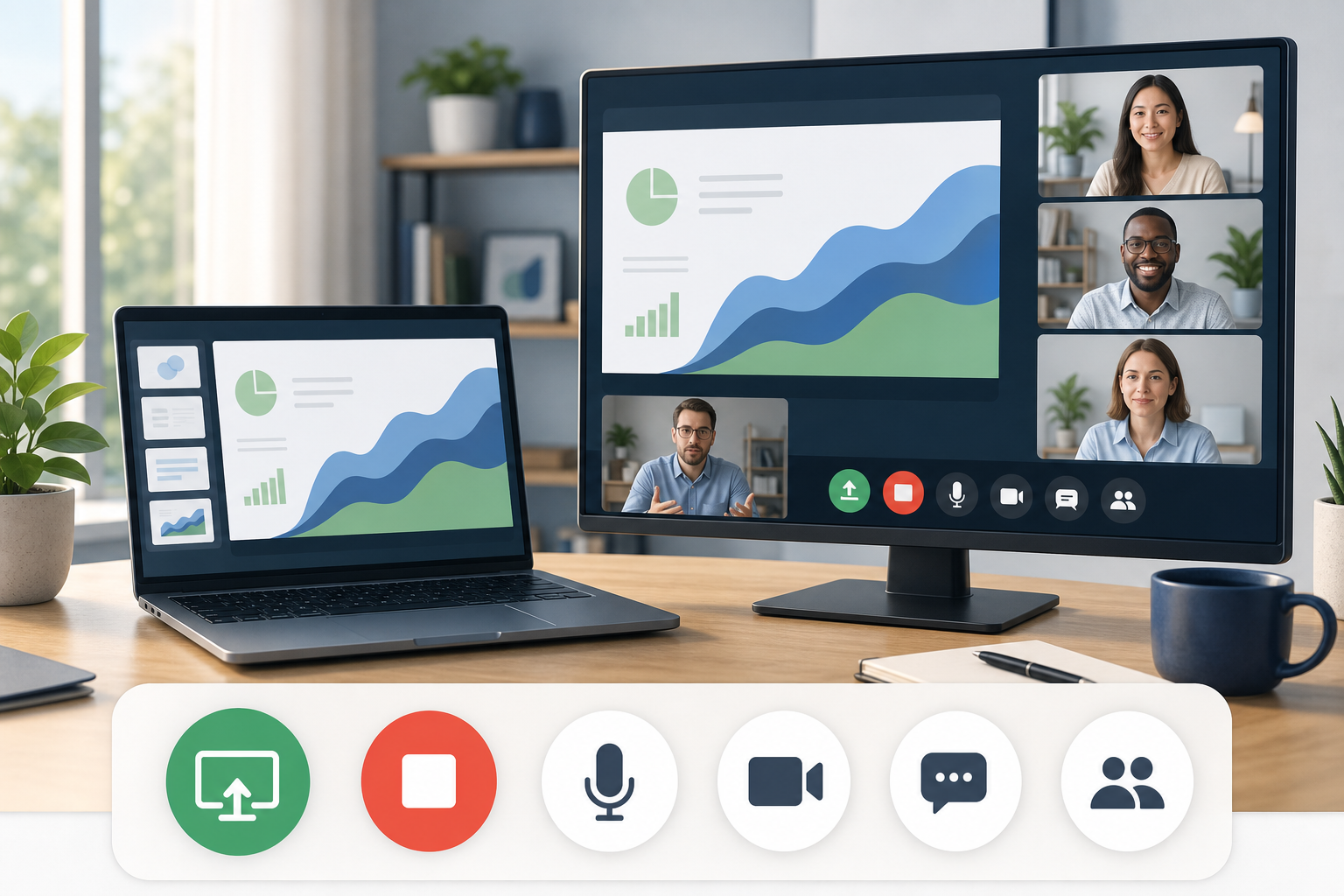
Build reliable screen share controls for Zoom, Teams, and Google Meet so hosts can present, switch windows, and recover without awkward toolbar hunting.
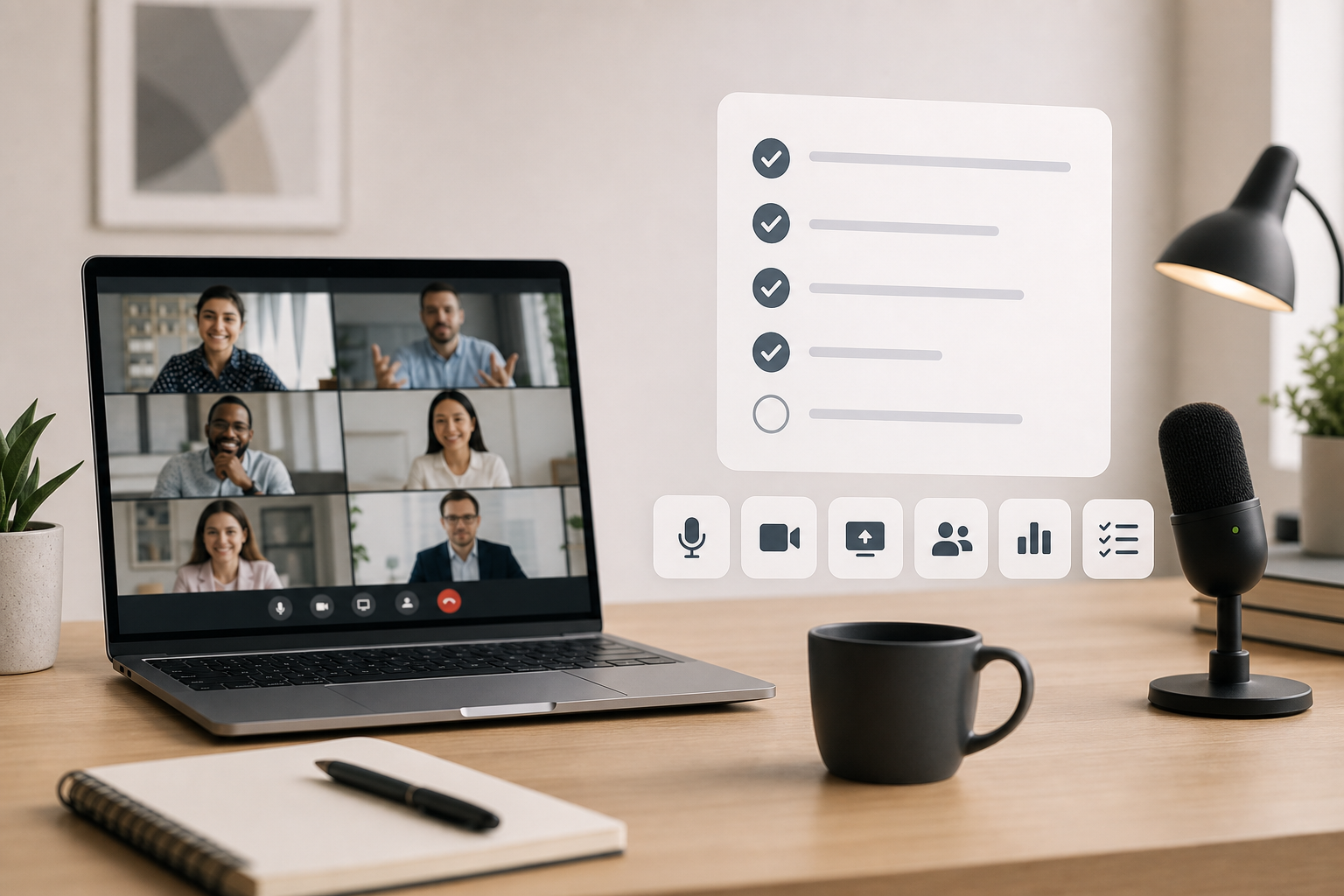
Post meeting work turns a finished call into clear decisions, follow-ups, and better meeting controls. Use this host checklist after Zoom, Teams, or Google Meet.
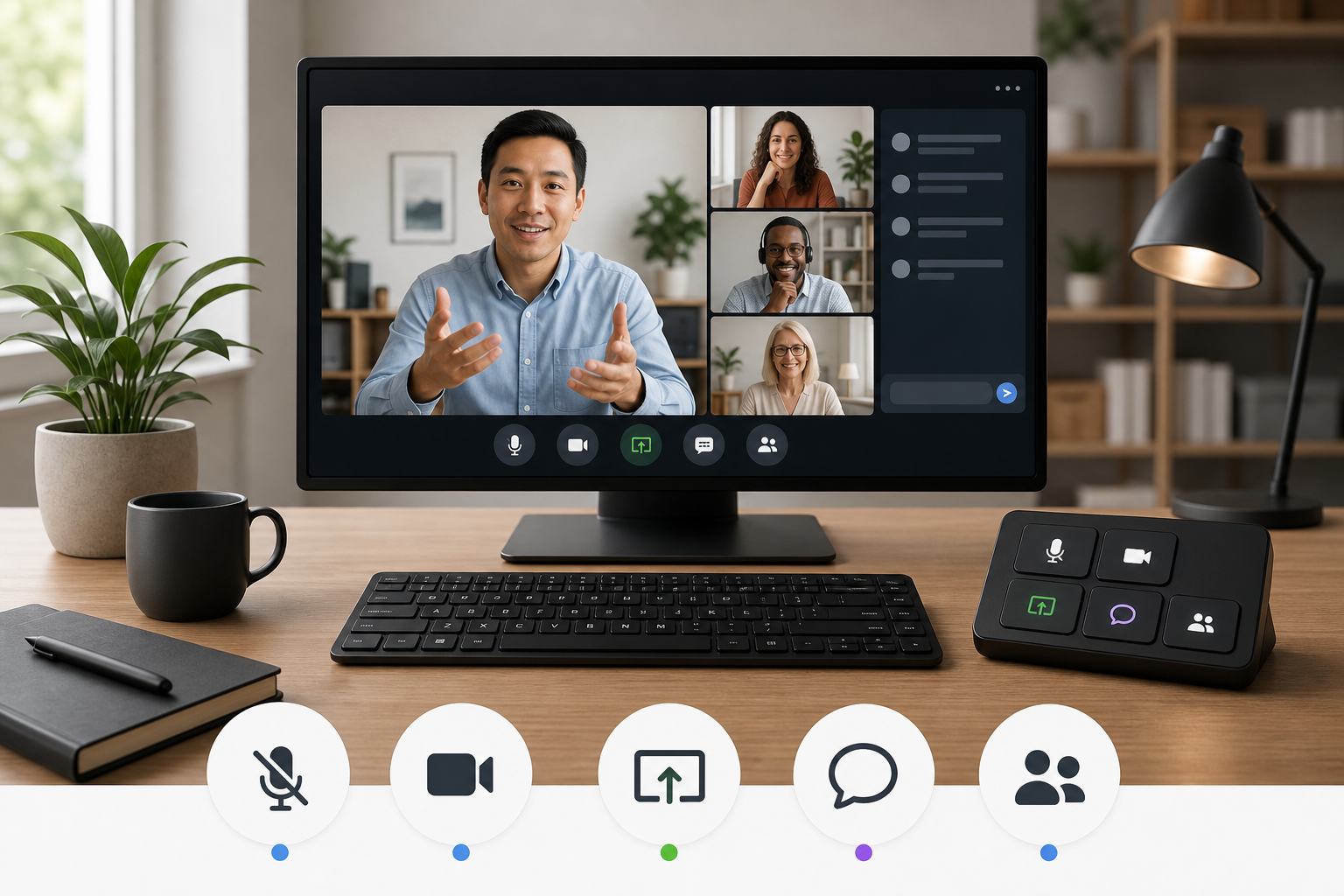
Use video conferencing keyboard shortcuts without turning meetings into shortcut trivia. Build a small, reliable control set for Zoom, Teams, Meet, and live presentations.
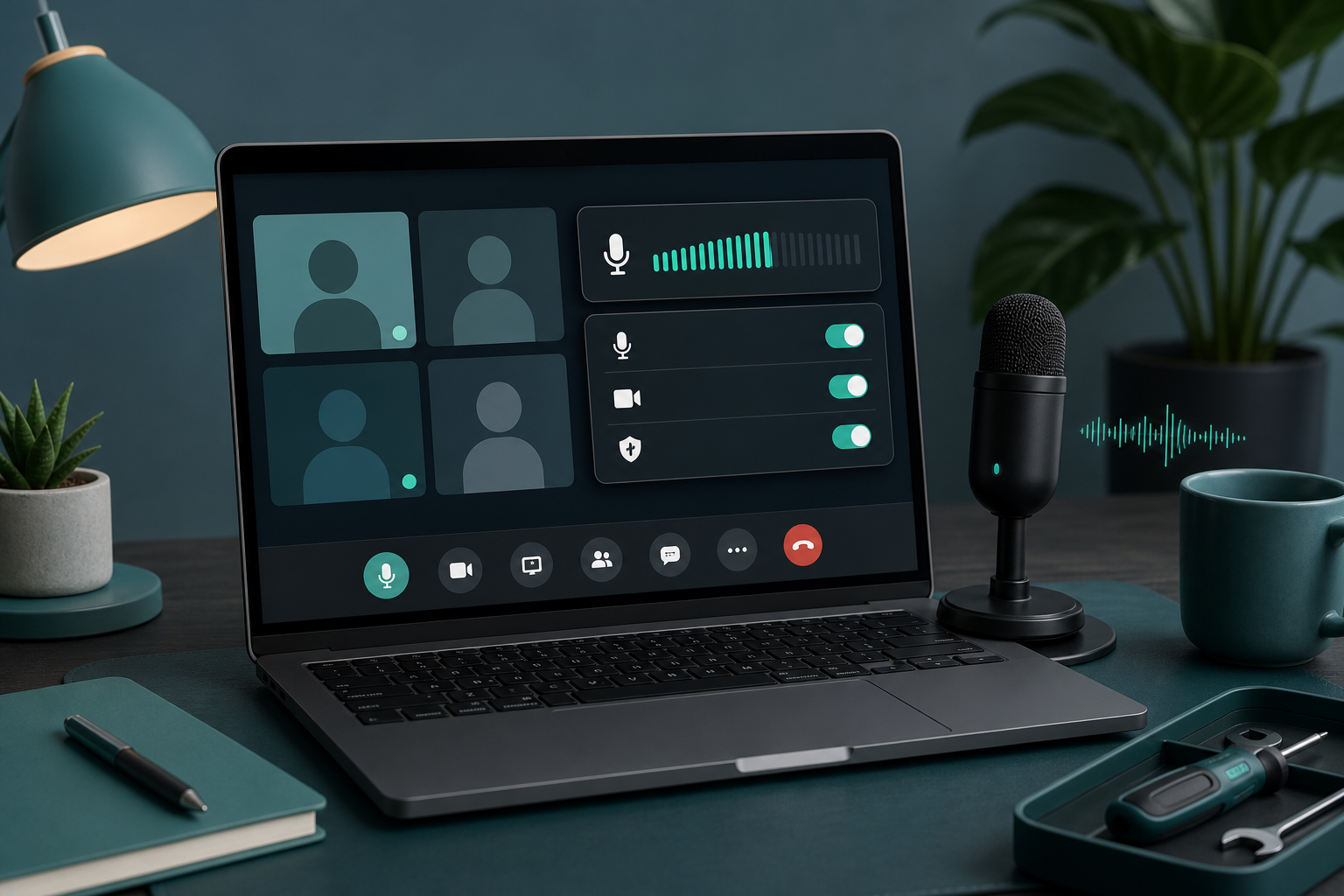
Fix a microphone that is not working in meetings with a host-friendly workflow for mute state, permissions, input routing, browser access, and recovery.
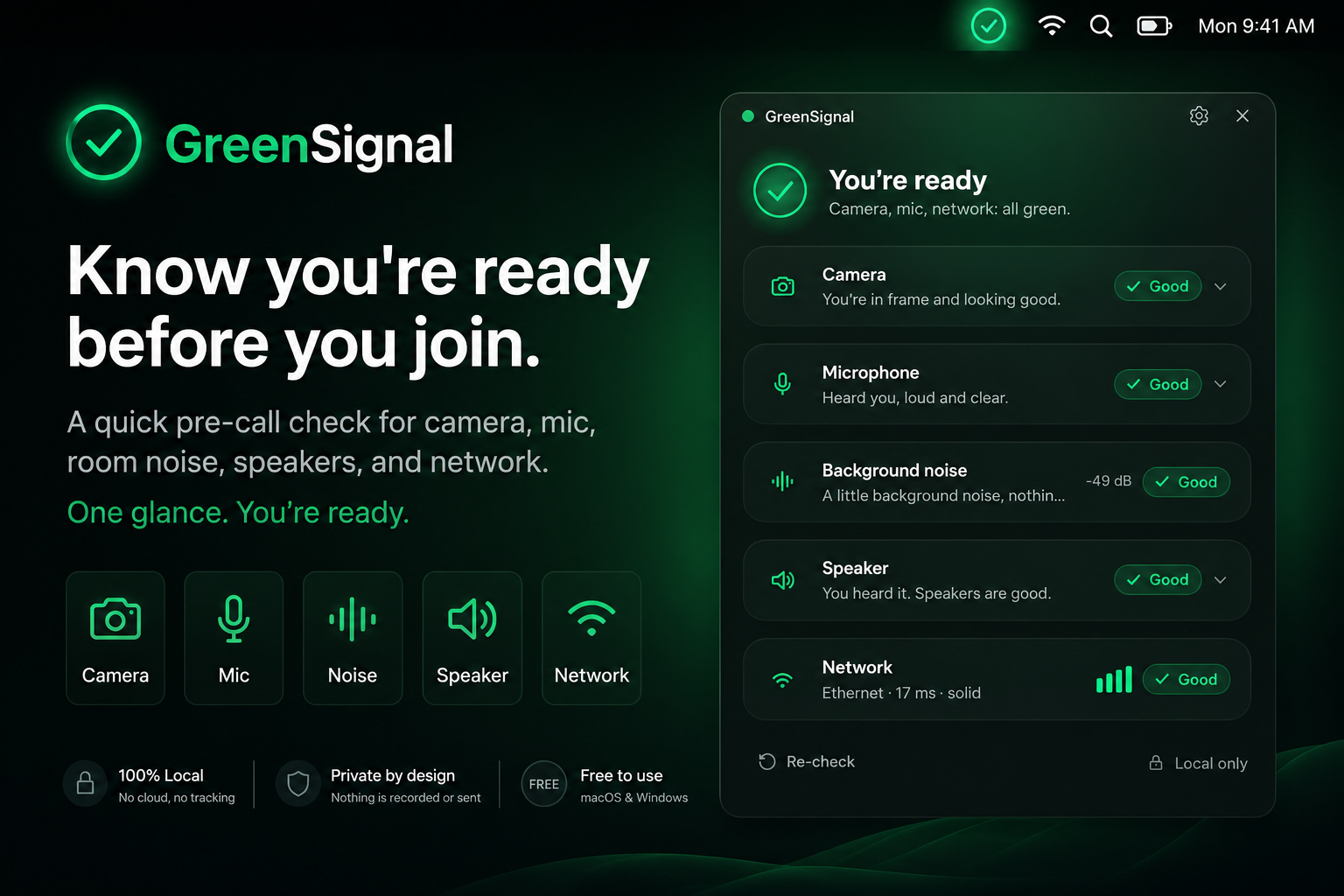
GreenSignal is a free pre-call readiness check from MuteDeck for camera, microphone, speaker, background noise, and network checks before important calls.
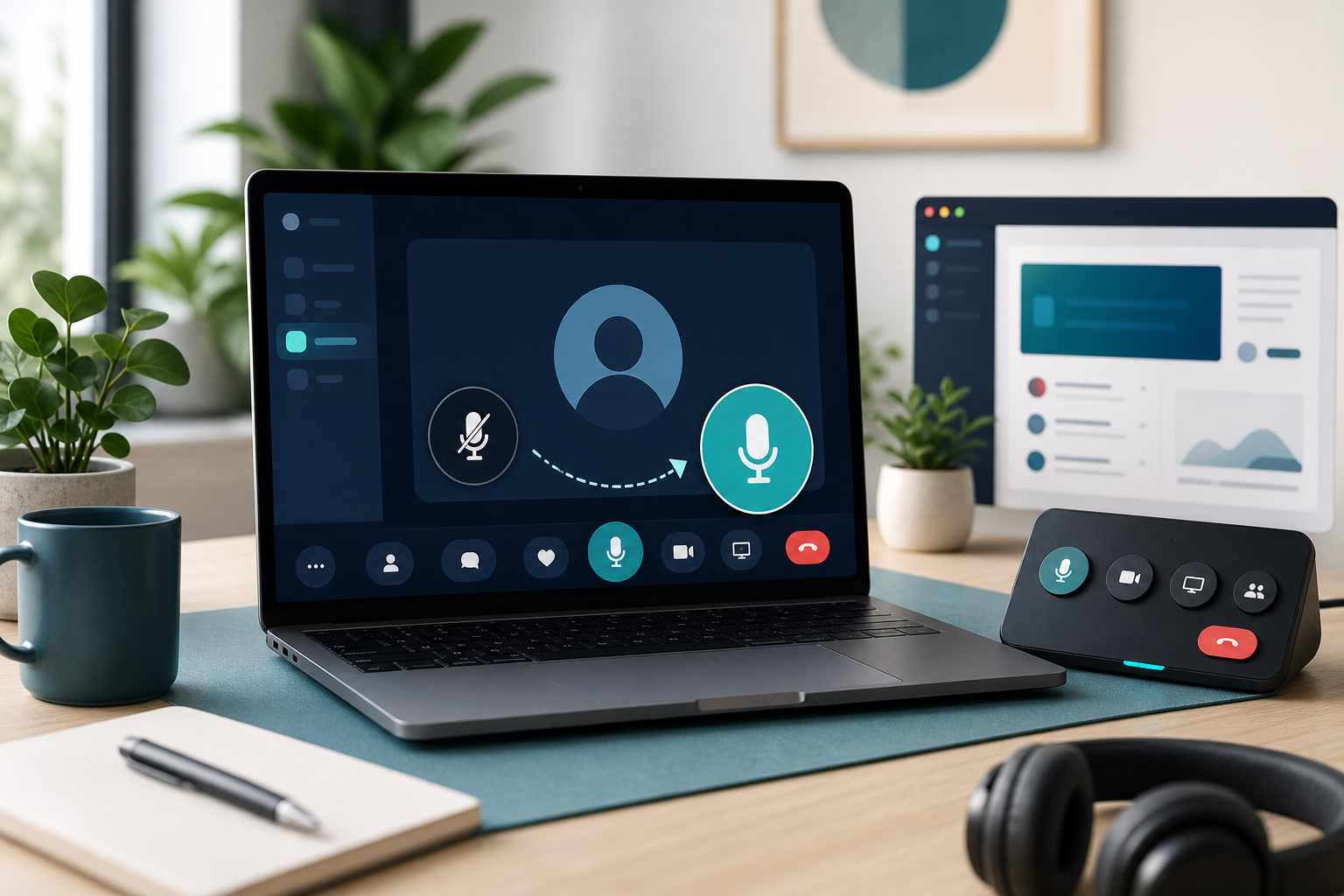
Learn how to unmute yourself in Zoom, Teams, Google Meet, and your computer settings with a layered checklist for reliable meeting audio.
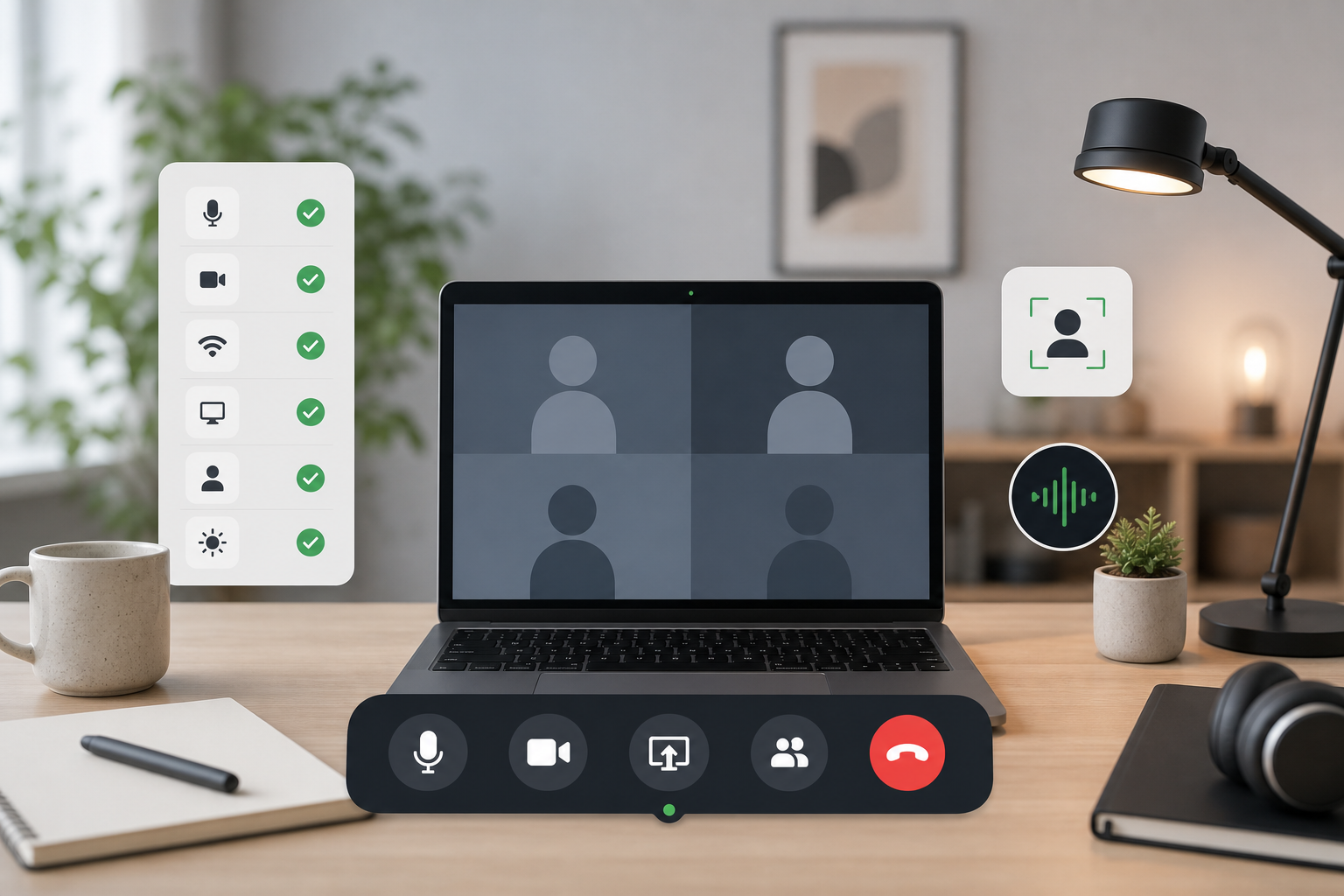
Build a meeting controls checklist for mute, camera, screen sharing, focus, and recovery so calls stay predictable when apps compete for attention.
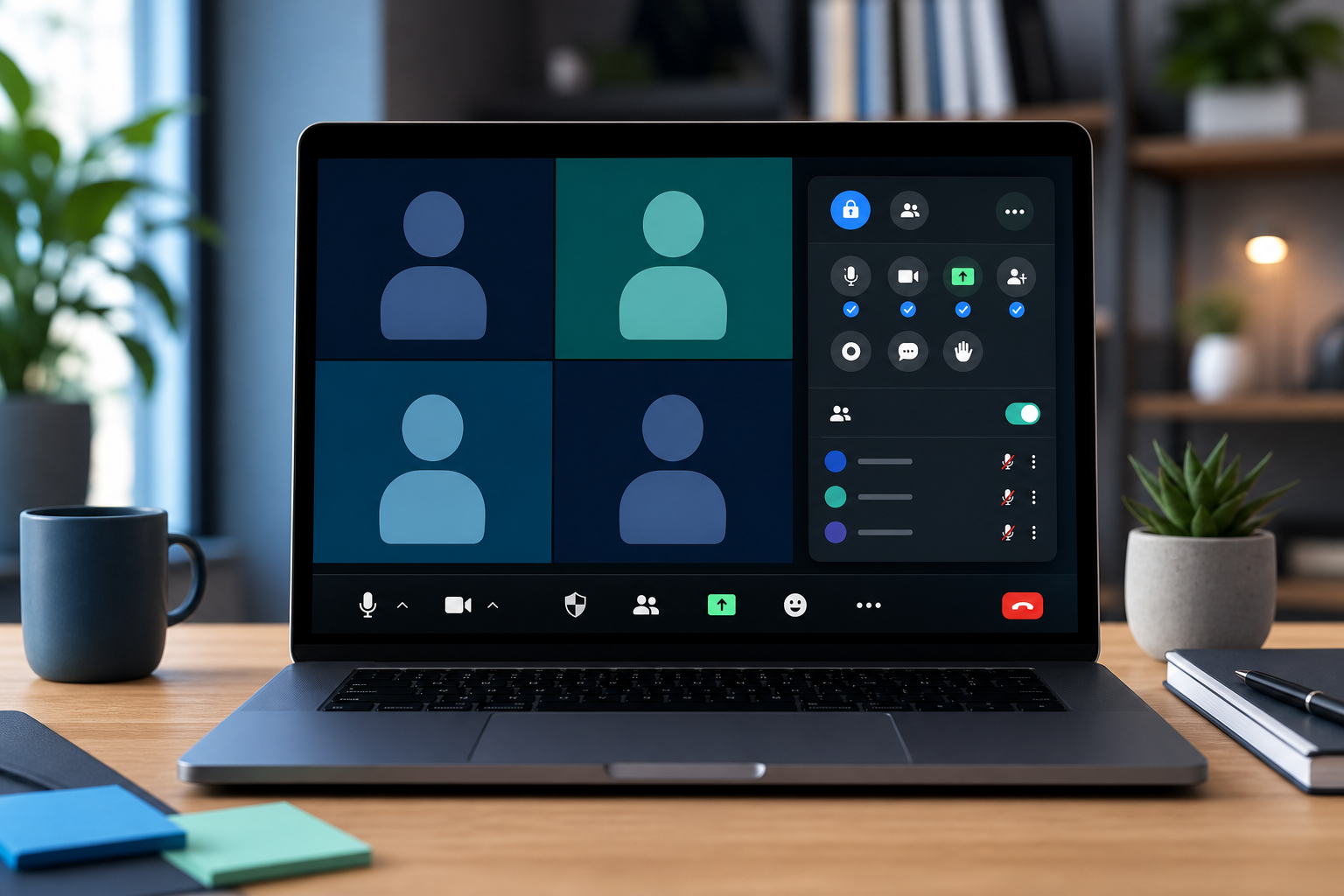
Set up Zoom host controls for mute, camera, sharing, co-hosts, and recovery so meetings stay calm when attention moves fast.
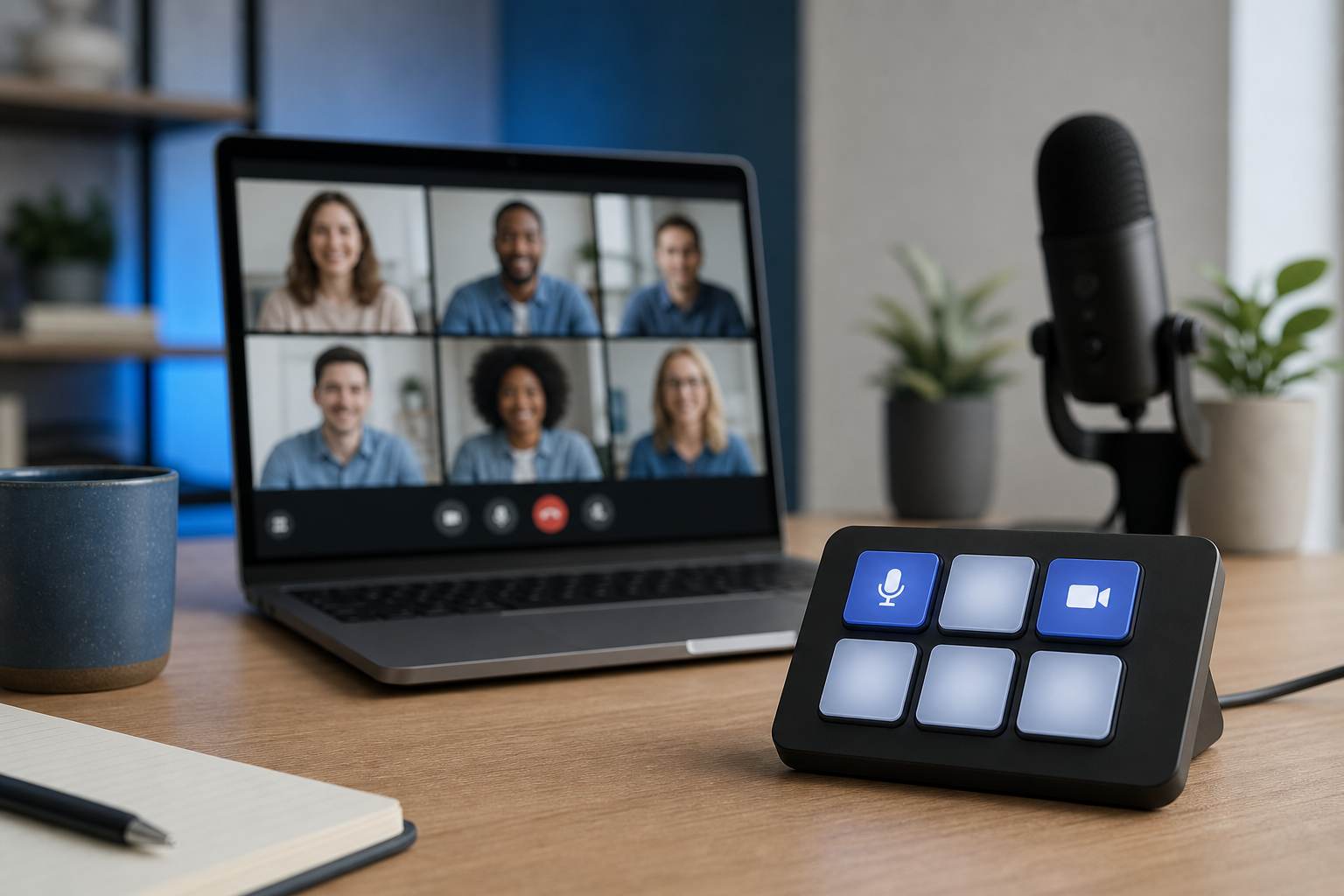
Build a Stream Deck Google Meet control setup that handles mute, camera, screen sharing, captions, and recovery without derailing the call.
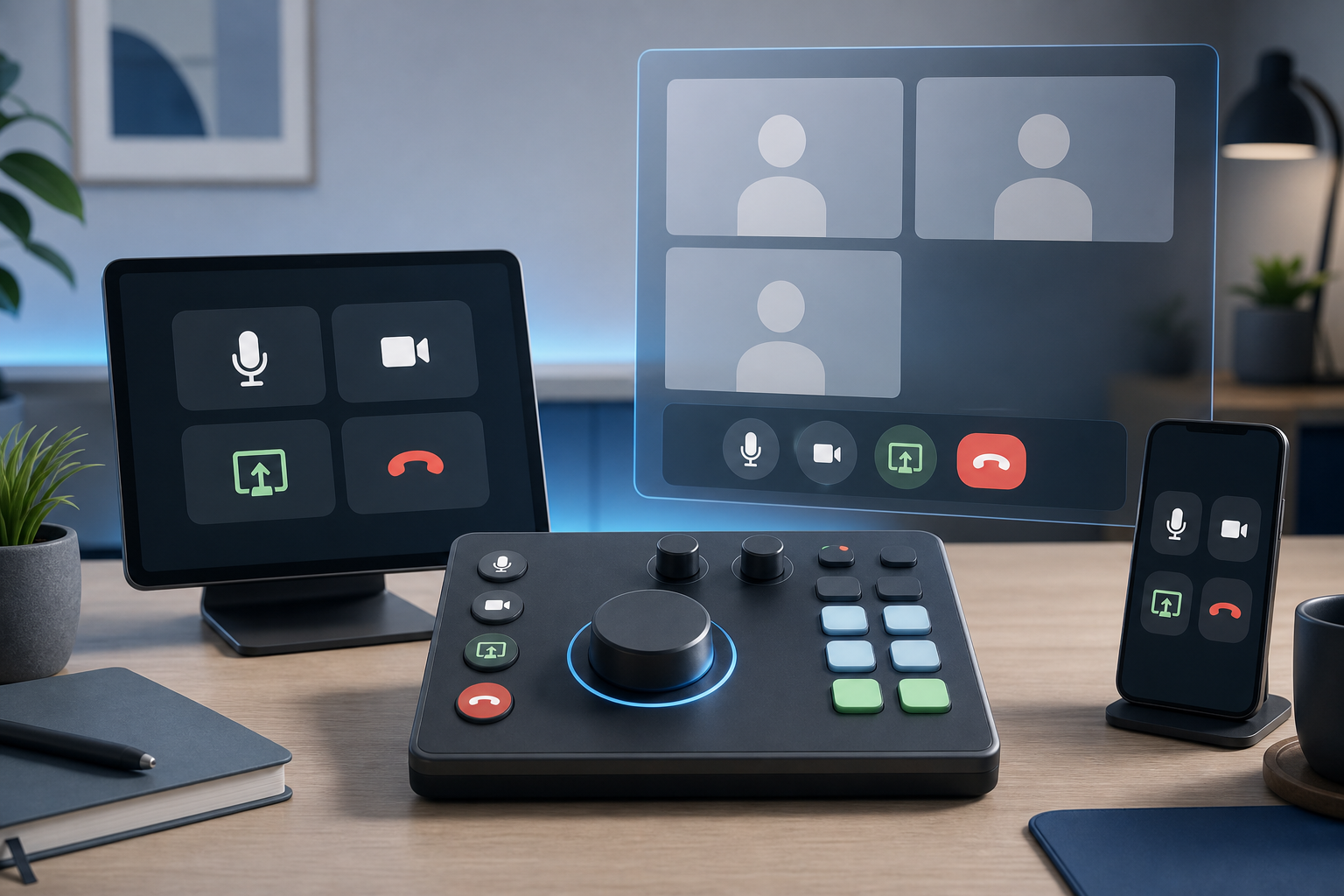
Compare Loupedeck vs Stream Deck for meeting controls, desk ergonomics, setup friction, and reliable Zoom, Teams, and Google Meet workflows.
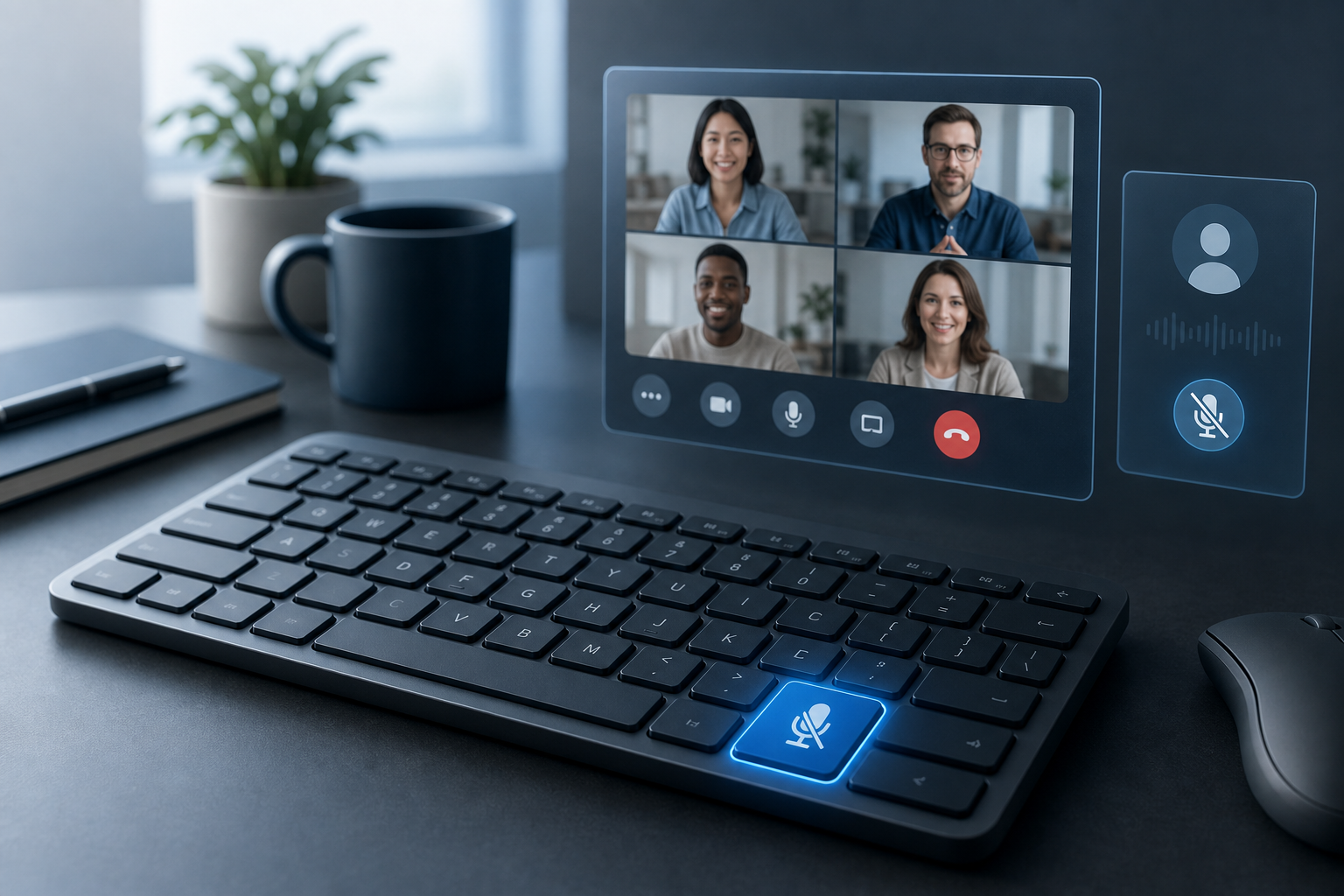
Build a reliable mute button on keyboard workflow for Zoom, Teams, Google Meet, and MuteDeck so meeting audio control stays predictable.