Guides & tips
Meeting Audio Test Checklist Before Joining Calls
Run a fast meeting audio test before Zoom, Teams, or Google Meet calls so mute, microphone, speaker, and permission issues do not derail the first minute.
Read articleTHE MUTEDECK BLOG
Practical guides, fresh ideas, and the latest from MuteDeck.
A little less friction. A better way to meet.
Run a fast meeting audio test before Zoom, Teams, or Google Meet calls so mute, microphone, speaker, and permission issues do not derail the first minute.
Read article198 articles
Run a fast meeting audio test before Zoom, Teams, or Google Meet calls so mute, microphone, speaker, and permission issues do not derail the first minute.
Read articleLearn how to mute participants in Zoom, Microsoft Teams, and Google Meet without derailing a live meeting.
Read articleBuild a reliable Stream Deck Teams plugin setup for meetings with visible controls, fallback shortcuts, and a pre-call test that catches focus problems.
Read articleKeep presenter view, mute, camera, notes, and screen sharing under control during live meetings with a practical setup checklist.
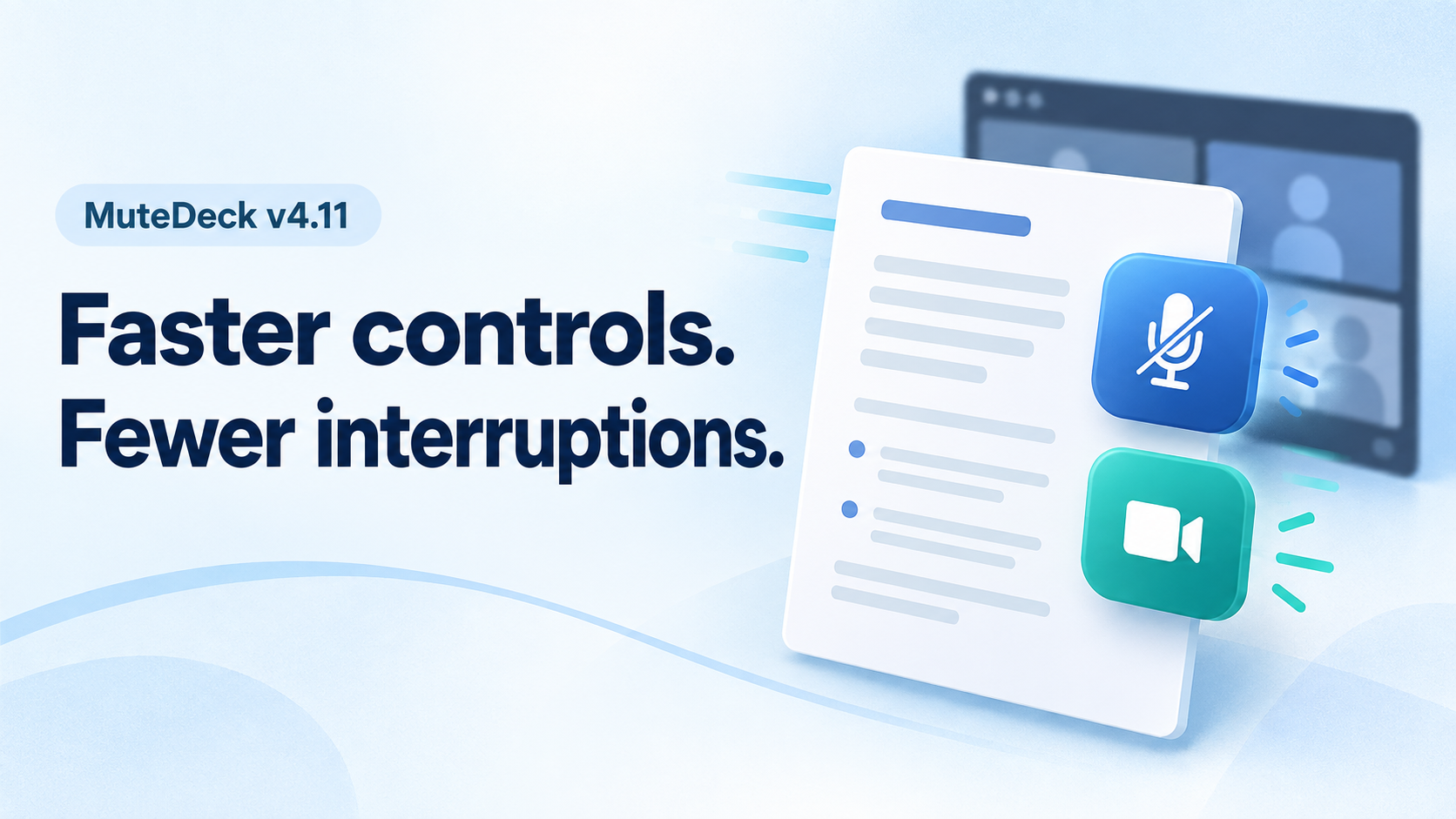
Read articleMuteDeck v4.11 brings faster Teams and Zoom controls, mute and camera actions that stay in the background, corporate proxy support, and in-app feedback.
Read the updateFix a Logitech webcam not detected in Windows 11 before and during Zoom, Teams, or Google Meet with a meeting-first recovery checklist.
Read articleBuild a Stream Deck Google Meet setup that keeps mute, camera, presenting, and browser permissions predictable during live calls.
Read articleA practical Zoom breakout rooms tutorial for hosts who need cleaner room setup, visible controls, recovery steps, and smoother live facilitation.
Read articlePractical ways to fix quiet meeting audio, choose a microphone volume booster, and avoid making Zoom, Teams, or Google Meet sound worse.
Read articleLearn why a blue microphone icon can appear during calls, what to check first, and how hosts can keep mute status visible across meeting apps.
Read articleBuild a meeting control surface that keeps mute, camera, sharing, and recovery actions visible across Zoom, Teams, and Google Meet.
Read articleA practical meeting controls checklist for remote workshops, with setup checks, live recovery steps, and app-specific control notes.
Read articleShowing 12 of 198