# Agenda for Team Meeting: A Practical Host Guide
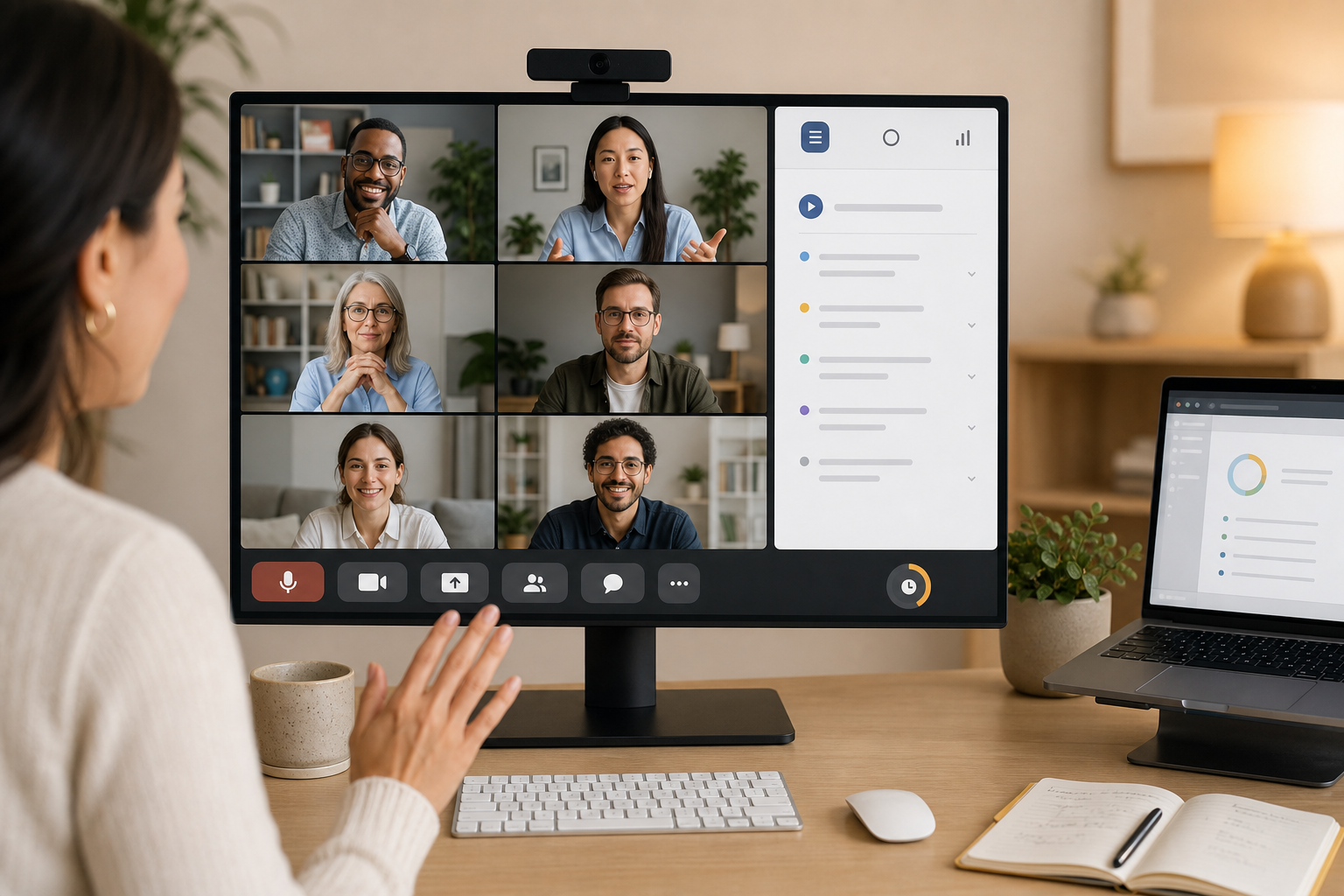
An agenda for team meeting work should tell people what will be decided, who owns each topic, and how the host will keep the call moving. A useful agenda is short, sequenced, and tied to meeting controls: mute, camera, screen sharing, recording, and Do Not Disturb. That connection keeps the agenda from becoming a decorative document that everyone opens after the awkward silence has already begun.
Most teams know they should send an agenda. Fewer teams design one that survives the first five minutes of a real call. Someone joins from a noisy room. A screen share starts on the wrong window. A decision item turns into a status monologue. The agenda has to account for those moments because remote and hybrid meetings run through software, devices, and attention management.
MuteDeck sits in that operator layer. It gives hosts quick access to meeting controls across supported apps, but the controls work best when the meeting has a clear operating plan. This guide shows how to build that plan before the call starts.
# What a team meeting agenda should do
A team meeting agenda should make the meeting's operating rules visible before people join. It should answer five questions:
- What outcome should exist when the meeting ends?
- Which items need discussion, decision, or only awareness?
- Who owns each item?
- How much time does each item get?
- Which meeting controls or materials does the host need ready?
The fifth question gets skipped often, which is how a tidy agenda becomes a messy call. A planning item that needs a demo also needs the right screen share setup. A sensitive roadmap item needs notifications silenced. A fast decision round needs a host who can mute background noise without hunting through a tiny toolbar.
If you need the notification side of that workflow, MuteDeck's guide to Do Not Disturb during meetings (opens new window) covers the privacy and presentation details. For audio readiness, the microphone volume booster for meetings (opens new window) guide explains how to fix weak input before people start diagnosing your setup in chorus.
# Start with the meeting outcome
Write the outcome before writing topics. A topic describes subject matter. An outcome describes the state you need at the end.
Weak outcome: Discuss launch risks.
Useful outcome: Choose the three launch risks that need owner-level mitigation this week.
That small change affects the whole agenda. The host can now identify who should attend, which documents matter, and when to stop discussion. It also gives participants permission to prepare actual decisions instead of bringing polite updates in formal clothing.
For recurring team meetings, use one primary outcome and one maintenance outcome. The primary outcome changes each week. The maintenance outcome stays stable, such as clearing blockers, aligning priorities, or surfacing customer issues. This keeps the meeting from turning into a rotating pile of miscellaneous thoughts.
A practical agenda line should include:
- Topic: the subject.
- Outcome: the decision, alignment, or next action needed.
- Owner: the person responsible for leading it.
- Timebox: the maximum time allowed.
- Control note: the host setup needed, such as screen share, recording, mute discipline, or camera expectations.
That final field looks small. It prevents many avoidable interruptions.
# Use agenda types, not one generic template
Different team meetings need different agenda shapes. A single template forces every conversation into the same rhythm, which usually favors status updates because they are easy to list and hard to stop.
| Meeting type | Best agenda shape | Host control focus | Avoid |
|---|---|---|---|
| Weekly team sync | Blockers, decisions, commitments | Fast mute control, timer, shared notes | Long individual reports |
| Project kickoff | Context, scope, roles, first risks | Screen share, recording, camera readiness | Starting with tool tours |
| Incident review | Timeline, impact, causes, changes | Recording consent, focused screen share | Blame-shaped questioning |
| Planning meeting | Options, constraints, decision criteria | Do Not Disturb, document switching | Opening five unrelated tabs live |
| Retro | Facts, patterns, experiments | Clear facilitation cues, inclusive turn taking | Letting the loudest person become the agenda |
Choose the shape before filling in topics. If the meeting type is unclear, the agenda will probably become a status meeting by gravity. Calendar software has many talents. Saving a vague meeting is rarely one of them.
For broader meeting format guidance, Atlassian's meeting agenda advice is a useful external reference for outcome-led planning: how to write an effective meeting agenda (opens new window). Harvard Business Review also has practical guidance on reducing meeting overload through clearer purpose and participation choices: Dear Manager, You're Holding Too Many Meetings (opens new window).
# Build the agenda around decisions
A decision-led agenda separates three categories: inform, discuss, and decide. Put the category in the agenda line. People behave differently when they know whether they are listening, contributing, or committing.
Use this order for most team meetings:
- Confirm the goal and constraints.
- Clear urgent blockers.
- Make decisions while attention is high.
- Review status only where it changes a decision.
- Assign owners and follow-up.
Status updates belong in documents when possible. If a status item must be discussed live, add the reason. For example, do not write "Design update." Write "Decide whether the onboarding flow ships with the simplified empty state." The second version invites preparation. The first invites a screen share that starts with, "Can everyone see my screen?" followed by the ritual of three people saying yes at different volumes.
Decision-led agendas also help remote participants. People can scan the agenda, identify where their input matters, and avoid sitting silently through unrelated updates. That makes the call shorter without making it feel rushed.
# Add a host runbook to the agenda
The agenda tells people what will happen. The host runbook tells the host how to keep it happening.
Add a short private runbook above or below your public agenda. Keep it practical:
- Five minutes before: turn on Do Not Disturb, check microphone and camera, open only the windows needed.
- Start: confirm recording status if needed, state the meeting outcome, name the first decision.
- During: mute self when not speaking, watch chat for blocked participants, park side topics visibly.
- Screen share: share one window where possible, not the whole desktop.
- Close: read decisions aloud, assign owners, confirm follow-up channel.
This runbook pairs well with physical or software controls. If you use MuteDeck with a Stream Deck, Loupedeck, Touch Portal, or keyboard shortcuts, map the actions that match the agenda: mute, camera, leave call, screen share, recording, and Do Not Disturb. MuteDeck's post on customizing Stream Deck icons (opens new window) shows how visual controls can make those actions easier to hit quickly.
The point is not theatrical productivity. The point is reducing host latency. When the host can manage controls without breaking eye contact or losing the agenda thread, the meeting feels calmer and decisions arrive with less friction.
# Send the agenda at the right level of detail
A team meeting agenda should be detailed enough to prepare from and short enough to read. For most team meetings, aim for five to eight agenda lines. If you need more, group them into sections.
Use this structure:
- Purpose: one sentence.
- Prep: links and required reading.
- Agenda: topic, outcome, owner, timebox.
- Decisions needed: list of explicit decisions.
- Follow-up location: where notes and actions will live.
Keep prep links separate from agenda items. If you bury a document link inside a paragraph, someone will ask for it live. Then the host searches chat, someone pastes the wrong doc, and the agenda briefly becomes an archeological site.
For public or cross-functional meetings, include access notes. Mention whether external guests can access the docs, whether recording is planned, and whether participants should keep cameras on for specific sections. The U.S. General Services Administration's 18F guide to running remote meetings (opens new window) is useful here because it treats facilitation as an operational design problem.
# Use timeboxes with recovery rules
Timeboxes only work when the host knows what to do when time runs out. Add recovery rules to the agenda so the group does not negotiate from scratch every time a topic runs long.
Use three options:
- Decide now with known information.
- Assign a smaller group to resolve offline.
- Schedule a separate working session.
Write the default rule into the agenda for high-risk topics. Example: "If no decision by minute 15, product and support owners resolve offline and post a recommendation by Friday." This avoids the slow drift where everyone knows the topic has stalled but nobody wants to be the first person to say so.
Timeboxes also make meeting controls more predictable. If you know the demo starts at minute 12, open the demo window before the call. If the last five minutes are for decisions, stop screen sharing before the close so people focus on owners and dates.
# Keep notes tied to decisions and controls
Notes should capture decisions, owners, due dates, and unresolved questions. They should not attempt to transcribe every sentence. A transcript can help with reference, but meeting notes should remain operational.
Use this lightweight format:
- Decision: what changed because of the meeting.
- Owner: one person, not a department.
- Due date: specific date or event.
- Evidence: link to the doc, ticket, or dashboard.
- Follow-up control: what needs to happen in the next meeting setup.
The last item is useful for recurring meetings. If the team lost time because a screen share needed permissions, add that to the next runbook. If background noise disrupted a decision, add mute protocol. If notifications leaked during a customer review, add Do Not Disturb to the preflight.
Meeting hygiene improves when operational mistakes become setup changes. Repeating the same apology next week has limited charm.
# Team meeting agenda example
Here is a practical 45-minute agenda for a product team sync:
| Time | Item | Outcome | Owner | Host setup |
|---|---|---|---|---|
| 0:00 to 0:03 | Open and goal | Confirm decisions needed today | Host | Recording off unless requested |
| 0:03 to 0:10 | Customer onboarding issue | Decide whether support needs a temporary macro | Support lead | Share ticket window only |
| 0:10 to 0:22 | Launch risk review | Pick top three risks and owners | Product lead | Do Not Disturb on, roadmap doc open |
| 0:22 to 0:32 | Design trade-off | Choose A or B for empty state | Design lead | Screen share design window |
| 0:32 to 0:40 | Blockers | Assign owners for unresolved dependencies | Engineering lead | Mute discipline for noisy rooms |
| 0:40 to 0:45 | Close | Read decisions, owners, dates | Host | Stop screen share, update notes live |
This agenda works because every live topic has a reason to exist. It also tells the host which controls matter before the meeting starts. The agenda and the call mechanics support the same outcome.
# Conclusion
An agenda for team meeting work is useful when it turns intent into operating behavior. Start with the outcome, choose the right agenda type, separate inform, discuss, and decide items, then add host controls that match the agenda. The result is a meeting where people know what needs attention and the host can keep the room moving without improvising every control click.
If your meetings already have agendas but still feel messy, start with one change: add outcome, owner, timebox, and host setup to each live topic. Then map the recurring host actions in MuteDeck so the agenda is easier to run when the call gets noisy, late, or briefly possessed by the screen-share gremlin.
KEEP EXPLORING
More guides & tips