A patch release with fixes for Teams on macOS and Windows, Zoom's dual-window meeting view, and the interface language on Windows. It also makes bug reports more useful, so problems get fixed faster.
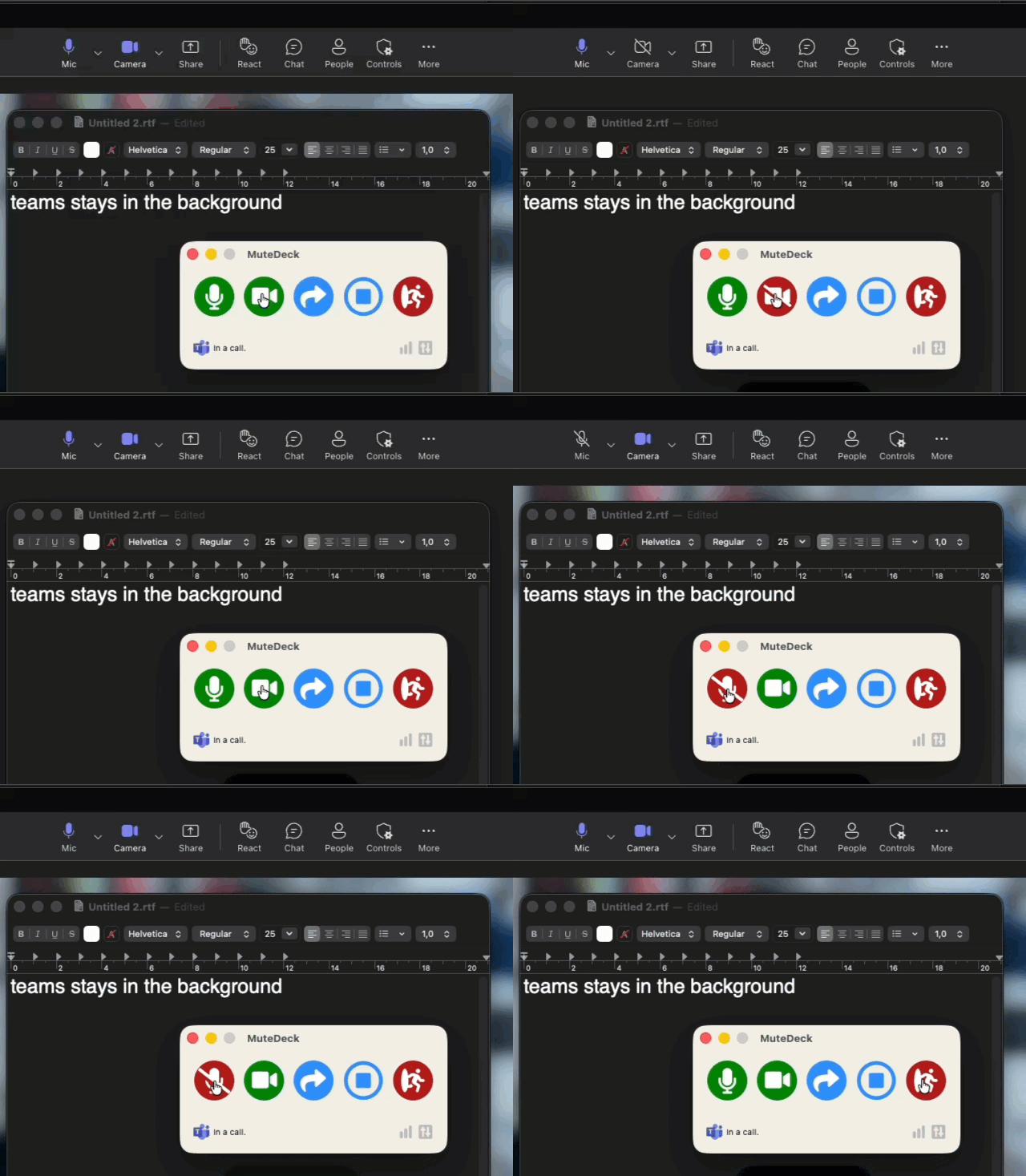
- Teams in the background (macOS): With some Teams versions, MuteDeck could lose track of mute and camera while Teams wasn't the active app, even though the call was still detected. MuteDeck now notices when Teams stops showing these controls and gets them back.
- Bringing meeting apps forward (Windows): When an action needs the meeting window in front, Some versions of Windows could stop MuteDeck from bringing it forward while you worked in another app. That's fixed for Teams, Zoom, Webex, Slack and Discord. It was also why Teams reactions from a Stream Deck or the API failed. Those now work, even if you move your mouse halfway through.
- Zoom dual window view (Windows): With Zoom's meeting window view set to Dual window, MuteDeck didn't detect the call at all. It does now, and reactions and custom actions go to the window with the meeting controls.
- Interface language (Windows): With the language set to Auto (system), MuteDeck used your region's format instead of your Windows display language. English Windows with German regional settings, for example, got a German MuteDeck. It now follows the Windows display language.
- Stray windows at startup (Windows): Empty windows could flash briefly before the main window appeared, depending on which features you have turned on. Fixed.
- Better bug reports: Bug reports from Windows now include which meeting apps are running. On both platforms, the attached logs list their window titles too, so I can tell whether an app wasn't running or was running but its call wasn't detected. Nothing else running on your computer is included.
- Debug logging for support: If I ask for a more detailed log to track down a problem, you can now switch on debug logging without restarting. While it's on, a banner at the top of Settings reminds you, with a button to turn it off. It also switches itself off after two days.
Fixed
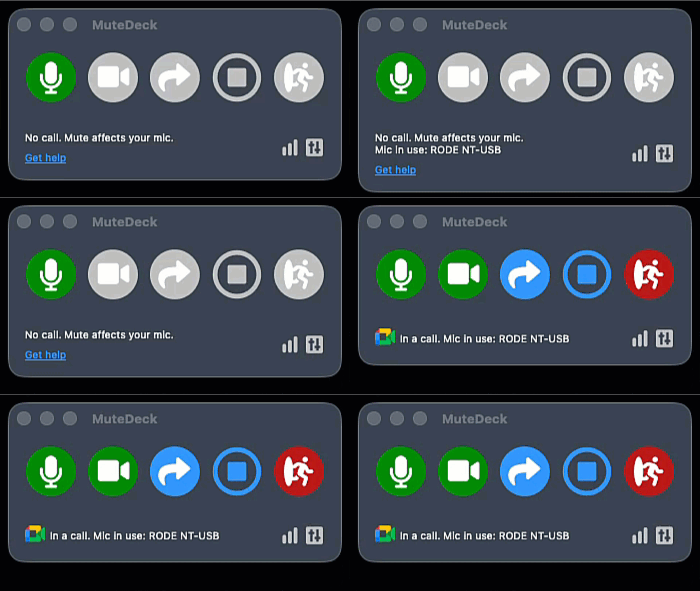 Above first used voice-to-text, then opened a Google Meet - both show the mic in use