Changelog

What's new in MuteDeck.

Every release, ordered by recency. Anything notable lives here.

This release introduces a much lighter way to deliver updates, adds a "microphone in use" indicator so you can see when another app grabs your mic - and know which mic is being used, and fixes a crash that could cause MuteDeck to quit unexpectedly when using the API heavily.

Smaller, Quieter Updates

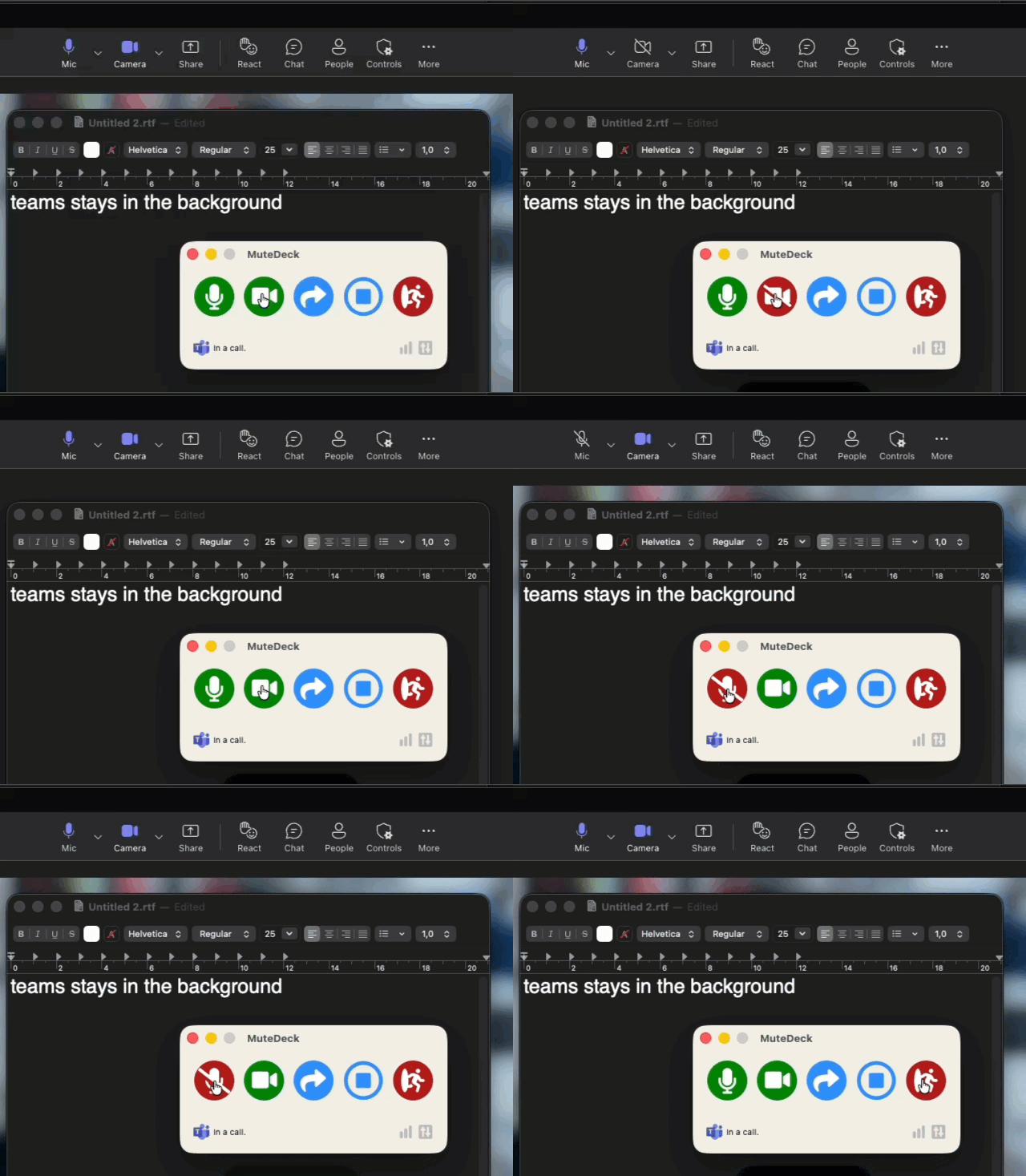
MuteDeck can now update itself without the full installer. Starting from this version, routine updates download a fraction of what they used to (around 15 MB instead of 100–200 MB), install in the background, and restart straight to the tray — no installer window, no clicking through a wizard. Updates that involve bigger changes still use the full installer automatically, so you always get a safe install either way. The next version will use this new method.

TL;DR: From here on, most updates just happen, quietly and quickly.

See When the Microphone Is in Use

The main window now briefly shows when another app is using your microphone, along with which device it's using. The line appears the moment something starts capturing the mic and tucks itself away again after a few seconds, so it never gets in the way. It's on by default and works on both macOS and Windows. You can turn it off under Settings → General ("Briefly show when the microphone is being used").

Above first used voice-to-text, then opened a Google Meet - both show the mic in use

It's the perfect way to know if you're using the right microphone when you're joining a meeting. It also works outside of meetings, it'll show you any time an app grabs your mic, like when you start recording a video or using voice to text.

Stability and Reliability

  • Unexpected restarts: Fixed a crash that could make MuteDeck quit and need a manual restart. It could happen when the API is used heavily; several times a second at the exact moment your meeting state changed.
  • Update checks: Background update checks that fail — for example right after starting up or waking from sleep, before the network is ready — now retry on their own instead of silently giving up until the next scheduled check.
New Fixed Improved
  • Fixed an empty popup. On a meeting tab, the extension popup could sometimes open with the status labels but no values. It now recovers automatically, and if it still can't connect it shows a clear message with a button to reload the page.
  • Meetings reconnect after updates. Previously, if the extension updated while you had a meeting tab open, that tab would stop responding (status and Stream Deck controls) until you reloaded the page. Open meetings now reconnect on their own — no page reload needed.
  • Fixed the mute status in the popup. The popup could sometimes show "Muted" even when you were unmuted. It now reflects your real microphone state. (This only affected the popup display; reporting to the MuteDeck app was always correct.)
Fixed Improved

This release redesigns the Settings window and fixes a handful of bugs.

Redesigned Settings for a Better User Experience

Settings now uses a sidebar instead of the old top tabs. Each area — General, Application Sync, Appearance, Hotkeys, Other Actions, Notifications, and License — is its own entry in the sidebar, and the whole page scrolls as one: click an item to jump to that section, and it highlights as you scroll.

TL;DR: It's easier to navigate and looks nicer.

Bug Fixes

  • Discord: Controls keep working without making you re-pair, whether you turn Discord on while MuteDeck is running or your connection expires.
  • Teams (macOS): Fixed taps that could miss Teams controls.
  • Controls: Actions are more reliable when switching between apps. Especially when using the MuteDeck app directly to control your meeting apps.
  • macOS: Fixed a couple of small issues to make MuteDeck use less memory.
Fixed Improved

Hi 👋

This release introduces a first-run onboarding wizard, a much clearer Accessibility permission flow on macOS, a brand new pause-media-on-meeting-start feature, which lets MuteDeck stop playing music when you hop on a call, and a slight restyle of the light mode UI.

Pause Media When a Meeting Starts

A new setting (off by default) pauses Spotify, browsers, and other system-aware media players the moment any conference app transitions into an active call. No more hunting for what's playing when you hop on a call!

P.s. This won't automatically start playing your music again when the call ends, but it will leave you in control of when to resume.

macOS: Drag-to-Grant Accessibility Helper

Granting Accessibility used to mean clicking a button, then hunting through System Settings for the right toggle. Now, MuteDeck now opens System Settings, pins a helper overlay above the Privacy & Security pane, and lets you drag MuteDeck directly onto the Accessibility list.

First-Run Onboarding Wizard

Fresh installs now open a friendly wizard to walk you through the initial setup steps, which include:

  1. Picking which meeting apps you use
  2. Granting Accessibility permission (macOS)
  3. Installing the browser extension (skipped if you've disabled browser support)
  4. Starting a 7-day trial, entering an existing license, or buying one

This should make it easier for new users to get up and running with MuteDeck, and ensure they don't miss any important setup steps.

Settings anonymous sync

Because MuteDeck now has a lot of settings, I'd like to know which ones are popular and which ones are rarely used. This will help me prioritize which settings to focus on in future updates. To enable this, MuteDeck now anonymously syncs your settings to mutedeck.com, only if you have Send anonymous stats enabled. No personally identifiable information is collected, and you can opt out at any time.

Light Mode Restyle

The light-mode app UI has been restyled to match the look and feel of the mutedeck.com website.

Bug Fixes

  • Windows: Zoom's pre-meeting preview window is no longer detected as an active meeting.
New Improved

It's been a long time coming, and this Touch Portal plugin update brings it up to feature parity with the Stream Deck plugin. Action count grows from 13 to 38, with a new push-to-talk action, full per-app preset coverage for Zoom, Microsoft Teams, and Google Meet, and richer state tracking.

New features

  • Push-to-talk — hold a button to unmute, release to mute.

  • Bring meeting to front — pop the active meeting window forward.

  • Per-app preset actions for every supported meeting app for quick access:

    • Zoom: raise hand, toggle chat, toggle participants, react thumbs up / clap / heart / laugh / wow / celebrate.
    • Microsoft Teams: raise hand, applause / laugh / like / love / wow reactions, plus new toggle chat.
    • Google Meet: raise hand, toggle chat, toggle participants, toggle live caption, react thumbs up / clap / heart / laugh / wow / celebrate.

Other-Action dropdown — on connect, the plugin asks MuteDeck for its list of configured other actions and populates a dropdown in the action editor. Free-text entry still works for ad-hoc names.

Compatibility & upgrade notes

  • Touch Portal desktop v3.2+ required.
  • The Other-Action input field changed from free-text to a dropdown; existing buttons keep their stored value and you can still type any name.

How to Update

Update the Touch Portal plugin by downloading v3 from our downloads page, and using the Quick Actions -> Import plugin mechanism.

New Improved

This release adds FaceTime support on macOS, brings reactions to browser-based meetings, and fixes a issue that caused Slack to go undetected until you manually toggled VoiceOver.

FaceTime Support (macOS)

MuteDeck now detects and controls FaceTime calls on macOS. Mute, toggle video, leave the call, and bring the FaceTime window to front — all from the same interface you use for every other meeting app.

The FaceTime menu detection works in 16 languages out of the box: English, German, Spanish, French, Indonesian, Italian, Japanese, Korean, Dutch, Polish, Portuguese, Russian, Turkish, Vietnamese, Simplified Chinese, and Traditional Chinese.

Reactions for Browser Meetings

Reactions now work in Google Meet, Teams Web, and Zoom Web when you're using the browser extension. Previously, reactions only worked in the Teams desktop app.

Reactions by platform:

  • All browser platforms: like, heart, clap, laugh, surprised
  • Google Meet and Zoom Web: celebrate
  • Google Meet only: sad, thinking, dislike

Stream Deck plugins can now show the difference between desktop and web variants: Google Meet, Teams-web and Zoom-web now show when selecting the other action.

New Improved

MuteDeck v4.6.1

New: Chat & Participants toggles for Teams

You can now toggle the Chat and People panels in Teams meetings. This uses native UI automation (clicking the actual toolbar buttons), so there's nothing to configure, it just works. Microsoft recently removed the old keyboard shortcuts for these panels, so this restores the ability to control them from Stream Deck and other plugins.

Improved: Teams now visible in plugin action lists

If you use Stream Deck, you may have noticed Teams was missing from the "Works with" list for actions like reactions. That's fixed. All natively handled Teams actions (reactions, chat, participants) now show up in the action list so plugins discover them automatically.

Fix: Teams other actions speed

Other actions for Teams had a 2-4 second delay sometimes because of an inefficient window search. This is now near-instant.

Fix: Slack Enterprise Grid

Huddle detection now works on Enterprise Grid plans, which use a slightly different window title format.

Other fixes

  • "Keep window on top" setting was ignored on first launch (both macOS and Windows)
  • Custom actions could send the wrong app's shortcut when the same action name was defined for multiple apps
  • Small memory leak fixed in Teams UI automation and Other Actions settings
  • Polish added to the Teams language dropdown
Improved Fixed New

MuteDeck v4.6

This release adds Slack Huddle support, a MeetingDebrief integration for automatic meeting recording, and several improvements to Teams reliability.

Slack Huddle Support (Preview)

MuteDeck now detects and controls Slack Huddles on both macOS and Windows. When you join a Huddle, MuteDeck picks it up automatically and gives you the same controls you're used to from Zoom and Teams.

You can enable Slack in Settings under Application Sync. It's in preview, so expect some rough edges and please report any issues you encounter.

MeetingDebrief Integration

A new integration with MeetingDebrief automatically starts and stops recording when your meetings begin and end. MeetingDebrief is a local-first app that records, transcribes, and summarizes your meetings with a private AI — nothing leaves your machine.

To set it up, enable the MeetingDebrief toggle in Settings under Notifications, then paste your API token from MeetingDebrief's Settings > API section. There's a Test Connection button to verify everything is working before your next meeting.

Microsoft Teams Improvements

  1. Fixed detection on non-English Windows systems — The UI Automation code was comparing against English control type names (like "button" and "tool bar"), which broke detection on localized Windows installations. MuteDeck now uses language-independent control type identifiers, so Teams detection works regardless of your Windows display language.

  2. Added Polish translations — Teams interface strings are now translated for Polish, expanding language support for Teams users in Poland.

New Improved Fixed