Guides & tips
Stream Deck Microsoft Teams: Replace the Retired Plugin
Stream Deck Microsoft Teams stopped working? Learn why the old plugin vanished and how to replace it with MuteDeck in minutes.
Read article
Stream Deck Microsoft Teams stopped working? Learn why the old plugin vanished and how to replace it with MuteDeck in minutes.
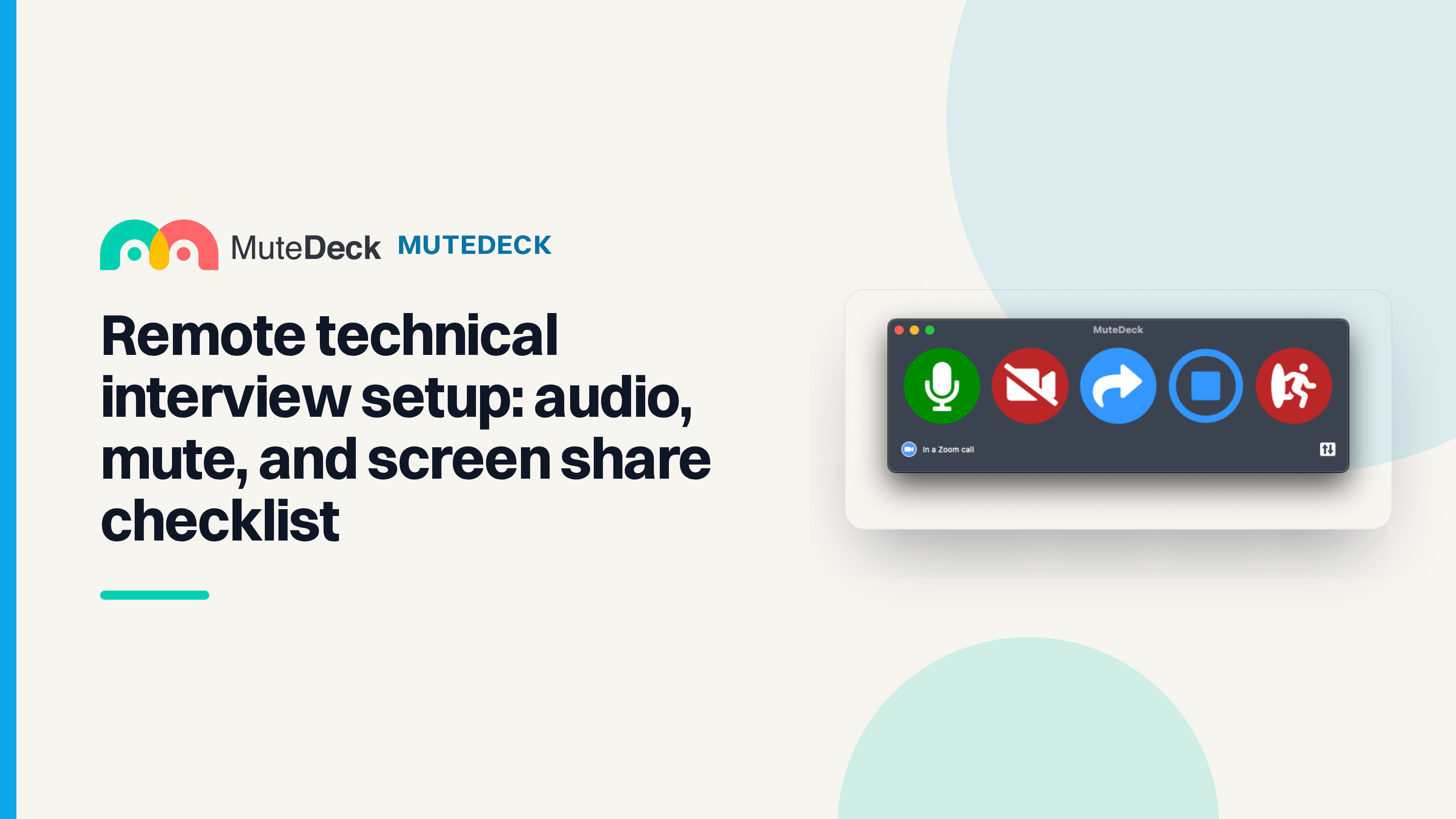
Read articleRemote technical interview setup checklist for Zoom, Teams, and Meet: test typing audio, mute control, camera fallback, and screen share.
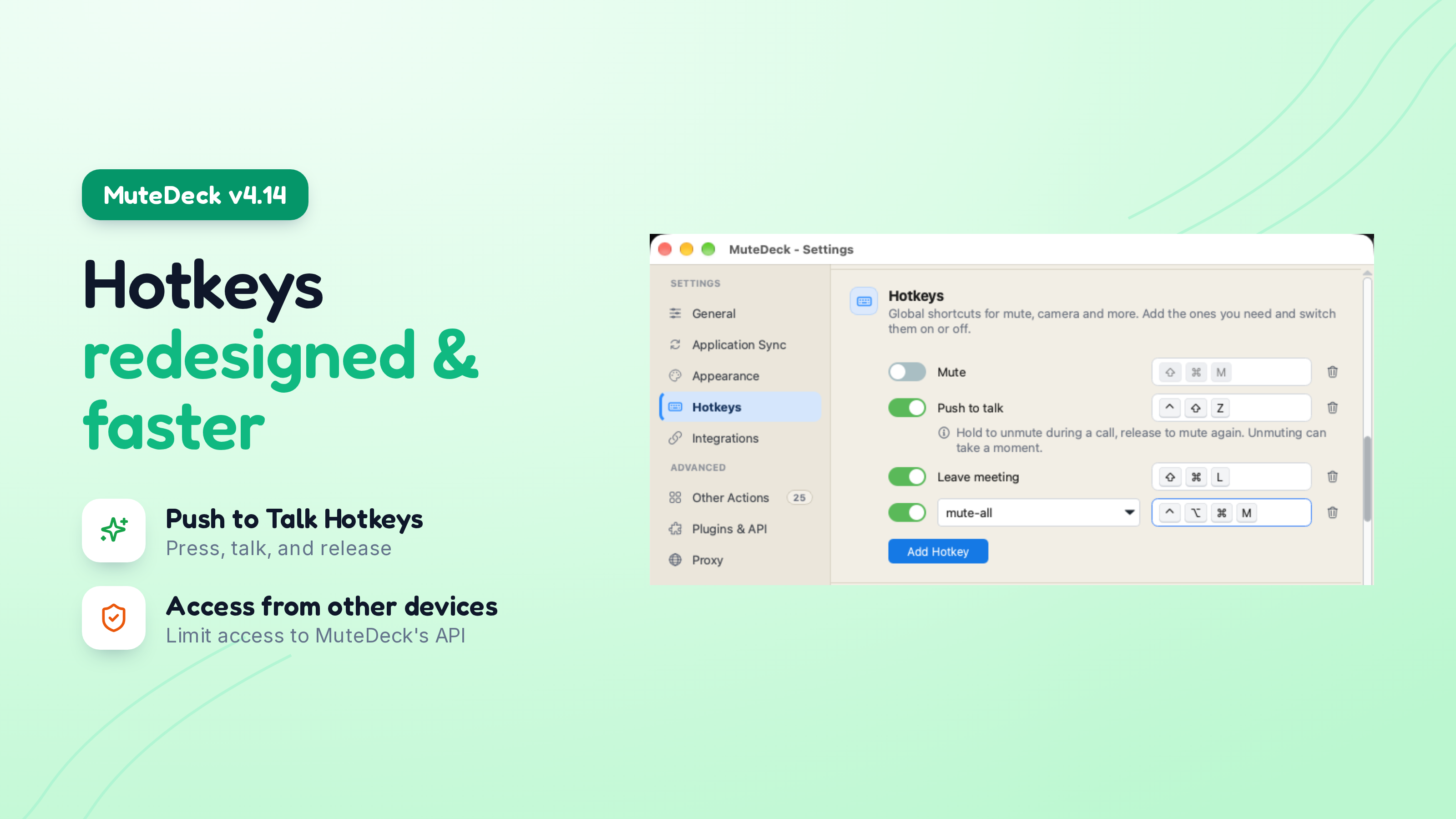
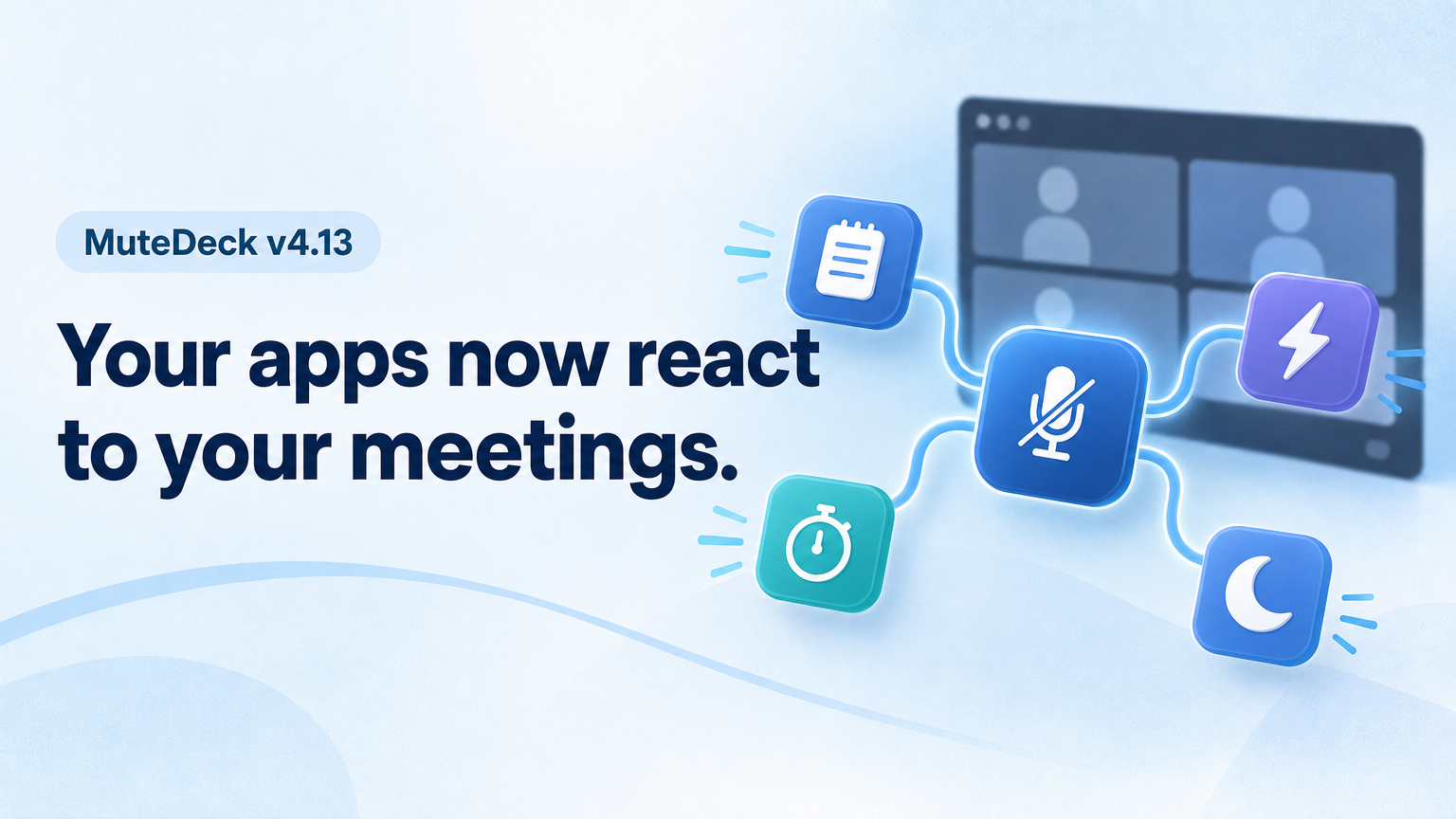
Read articleMuteDeck v4.14 is out, and this one is all about hotkeys. There's a new push-to-talk hotkey, you can now run your Other Actions from a global hotkey, and the Hotkeys settings are redesigned so they tell you when a shortcut can't work, and how to fix it. 😊
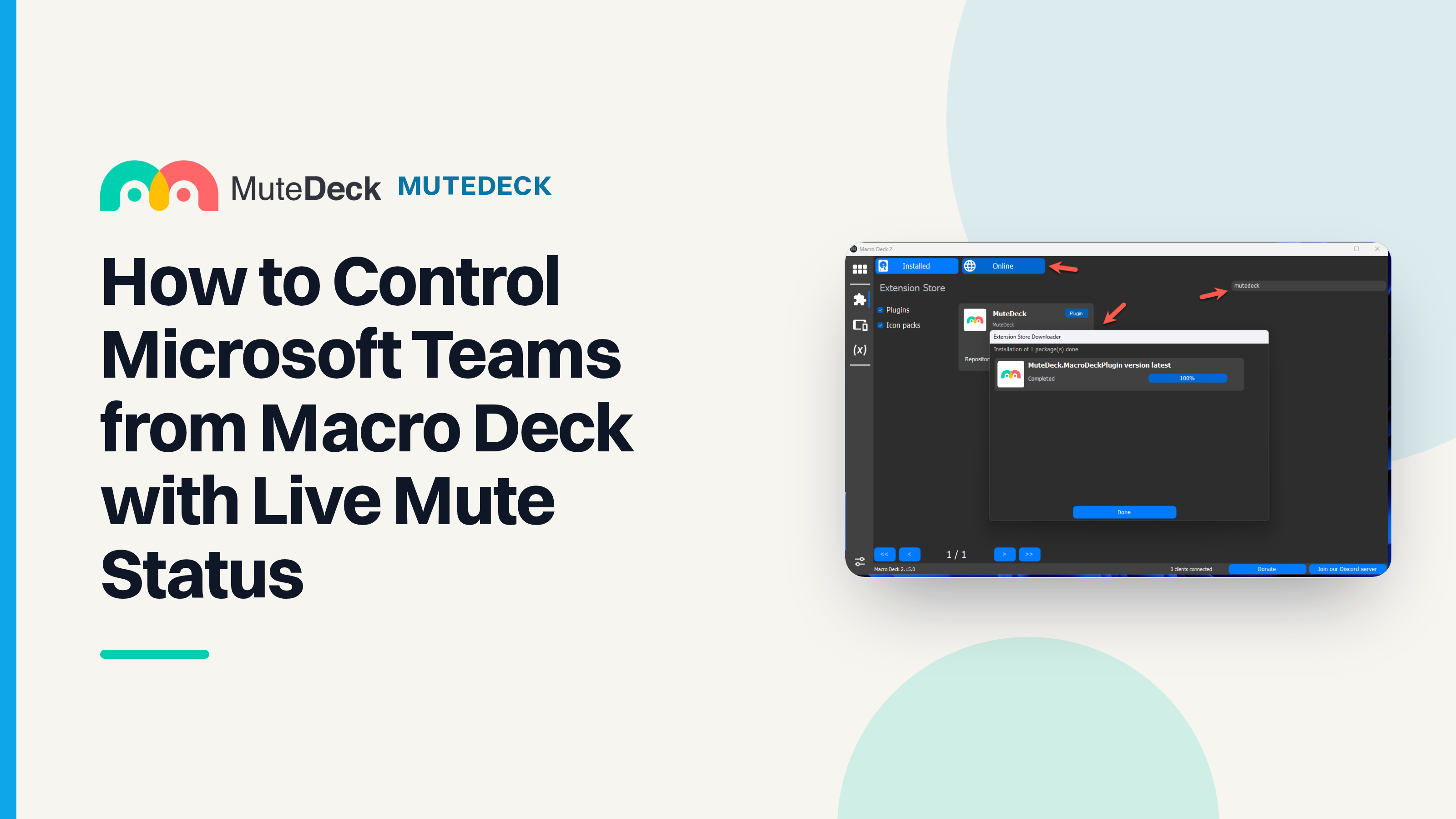
Read the updateMacro Deck Teams plugin setup: install MuteDeck’s Macro Deck extension, enable Teams, and get live mute status instead of blind hotkeys.
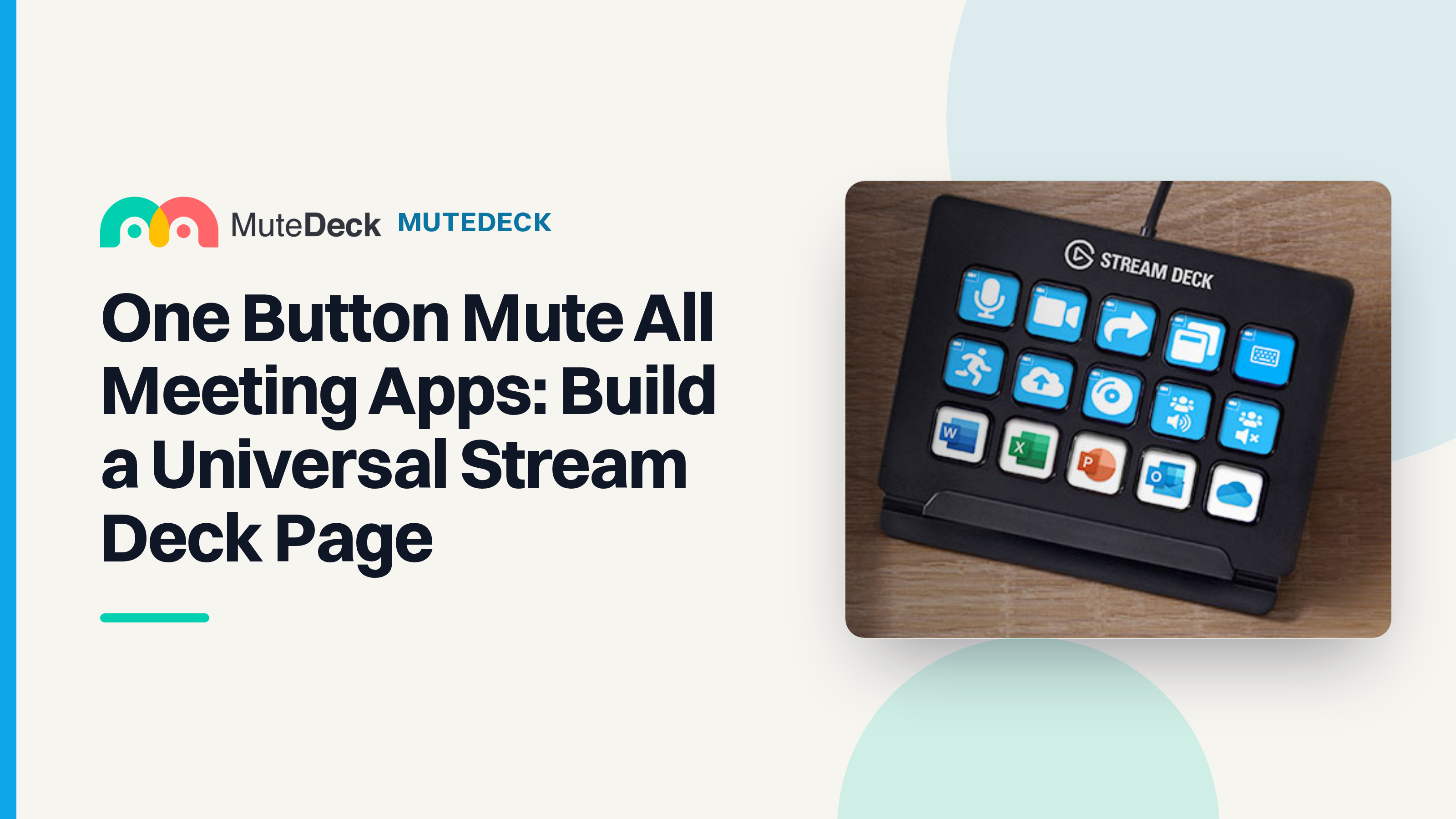
Read articleOne button mute all meeting apps: build one Stream Deck page for Zoom, Teams, Google Meet, and Discord with MuteDeck.
Read articleNew integrations, Proton Meet support, a new Plugins & API section, and one macOS download that runs natively on every Mac.
Read the updateRun a fast meeting audio test before Zoom, Teams, or Google Meet calls so mute, microphone, speaker, and permission issues do not derail the first minute.
Read articleLearn how to mute participants in Zoom, Microsoft Teams, and Google Meet without derailing a live meeting.
Read articleBuild a reliable Stream Deck Teams plugin setup for meetings with visible controls, fallback shortcuts, and a pre-call test that catches focus problems.
Read articleKeep presenter view, mute, camera, notes, and screen sharing under control during live meetings with a practical setup checklist.
Read articleMuteDeck v4.11 brings faster Teams and Zoom controls, mute and camera actions that stay in the background, corporate proxy support, and in-app feedback.
Read the updateFix a Logitech webcam not detected in Windows 11 before and during Zoom, Teams, or Google Meet with a meeting-first recovery checklist.
Read article