Guides & tips
Stream Deck Google Meet Setup: Meeting Controls That Survive Presenting
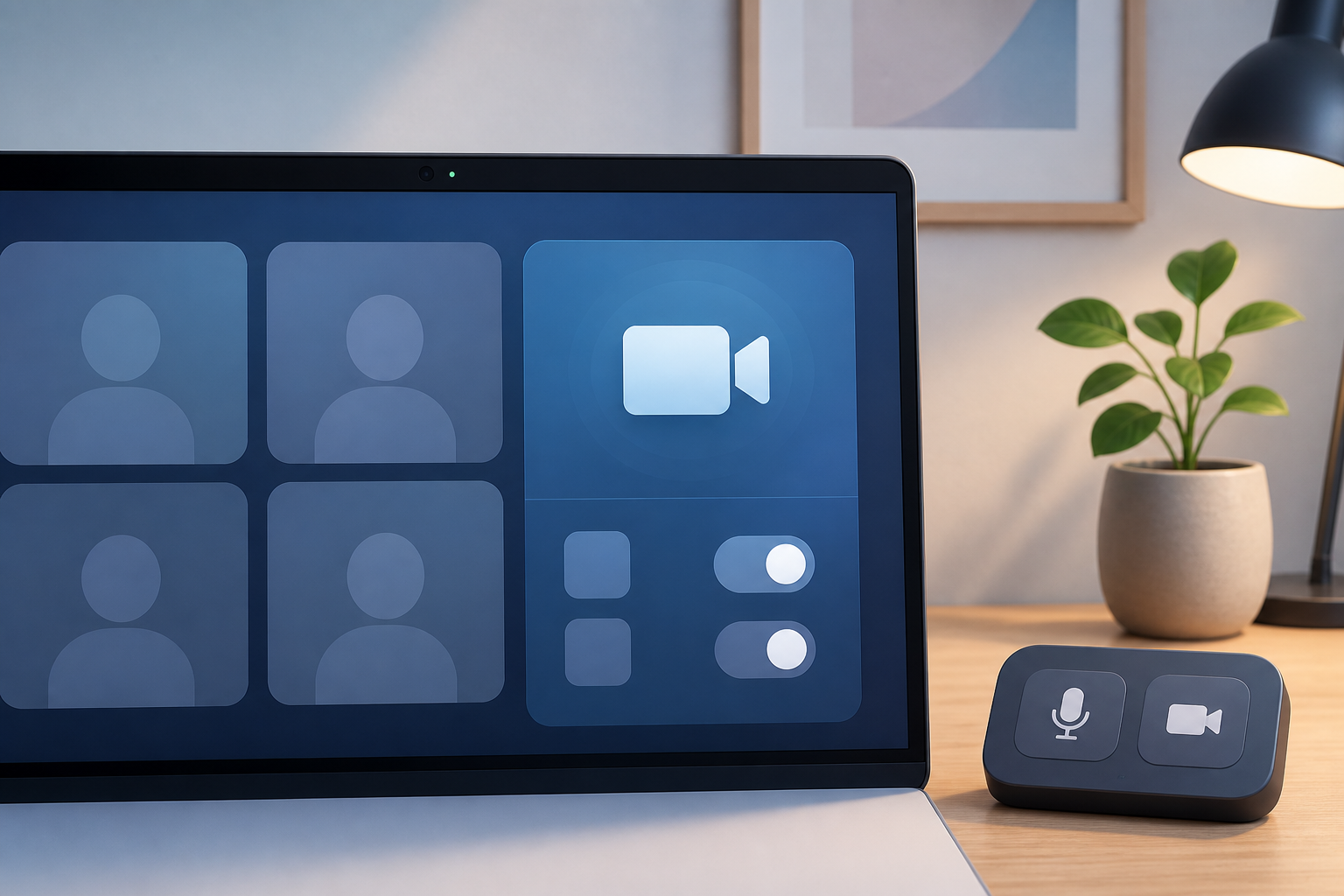
Build a Stream Deck Google Meet setup that keeps mute, camera, presenting, and browser permissions predictable during live calls.
Read article
Build a Stream Deck Google Meet setup that keeps mute, camera, presenting, and browser permissions predictable during live calls.
Read articleA practical Zoom breakout rooms tutorial for hosts who need cleaner room setup, visible controls, recovery steps, and smoother live facilitation.
Read articlePractical ways to fix quiet meeting audio, choose a microphone volume booster, and avoid making Zoom, Teams, or Google Meet sound worse.
Read articleLearn why a blue microphone icon can appear during calls, what to check first, and how hosts can keep mute status visible across meeting apps.
Read articleBuild a meeting control surface that keeps mute, camera, sharing, and recovery actions visible across Zoom, Teams, and Google Meet.
Read articleA practical meeting controls checklist for remote workshops, with setup checks, live recovery steps, and app-specific control notes.
Read articleCompare Zoom and Teams keyboard shortcuts for meeting hosts, with a practical control checklist for mute, camera, screen share, and recovery.
Read articleFix MacBook camera problems in Zoom, Teams, and Google Meet with a meeting-first checklist for permissions, app settings, browsers, and recovery.
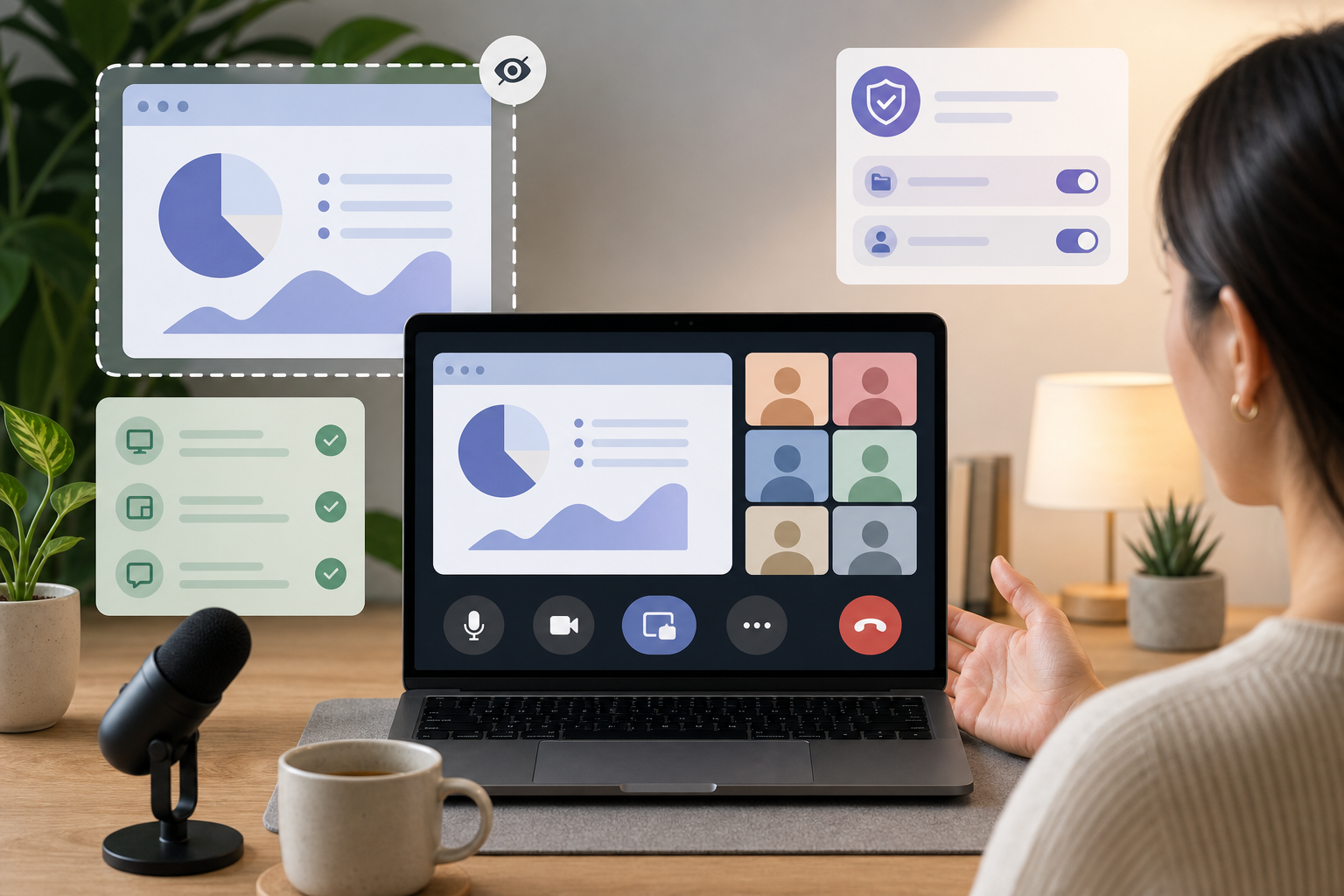
Read articleA practical screen share safety checklist for presenters who need clean handoffs, visible meeting controls, and fewer live-call surprises.
Read articleRun Zoom, Teams, and Google Meet with one meeting-control workflow so mute, camera, and screen share stay predictable.
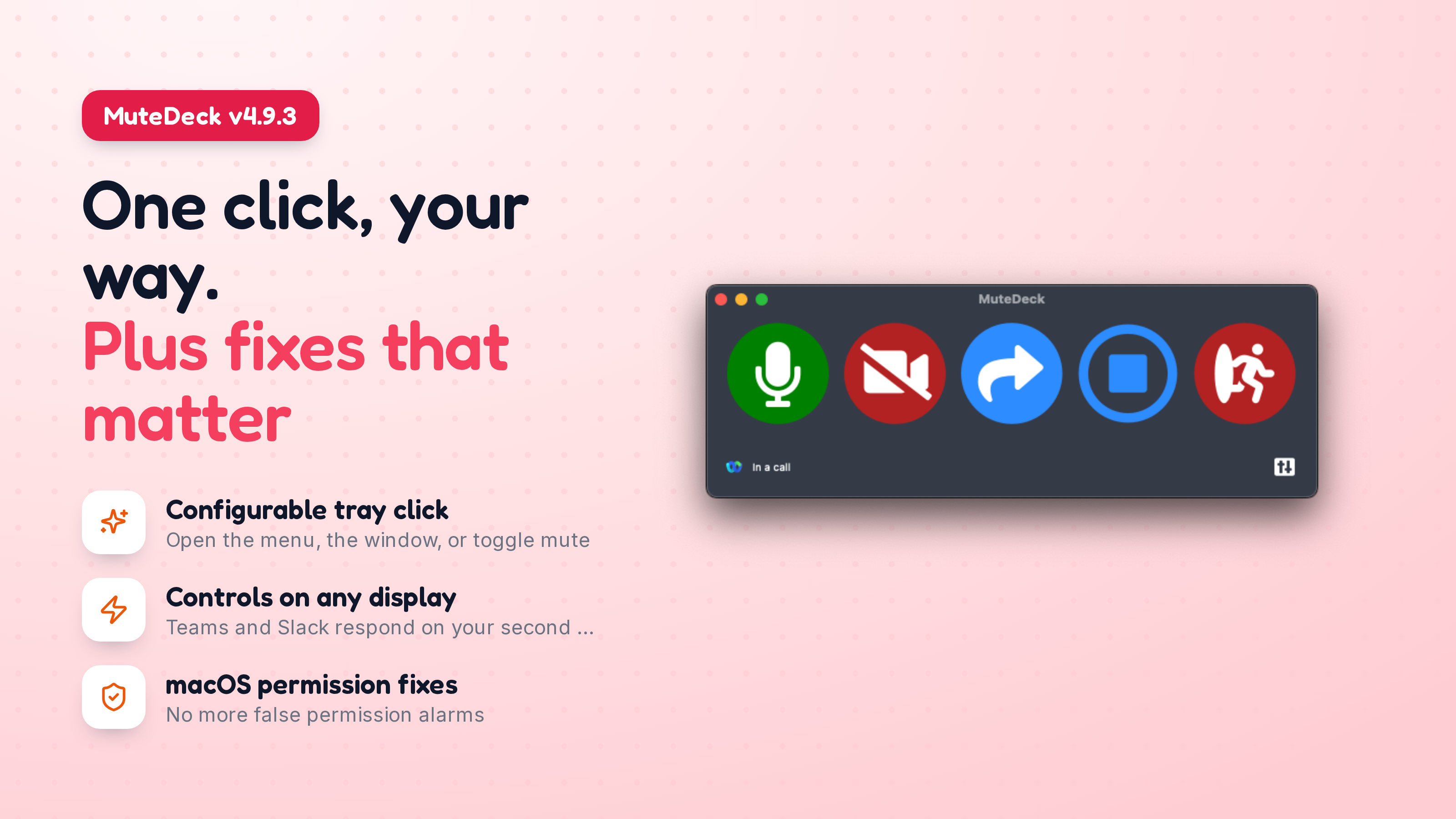
Read articleMuteDeck v4.9.3 lets you choose what clicking the tray icon does, restores meeting detection for people who were being told their Accessibility permission was broken when it wasn’t, and fixes Teams and Slack controls on multi-display setups.
Read the updateCompare Stream Deck, keyboard shortcuts, and MuteDeck for faster Zoom, Teams, and Google Meet controls without switching windows.
Read article