Product updates
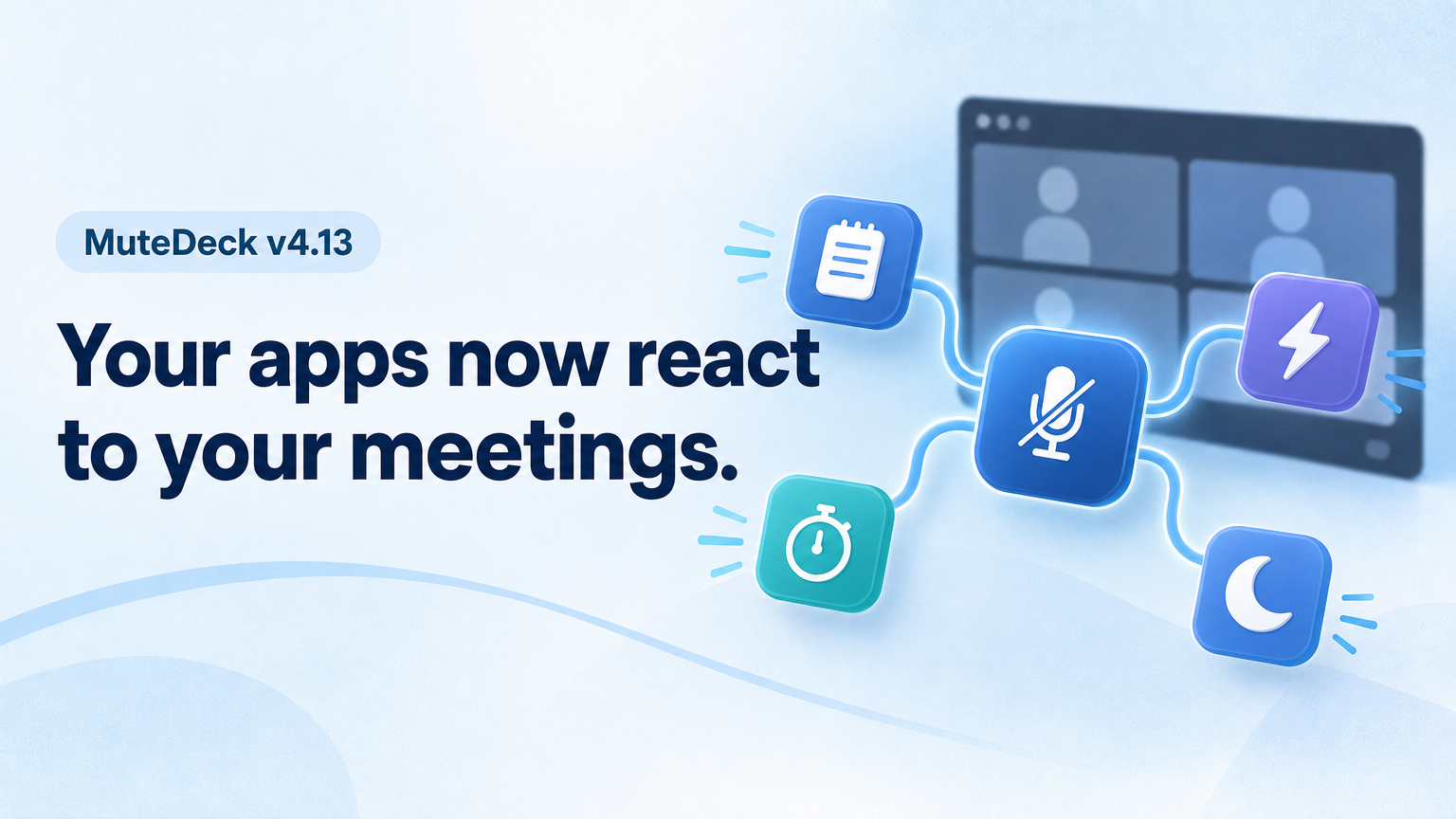
MuteDeck v4.13: Your Apps Now React to Your Meetings
New integrations, Proton Meet support, a new Plugins & API section, and one macOS download that runs natively on every Mac.
Read the update25 articles
New integrations, Proton Meet support, a new Plugins & API section, and one macOS download that runs natively on every Mac.
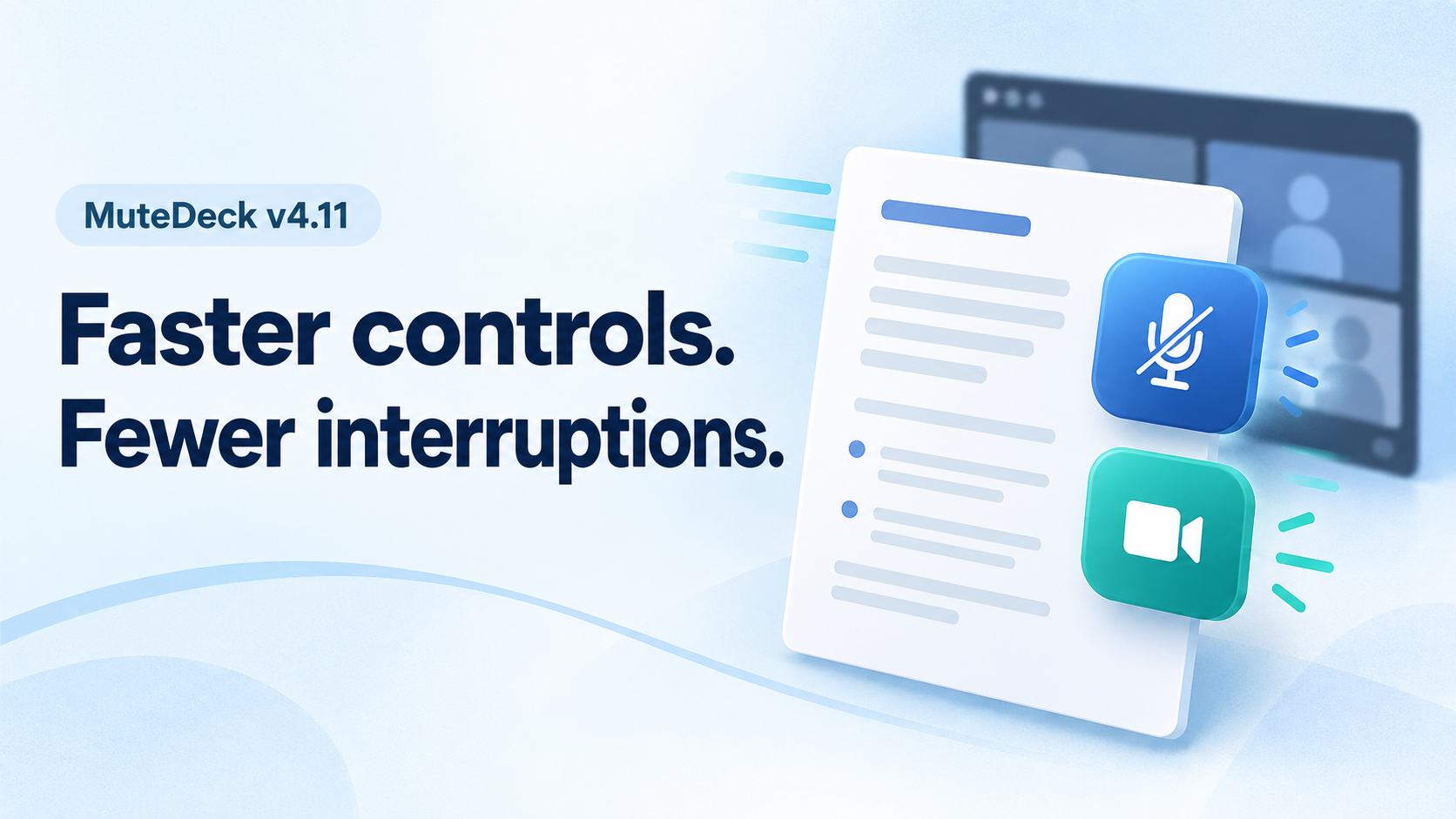
Read the updateMuteDeck v4.11 brings faster Teams and Zoom controls, mute and camera actions that stay in the background, corporate proxy support, and in-app feedback.
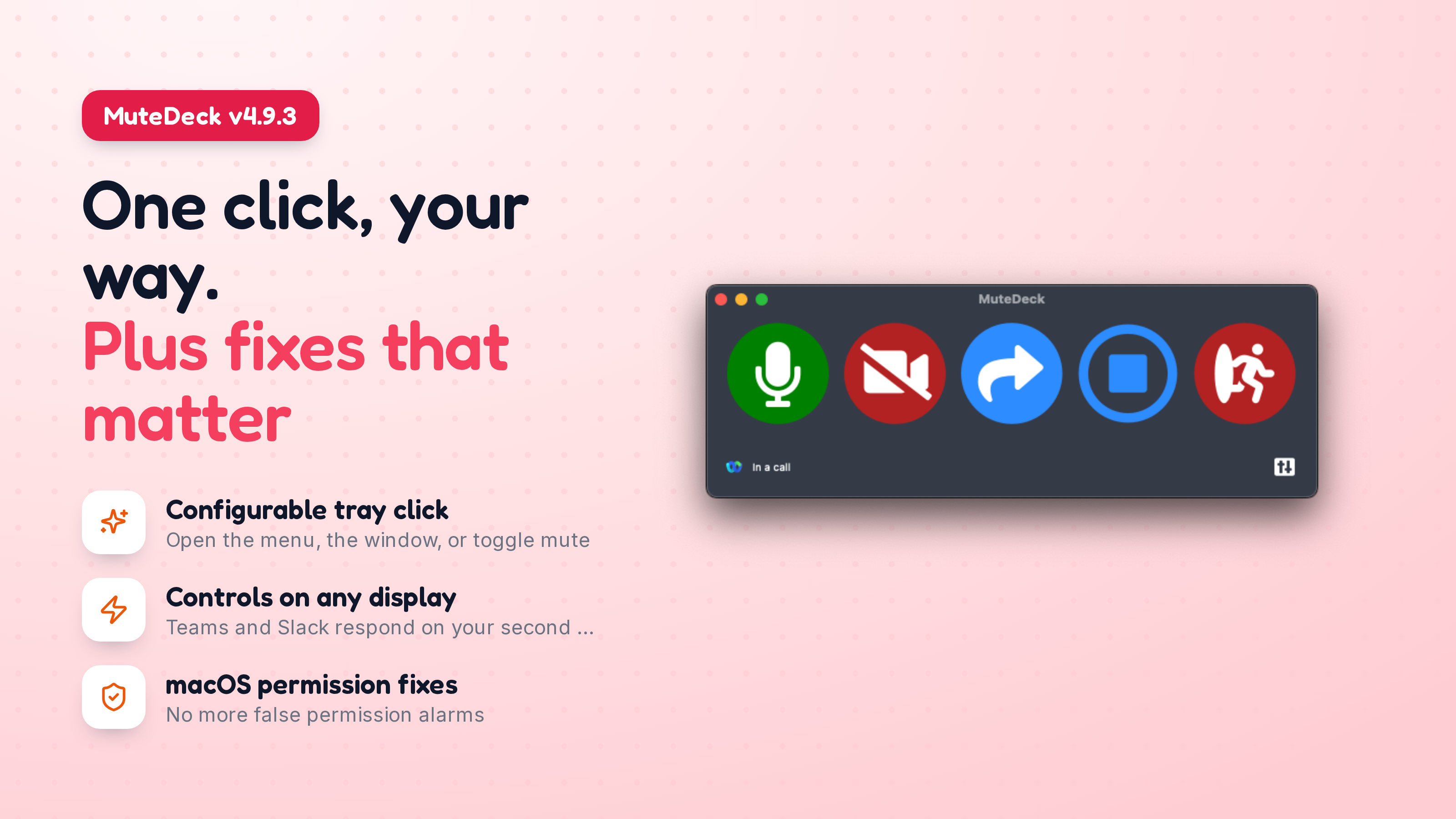
Read the updateMuteDeck v4.9.3 lets you choose what clicking the tray icon does, restores meeting detection for people who were being told their Accessibility permission was broken when it wasn’t, and fixes Teams and Slack controls on multi-display setups.
Read the updateMuteDeck v4.7 adds FaceTime support on macOS and reactions for browser meetings in Google Meet, Teams Web, and Zoom Web.
Read the updateThis update fixes the Zoom menu bar flash issue on macOS and adds some nice improvements to the tray menu and API.
Read the updateA smaller update focused on usability improvements and bug fixes, especially for macOS users.
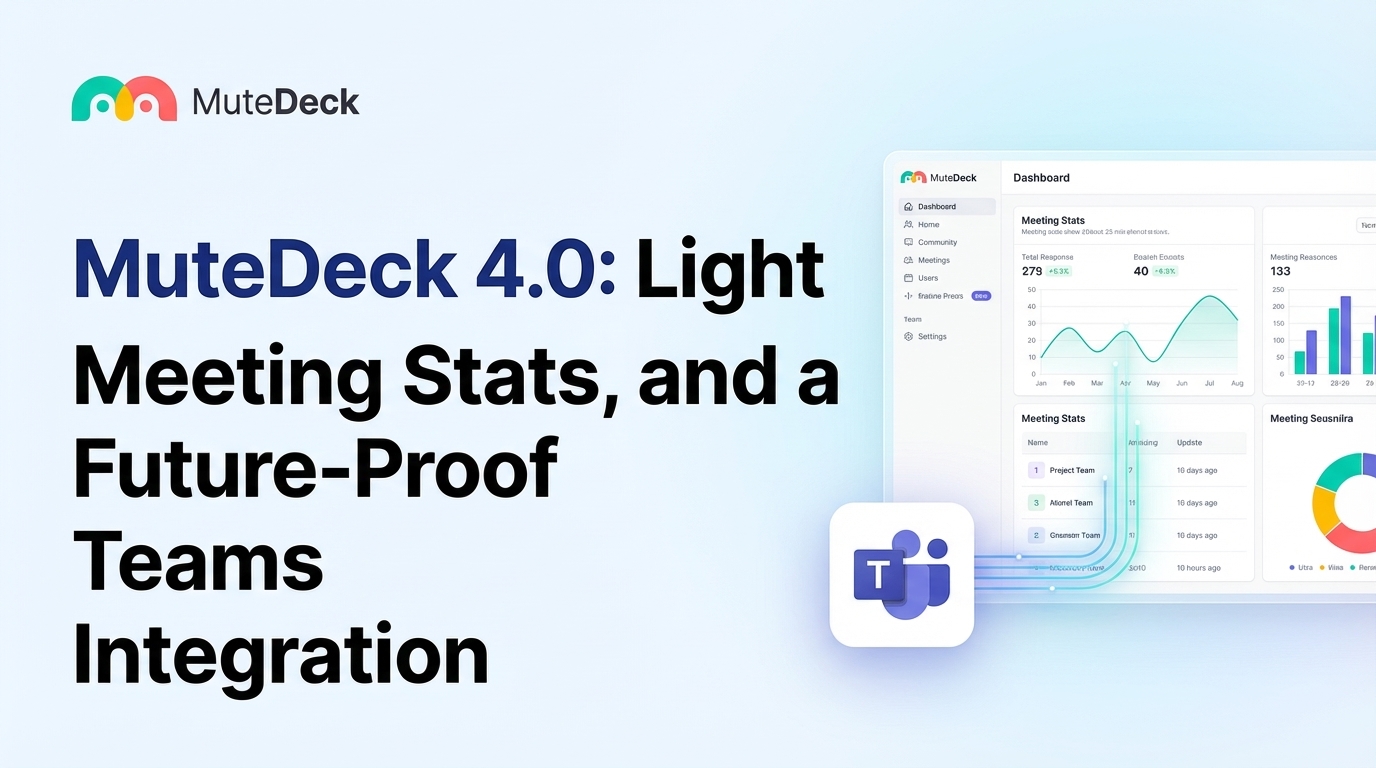
Read the updateWe're excited to announce MuteDeck 4.0 - our biggest update yet. This release brings features you've been asking for, quality-of-life improvements, and behind-the-scenes changes that ensure MuteDeck keeps working reliably for years to come.
Read the updateMuteDeck v3.1 adds Jitsi Meet support and new Busylight customization options. Control your meetings better and show your status more clearly.
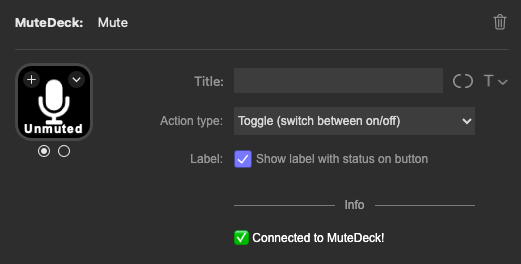
Read the updateStream Deck Plugin v11 brings more customization options, fewer clicks, and Discord support.
Read the updateMuteDeck v3.0 now includes support for Discord, making it easier than ever to manage your meetings and stay focused.
Read the updateMuteDeck v2.9 and v4.0 of the Google Chrome and Firefox extensions are here, bringing support for Riverside.fm, fixes for the bring to front and custom actions. Lets dive in!
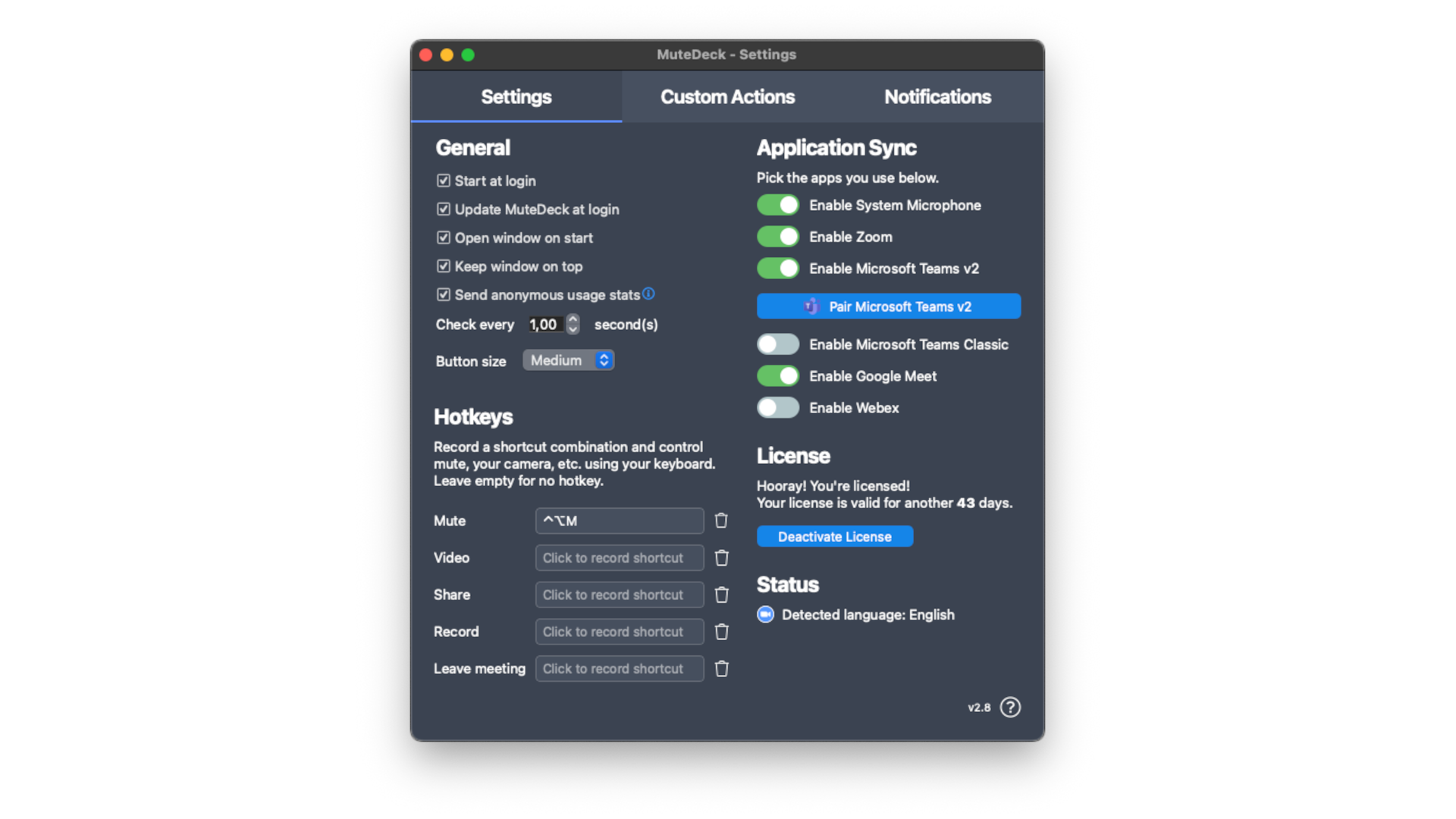
Read the updateMuteDeck v2.8: Now with hotkeys for meeting controls, an improved settings window, and a Loupedeck v6 plugin. Streamline your meetings like never before.
Read the update