Mute Teams without
leaving what you're doing.
Teams' mute shortcut only works while a Teams window is focused, and during a real working day it almost never is. Here's what your OS can do about it, and what it can't.
Why there's no global Teams mute
Teams' shortcuts are in-app shortcuts. They fire when a Teams window has keyboard focus, and they go to whatever else you're typing in when it doesn't. Zoom has a setting that promotes its mute shortcut to a system-wide one. Teams has no equivalent, so there's nothing to switch on.
That's fine if you sit in Teams all meeting. It falls apart the moment the meeting is the second thing you're doing, which is most meetings:
- Presenting. Your deck is full screen. There's no Teams window to click.
- Writing code or editing. Focus lives in your editor, and the shortcut goes there
instead. In an editor,
Ctrl+Shift+Moften does something else entirely. - Taking notes. The most common one. You type, someone asks you a question, and you need three clicks before you can answer.
- Design work and gaming. Full-screen apps that really don't want to be Alt-Tabbed away from.
What Windows can do on its own
Windows 11 has a system-level microphone toggle, Win+Alt+K. It works with apps wired
into the taskbar call indicator, which includes Teams on most setups, and it does work while you're
in another app. If you only ever use Teams and you're on Windows 11, try this first: it's free and
it's already there.
Two caveats. It doesn't exist on Windows 10, and it's a microphone toggle rather than a meeting toggle. More on why that difference matters below. There's more detail on global mute keys for Windows.
What macOS can do on its own
Nothing, unfortunately. macOS has no system-wide microphone mute shortcut. You can build one with Shortcuts or a third-party utility, but you're back to muting the input device rather than the meeting. The options are laid out in global mute key for Mac.
Muting the mic is not muting the meeting
This is the part that catches people out. Cutting your microphone at the OS level stops your voice from reaching anyone, but Teams doesn't know about it. Your tile still shows an open mic, so nobody knows you're not answering on purpose, and the person who asked you a question keeps waiting.
Toggling Teams' own mute keeps the two in sync: your tile shows muted, the room can see it, and unmuting puts you straight back in the conversation. If you want to know why "am I muted?" is such a reliable source of dread, there's a whole page on telling whether you're muted.
A mute button that lives outside Teams
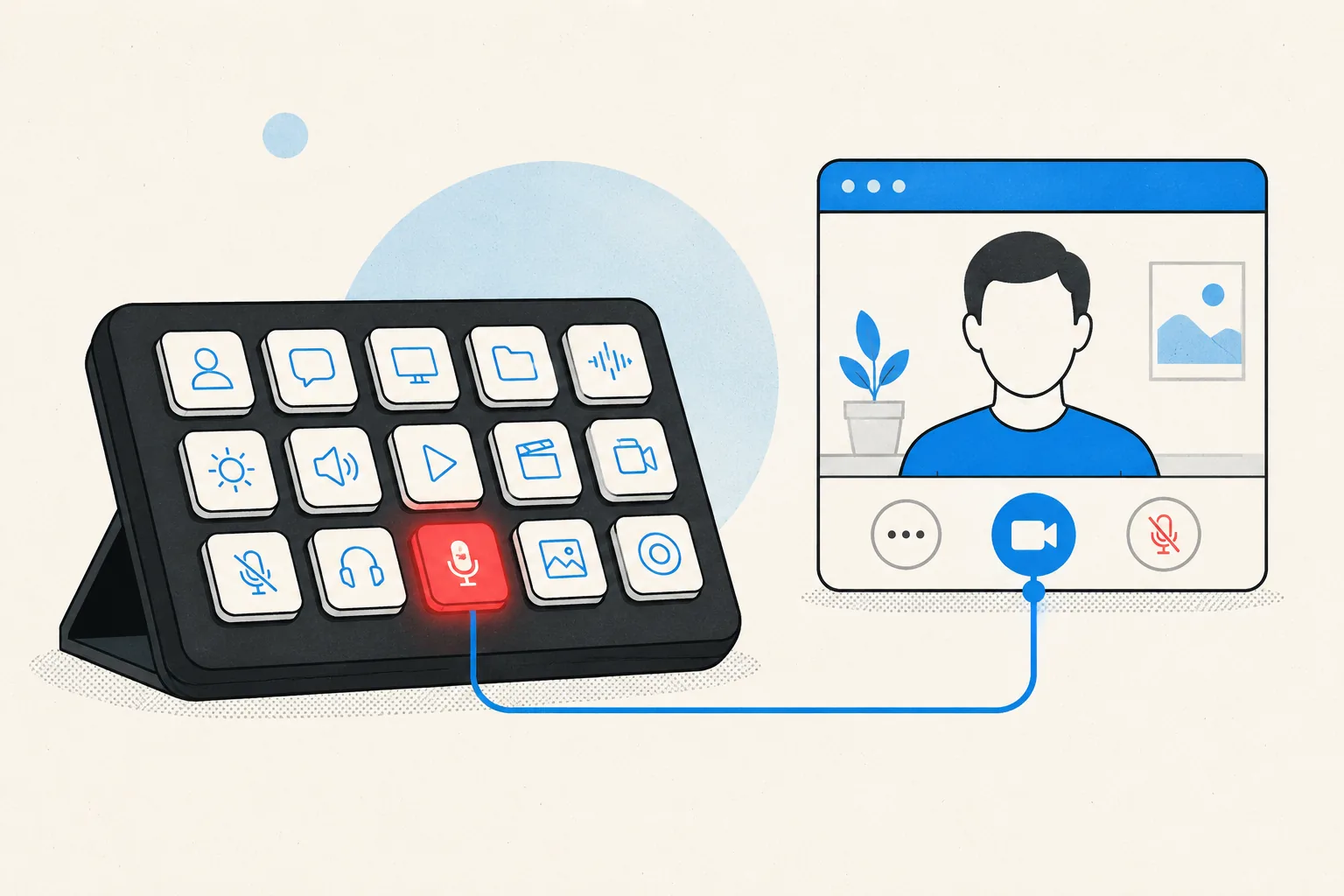
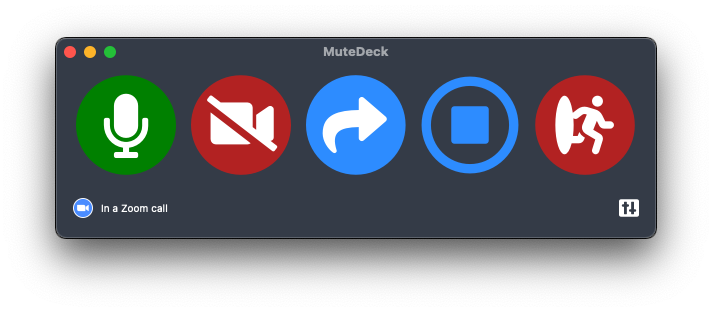
The structural fix is to move the button out of the app. MuteDeck sits alongside Teams, watches the meeting, and toggles Teams' real mute from a global hotkey, a Stream Deck key, or your phone. Focus stops being part of the equation, and the state you see matches the state everyone else sees.
If you're here because your Stream Deck keys stopped working, that's a different story with the same ending: Microsoft retired the API the official plugin used. See replacing the Teams Stream Deck plugin.
Stop hunting for the mute button.
MuteDeck gives you one mute button that works in every meeting app: Zoom, Teams, Meet, Webex, and a dozen more. Same button, same place, whether the meeting window has focus or not. On a global hotkey, your Stream Deck, or your phone.
- ✓ Always-visible mute status, so you know before you speak
- ✓ Works when the meeting app doesn't have focus
- ✓ Everything runs locally, no cloud, no account
Does Microsoft Teams have a global mute shortcut?
No. Ctrl+Shift+M (Windows) and Cmd+Shift+M (Mac) are in-app shortcuts: they only reach Teams while a Teams window has keyboard focus. There is no setting to make them system-wide.
How do I mute Teams while another application is active?
You need something outside Teams to do it. On Windows 11, Win+Alt+K toggles the microphone for apps wired into the taskbar call indicator. Otherwise, use a tool that toggles Teams' own mute for you, such as a MuteDeck hotkey or Stream Deck key.
Is muting my microphone the same as muting the meeting?
Not quite. Cutting the microphone at the OS level stops the sound, but Teams still shows you as unmuted to everyone else. People will keep waiting for you to answer while your name looks live. Toggling Teams' own mute keeps both sides in agreement.
Can I mute Teams while presenting or sharing my screen?
Yes, and that is the case where it matters most: your slides are full screen, so Teams has no window to click into. A hotkey or a physical key toggles mute without breaking the presentation.
Does this work on macOS?
macOS has no system-wide microphone mute shortcut at all, so the OS-level option does not exist there. An external control is the only route.