“Wait — am I muted?”
How to always know.
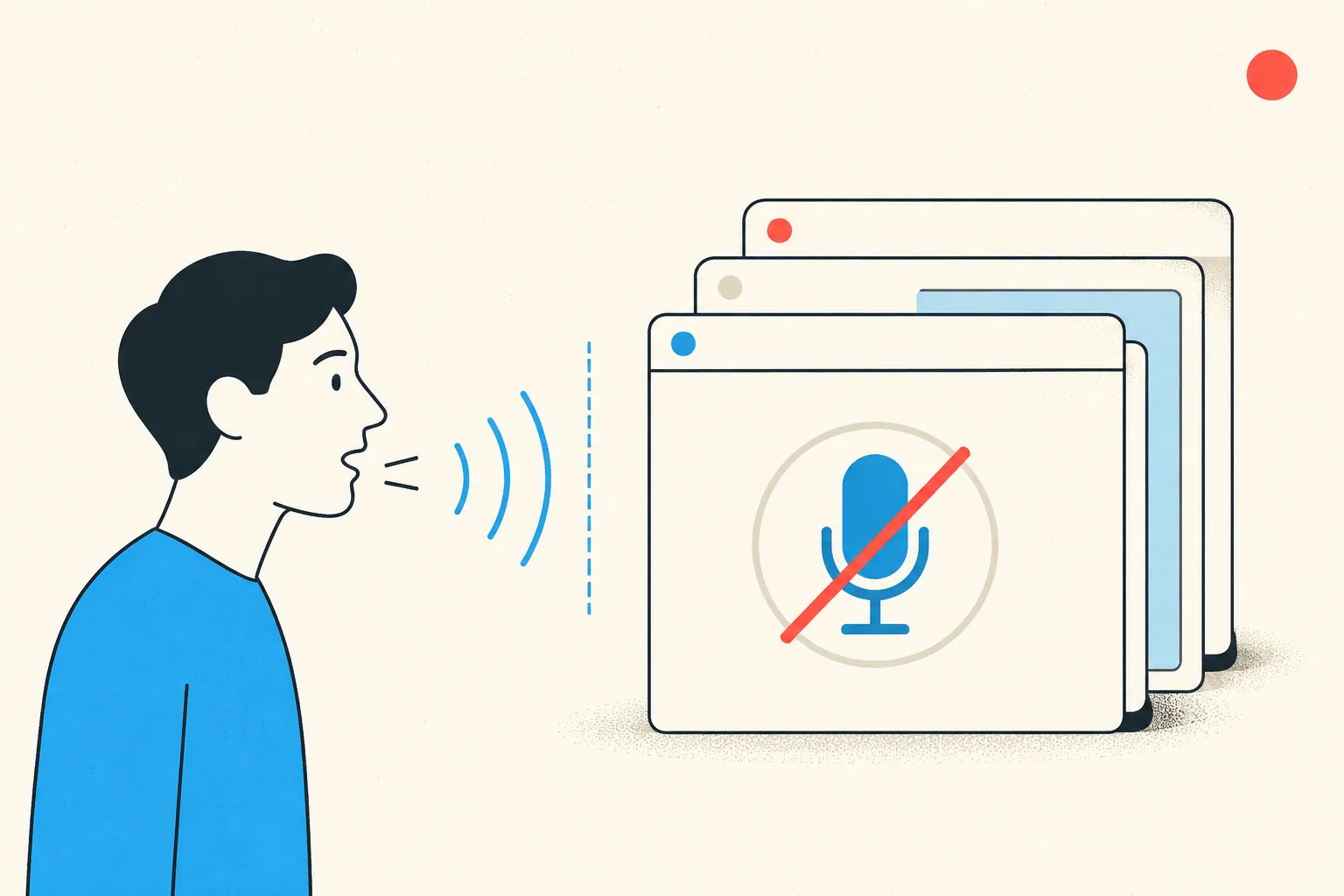
You've done the silent monologue. Everyone has. The root cause isn't carelessness. It's that every app hides its mute state inside the one window you're not looking at.
Why this keeps happening to smart people
Each meeting app shows mute state inside its own window: Zoom bottom-left, Teams in the toolbar, Meet in the tab. The moment you share your screen or switch to your notes, the indicator is gone. You're flying blind precisely when you're most likely to start talking. Add the inconsistency between apps (muted-by-default here, hot-mic there, different icons everywhere) and the occasional silent monologue is a statistical certainty.
Where to look, per app
- Zoom: mic icon, bottom-left of the meeting window. Red slash = muted. The menu-bar/taskbar icon doesn't show it.
- Teams: mic icon in the meeting toolbar; also a badge by your name in the participant list.
- Google Meet: the mic button in the bottom bar of the Meet tab, red when muted. Invisible from any other tab or app.
- Hardware check: some headsets show a mute LED or lift-to-mute boom, but that's the hardware state, which the meeting app may not match.
The habits that half-work
The classic self-defences: always join muted, do a "can you hear me?" check, keep the meeting window pinned to a corner, watch for the "You're muted" toast (Zoom and Teams show one if you talk while muted, after you've started talking). All reasonable. All still dependent on remembering, and on screen real estate you'd rather use for actual work.
The actual fix: state you can always see
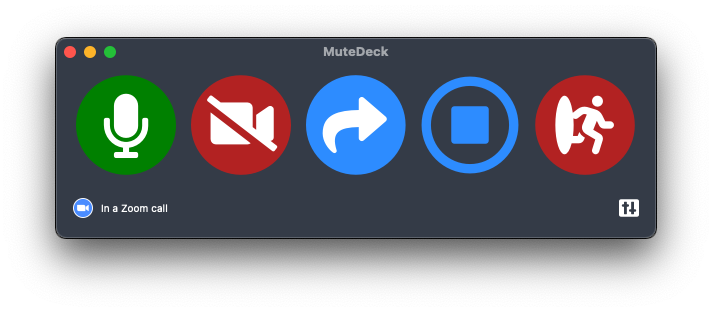
MuteDeck puts a small, always-on-top indicator on your screen with your live mute and camera state. Same place, same colors, for Zoom, Teams, Meet, Webex, and every other supported app. Glance, know, speak. Pair it with a Stream Deck or your phone and the button itself shows the state: red means muted, everywhere, always. The "am I muted?" question simply stops existing.
Stop hunting for the mute button.
MuteDeck gives you one mute button that works in every meeting app: Zoom, Teams, Meet, Webex, and a dozen more. Same button, same place, whether the meeting window has focus or not. On a global hotkey, your Stream Deck, or your phone.
- ✓ Always-visible mute status, so you know before you speak
- ✓ Works when the meeting app doesn't have focus
- ✓ Everything runs locally, no cloud, no account
Where is the mute indicator in Zoom?
Bottom-left of the meeting window: the microphone icon has a red slash when you're muted. If the meeting window is hidden or minimized, you can't see it. That's the problem.
Where is the mute indicator in Microsoft Teams?
In the meeting toolbar: the mic icon shows a slash when muted. Teams also shows a muted badge next to your name in the participant list.
Why did I talk while muted even though the app showed it?
Because the indicator lives inside a window you weren't looking at. During screen shares and multitasking, the meeting window is exactly what's hidden. An indicator you can't see is an indicator you don't have.
Is there one mute indicator that works for all meeting apps?
Yes. MuteDeck shows a small always-on-top status with your live mute and camera state for whatever supported meeting app you're in, plus the same state on a Stream Deck or your phone if you use one.