Teams mute shortcut
not working?
Nine times out of ten it's not broken, it's focus. Teams' mute shortcut only works while a Teams window is active. Here's what's going on, and every way to fix it.
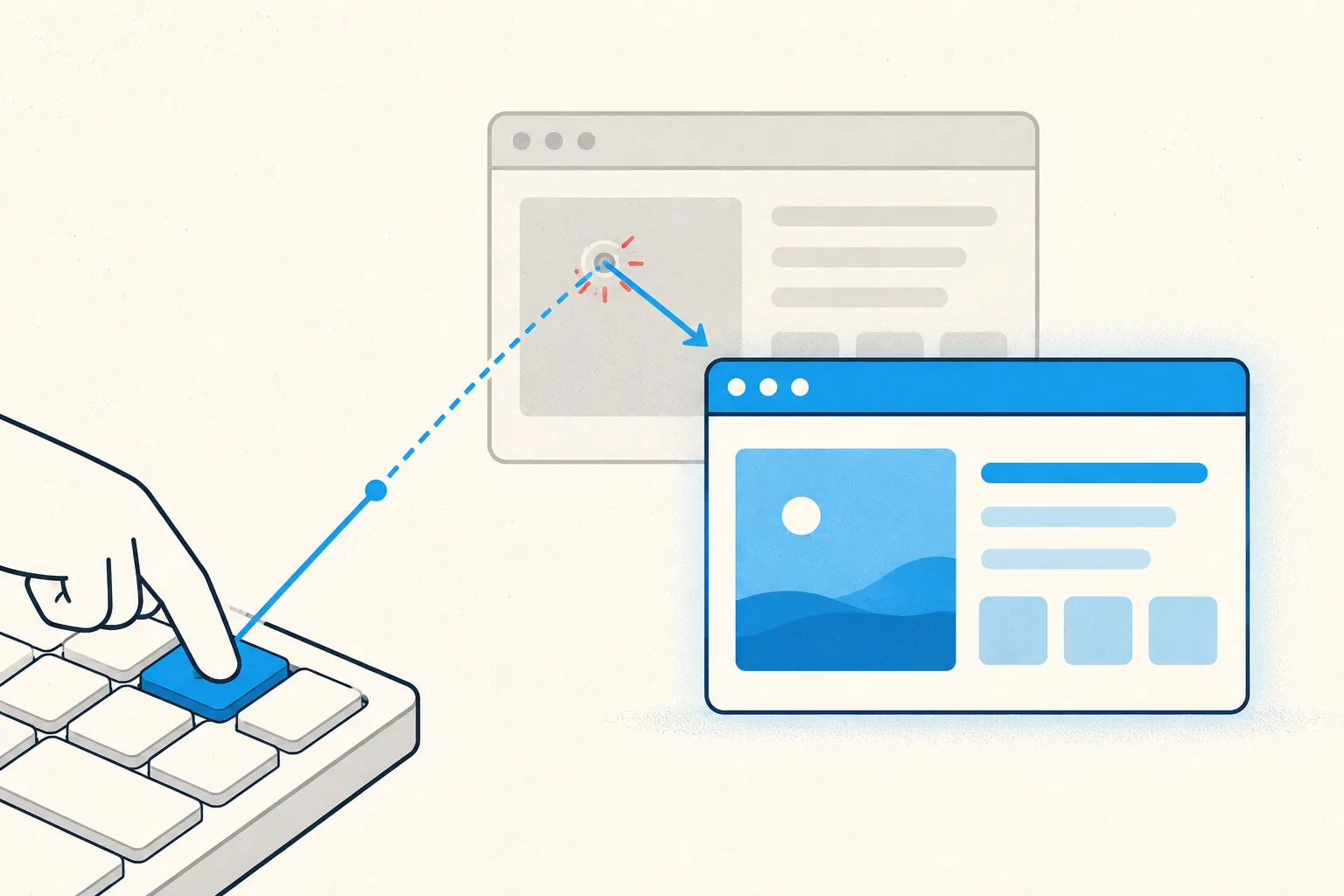
Why Ctrl+Shift+M "randomly" stops working
Teams' mute shortcut (Ctrl+Shift+M on Windows, Cmd+Shift+M on Mac)
is an in-app shortcut. It only fires when a Teams window has keyboard focus. The moment
you click into your notes, your browser, or your IDE, the shortcut goes to that app
instead. That's the whole mystery: it's not broken, you're just not "in" Teams anymore.
It gets worse with the meeting pop-out: if your meeting is in a separate window, the shortcut needs that window focused. Having the main Teams window active isn't always enough.
Fix 1: Click the meeting window first
The zero-effort fix: Alt+Tab (or Cmd+Tab) back to the meeting window,
then hit the shortcut. Reliable, but slow. In the two seconds that takes, everyone has
already heard your dog.
Fix 2: Use push-to-talk instead
If you're mostly listening, stay muted and hold Ctrl+Space (Windows) /
Option+Space (Mac) to speak. Release, and you're muted again. Same focus
limitation applies, but it flips your default state to the safe one.
Fix 3 (Windows 11): try Win+Alt+K
Windows 11 has a system-level mic toggle, Win+Alt+K, that works with apps
supporting the taskbar call indicator, including Teams on most setups. If you're on
Windows 11 and only use Teams, this may be all you need. It doesn't help on Windows 10,
on macOS, or with most other meeting apps.
Fix 4: A mute button that ignores focus entirely
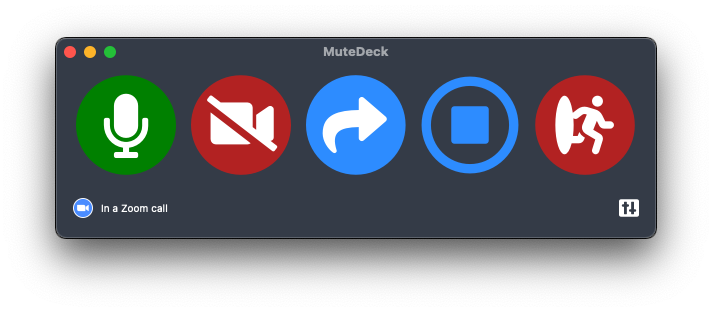
The structural problem is that your mute button lives inside the app you're not looking at. MuteDeck moves it out: a global hotkey, a Stream Deck key, or your phone toggles Teams' actual meeting mute (the real thing, not a mic kill-switch) no matter which window has focus. And its always-on-top indicator shows your live mute state, so you know before you speak.
If you used to press a Stream Deck key for this and it stopped working, see replacing the Teams Stream Deck plugin.
Stop hunting for the mute button.
MuteDeck gives you one mute button that works in every meeting app: Zoom, Teams, Meet, Webex, and a dozen more. Same button, same place, whether the meeting window has focus or not. On a global hotkey, your Stream Deck, or your phone.
- ✓ Always-visible mute status, so you know before you speak
- ✓ Works when the meeting app doesn't have focus
- ✓ Everything runs locally, no cloud, no account
What is the mute shortcut in Microsoft Teams?
Ctrl+Shift+M on Windows, Cmd+Shift+M on Mac. It toggles your microphone during a meeting, but only while a Teams window has focus.
Does Teams have a global mute shortcut?
No. Teams has no shortcut that works while you're in another app. On Windows 11 you can try Win+Alt+K, which toggles the mic for apps integrated with the taskbar call indicator. It works with Teams on most setups. On macOS there is no equivalent.
How do I temporarily unmute in Teams?
Hold Ctrl+Space (Windows) or Option+Space (Mac) to talk while muted, and release to re-mute. That's Teams' built-in push-to-talk. Again: only when Teams has focus.
Why did my Teams shortcuts change?
The "new" Teams client kept Ctrl+Shift+M for mute, but some other shortcuts moved. Check the current list in Teams under Settings → Keyboard shortcuts (or press Ctrl+.).