A global mute key for your Mac:
your actual options.
The keyboard's mute key silences your speakers, not your mic. macOS simply doesn't ship a system-wide microphone mute. Here's what actually works.
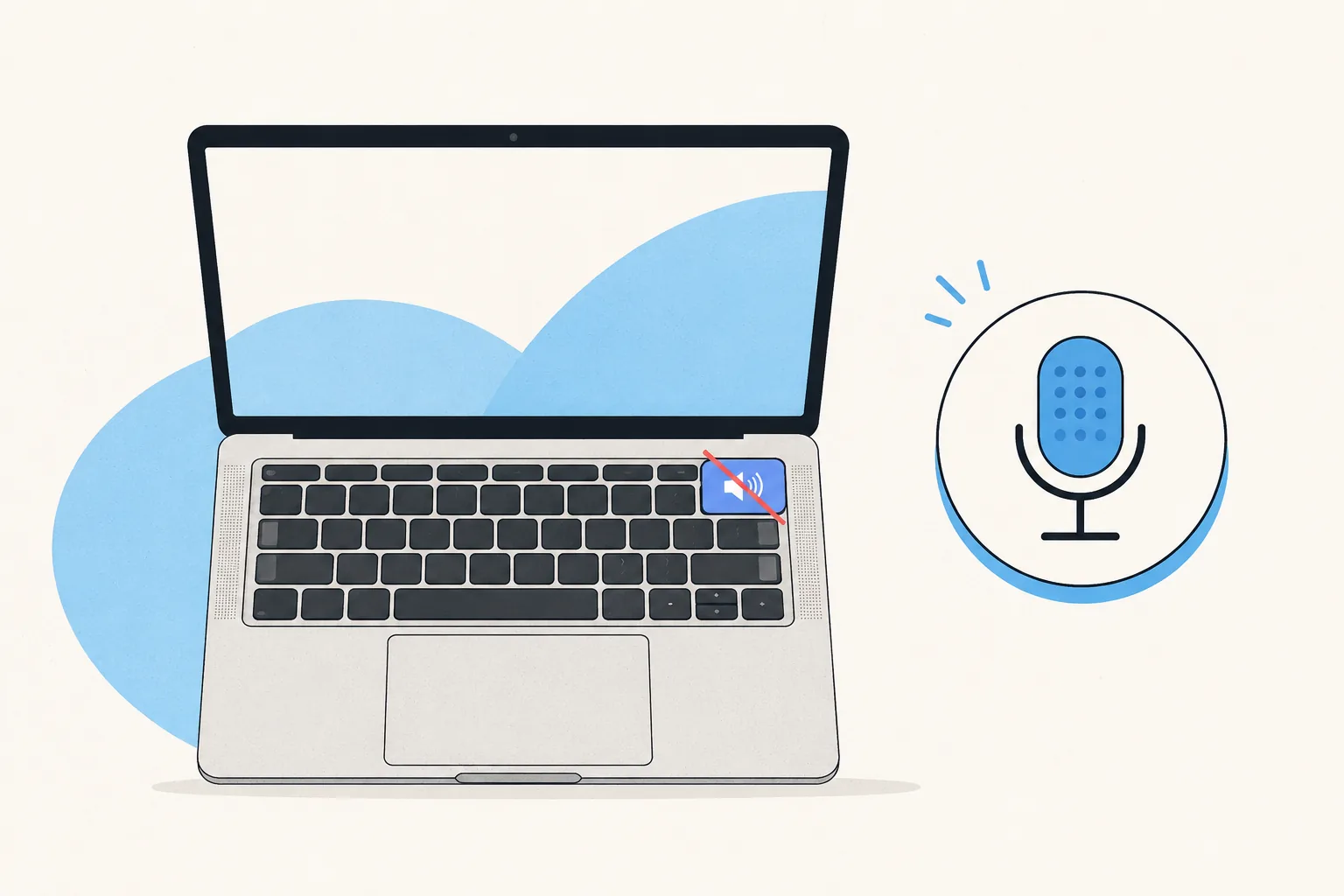
First, the trap: F10 is not a mic mute
The mute key on Mac keyboards mutes output, meaning your speakers. Plenty of people have hammered it mid-meeting while their mic kept broadcasting. macOS has no built-in equivalent for the microphone, and no Shortcuts-app one-liner fixes that properly either.
Option 1: each app's own global shortcut
Zoom can make Cmd+Shift+A global (Settings → Keyboard Shortcuts → Enable Global
Shortcut, plus Accessibility permission). That's genuinely useful — for Zoom. Teams has no
global option on Mac, and Meet, running in a browser, can't have one. So the "solution" is a
different shortcut per app, half of which only work with the app focused. Nobody remembers
this reliably at 9:00 on a Monday.
Option 2: mute the hardware input
Utilities (and a manual slider in System Settings → Sound) can zero your input volume system-wide. It works, but it mutes the wrong layer: the meeting app still shows you as live. Colleagues see an open mic, address you, and get silence, which is the inverse of the "you're on mute" problem. Fine as a panic button; wrong as a daily driver.
Option 3: one button for the app-level mute (the right layer)
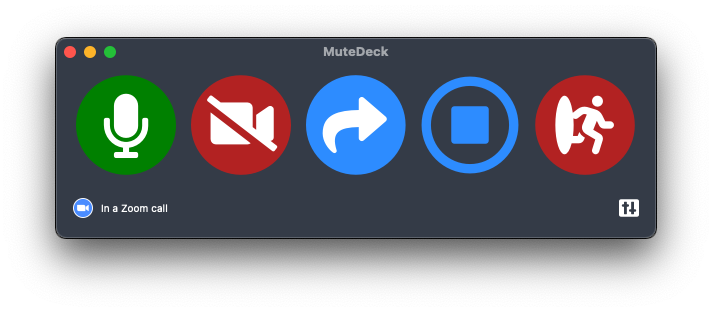
MuteDeck toggles the meeting app's own mute, the same thing clicking the mic button in Zoom, Teams, Meet, or Webex does, from one global hotkey, a Stream Deck key, or your phone. Whatever app your meeting is in, it's the same button, focus never matters, and the meeting shows you as properly muted. The always-visible menu-bar indicator answers "am I muted right now?" without hunting for the meeting window.
Stop hunting for the mute button.
MuteDeck gives you one mute button that works in every meeting app: Zoom, Teams, Meet, Webex, and a dozen more. Same button, same place, whether the meeting window has focus or not. On a global hotkey, your Stream Deck, or your phone.
- ✓ Always-visible mute status, so you know before you speak
- ✓ Works when the meeting app doesn't have focus
- ✓ Everything runs locally, no cloud, no account
Does macOS have a built-in microphone mute shortcut?
No. The mute key on your keyboard (F10) mutes the speakers, not the microphone. macOS has no system-wide mic mute key out of the box.
What about muting the mic in System Settings?
You can drag input volume to zero in System Settings → Sound → Input, but there's no shortcut for it, some apps manage their own input level, and meeting apps still show you as unmuted. People hear silence and assume you're broken, not muted.
Why does muting the mic at system level look wrong in meetings?
The meeting app's mute state and your hardware input are different things. Kill the input and Zoom/Teams still shows a live mic: your name doesn't get the muted icon, and people talk to you while hearing nothing. Proper muting toggles the app's mute.
What Mac permissions does a meeting-mute tool need?
Tools that control meeting apps (including Zoom's own global shortcut and MuteDeck) need Accessibility and/or Automation permission in System Settings → Privacy & Security. That's macOS working as designed, and with MuteDeck everything stays local to your machine.