Zoom on your Stream Deck:
mute, camera, leave.
Zoom's Alt+A only works when Zoom has focus. A Stream Deck key with MuteDeck works always, and shows you the live mute state while it's at it.
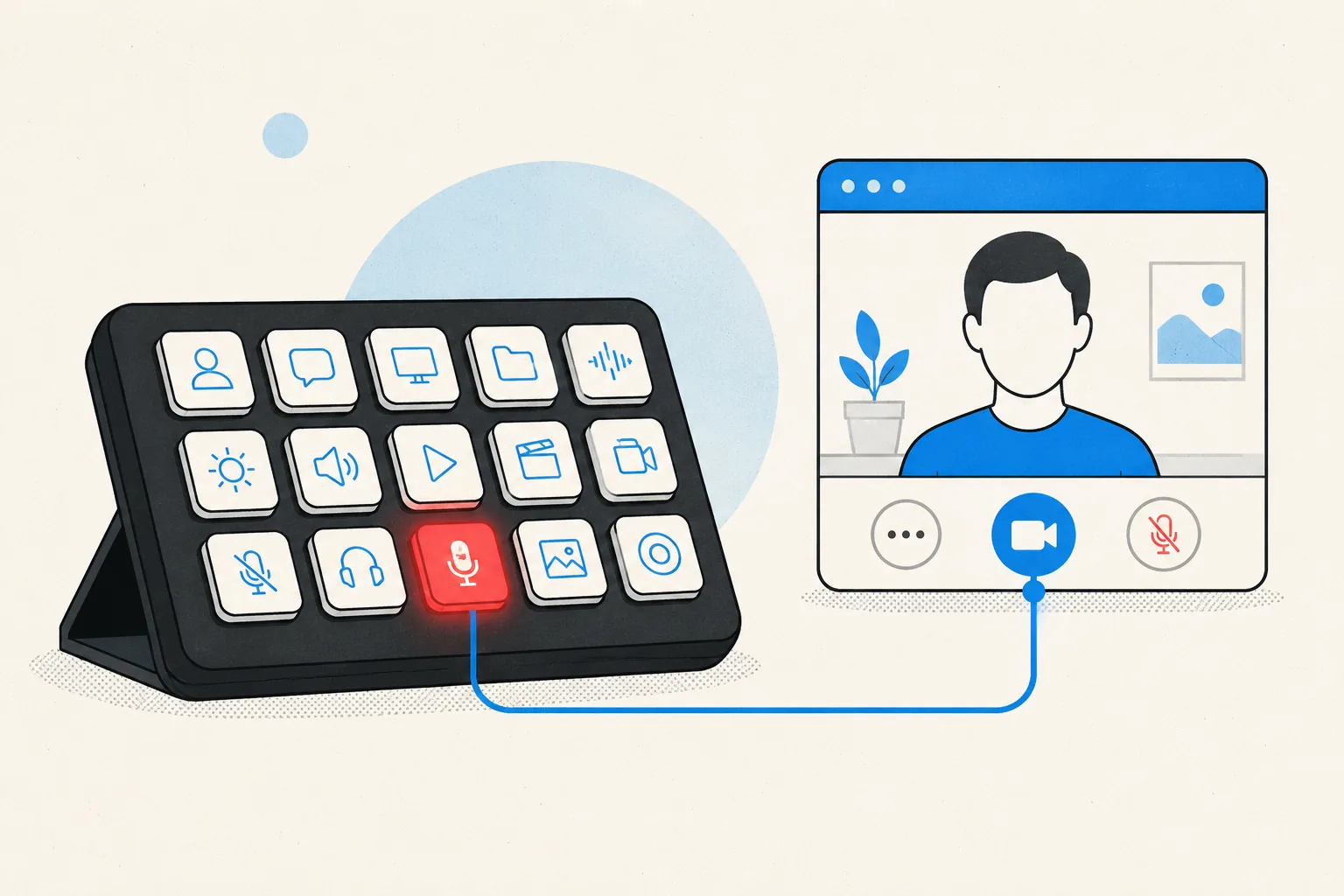
Physical keys on your Stream Deck for Zoom meetings: toggle mute, toggle your camera, share your screen, and leave the meeting. Each key shows the live state, so a red key means muted before you trust your voice to it. The same keys work in every other meeting app MuteDeck supports, with no profile switching.
- Install MuteDeck on your computer from the downloads page. The 7-day trial needs no account or card.
- Open Zoom. No configuration needed: MuteDeck detects the Zoom desktop client automatically when a meeting starts.
- Install the MuteDeck plugin from the Elgato marketplace (one click in the Stream Deck app).
- Drag the buttons onto your deck: Toggle Mute, Toggle Camera, Share Screen, Leave Meeting. They live in the MuteDeck group in the actions list.
- Join a Zoom meeting and test. The keys light up with your live state; press to toggle.
MuteDeck controls Zoom's own meeting mute, the state everyone else sees, not a hardware mic switch. That means your name gets the proper muted icon in the participant list.
Webinars and regular meetings both work. If you routinely share your screen, the Stream Deck key is the difference between muting instantly and hunting for the floating toolbar Zoom hides at the top of the screen.
Most people settle on one meeting row: mute on the bottom-left key (biggest muscle-memory target), camera next to it, leave meeting on the far right where you won't hit it by accident. If you run a Stream Deck profile per context, put the MuteDeck keys in your default profile. Meetings interrupt everything, so the buttons should be everywhere.
Your Stream Deck already has the buttons.
MuteDeck is the engine that connects them to Zoom and every other meeting app you use. Everything runs locally on your machine: no cloud, no account.
Does the Stream Deck mute button work when Zoom isn't the active window?
Yes. That's the point: MuteDeck talks to Zoom directly, so the key works while you're in your notes, browser, or a shared screen. No focus, no global-shortcut setup, no permission juggling.
How is this different from Zoom's own Stream Deck plugin?
MuteDeck's buttons aren't Zoom-only. The same keys control Teams, Meet, Webex, and every other supported app, so your muscle memory survives whatever your calendar throws at you.
Does it work with Zoom in the browser?
Use the MuteDeck browser extension (Chrome, Firefox, or Safari) for web-based Zoom. The desktop Zoom client works out of the box.
Do the keys show whether I'm muted right now?
Yes. The key reflects the live state from Zoom itself: red means muted. If you mute from inside Zoom, the key updates too.