Mute Zoom from anywhere:
the global shortcut.
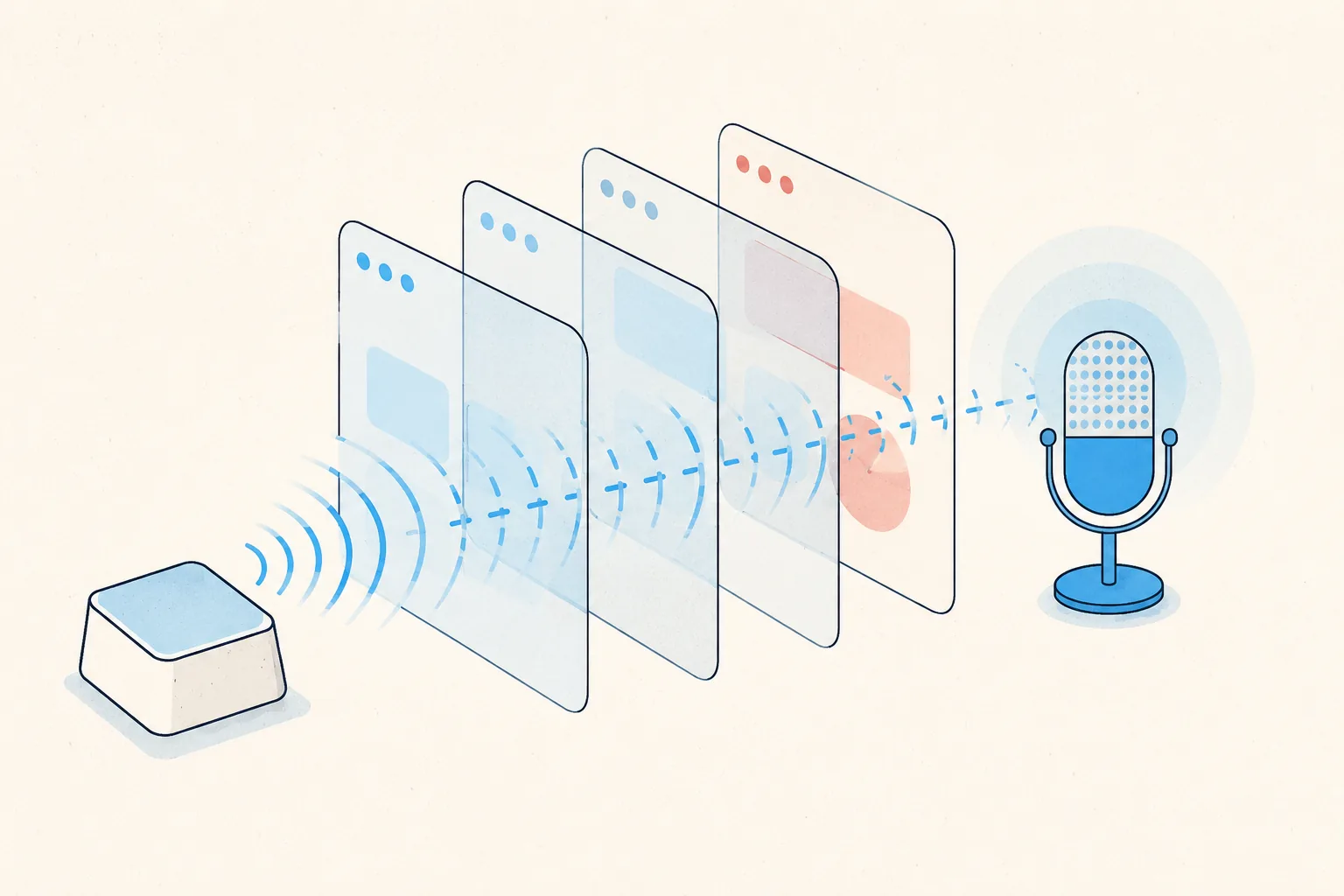
Zoom can make its mute shortcut work system-wide. It's just buried in settings, and it has two catches worth knowing before you rely on it in a real meeting.
Enable it (30 seconds)
- Open the Zoom desktop app → Settings (gear icon).
- Go to Keyboard Shortcuts.
- Find Mute/Unmute My Audio (
Alt+Aon Windows,Cmd+Shift+Aon Mac). - Tick Enable Global Shortcut next to it.
From now on the shortcut works even when Zoom is in the background. You can be in your notes, browser, or IDE and still toggle mute.
Catch 1: the macOS permission
On a Mac, global shortcuts require Zoom to have Accessibility permission: System Settings → Privacy & Security → Accessibility → enable Zoom. Without it, the checkbox is silently useless. It's the single most common reason "global" doesn't work.
Catch 2: you're giving up that key combo everywhere
Global means global. While Zoom is running, Alt+A / Cmd+Shift+A
no longer reaches the app you're typing in. If the default combo collides with something you
use, click the shortcut in Zoom's settings and rebind it to something obscure.
What the global shortcut still can't do
- Show your mute state. You can toggle blind, but you can't see whether you're muted without finding the Zoom window. Toggling twice because you weren't sure is the classic failure.
- Work across apps. It's Zoom-only. Your Teams and Meet meetings are back to square one, each with different shortcuts and different rules.
- Browser meetings. Zoom in a browser tab doesn't get global shortcuts.
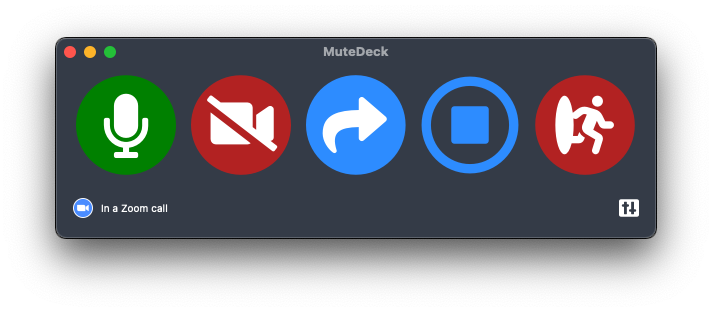
That's the gap MuteDeck fills: one hotkey (or Stream Deck key, or phone button) that mutes whatever supported meeting you're in, plus an always-visible indicator showing your live state. The global shortcut is a good free start; MuteDeck is what it grows up into.
Stop hunting for the mute button.
MuteDeck gives you one mute button that works in every meeting app: Zoom, Teams, Meet, Webex, and a dozen more. Same button, same place, whether the meeting window has focus or not. On a global hotkey, your Stream Deck, or your phone.
- ✓ Always-visible mute status, so you know before you speak
- ✓ Works when the meeting app doesn't have focus
- ✓ Everything runs locally, no cloud, no account
Can I mute Zoom while using another app?
Yes. Enable the global shortcut: Zoom Settings → Keyboard Shortcuts → tick "Enable Global Shortcut" next to Mute/Unmute My Audio. On macOS, Zoom also needs Accessibility permission.
Can I change the Zoom mute shortcut key?
Yes. In Settings → Keyboard Shortcuts, click the current shortcut next to Mute/Unmute My Audio and type a new combination. Pick something no other app uses.
Does the global shortcut work when Zoom runs in the browser?
No. Zoom's global shortcuts belong to the desktop client. For browser meetings you need the tab focused, or an external control like MuteDeck's browser extension.
Is there one global mute shortcut for all meeting apps?
Not built into the apps themselves; each app has its own, or none. MuteDeck provides one global hotkey/button that mutes whichever supported meeting app you're currently in.