Zoom mute shortcut
not working?
Alt+A works fine, right up until you click into another window. Here's why Zoom's mute shortcut fails, and every fix from settings toggles to a button that just always works.
The usual suspect: window focus
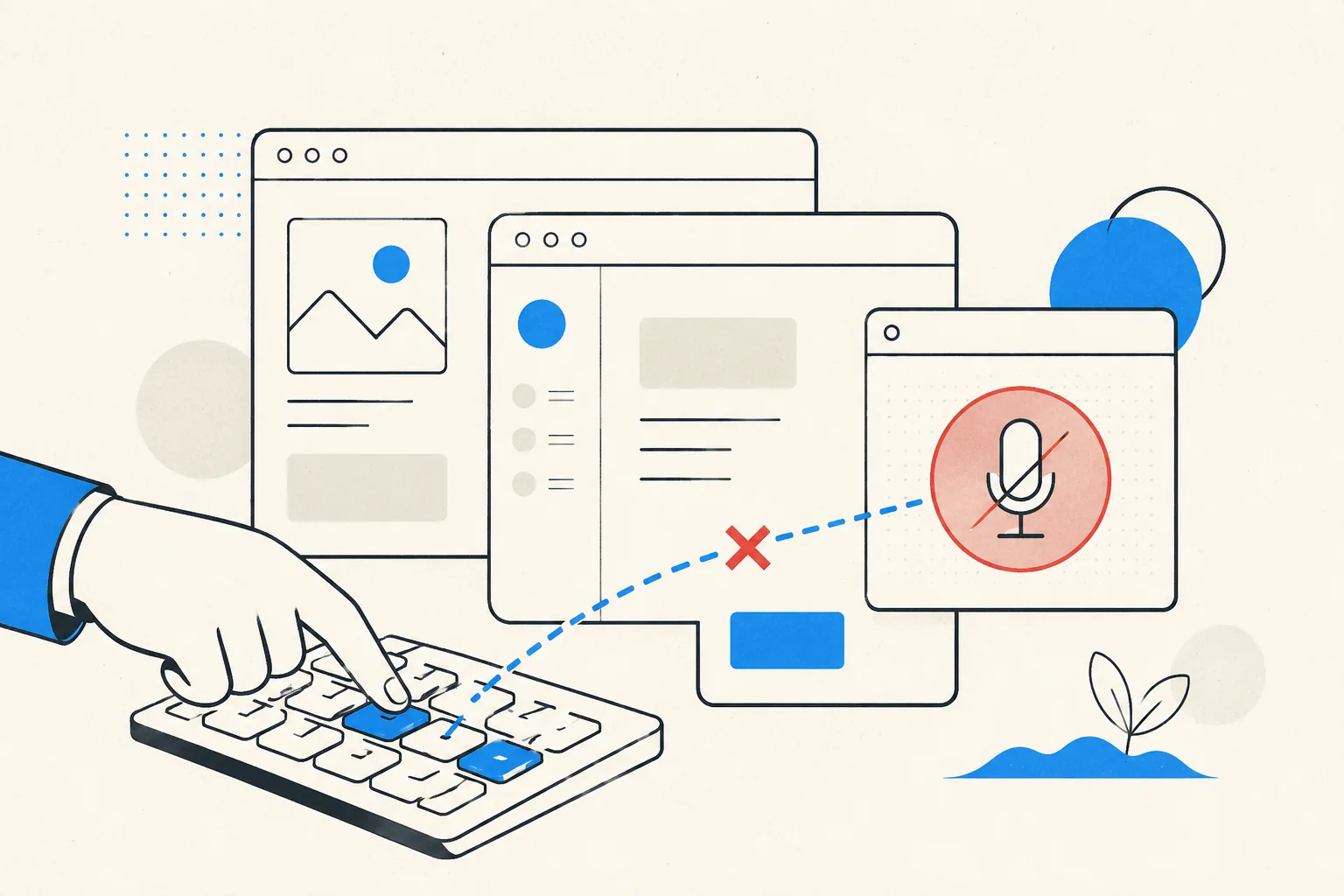
Zoom's mute shortcut (Alt+A on Windows, Cmd+Shift+A on Mac) is an
in-app shortcut by default. It fires only while Zoom has keyboard focus. Sharing your screen,
taking notes, checking Slack? The shortcut is going to that app, and your mic state
isn't changing.
Fix 1: Enable Zoom's global shortcut
Zoom can make individual shortcuts system-wide:
- Open Zoom → Settings → Keyboard Shortcuts.
- Find Mute/Unmute My Audio.
- Tick Enable Global Shortcut next to it.
Two catches. On macOS, global shortcuts only work if Zoom has Accessibility
permission (System Settings → Privacy & Security → Accessibility). Without it the checkbox
does nothing. And a global Alt+A means that combo no longer reaches whatever app
you're actually typing in, which bites people who use it for selecting-all-of-something.
Fix 2: Push-to-talk
Settings → Audio → tick "Press and hold SPACE key to temporarily unmute yourself". Stay muted by default, hold space to speak. The safest default for listen-mostly meetings, with the same focus caveat unless the global option is on.
Fix 3: Check what's eating the shortcut
If the shortcut fails even with Zoom focused, another app has probably claimed the combo globally (launchers, clipboard managers, and screenshot tools are common offenders). Either change the conflicting app's binding, or change Zoom's under Settings → Keyboard Shortcuts by clicking the shortcut and typing a new one.
Fix 4: Take mute out of Zoom's hands
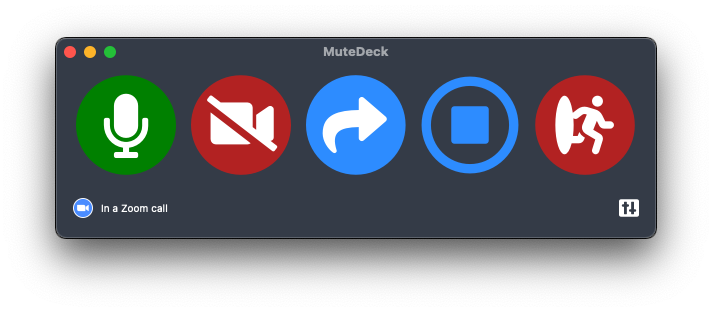
MuteDeck controls Zoom's actual meeting mute from outside the app, via a global hotkey, a Stream Deck key, or your phone. Zero focus games, no permission archaeology. One button, and it's the same button for Teams, Meet, and Webex meetings too. Its always-visible indicator also ends the "wait, am I muted?" squint.
Stop hunting for the mute button.
MuteDeck gives you one mute button that works in every meeting app: Zoom, Teams, Meet, Webex, and a dozen more. Same button, same place, whether the meeting window has focus or not. On a global hotkey, your Stream Deck, or your phone.
- ✓ Always-visible mute status, so you know before you speak
- ✓ Works when the meeting app doesn't have focus
- ✓ Everything runs locally, no cloud, no account
What is the mute shortcut in Zoom?
Alt+A on Windows, Cmd+Shift+A on Mac. By default it only works while the Zoom window is focused.
How do I make the Zoom mute shortcut work in other apps?
In Zoom: Settings → Keyboard Shortcuts → find "Mute/Unmute My Audio" and tick "Enable Global Shortcut". On macOS, Zoom also needs Accessibility permission for global shortcuts to fire.
Does Zoom have push-to-talk?
Yes. Stay muted and hold Space to talk, release to re-mute. Enable it under Settings → Audio → "Press and hold SPACE key to temporarily unmute yourself". Zoom needs focus unless the global shortcut is on.
Why does the global shortcut conflict with other apps?
A global Alt+A / Cmd+Shift+A is captured by Zoom even when you're typing elsewhere, so that key combo stops reaching your editor, browser, or terminal. Pick a rarely-used combo, or use a dedicated mute button instead.