Slack huddles on your Stream Deck:
tame the hot mic.
Huddles are the meetings you multitask through, which is exactly why their tiny sidebar mute icon fails you. Put it on a physical key instead.
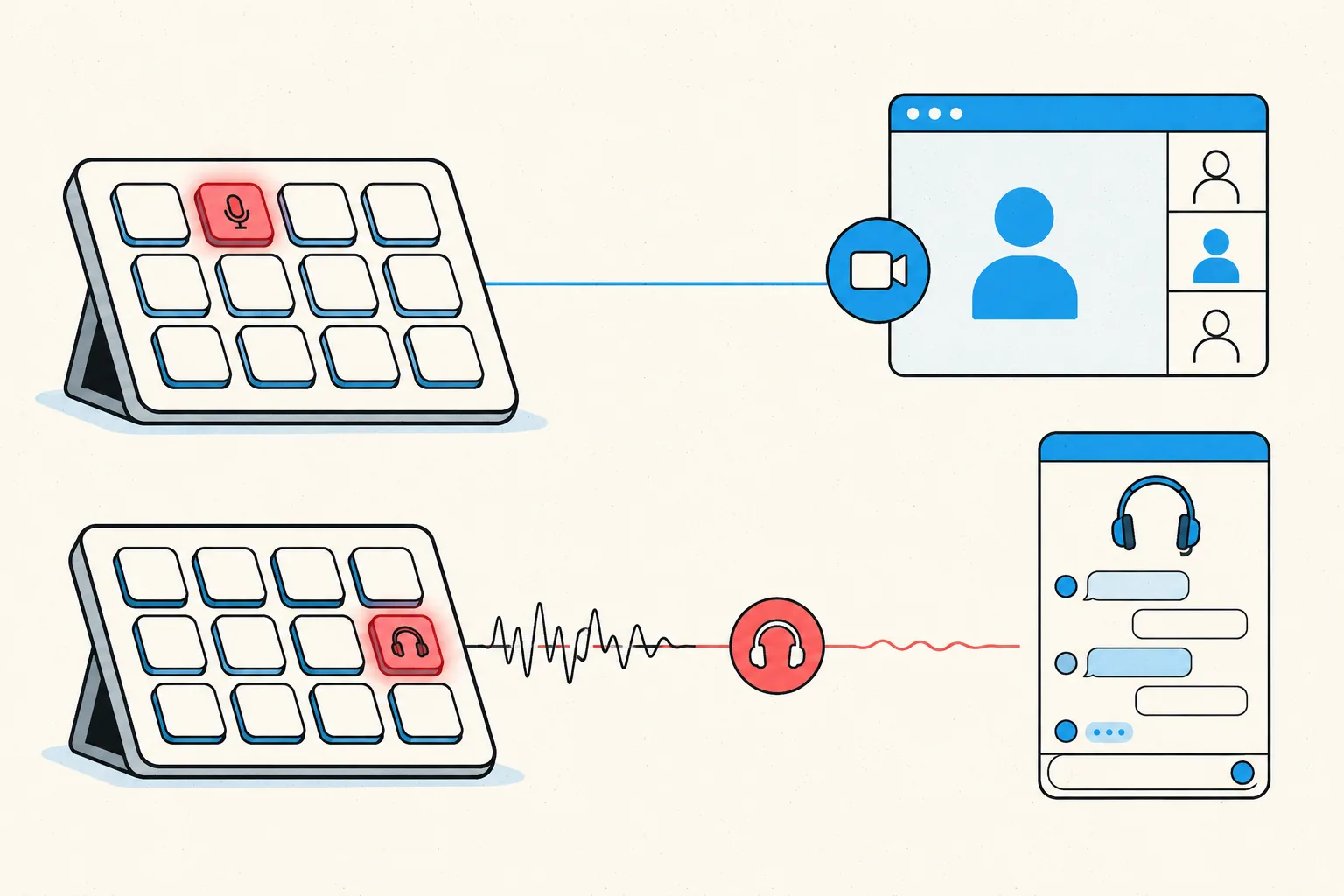
Physical keys on your Stream Deck for Slack meetings: toggle mute, toggle your camera, share your screen, and leave the meeting. Each key shows the live state, so a red key means muted before you trust your voice to it. The same keys work in every other meeting app MuteDeck supports, with no profile switching.
- Install MuteDeck on your computer from the downloads page. The 7-day trial needs no account or card.
- Open Slack. No configuration needed: MuteDeck picks up the huddle when you join one.
- Install the MuteDeck plugin from the Elgato marketplace (one click in the Stream Deck app).
- Drag the buttons onto your deck: Toggle Mute, Toggle Camera, Share Screen, Leave Meeting. They live in the MuteDeck group in the actions list.
- Join a Slack meeting and test. The keys light up with your live state; press to toggle.
Huddles combine a hot-mic-by-default join with the least visible mute indicator of any meeting type: a small icon in the corner of your sidebar. The Stream Deck key fixes both halves. You see the state at a glance, and muting takes one press from whatever you're actually working on.
Most people settle on one meeting row: mute on the bottom-left key (biggest muscle-memory target), camera next to it, leave meeting on the far right where you won't hit it by accident. If you run a Stream Deck profile per context, put the MuteDeck keys in your default profile. Meetings interrupt everything, so the buttons should be everywhere.
Your Stream Deck already has the buttons.
MuteDeck is the engine that connects them to Slack and every other meeting app you use. Everything runs locally on your machine: no cloud, no account.
Does the key work while I'm working in another app?
Yes, and that matters more for huddles than for any other meeting type. Huddles are background meetings by design; Slack's own mute shortcut needs the Slack window focused.
Do huddles really join with the mic on?
Small huddles often do, the opposite of Zoom or Teams defaults. A visible mute key means you notice immediately instead of after the keyboard-clatter complaint.
Does the key show my live huddle mute state?
Yes. Red means muted. Muting from inside Slack updates the key too.
Does it need any Slack configuration?
No. MuteDeck detects the Slack desktop app's huddle automatically.