Muting a Slack huddle,
without the scramble.
Huddles are the most casual meetings you have, and the easiest place to broadcast your keyboard, your music, or your kitchen. Here's the fast mute.
The keyboard route
With Slack focused and a huddle active, pressing M toggles your mic. Slack also
documents a dedicated combo for the huddle mic: Ctrl+Shift+Space on Windows,
Cmd+Shift+Space on Mac. Versions differ; press
Ctrl+/ (or Cmd+/) inside Slack to see the current shortcut list
for yours.
The two ways it fails
- Slack isn't focused. Huddles are background-multitasking meetings by design: you're in your editor or browser while half-listening. Slack's shortcuts don't reach across windows, so the moment you're working, your mute button is gone.
- Your cursor is in the message box. Then
Mjust types the letter m. You end up clicking the tiny mic icon in the huddle bar like it's 2019.
Huddle-specific gotchas
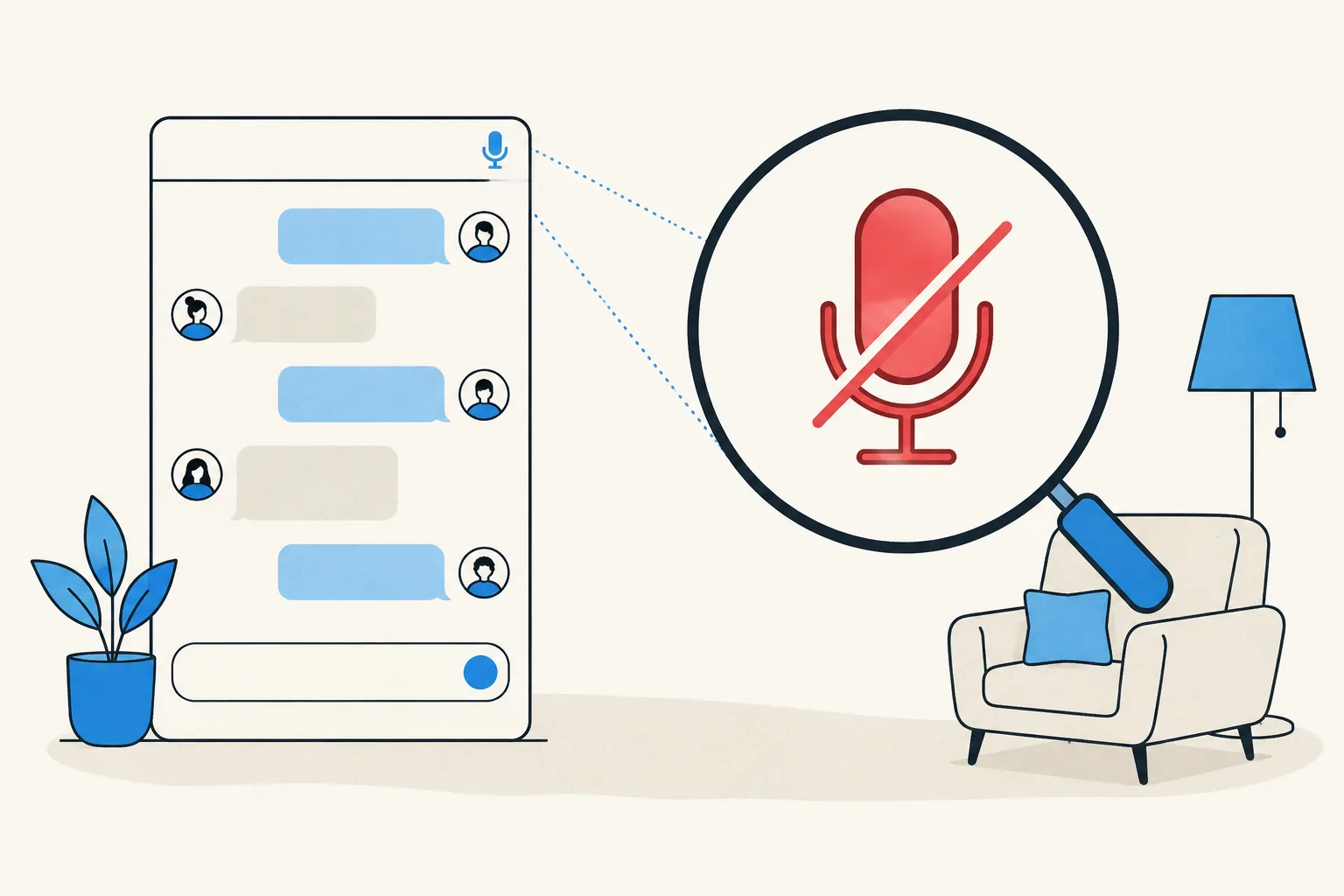
Huddles often join with your mic live, the opposite default of Zoom or Teams. And the huddle UI is small: the mute state is a tiny icon in the corner of your sidebar, about as visible as a system tray icon. That combination (hot mic by default plus a nearly invisible indicator) is why huddles are the reigning champion of accidental keyboard-clatter broadcasts.
Mute huddles from anywhere
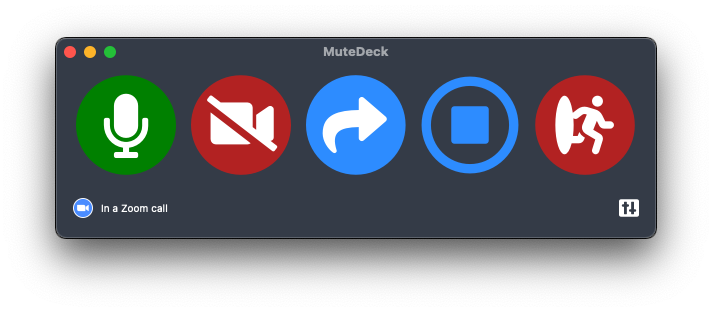
MuteDeck supports Slack huddles alongside Zoom, Teams, Meet, and Webex: one global hotkey, Stream Deck key, or phone button toggles your huddle mic no matter what app you're working in, and the always-on-top indicator shows your live state. The huddle stays casual; your mic stops being a liability.
Stop hunting for the mute button.
MuteDeck gives you one mute button that works in every meeting app: Zoom, Teams, Meet, Webex, and a dozen more. Same button, same place, whether the meeting window has focus or not. On a global hotkey, your Stream Deck, or your phone.
- ✓ Always-visible mute status, so you know before you speak
- ✓ Works when the meeting app doesn't have focus
- ✓ Everything runs locally, no cloud, no account
What is the mute shortcut in a Slack huddle?
With the Slack window focused, M toggles your microphone in a huddle. Slack also lists Ctrl+Shift+Space (Windows) / Cmd+Shift+Space (Mac) for toggling the huddle mic. Check Slack's keyboard shortcuts (Ctrl+/ or Cmd+/) for your version.
Why doesn't the huddle mute shortcut work?
Slack needs to be the focused window, and if your cursor is in the message box, letters are typed, not interpreted as shortcuts. Click out of the text field or focus the huddle, then use the shortcut.
Can I mute a Slack huddle while in another app?
Not with Slack's own shortcuts. Slack has no global huddle-mute. MuteDeck supports Slack huddles, so a global hotkey, Stream Deck key, or your phone can mute you from any app.
Do I start muted when I join a huddle?
Huddles usually join with your mic on for small huddles, the opposite of most meeting-app defaults, and exactly how background noise ends up broadcast. Muting immediately on join is a good reflex; a visible mute state makes it stick.