Community Showcase: A Physical Mute Button with MuteDeck, Home Assistant and Zigbee
One of the great things about MuteDeck's API is seeing what people build with it.
Harshit recently shared a clever setup that connects MuteDeck, Home Assistant and a Zigbee button to control his microphone during meetings. He also uses MuteDeck's meeting status to automate his office lighting.
A physical mute button for any meeting app
MuteDeck provides a single API for controlling meetings across Zoom, Microsoft Teams, Google Meet and other supported applications.
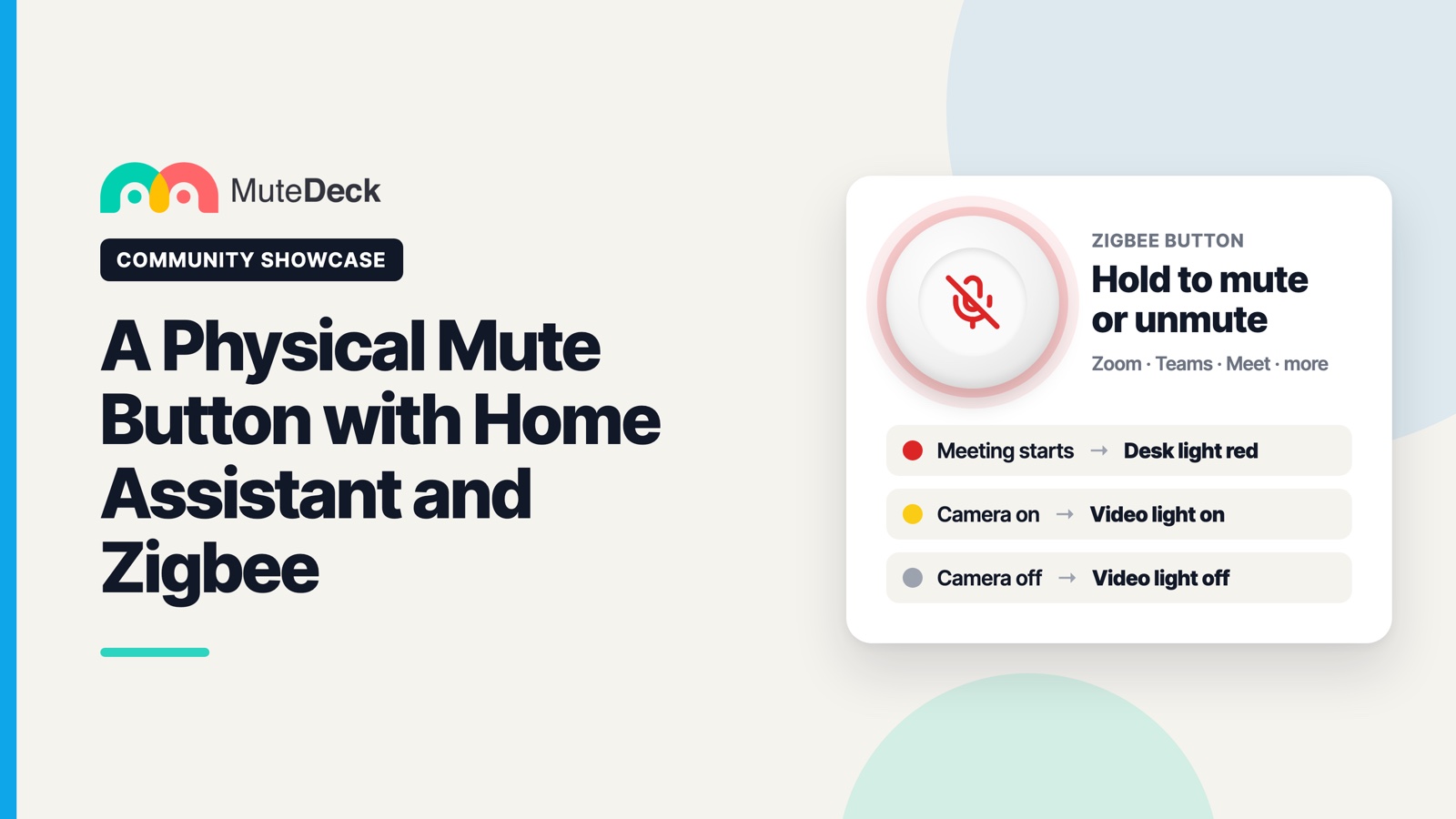
Harshit uses this API with Home Assistant to turn a Zigbee button into a physical mute switch. Holding the button toggles his microphone, regardless of which meeting application he's using.
No switching windows or remembering keyboard shortcuts. Just hold the button to mute or unmute.
Making the office meeting-aware
The setup goes beyond microphone controls. Home Assistant also reads MuteDeck's meeting status to trigger lighting automations:
- Meeting starts: A desk light turns red to indicate he's on a call.
- Camera turns on: A dedicated video light switches on automatically.
- Camera turns off: The video light switches off again.
These automations work across meeting platforms because MuteDeck provides a consistent interface for meeting controls and status.
Build your own integration
Harshit's setup uses Home Assistant's REST integration to read MuteDeck's /v1/status endpoint and control the microphone and camera.
MuteDeck also supports Home Assistant webhooks, allowing meeting status changes to be pushed directly to Home Assistant instead of relying on polling.
Whether you're building a physical meeting controller, an office status indicator, or automated lighting, MuteDeck's local API makes it possible without integrating with each meeting application separately.
Check out Harshit's original blog post for the complete setup, including the Home Assistant configuration and Zigbee automations.
You can also explore the MuteDeck API documentation to build your own integration.
Thanks to Harshit for sharing his project!