# Post Meeting Meaning: What Hosts Should Do After Calls
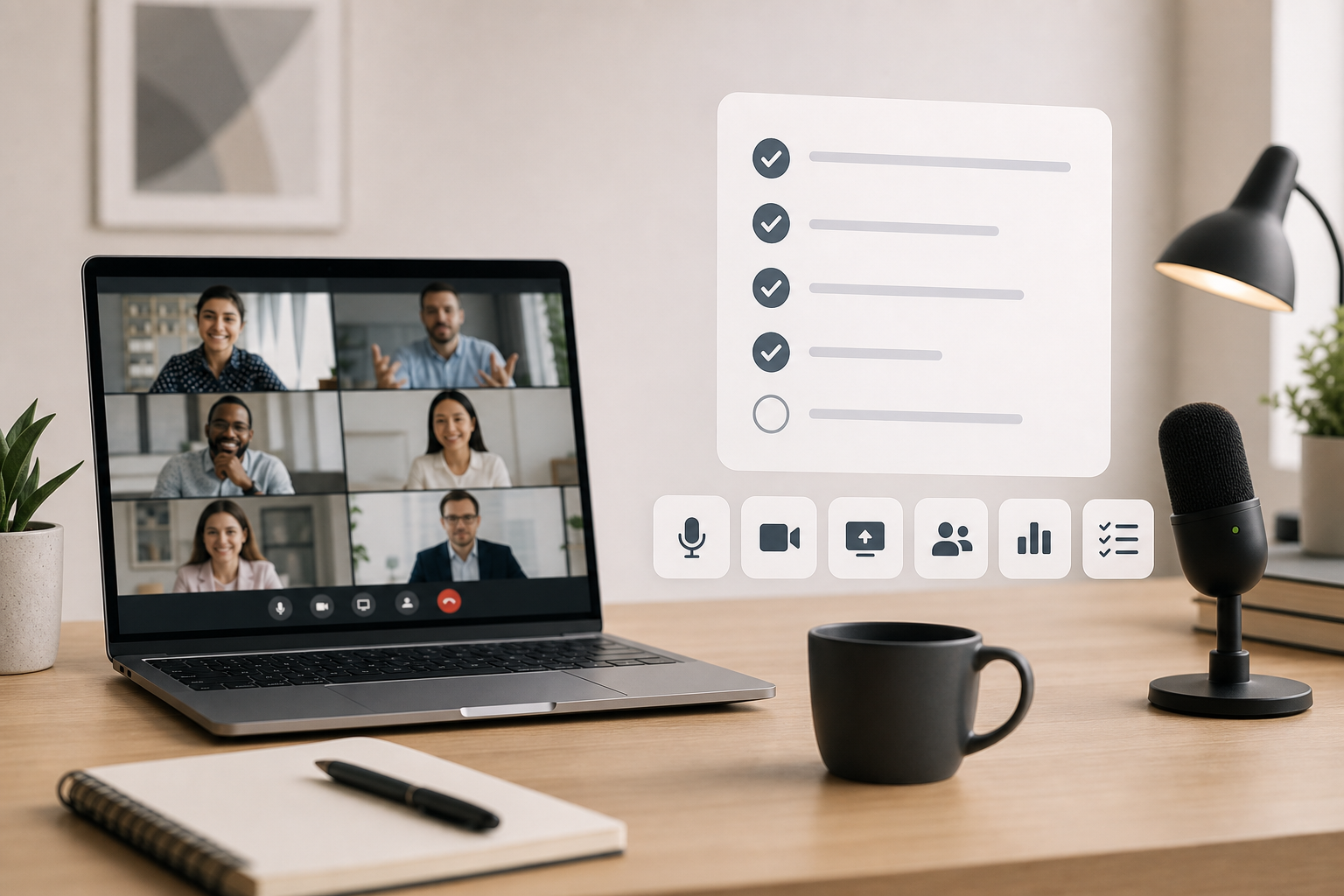
Post meeting means the work that happens after a call ends: confirming decisions, sending notes, assigning follow-ups, saving recordings or reports, and fixing any control problems before the next meeting. For hosts, the post meeting routine matters because the meeting is only useful if people leave with the same understanding of what changed and who owns the next move.
A practical post meeting workflow does not need a giant admin ritual. It needs a short sequence that captures outcomes while they are still fresh, closes the loop with attendees, and improves the next call. The trick is to do enough before memory starts doing improv.
# What post meeting means in a work context
In most teams, post meeting refers to the period immediately after a live meeting, usually the first 10 to 30 minutes. That window covers meeting notes, action items, recordings, attendance reports, chat exports, recap messages, and follow-up scheduling.
The phrase can also appear in meeting tools. A platform may use post-meeting reports, post-meeting surveys, post-meeting summaries, or post-meeting analytics. The exact feature name changes by app, but the operational meaning stays consistent: what the host or team does after the live conversation ends.
For a meeting host, the useful definition is simple. Post meeting work answers four questions:
- What did we decide?
- Who owns each follow-up?
- What evidence or context needs to be saved?
- What should change before the next call?
If those questions stay unanswered, the call can feel productive while producing very little. Everyone nods, the meeting ends, and the follow-up quietly wanders into the hallway without a badge.
# A post meeting checklist for hosts
Use this checklist after any meeting where decisions, customers, training, hiring, or delivery work depend on the outcome.
| Post meeting task | Do it when | Why it matters | Host tip |
|---|---|---|---|
| Confirm decisions | Within 10 minutes | Prevents different versions of the same meeting | Write decisions as past tense statements |
| Assign action items | Within 30 minutes | Turns discussion into ownership | Use one owner and one due date per item |
| Share the recap | Same business day | Gives attendees a single source of truth | Put decisions before background notes |
| Save recording or transcript | Same day | Preserves context for absent people | Link only what people actually need |
| Review attendance or engagement | For webinars, training, or required sessions | Helps with follow-up and compliance | Use platform reports when available |
| Fix control problems | Before the next meeting | Prevents repeat audio, camera, or sharing issues | Keep a tiny recurring improvement log |
The order matters. Decisions come before transcripts. Action items come before beautiful formatting. The recap should help someone act without rewatching a 47-minute recording to find the two useful minutes.
# What to send after the meeting
A good post meeting message is short, specific, and easy to scan. It should include decisions, owners, deadlines, and links to supporting material.
Use this structure:
- One sentence describing the meeting outcome.
- A short decision list.
- Action items with owner and due date.
- Links to recording, transcript, deck, notes, or tickets.
- Any risks, open questions, or blocked items.
- The next meeting date only if another meeting is needed.
Here is a usable format:
Thanks for joining. We agreed to ship the revised onboarding flow on Friday, keep the beta invite list limited to current testers, and review support volume next Tuesday.
Actions:
- Maya: send final copy by Wednesday.
- Leon: update the demo environment by Thursday.
- Priya: prepare the support response draft by Friday morning.
Recording and notes: [link]
Open question: whether the help article needs screenshots before launch.
Avoid dumping a transcript into chat and calling it a recap. Transcripts are useful evidence. Recaps are useful decisions. Your attendees can tell the difference, usually while muttering at their inbox.
# Make the debrief easier with a private transcript and summary
The hard part of post meeting work is often reconstructing what happened while your next call is already starting. A transcript and AI summary make the debrief easier because you are working from evidence instead of memory.
MeetingDebrief (opens new window) fits that part of the workflow. It records the meeting, creates a transcript, and generates an AI summary on your own device, so the meeting content stays local and private instead of being uploaded to a cloud service. That matters for customer calls, hiring conversations, roadmap discussions, and any meeting where the notes are useful but the raw conversation should stay close.
A good pattern is:
- Use MeetingDebrief to capture the transcript and first summary.
- Pull out decisions, action items, risks, and open questions.
- Rewrite the recap for humans, not for the transcript archive.
- Link the transcript only when the audience actually needs the source detail.
The transcript answers “what was said?” The summary gets you started. The final recap still needs a host to decide what matters.
# How post meeting reports differ across Zoom, Teams, and Google Meet
Meeting apps use different names for post meeting data. Hosts should know which reports exist, who can access them, and when they become available.
Zoom documents meeting and webinar history reports (opens new window) and broader Zoom reporting (opens new window). These reports can help hosts review attendance and meeting history, especially for webinars, training, and account-level reporting. If you rely on reports, check account permissions before the session rather than discovering after the meeting that the data lives behind an admin wall.
Microsoft Teams supports meeting attendance reports (opens new window). Teams recaps can also gather meeting artifacts in one place, depending on the account, meeting type, and settings. For hosts, the practical habit is to decide before the meeting whether attendance is required. Then confirm that the organizer has the right permissions to access the report.
Google Meet has support documentation for tracking attendance and viewing live stream reports (opens new window). As with other platforms, availability can depend on workspace edition and admin settings. For required training or large internal sessions, check reporting access before the call starts.
Do not build a post meeting process around a report you have never opened. Run a test meeting, generate the report, and confirm the export includes the fields your team needs.
# Post meeting notes should separate facts from interpretation
The fastest way to make notes more useful is to label the type of information. Decisions, action items, risks, questions, and context should not blur together.
A clean notes structure looks like this:
# Decisions
Write decisions as completed statements. For example, “We will keep the launch date on July 12” is clearer than “Discuss launch date.”
# Action items
Each action item needs one owner. Shared ownership often means nobody owns the awkward final 20 percent.
# Open questions
Open questions should include the person responsible for resolving them. Otherwise they become decorative uncertainty.
# Context
Use context for links, background, customer quotes, and constraints. Put it after the decisions so nobody needs to excavate the outcome.
# Control issues
Capture meeting friction while it is fresh. Examples include the wrong microphone, missing share permission, a late recording start, attendees stuck in the waiting room, or a host who had to search for the mute button while already speaking.
This last category is where MuteDeck fits naturally. If you run meetings across Zoom, Teams, and Google Meet, a visible control layer can reduce the number of app-specific places you need to remember under pressure. The meeting controls checklist (opens new window) is a good companion to a post meeting improvement log because it turns small failures into pre-call checks.
# A simple post meeting routine by meeting type
Different meetings need different follow-up depth. A daily standup should not get the same treatment as a customer review or webinar.
For status meetings, send a brief recap only when something changes. Include decisions, blockers, and action items. Skip the ceremonial novel.
For customer calls, send the recap the same day. Include what the customer asked for, what you promised, and what happens next. Link the recording only if everyone expected a recording and your company policy allows it.
For workshops and training, save attendance, chat questions, shared resources, and follow-up assignments. If people had audio or screen share problems, update the host checklist before the next session.
For webinars, separate attendee follow-up from internal debrief. Attendees need resources and next steps. The internal team needs registration data, questions, technical issues, and conversion signals.
For incident or decision meetings, write the recap with extra care. Label decisions, assumptions, and unresolved risks. These meetings often get revisited when memory becomes selective.
If your team runs frequent meetings, pair the post meeting routine with pre-call control checks. The MuteDeck guide to video conferencing keyboard shortcuts (opens new window) explains which controls deserve fast access during the call. The post meeting note tells you which controls failed in real use.
# What to fix before the next call
Post meeting work should improve the next meeting, not just document the last one. Review the friction points while you still remember them.
Ask these questions:
- Did mute, camera, and screen share behave as expected?
- Did the host know where recording, participants, chat, and reactions lived?
- Did anyone lose time because the wrong microphone or camera was selected?
- Did the meeting start with people waiting for permissions or links?
- Did the recap require too much reconstruction afterward?
If the answer is yes, change the setup. Add a pre-call check, update the meeting template, assign a co-host, or put the repeated control on a visible button.
MuteDeck helps when the issue is control consistency. Instead of remembering different toolbar locations in every meeting app, you can keep common actions like mute, camera, share, and reactions visible. The main MuteDeck (opens new window) app focuses on controlling online meetings across tools, which makes it useful for hosts who switch platforms during the week.
If the problem is audio, use the guide on why a microphone is not working in meetings (opens new window) before blaming the meeting platform. Hardware mute, app mute, browser permission, and operating system input can all disagree with each other. Tiny committees, terrible minutes.
# Common post meeting mistakes
The most common mistake is waiting too long. Recaps written two days later often contain confident guesses. Send a rough but accurate recap quickly, then add links or polished notes later if needed.
The second mistake is treating the recording as the recap. A recording helps absent people review the conversation, but it does not tell them what changed. Put decisions and action items in text.
The third mistake is sharing every artifact with everyone. A customer may need a summary and next steps. Your internal team may need the transcript, attendance report, and technical notes. Use the right depth for each audience.
The fourth mistake is ignoring meeting control failures. If the host struggled to unmute, find the screen share button, or manage participants, that should become a setup change. The MuteDeck guide on how to unmute yourself in any meeting app (opens new window) covers the common mute-state confusion that often shows up in post meeting notes.
# The host version of post meeting done
Post meeting work is done when decisions are clear, owners know their next steps, relevant artifacts are saved, and the next meeting has one fewer preventable problem. That standard keeps the process useful without turning every call into paperwork cosplay.
Start with a ten-minute routine. Write the decisions. Assign owners. Send the recap. Save the reports that matter. Fix one control issue before the next call. If you host meetings often, that small loop compounds quickly because each call leaves the next one a little easier to run.
KEEP EXPLORING
More guides & tips