Webex's mute shortcut,
and muting from anywhere.
Webex actually has decent keyboard options once you find them. The settings panel is just three menus deep. Here's the map, plus the way past its focus limits.
The shortcut, and where to verify it
In Webex Meetings on Windows, Ctrl+M toggles your microphone. Cisco has shuffled
bindings between versions and platforms, so the authoritative list for your install
is inside the app: Settings → Keyboard shortcuts. That panel also lets you
rebind anything that collides with your other tools.
Make it global with Webex's own option
The same Keyboard shortcuts panel has a global shortcut toggle for individual shortcuts, letting them fire while Webex is in the background. Enable it for mute/unmute. Two caveats: availability varies by Webex version and platform, and on macOS the usual Accessibility permission applies. When it works, it's Webex-only; your Zoom and Teams meetings don't inherit it.
Worth enabling while you're in settings
- Push-to-talk: hold
Spacewhile muted to speak (recent versions). Muted-by-default becomes a safe resting state. - "You're muted" nudge: Webex detects talking-while-muted and shows a prompt. Reactive, but better than a full soliloquy.
- Join muted: under audio settings, always enter meetings muted. The single highest-value checkbox in any meeting app.
One button for Webex and everything else
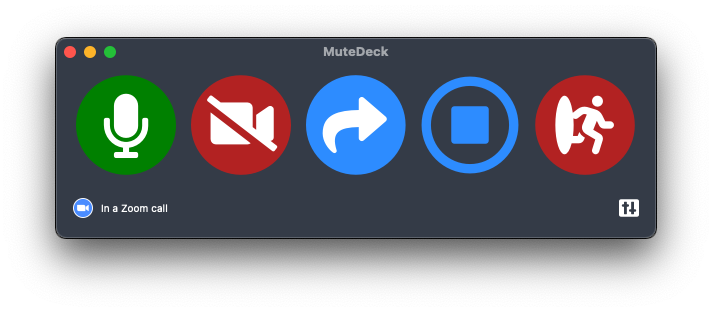
If Webex is your only meeting app, its global shortcut may carry you. Most people's calendars aren't that loyal: the client call is Webex, the standup is Zoom, the customer is on Teams. MuteDeck gives all of them the same mute button: a global hotkey, Stream Deck key, or your phone, with an always-visible indicator of your live state. Learn one control, use it in every meeting for the rest of your career.
Stop hunting for the mute button.
MuteDeck gives you one mute button that works in every meeting app: Zoom, Teams, Meet, Webex, and a dozen more. Same button, same place, whether the meeting window has focus or not. On a global hotkey, your Stream Deck, or your phone.
- ✓ Always-visible mute status, so you know before you speak
- ✓ Works when the meeting app doesn't have focus
- ✓ Everything runs locally, no cloud, no account
What is the mute shortcut in Webex?
Ctrl+M toggles mute in Webex Meetings on Windows. On Mac, check Settings → Keyboard shortcuts inside Webex for your version's binding. Cisco has moved shortcuts between releases, and the settings panel is the source of truth.
Can Webex shortcuts work globally (when Webex isn't focused)?
Webex's keyboard shortcuts settings let you toggle some shortcuts to work globally. Look for the "global shortcut" column in Settings → Keyboard shortcuts. Support varies by version and platform.
Does Webex have push-to-talk?
While muted, holding Space temporarily unmutes you in recent Webex versions. Release to re-mute. The Webex window needs focus.
Why do people hear me even though my headset says muted?
Hardware mute (headset button) and Webex's mute are separate layers that don't sync. Mute in the app; that's the state other participants see. One layer, consistently, beats two layers fighting.