Guides & tips
Logitech Camera Not Detected Windows 11: Meeting Fixes
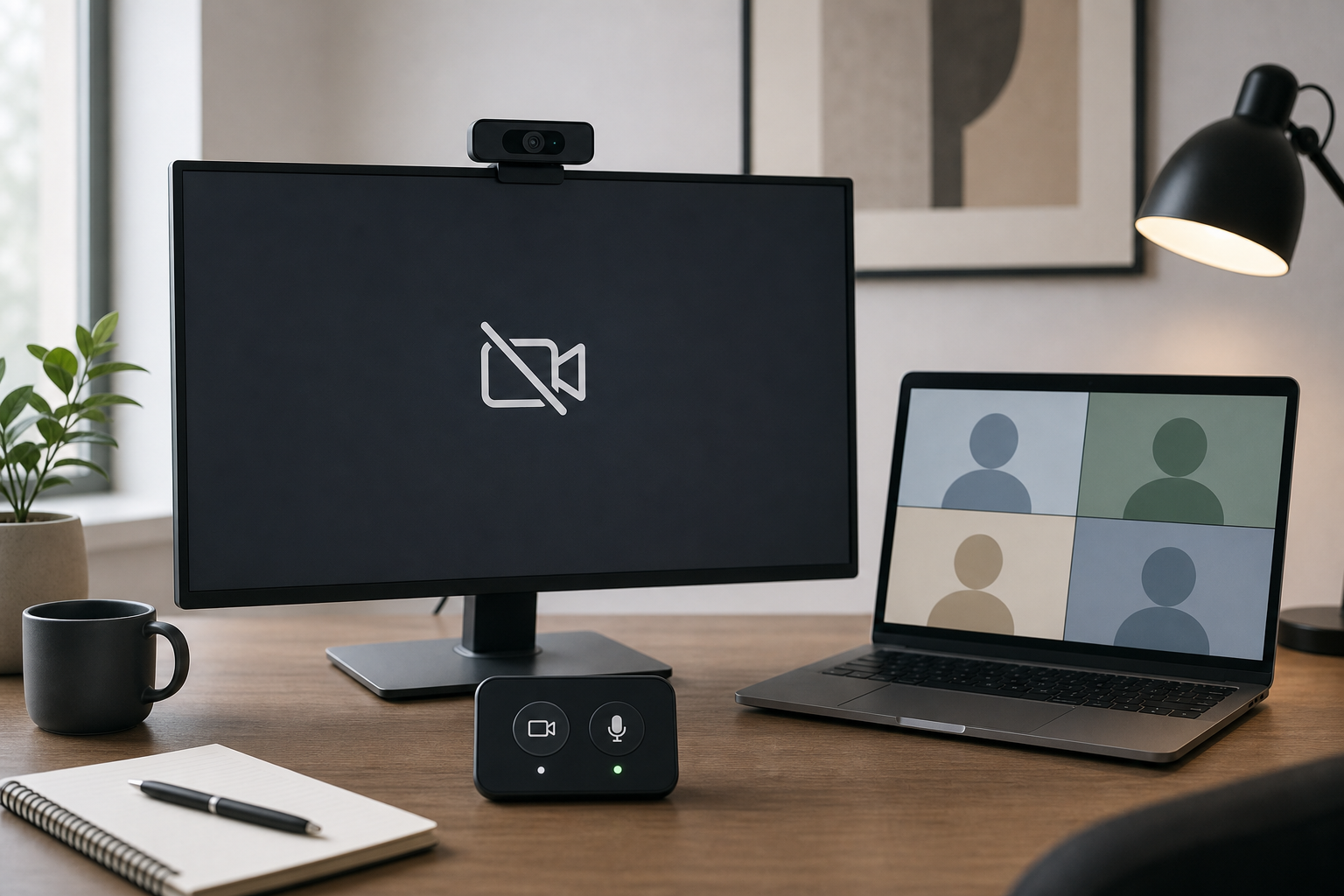
Fix a Logitech camera not detected on Windows 11 before or during meetings with a layered checklist for Zoom, Teams, Google Meet, USB, and privacy settings.
Read article5 articles
Fix a Logitech camera not detected on Windows 11 before or during meetings with a layered checklist for Zoom, Teams, Google Meet, USB, and privacy settings.
Read articleLogitech camera not detected in Zoom, Teams, or Meet usually comes from USB path, privacy permissions, driver state, or app lock. This guide gives a fast diagnosis path and a stable host setup.
Read articleIf Logi Options webcam settings are unavailable before a Zoom, Teams, or Meet call, use this operator-first checklist to restore controls fast and keep meetings on track.
Read articleIs your Logitech camera not detected? This practical guide walks you through real-world fixes for hardware, software, and driver issues on Windows and macOS.
Read articleIs your Logitech camera not working? Our guide walks you through fixing driver issues, app permissions, and connection problems on Windows and Mac.
Read article