StreamYard on your Stream Deck:
mute you can trust on air.
On a live stream, an open mic costs more than in any meeting. A physical key with live state means you never guess.
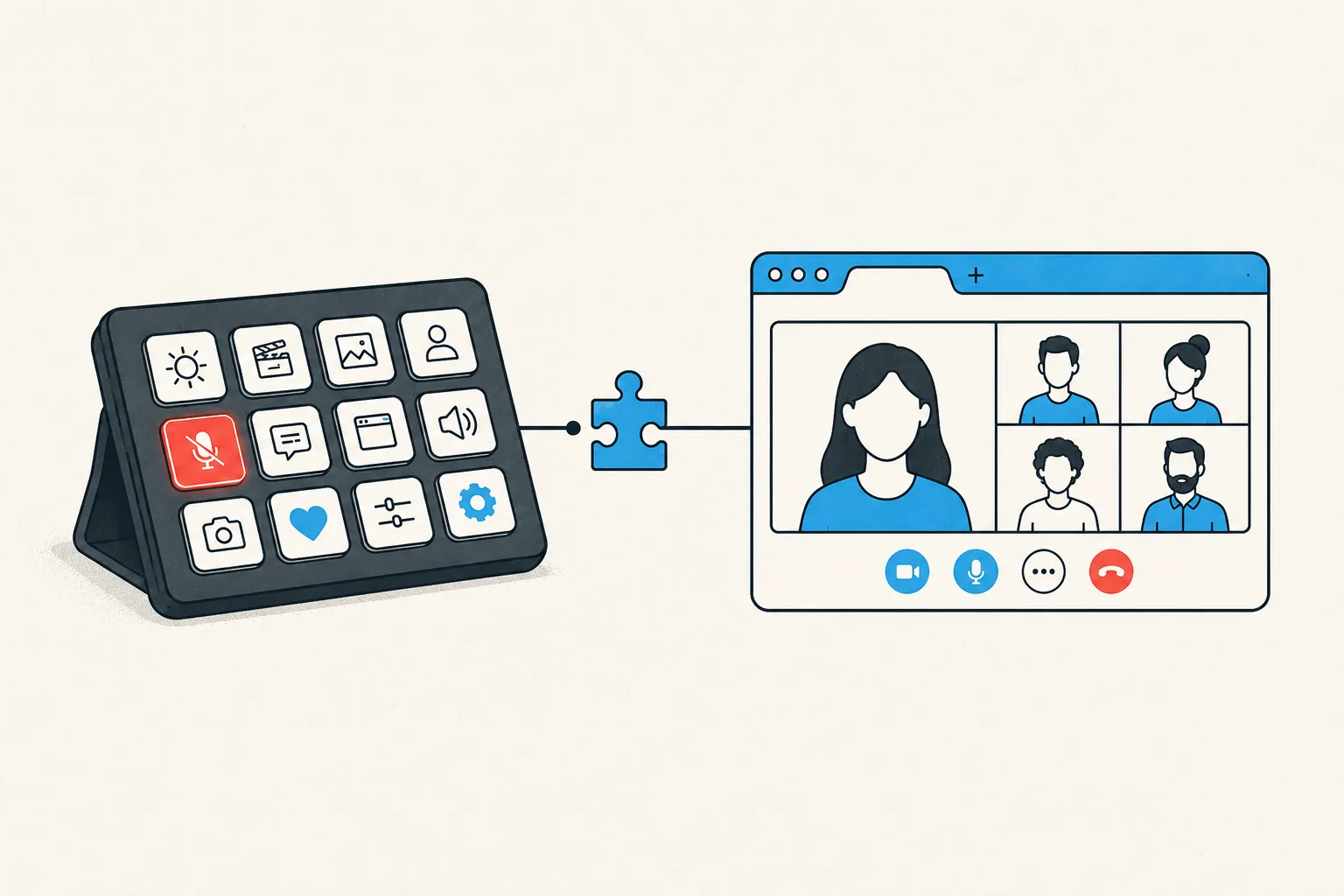
Physical keys on your Stream Deck for StreamYard meetings: toggle mute, toggle your camera, share your screen, and leave the meeting. Each key shows the live state, so a red key means muted before you trust your voice to it. The same keys work in every other meeting app MuteDeck supports, with no profile switching.
- Install MuteDeck on your computer from the downloads page. The 7-day trial needs no account or card.
- Install the MuteDeck browser extension for Chrome, Firefox, or Safari, then open your StreamYard studio.
- Install the MuteDeck plugin from the Elgato marketplace (one click in the Stream Deck app).
- Drag the buttons onto your deck: Toggle Mute, Toggle Camera, Share Screen, Leave Meeting. They live in the MuteDeck group in the actions list.
- Join a StreamYard meeting and test. The keys light up with your live state; press to toggle.
Streamers already keep OBS scenes and alerts on their deck; MuteDeck adds the one control StreamYard keeps inside a busy browser tab. Because the extension reads the studio's real state, the key stays honest even if a guest host mutes you from their side.
Most people settle on one meeting row: mute on the bottom-left key (biggest muscle-memory target), camera next to it, leave meeting on the far right where you won't hit it by accident. If you run a Stream Deck profile per context, put the MuteDeck keys in your default profile. Meetings interrupt everything, so the buttons should be everywhere.
Your Stream Deck already has the buttons.
MuteDeck is the engine that connects them to StreamYard and every other meeting app you use. Everything runs locally on your machine: no cloud, no account.
How does MuteDeck connect to StreamYard?
StreamYard runs in the browser, so the MuteDeck extension (Chrome, Firefox, or Safari) connects the studio tab to MuteDeck, which your Stream Deck controls.
Does the key work while I'm showing other windows on stream?
Yes, and that's the point. When you're presenting or reading chat in another window, StreamYard's own controls are buried. The physical key isn't.
Does it show my live mute state?
Yes. Red key means muted in StreamYard. For live content, glancing at your deck beats squinting at a tab.
Can I use the same keys for my meetings?
Yes. The same MuteDeck buttons control Zoom, Teams, Meet, and the rest, so stream day and meeting day use identical muscle memory.