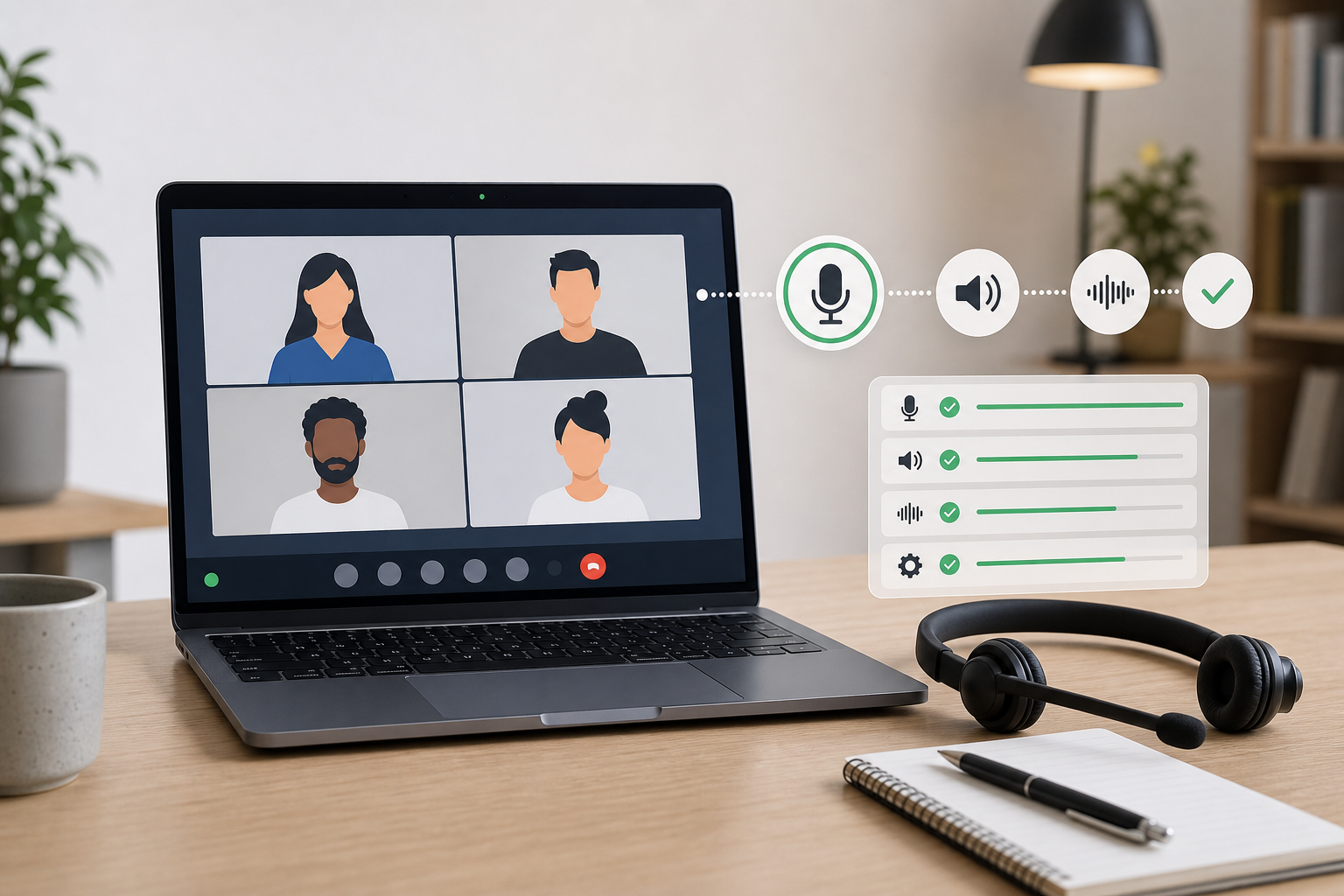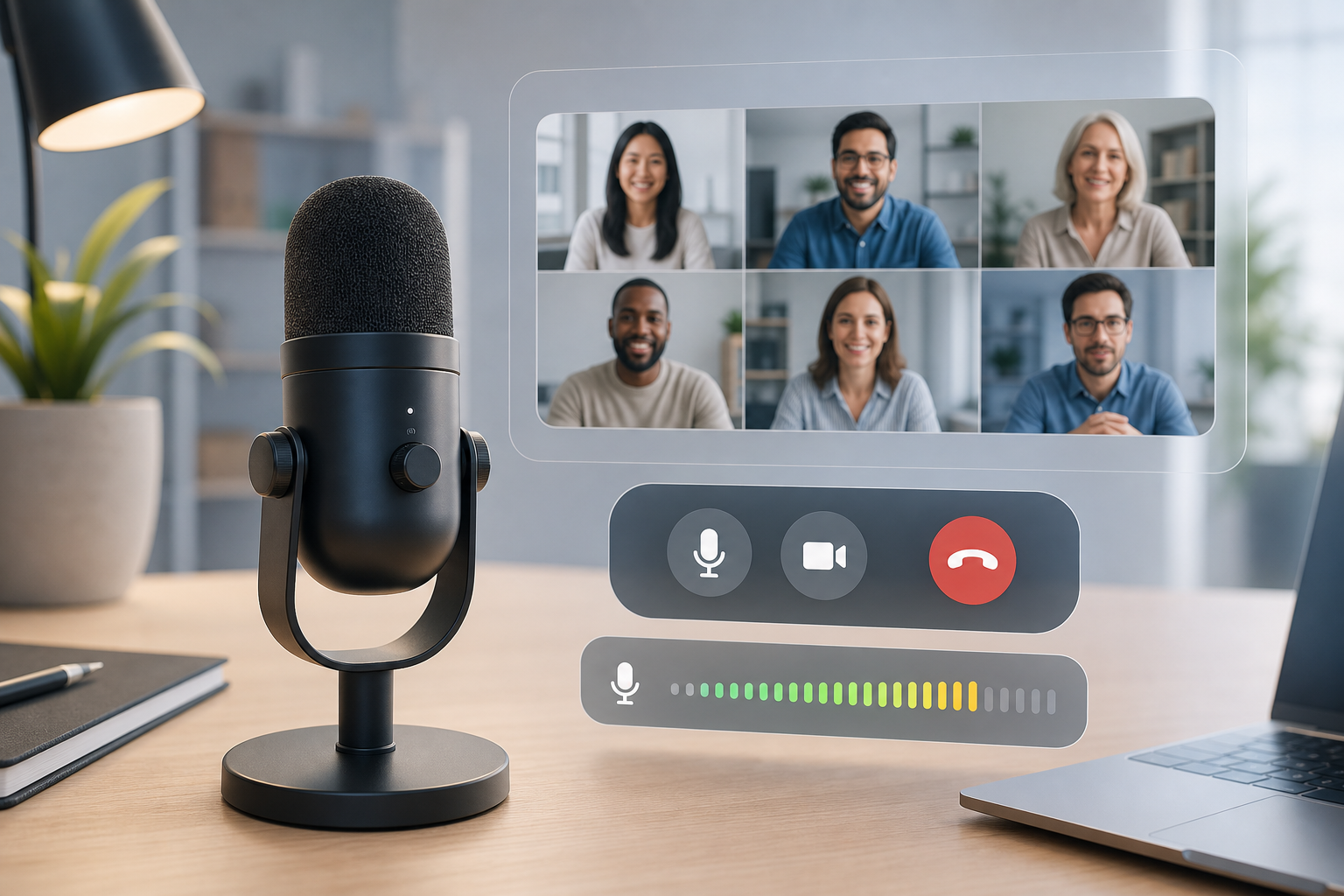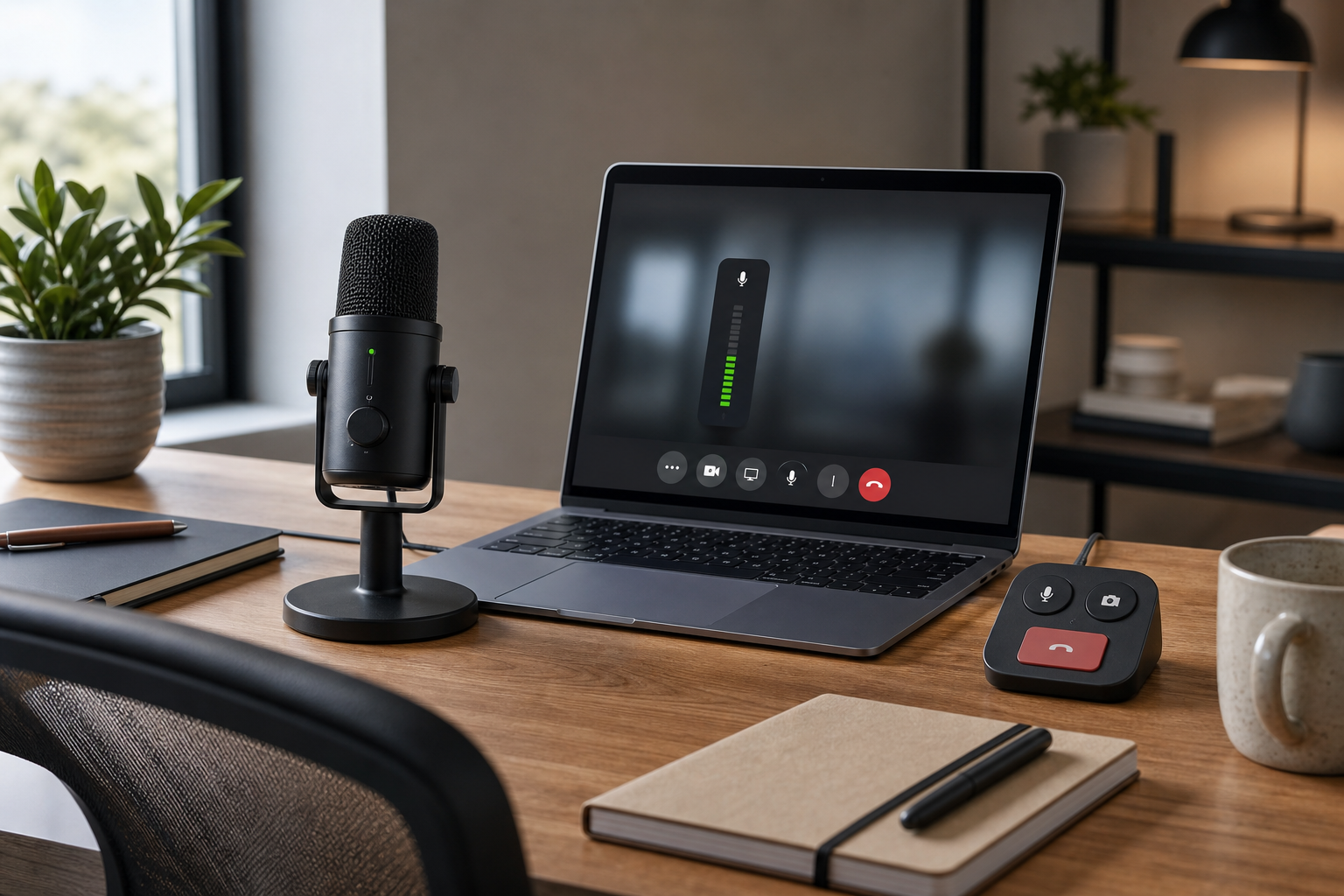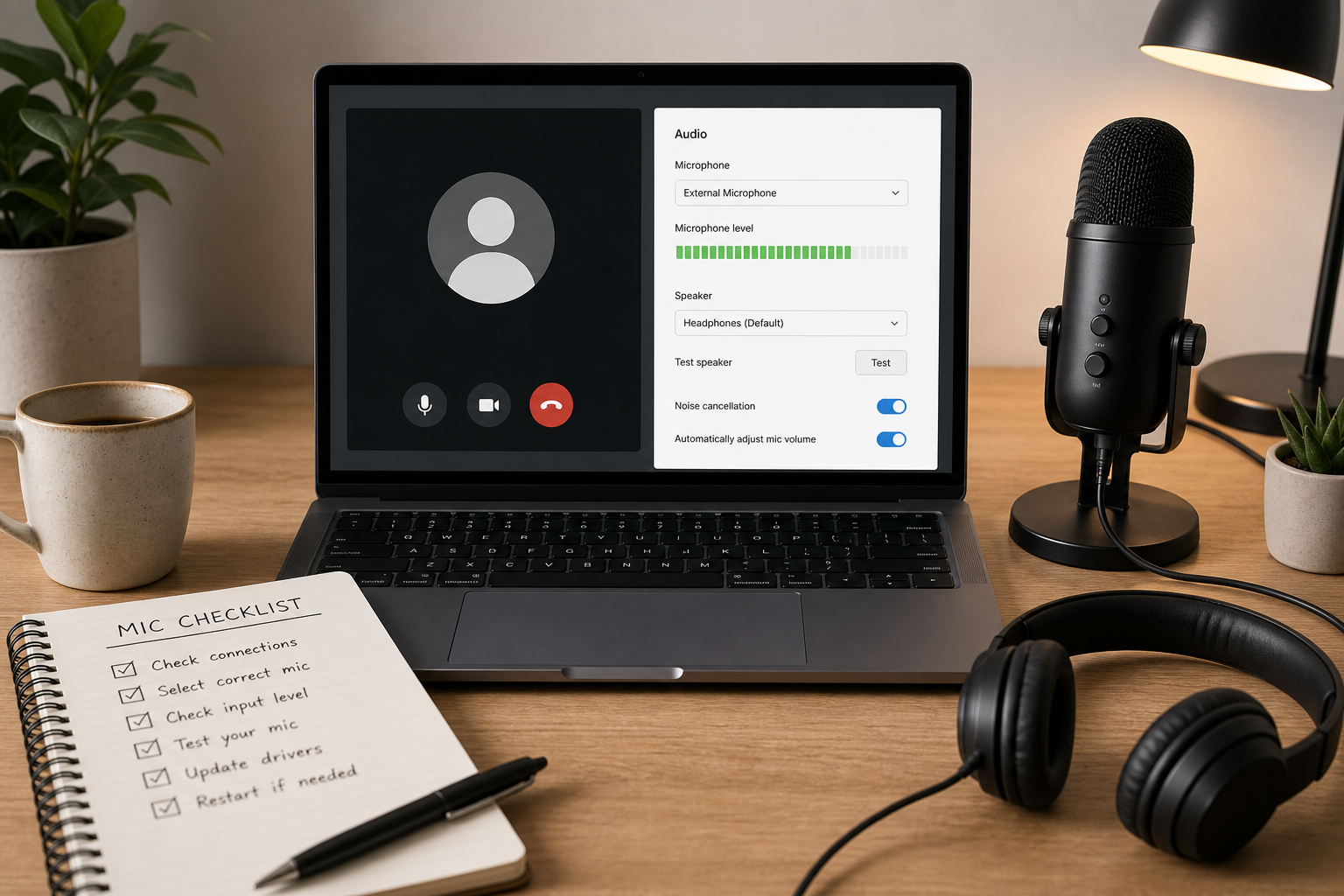
Microphone Volume Booster for Meetings: Practical Fixes Before You Add Gain
Practical ways to fix quiet meeting audio, choose a microphone volume booster, and avoid making Zoom, Teams, or Google Meet sound worse.
Read article9 articles
Practical ways to fix quiet meeting audio, choose a microphone volume booster, and avoid making Zoom, Teams, or Google Meet sound worse.
Read articleLearn why a blue microphone icon can appear during calls, what to check first, and how hosts can keep mute status visible across meeting apps.
Read articleFix a laptop that will not unmute in Zoom, Teams, or Google Meet with a practical mute chain checklist for hosts and presenters.
Read articleLearn how to boost microphone volume for clearer Zoom, Teams, and Google Meet calls without adding noise or chasing the wrong mute setting.
Read articleFix a microphone that is not working in meetings with a host-friendly workflow for mute state, permissions, input routing, browser access, and recovery.
Read articleBuild a reliable mute button on keyboard workflow for Zoom, Teams, Google Meet, and MuteDeck so meeting audio control stays predictable.
Read articleLearn how to unmute computer audio before a meeting with a practical workflow for system mute, app mute, microphone routing, and host controls.
Read articleUse a microphone volume booster safely in Zoom, Teams, or Google Meet with a practical workflow for input gain, OS settings, and meeting reliability.
Read articleA practical host workflow to diagnose and fix Google Meet microphone failures across permissions, device routing, browser policy, and network conditions.
Read article