Guides & tips
Meeting Audio Test Checklist Before Joining Calls
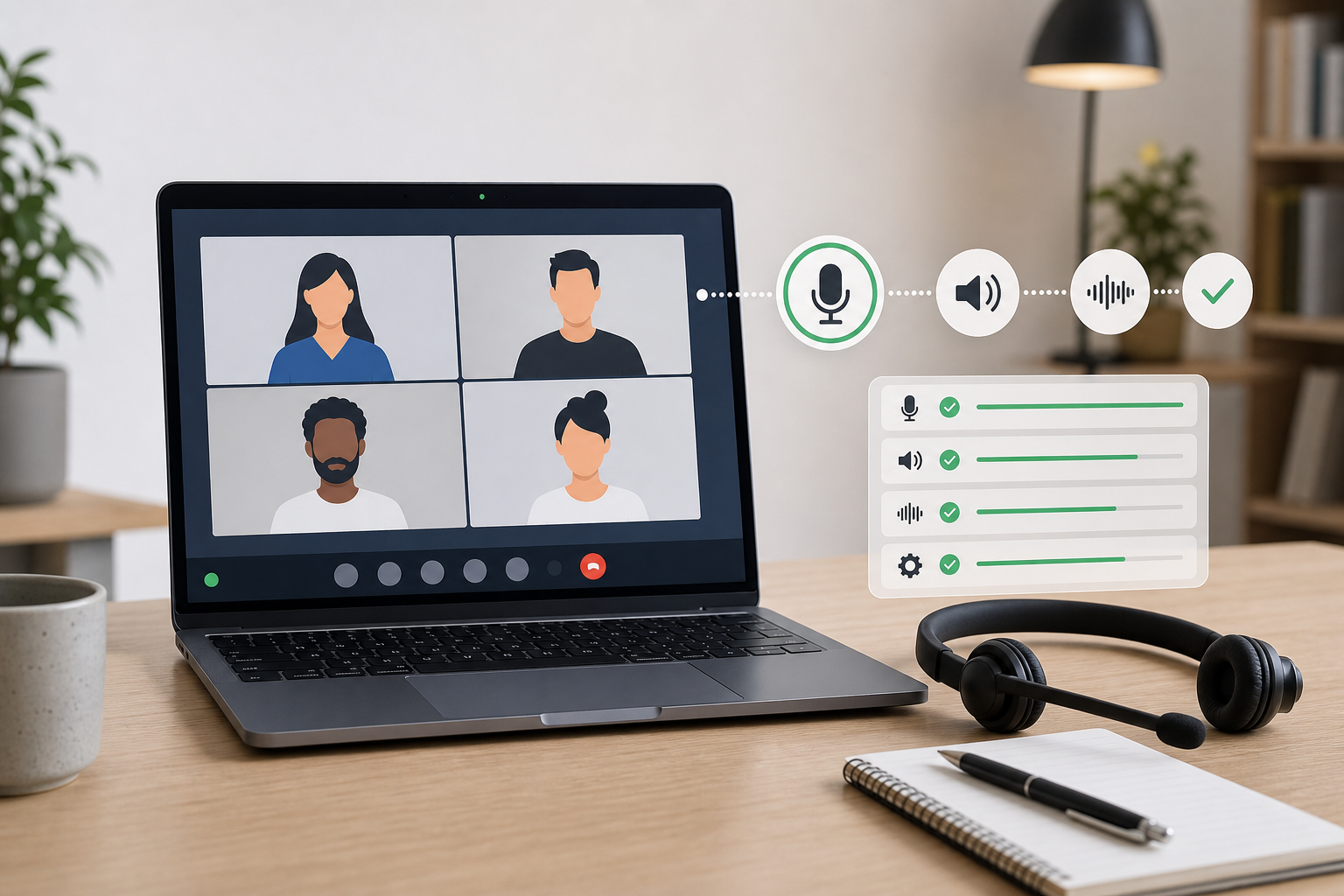
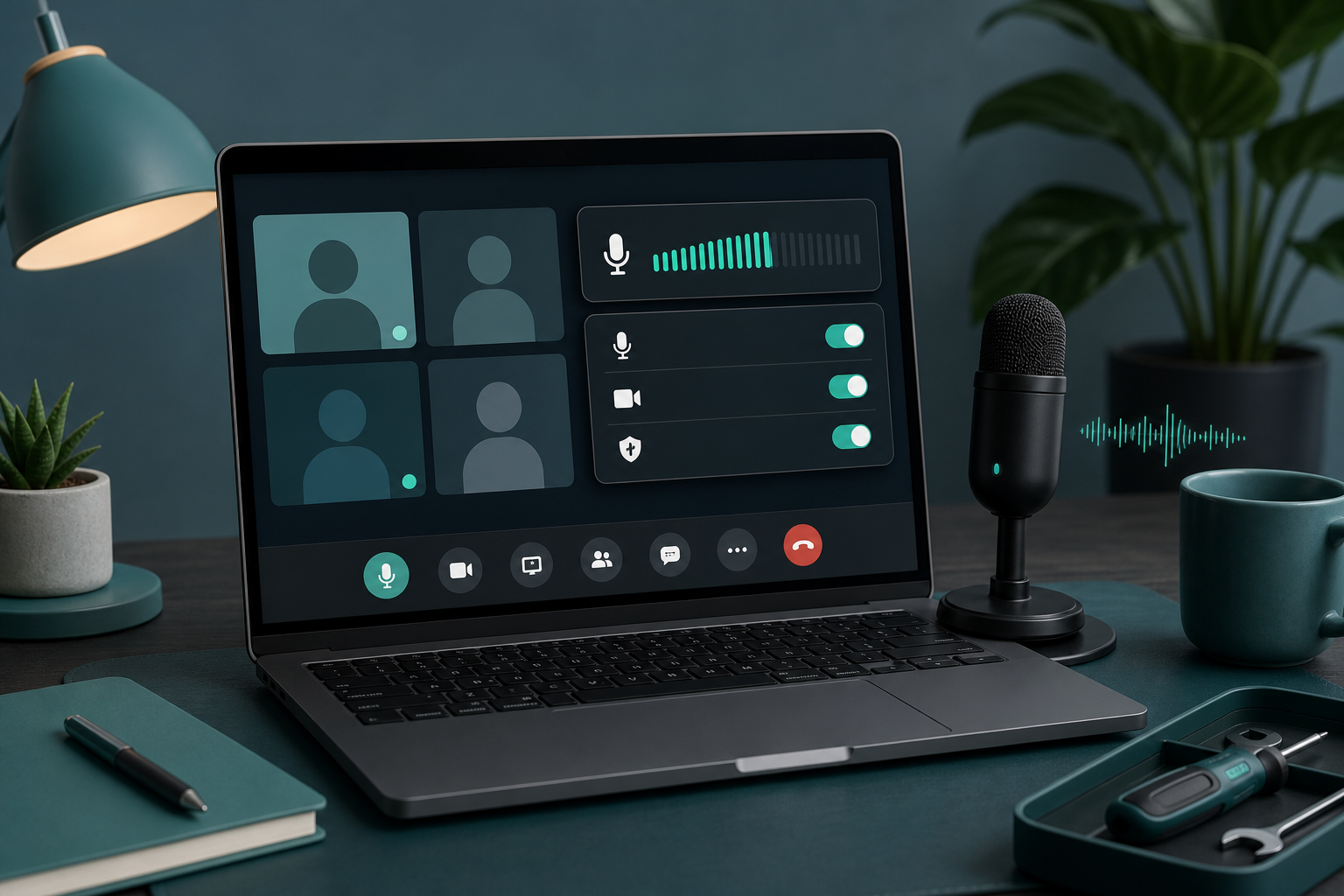
Run a fast meeting audio test before Zoom, Teams, or Google Meet calls so mute, microphone, speaker, and permission issues do not derail the first minute.
Read article20 articles
Run a fast meeting audio test before Zoom, Teams, or Google Meet calls so mute, microphone, speaker, and permission issues do not derail the first minute.
Read articleLearn how to mute participants in Zoom, Microsoft Teams, and Google Meet without derailing a live meeting.
Read articleBuild a Stream Deck Google Meet setup that keeps mute, camera, presenting, and browser permissions predictable during live calls.
Read articleRun Zoom, Teams, and Google Meet with one meeting-control workflow so mute, camera, and screen share stay predictable.
Read articleBuild a reliable mute button for PC meetings with shortcuts, hardware controls, permissions, and a simple recovery workflow for Zoom, Teams, and Meet.
Read articleFix a laptop that will not unmute in Zoom, Teams, or Google Meet with a practical mute chain checklist for hosts and presenters.
Read articleLearn how to boost microphone volume for clearer Zoom, Teams, and Google Meet calls without adding noise or chasing the wrong mute setting.
Read articleFix a MacBook camera that is not working in Zoom, Teams, or Google Meet with a host-focused checklist for permissions, app settings, devices, and meeting recovery.
Read articleBuild reliable screen share controls for Zoom, Teams, and Google Meet so hosts can present, switch windows, and recover without awkward toolbar hunting.
Read articlePost meeting work turns a finished call into clear decisions, follow-ups, and better meeting controls. Use this host checklist after Zoom, Teams, or Google Meet.
Read articleUse video conferencing keyboard shortcuts without turning meetings into shortcut trivia. Build a small, reliable control set for Zoom, Teams, Meet, and live presentations.
Read articleFix a microphone that is not working in meetings with a host-friendly workflow for mute state, permissions, input routing, browser access, and recovery.
Read article