
# 7 Best Internet Telephone Service Picks for 2025
In a world of constant communication, your phone service is more than just a utility; it's a critical tool for connection, productivity, and professional presence. Whether you're a remote professional managing client calls, an IT manager deploying a company-wide system, or a homeowner looking for a flexible, cost-effective alternative to a traditional landline, finding the best internet telephone service is essential. The right Voice over Internet Protocol (VoIP) system can slash your monthly bills, provide crystal-clear call quality, and unlock powerful features that legacy phone lines simply can't match.
This guide is designed to cut through the noise and provide a clear, comprehensive roundup of top-tier internet phone services. We'll move beyond generic feature lists and dive into practical applications for each platform. For instance, we will explore how a specific service's mobile app integration benefits a sales professional on the road versus how another's hardware compatibility simplifies setup for an educator's home office. To truly understand the landscape of options, exploring comprehensive high-performance VoIP solutions for small businesses (opens new window) can provide valuable context for internet telephone services.
Inside this curated list, you will find:
- Detailed breakdowns of leading providers like RingCentral, Dialpad, and Google Voice.
- Direct comparisons of pricing, key features, and ideal use cases.
- Screenshots and direct links to help you visualize and explore each option.
Our goal is straightforward: to equip you with the actionable insights needed to select the perfect internet phone service for your specific needs, helping you make a confident and informed decision without the guesswork. Let's get started.
# 1. RingCentral
RingCentral stands as a titan in the Unified Communications as a Service (UCaaS) landscape, offering one of the most comprehensive and reliable internet telephone service solutions available. It moves far beyond basic calling by integrating phone, video conferencing, and team messaging into a single, cohesive platform. This all-in-one approach is its key differentiator, making it an ideal choice for businesses aiming to streamline their communication stack and eliminate the need for multiple disparate applications.
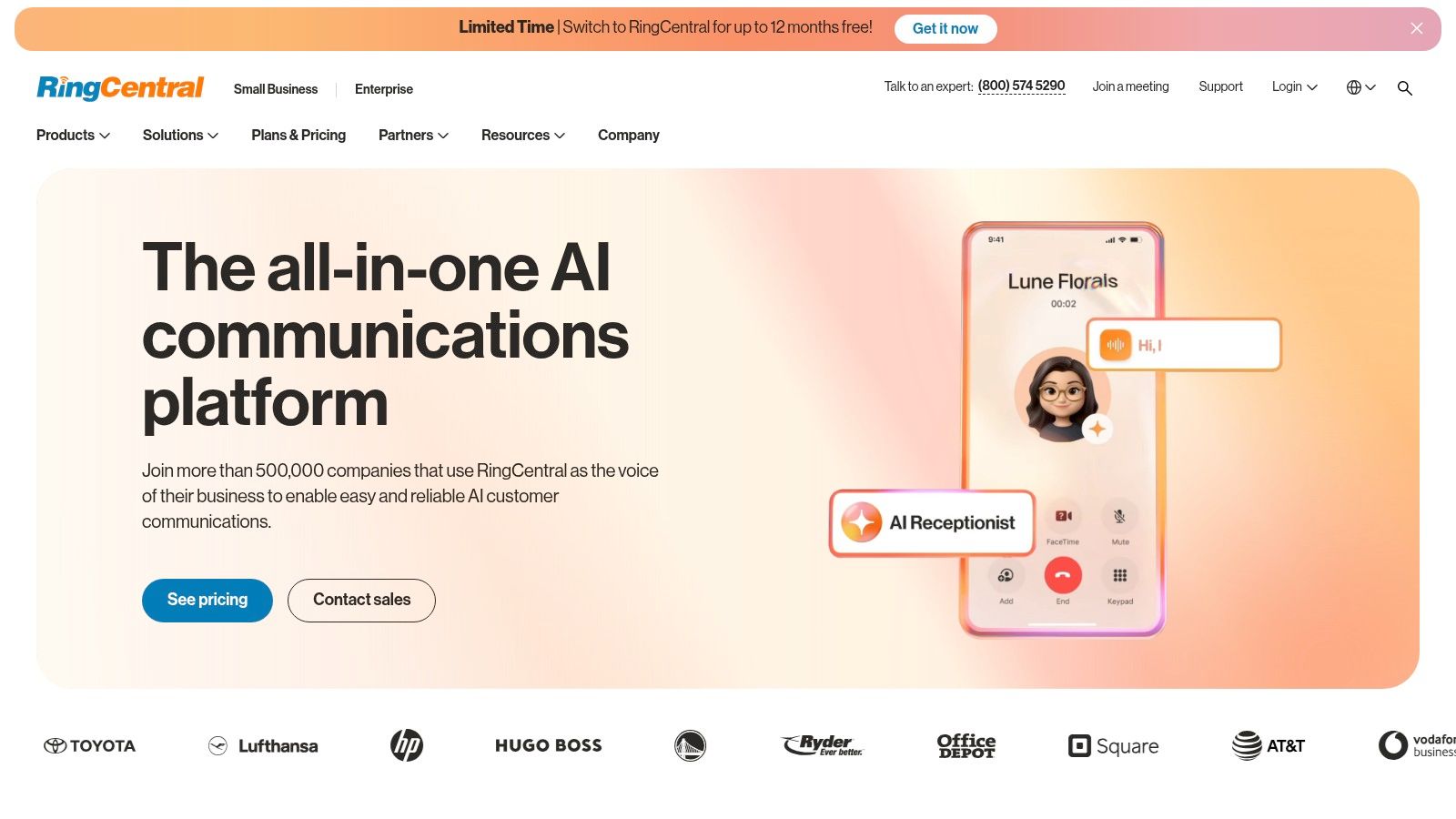
The platform is built for scalability, serving everyone from a solo remote professional to a multi-location enterprise with thousands of employees. Its robust feature set and proven reliability ensure that as your business grows, your communication system can grow with you without friction.
# Key Features and User Experience
RingCentral's interface, available on desktop and mobile, is clean and intuitive, making it easy to switch between a phone call, a video meeting, and a team chat. The platform's real power lies in its advanced call management capabilities, which become more sophisticated with higher-tier plans.
- Advanced Call Handling: Features like call whisper, barge, and monitor are invaluable for sales and support training. Practical example: a manager can listen to a live call, provide private coaching to the agent ("whisper" tips like, "Mention the new discount"), or join the call to assist (barge).
- Multi-Site Administration: Businesses with multiple offices can manage all locations, users, and phone numbers from a single, centralized admin portal, simplifying complex administrative tasks. Practical tip: Use this to set up location-specific business hours and greetings for each office, all from one dashboard.
- Real-Time Analytics: Higher tiers provide access to detailed dashboards that track call volume, queue times, and agent performance, offering actionable insights to optimize operations.
For a deeper dive into how UCaaS platforms like RingCentral are transforming business communications, you can learn more about the role of VoIP in the cloud (opens new window).
# Pricing and Plan Tiers
RingCentral offers several tiered plans, allowing businesses to select the features they need. Pricing is more favorable with annual billing compared to month-to-month.
| Plan Tier | Key Features | Best For |
|---|---|---|
| Essentials | Up to 20 users, unlimited U.S./Canada calling, business SMS | Small teams needing a professional phone system |
| Standard | Unlimited users, video meetings, multi-level auto-attendant, integrations | Growing businesses needing video and integrations |
| Premium | Automatic call recording, advanced analytics, developer platform | Data-driven businesses with advanced call center needs |
| Ultimate | Device status reports, unlimited business analytics storage | Large enterprises requiring top-tier monitoring and data |
# Pros and Cons
Pros:
- Full-Stack UCaaS: A mature, all-in-one platform for voice, video, and messaging.
- High Reliability: Industry-leading uptime and call quality.
- Scalability: Seamlessly scales from small businesses to large enterprises.
- Extensive Integrations: Connects with hundreds of popular business apps like Salesforce, Microsoft 365, and Zendesk.
Cons:
- Higher Cost: Can be more expensive than simpler VoIP-only providers, especially on monthly plans.
- Feature Gating: Some critical features, like automatic call recording, are reserved for higher-priced tiers.
Website: https://www.ringcentral.com (opens new window)
# 2. Dialpad
Dialpad carves out a unique space in the crowded internet telephone service market by leading with a powerful, AI-driven approach. It positions itself as a "TrueCaaS" (Truly Unified Communications as a Service) provider, integrating voice, messaging, meetings, and contact center solutions into one seamless application. What truly sets Dialpad apart is its native "Dialpad Ai" technology, which provides real-time transcription, sentiment analysis, and post-call summaries on every business plan, making it an exceptional choice for data-driven teams.
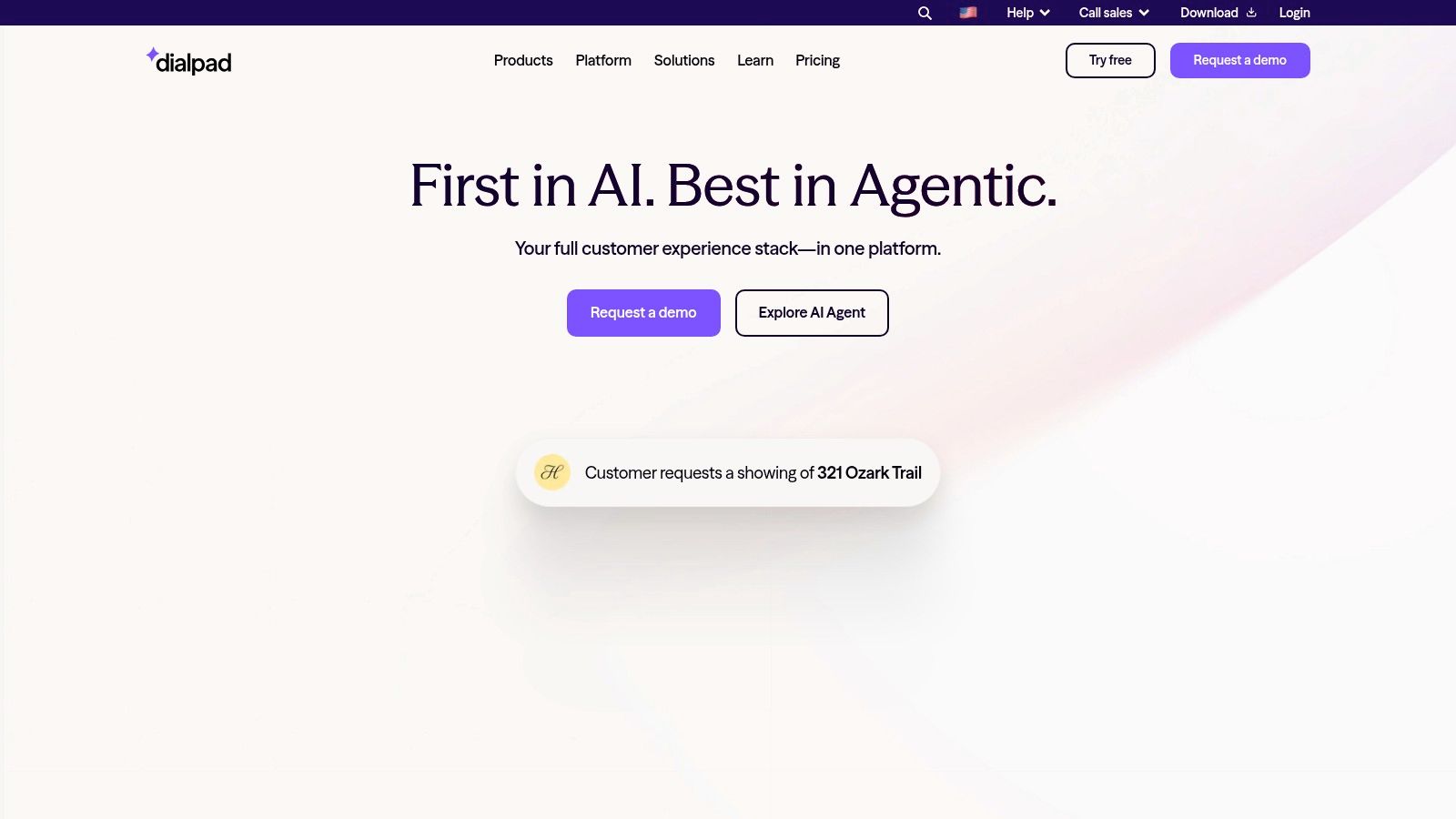
The platform is designed with an app-first mentality, offering a clean, modern interface that is easy to deploy and manage. This focus on user experience and built-in intelligence makes it particularly appealing for small to mid-sized businesses and fast-moving sales and support teams who want to extract actionable insights directly from their daily conversations without needing expensive add-ons.
# Key Features and User Experience
Dialpad's user interface is minimalist and intuitive across its desktop and mobile apps, allowing users to effortlessly manage communications. The real magic happens under the hood with its AI engine, which automates tasks that typically require manual note-taking and follow-up, freeing up employees to focus on the conversation itself.
- Real-Time AI Assistance: During a live call, Dialpad Ai transcribes the conversation in real-time. It can also be configured to pop up "Real-Time Assist" cards when specific keywords or competitor names are mentioned, providing agents with instant answers and talking points.
- Actionable Post-Call Summaries: Immediately after a call ends, users receive an automated summary that includes the full transcript, highlights, and identified action items. Practical tip: This is a game-changer for sales teams; you can copy and paste the AI-generated action items directly into your CRM follow-up task.
- Voice Intelligence (Vi): Vi allows managers to track keyword usage, analyze customer sentiment, and coach teams more effectively. For instance, a sales manager could track how often a new product feature is mentioned or analyze sentiment trends across all support calls.
# Pricing and Plan Tiers
Dialpad offers competitive pricing, especially considering the AI features included at the entry level. It provides a 14-day free trial and favors annual billing for the best rates.
| Plan Tier | Key Features | Best For |
|---|---|---|
| Standard | Unlimited U.S./Canada calling, SMS/MMS, real-time transcripts, Google/Microsoft 365 integrations | Small businesses and startups needing core phone features with AI |
| Pro | Adds CRM integrations (Salesforce, Zendesk), multi-level auto-attendant, global SMS capabilities | Growing teams that require deeper integration with their business software |
| Enterprise | Includes single sign-on (SSO), unlimited office locations, advanced compliance features (HIPAA) | Larger organizations with complex security and administrative needs |
# Pros and Cons
Pros:
- Built-in AI on All Plans: Provides powerful transcription, analytics, and automation features without requiring a premium plan.
- User-Friendly Interface: The app-first design is modern, clean, and easy for new users to adopt.
- Competitive Pricing: Offers a strong feature-to-price ratio, especially for teams that will leverage the AI tools.
- Truly Unified Platform: One application handles voice, messaging, meetings, and contact center functions.
Cons:
- Advanced Features Gated: Key administrative and compliance tools like SSO are reserved for the Enterprise plan.
- Fewer Native Integrations: While it covers the major CRMs and productivity suites, its integration library is less extensive than some legacy competitors.
Website: https://www.dialpad.com (opens new window)
# 3. Google Voice for Google Workspace
Google Voice for Google Workspace extends the familiar, consumer-friendly Google Voice experience into a powerful business tool. It's a cloud-based phone service designed for seamless integration within the Google ecosystem, making it an exceptional internet telephone service choice for organizations already invested in Google Workspace. Its primary strength is its simplicity and tight integration with tools like Gmail, Calendar, and Meet, offering a unified, easy-to-manage solution directly from the familiar Workspace admin console.
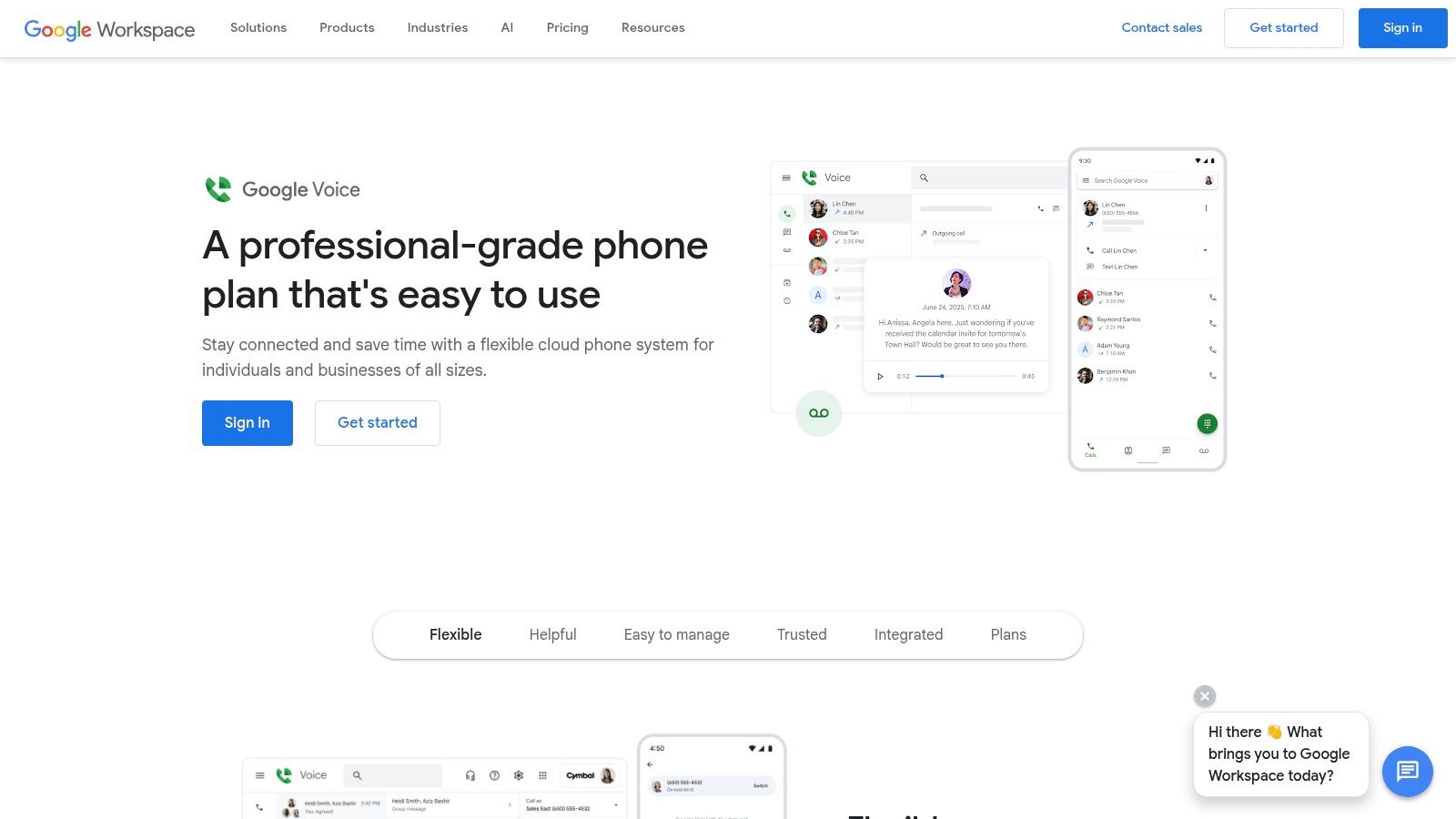
This service is ideal for small to medium-sized businesses that prioritize ease of use and streamlined administration over the complex, feature-heavy platforms favored by large enterprises. By leveraging the existing Google infrastructure, it provides a reliable and intuitive phone system without a steep learning curve, allowing teams to get up and running quickly.
# Key Features and User Experience
The user experience is classic Google: clean, intuitive, and accessible from any device via a web browser or mobile app. Since it's part of Workspace, users can manage calls and texts alongside their email and calendar, creating a cohesive workflow. The management is just as straightforward for administrators.
- Centralized Administration: IT admins can assign and port numbers, set up ring groups, and manage billing for all users directly within the Google Workspace Admin console, simplifying user provisioning and oversight.
- Intelligent Call Routing: Higher-tier plans include a multi-level auto-attendant to direct callers to the right department or individual (e.g., "Press 1 for sales, Press 2 for support") and ring groups that distribute calls across team members.
- Google Calendar and Meet Integration: Users can set their working hours in Calendar, which automatically routes calls to voicemail outside of those times. Practical example: If you block off "focus time" in your calendar, Google Voice can automatically hold your calls, respecting your schedule without you having to change any settings.
To get the most out of integrated tools, it helps to understand best practices, and you can learn more about setting up group calls (opens new window) to enhance team collaboration.
# Pricing and Plan Tiers
Google Voice requires a paid Google Workspace subscription as a prerequisite. The Voice pricing is an additional per-user, per-month fee on top of the Workspace license cost.
| Plan Tier | Key Features | Best For |
|---|---|---|
| Starter | Up to 10 users, unlimited U.S. calling, voicemail transcription | Solopreneurs and small teams needing basic business calling |
| Standard | Unlimited users, multi-level auto-attendant, ring groups, desk phone support | Growing businesses needing call routing and device flexibility |
| Premier | Automatic call recording, advanced reporting, international locations | Data-focused teams and international businesses |
# Pros and Cons
Pros:
- Seamless Google Integration: Deeply embedded within the Workspace ecosystem for a unified user experience.
- Simple and Intuitive UI: Very low learning curve for anyone already familiar with Google products.
- Competitive Pricing: The starter plan offers excellent value for small teams already using Workspace.
- Centralized Management: Easy for admins to manage alongside other Google services.
Cons:
- Requires Google Workspace: You cannot purchase this as a standalone service; a paid Workspace license is mandatory.
- Fewer Advanced Features: Lacks some of the sophisticated call center analytics and UCaaS features found in enterprise-focused rivals.
Website: https://workspace.google.com/products/voice/ (opens new window)
# 4. Vonage (Home Phone plans)
Vonage carves out a specific and valuable niche in the internet telephone service market by focusing squarely on the residential user looking to replace their traditional landline. While many providers target businesses, Vonage for Home offers a straightforward, plug-and-play solution designed for simplicity and reliability. Its key differentiator is making high-quality VoIP accessible to home users, particularly those who frequently make international calls, without the complexity of a business-oriented system.
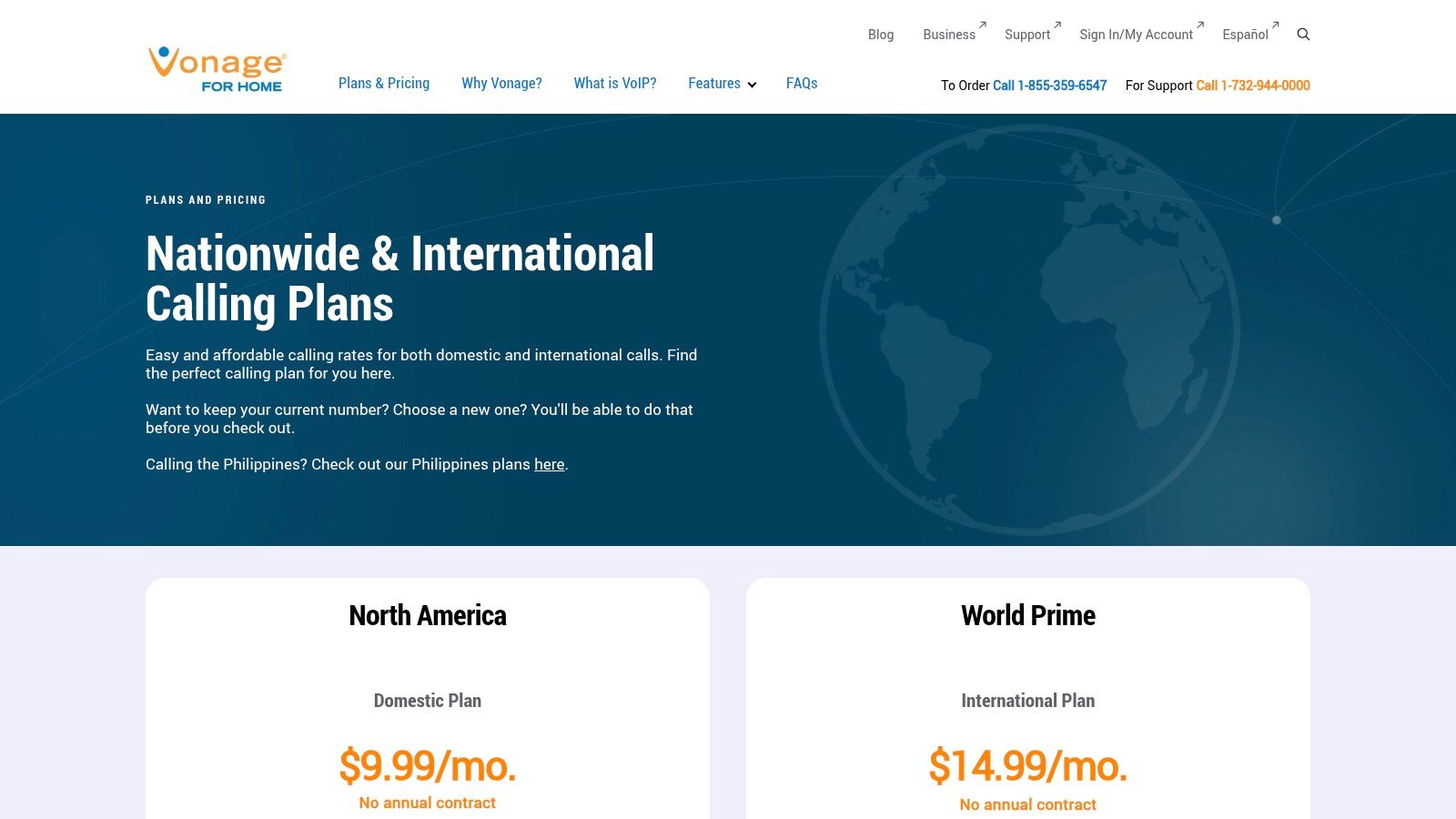
The service operates by shipping customers a "Vonage Box" adapter that connects their existing home phone to their internet router. This approach allows users to keep their familiar handsets while gaining the cost-saving benefits and features of VoIP. It's an ideal choice for households wanting a dependable home phone number with clear pricing and excellent international calling options.
# Key Features and User Experience
Setting up Vonage is designed to be as simple as possible, with the company shipping the pre-configured adapter directly to your home. Once plugged in, your existing phone works over the internet. The user experience is centered on ease of use rather than an extensive feature set, which is perfect for its target audience.
- Simple Plug-and-Play Setup: The Vonage Box adapter is the core of the service. You connect it to your router and your standard telephone, and the service is active, requiring minimal technical skill.
- Keep Your Number: Vonage allows you to port your existing landline number, ensuring a seamless transition without having to update your contacts.
- International Calling Plans: The "World Prime" plan is a standout feature, offering unlimited calls to landlines in over 60 countries and mobile phones in over 10, making it highly cost-effective for families with relatives abroad.
- 30-Day Money-Back Guarantee: New customers can try the service for a month, providing a risk-free period to test call quality and reliability with their home internet connection.
Practical tip: For the most stable connection, place the Vonage adapter close to your router. If your phone is in another room, consider using a long Ethernet cable or a powerline network adapter to bridge the distance without compromising performance.
# Pricing and Plan Tiers
Vonage for Home simplifies its offering into two primary plans, making the choice clear based on your calling habits. Note that introductory pricing is for new customers and standard rates apply after the promotional period.
| Plan Tier | Key Features | Best For |
|---|---|---|
| U.S. & Canada Unlimited | Unlimited calling to the U.S., Canada, Mexico, and Puerto Rico | Households needing a reliable landline replacement for domestic calls |
| World Prime | Includes all Domestic features + unlimited calls to landlines in 60+ countries | Families and individuals who frequently call friends and relatives internationally |
# Pros and Cons
Pros:
- Extremely Simple Setup: The included hardware makes it easy for non-technical users to get started.
- Excellent International Options: The World Prime plan offers significant value for international callers.
- No Annual Contracts: Provides flexibility without locking users into a long-term commitment.
- Use Your Existing Phone: No need to buy new, specialized hardware; works with most standard home phones.
Cons:
- Not a Business Solution: Lacks advanced features like auto-attendants, call queues, or video conferencing.
- Pricing Complexity: Introductory offers can be confusing, and taxes and fees add to the advertised monthly cost.
Website: https://www.vonageforhome.com/plans/ (opens new window)
# 5. Ooma (Home Phone – Ooma Telo)
Ooma carves out a unique niche in the internet telephone service market by focusing on the residential user with an exceptionally low-cost model. Instead of a recurring monthly subscription for service, Ooma's model is hardware-centric. Users purchase the Ooma Telo device, connect it to their router, and from then on, enjoy unlimited domestic calling for only the cost of applicable monthly taxes and fees. This one-time hardware purchase essentially eliminates the core service fee, making it a compelling option for those seeking to replace a traditional landline without committing to another monthly bill.

This approach is fundamentally different from business-focused UCaaS platforms, targeting individuals, families, and home offices that need reliable, high-quality voice service at the lowest possible ongoing cost. The setup is designed for simplicity, allowing non-technical users to get up and running quickly by simply plugging the device into their existing internet connection and phone handset.
# Key Features and User Experience
Ooma's Telo hardware is the heart of the system, and its user experience is built around a plug-and-play philosophy. Once installed, it works just like a traditional phone line. The service includes all the essentials one would expect from a home phone service, with the Ooma mobile app extending functionality beyond the home.
- Free U.S. Calling: After the one-time hardware purchase, all calls within the United States are free. Users are only responsible for mandatory monthly taxes and fees, which vary by location.
- Mobile App Access: The Ooma Home Phone app allows you to make and receive calls using your home phone number on your smartphone, effectively taking your "landline" on the go.
- Advanced Robocall Blocking: Ooma provides a robust, multi-layered approach to blocking unwanted spam and robocalls, a significant pain point for many home phone users. Practical tip: Customize the blocking levels in your online portal—from lenient to aggressive—to match your tolerance for unknown callers.
- 911 Service: Ooma's 911 service automatically transmits your registered home address to emergency dispatchers, providing a level of safety comparable to traditional landlines.
# Pricing and Plan Tiers
Ooma's pricing is straightforward and primarily based on the initial hardware purchase, with an optional premium subscription for enhanced features. The Ooma Telo device is widely available at major electronics retailers.
| Plan Tier | Key Features | Best For |
|---|---|---|
| Basic (Free Service) | Unlimited U.S. calling, caller ID, call waiting, 911 service, voicemail | Individuals and families wanting to replace a landline with minimal monthly costs |
| Premier | Adds features like a second line, advanced call blocking, 3-way conferencing, voicemail-to-email | Power users who want business-like features on their home phone service |
# Pros and Cons
Pros:
- Extremely Low Monthly Cost: After the hardware purchase, ongoing costs are limited to just taxes and fees, making it one of the most affordable options available.
- Simple Setup: The plug-and-play installation of the Telo device is very user-friendly.
- Keep Your Number: Ooma supports number porting, allowing you to transfer your existing home phone number.
- Reliable Call Quality: Generally provides clear, high-definition voice quality over a stable broadband connection.
Cons:
- Upfront Hardware Cost: The initial purchase of the Ooma Telo device is a required investment.
- Hardware Dependent: The service relies on the Telo hardware, which can be a point of failure, though it is generally reliable.
- Taxes and Fees Vary: The exact monthly cost can fluctuate depending on your ZIP code.
Website: https://www.ooma.com/home-phone-service/savings/ (opens new window)
# 6. magicJack
magicJack carves out a unique niche in the internet telephone service market by focusing on ultra-low-cost simplicity, primarily for home users. Unlike comprehensive business platforms, magicJack’s model is built around a small, portable hardware device that connects to your computer or router. This device-centric approach delivers a straightforward, no-frills calling solution that is exceptionally affordable, making it a popular choice for budget-conscious individuals and those needing a basic secondary phone line.
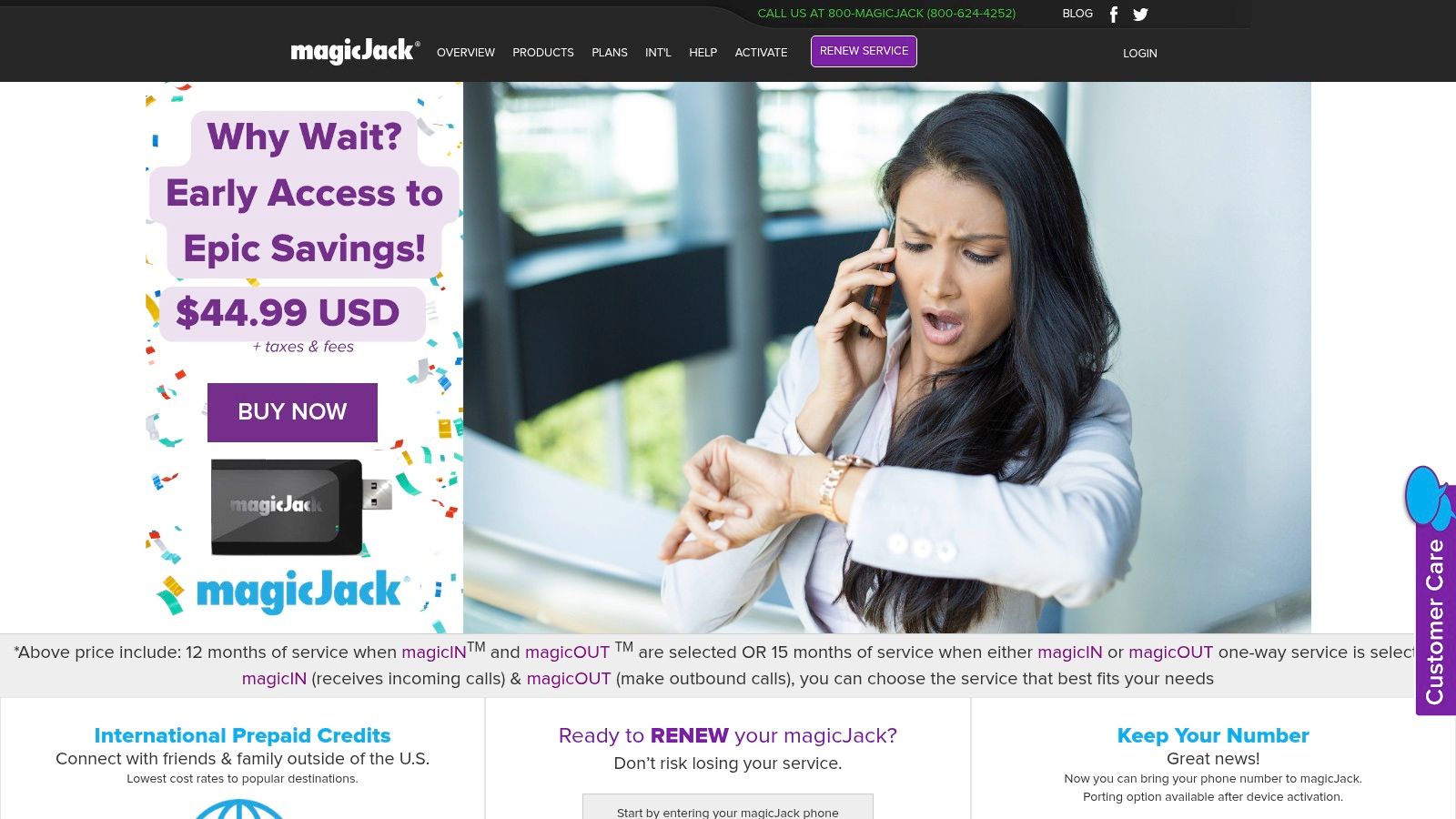
The service is designed for maximum ease of use and portability. Its core appeal lies in its one-time hardware purchase followed by a very low annual subscription fee, which includes unlimited calling within the U.S. and Canada. This model is ideal for users who want to replace a traditional landline without committing to the higher monthly costs and complex features of business-oriented VoIP providers.
# Key Features and User Experience
magicJack's experience is centered on its plug-and-play hardware and the companion magicApp. Setup is simple: you plug the device into a USB port on your computer or directly into your router, connect a standard phone, and complete a quick online activation. The magicApp extends your home phone number to your smartphone, allowing you to make and receive calls on the go over Wi-Fi or cellular data.
- Portability: The small device is easy to pack and take with you. Practical example: If you're traveling, you can plug it into your laptop in a hotel room to make and receive calls from your home number, avoiding expensive hotel phone charges or international roaming fees.
- Companion App: The magicApp effectively turns your smartphone into a second handset for your magicJack number. This is perfect for when you're away from home but don't want to miss a call.
- Low International Rates: While U.S. and Canada calls are free, magicJack offers competitive pay-as-you-go rates for international calling, which can be significantly cheaper than traditional carriers.
For optimal use, ensuring your device's microphone is properly configured is key to clear calls, especially when using the service through a computer. If you ever experience issues with call clarity, you might need to adjust microphone settings (opens new window) to improve audio quality.
# Pricing and Plan Tiers
magicJack’s pricing is its most compelling feature, structured around a one-time device purchase and a recurring subscription. The initial purchase typically includes a period of service.
| Item | Details | Best For |
|---|---|---|
| magicJack Device | One-time hardware cost which usually includes 1 year of service. | New users needing a complete home phone solution. |
| 1-Year Plan Renewal | An annual subscription to continue the service after the initial period. | Existing users wanting to extend their service. |
| 3-Year Plan Renewal | A discounted multi-year subscription offering the best long-term value. | Committed users looking for maximum cost savings. |
| 5-Year Plan Renewal | The lowest per-year cost for users who plan to use the service long-term. | Users seeking to "set it and forget it" for their home phone. |
# Pros and Cons
Pros:
- Exceptional Affordability: One of the lowest-cost home VoIP solutions available, with minimal ongoing fees.
- Simple Setup: The plug-and-play device is easy for non-technical users to install and activate.
- Highly Portable: The compact device is perfect for travelers or those with seasonal homes.
- No Long-Term Contracts: You pay for the service in advance for a set term (e.g., one year), with no monthly contract.
Cons:
- Limited Advanced Features: Lacks features like a multi-level auto-attendant, call recording, or integrations found in business services.
- Device Dependent: The primary service relies on the physical hardware being connected and powered on.
- Basic Customer Support: Support options are not as robust as those offered by premium providers.
Website: https://www.magicjack.com (opens new window)
# 7. Walmart (Marketplace for VoIP Home Phone Kits)
While not a service provider itself, Walmart earns a unique spot on this list for its role as a key hardware marketplace for some of the most popular home VoIP solutions. For individuals and families seeking the best internet telephone service for residential use, Walmart offers unparalleled convenience for acquiring the necessary hardware, such as Ooma Telo or magicJack devices, often with same-day availability. This approach separates the one-time hardware purchase from the ongoing, low-cost service subscription managed directly with the VoIP company.
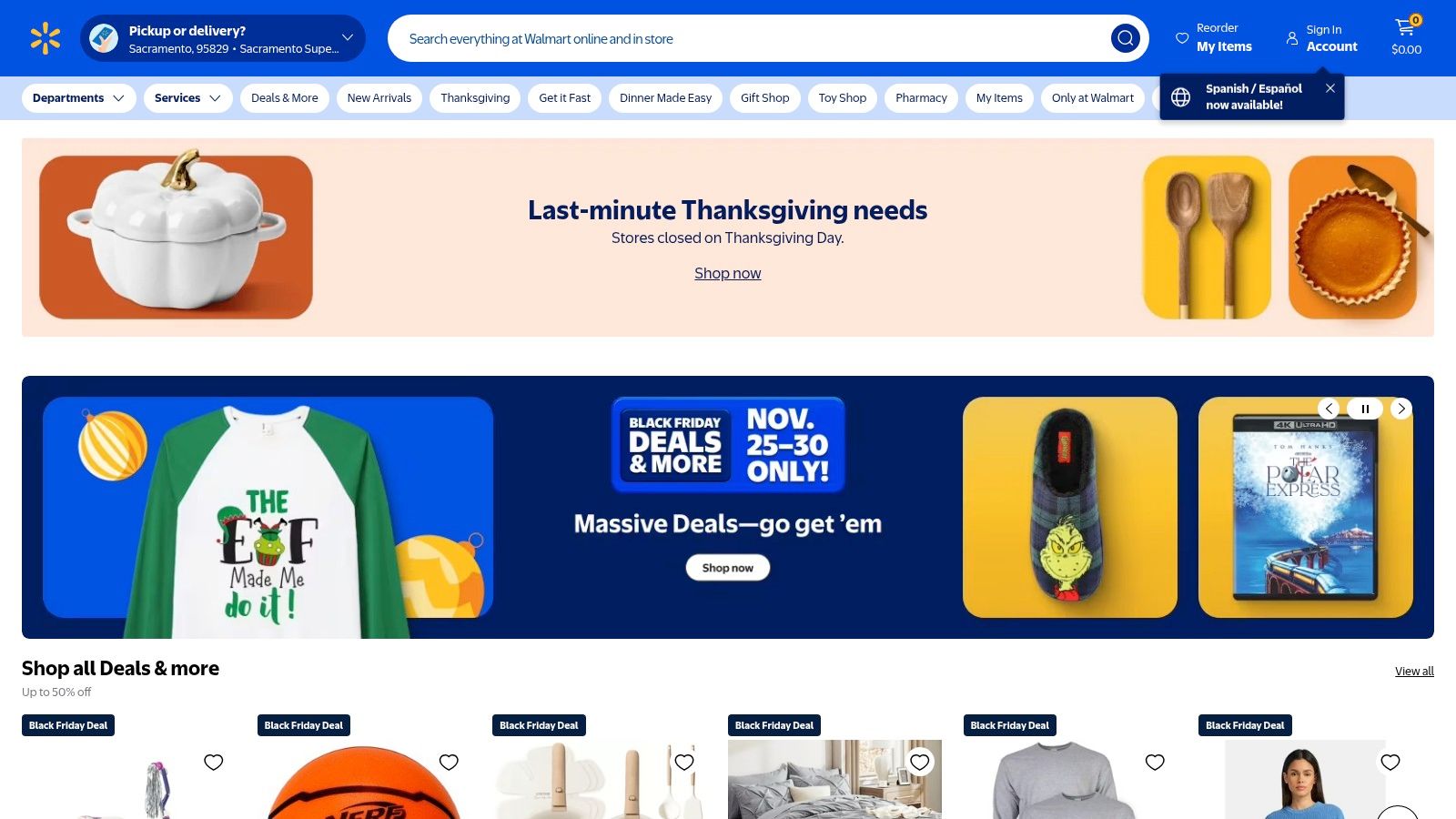
This retail-first model is ideal for users who want to bypass online shipping delays and get their system running immediately. The ability to see user reviews directly on the product page and a hassle-free return policy at a local store adds a layer of confidence and convenience that direct online purchases often lack.
# Key Features and User Experience
Shopping for VoIP hardware on Walmart's website or app is straightforward, leveraging a familiar e-commerce interface. You can compare devices, read reviews from other buyers, and check local store inventory in real-time. This is particularly useful for assessing real-world performance before committing.
- Immediate Hardware Access: The standout feature is the ability to purchase a device online and pick it up at a local store within hours. This is perfect for replacing a broken device or setting up a new phone line without waiting for shipping.
- Customer Reviews and Q&A: Leverage the extensive customer feedback on product pages. Practical tip: Search reviews for terms like "setup," "porting," or "call quality" to get specific insights into the post-purchase experience with the actual service provider (e.g., Ooma or magicJack).
- Easy Returns: If the device doesn't meet your expectations or is incompatible with your setup, returning it to a physical Walmart store is far simpler than managing a mail-in return with an online-only retailer.
# Pricing and Plan Tiers
Walmart's role is focused on the one-time hardware cost, which can vary based on promotions. The ongoing service plan is managed separately, making it a two-step process.
| Product Example | Typical Hardware Cost (at Walmart) | Ongoing Service Plan (with Provider) |
|---|---|---|
| Ooma Telo Air | $99 - $129 (one-time) | Basic service is free (pay only taxes/fees); Premier plan with advanced features is extra. |
| magicJack HOME | $39 - $49 (one-time, includes 1 year of service) | Annual renewals are required to continue service after the initial period. |
# Pros and Cons
Pros:
- Convenience and Speed: Fast, same-day access to popular VoIP hardware via in-store pickup.
- Easy Returns: Straightforward return process at thousands of local stores.
- Competitive Pricing: Often features discounts and promotions on hardware kits.
- Transparent Reviews: Real-world user reviews help gauge product performance and ease of setup.
Cons:
- Hardware Only: Walmart is a retailer, not the service provider. All account management, number porting, and technical support are handled by the device's company (e.g., Ooma).
- Fluctuating Stock: Availability of specific models can vary by location and time.
Website: https://www.walmart.com (opens new window)
# Top 7 Internet Telephone Services Comparison
| Product | Implementation Complexity 🔄 | Resource Requirements ⚡ | Expected Outcomes 📊 | Ideal Use Cases 💡 | Key Advantages ⭐ |
|---|---|---|---|---|---|
| RingCentral | Moderate–High: multi-site setup and admin | Paid tiers, admin resources, optional desk phones | Enterprise-grade UC, advanced routing, real‑time analytics | SMBs → enterprises needing scalable UCaaS & integrations | ⭐⭐⭐⭐ Reliable, full‑stack UC; broad integrations |
| Dialpad | Low–Moderate: app‑first, quick deployment | Paid plans with AI included; minimal hardware | Real‑time transcripts, post‑call summaries for faster insights | Small–mid teams wanting AI voice features and mobile focus | ⭐⭐⭐⭐ AI transcription & summaries; competitive pricing |
| Google Voice for Google Workspace | Low: managed from Workspace console | Requires Google Workspace license; limited desk phone support | Simple cloud phone tightly integrated with Gmail/Calendar/Meet | Small teams already on Workspace seeking familiar phone UX | ⭐⭐⭐ Familiar UI; low learning curve for Workspace users |
| Vonage (Home Phone plans) | Low: equipment shipped, plug‑and‑play | Monthly service; adapter included; no annual contract options | Home landline replacement with strong international calling options | Residential users needing easy setup and international calling | ⭐⭐⭐ Easy setup; clear domestic vs international plans |
| Ooma (Home Phone – Ooma Telo) | Low: purchase Telo, plug into router | One‑time device cost + taxes/fees; optional Premier add‑ons | Very low ongoing cost for domestic calling; basic home features | Cost‑conscious homeowners wanting minimal monthly fees | ⭐⭐⭐ Very low ongoing cost after device purchase |
| magicJack | Very Low: tiny device or app; minimal setup | Very low upfront and ongoing cost; bundled hardware option | Ultra‑low‑cost basic calling; portable for travel/seasonal use | Budget home users or travelers needing cheap calling | ⭐⭐ Lowest cost option; highly portable |
| Walmart (VoIP Home Phone Kits) | Low: retail purchase/fulfillment channel | No service itself; fast shipping/in‑store pickup for devices | Fast hardware acquisition, easy returns, access to reviews | Buyers needing same‑day or quick device access and returns | ⭐⭐ Convenient fulfillment; easy returns and local pickup |
# Making the Final Call: Your Action Plan for Choosing a Service
We've explored a comprehensive landscape of internet telephone services, from the enterprise-grade powerhouses like RingCentral and Dialpad to the streamlined efficiency of Google Voice for Google Workspace. We also delved into consumer-focused solutions like Vonage, Ooma, and magicJack, which excel at replacing traditional home landlines with modern, cost-effective alternatives. Choosing the best internet telephone service is less about finding a single "winner" and more about identifying the perfect communications partner for your unique workflow, budget, and technical requirements.
The core takeaway is that the right service acts as an invisible bridge, not a complicated barrier. It should seamlessly integrate into your daily operations, whether you're a remote professional managing a global client base, a small business coordinating a hybrid team, or a homeowner seeking a reliable and affordable phone line. The difference between a good service and a great one often lies in the details: call quality during peak hours, the intuitiveness of the mobile app, and the responsiveness of customer support when you need it most.
# Your Final Selection Checklist
Before you commit to a provider and port your number, run through this final checklist. This action plan will help you translate our detailed reviews into a confident, well-informed decision.
Re-evaluate Your Core "Must-Haves": Look back at your initial needs. Is your absolute priority unlimited international calling to specific countries, like with Vonage? Or is it deep integration with your CRM and Google Workspace, a key strength of Dialpad and RingCentral? Be ruthless in prioritizing. A feature is only valuable if you will actually use it.
Conduct a "Day in the Life" Simulation: Imagine your busiest workday. You need to join a conference call from your mobile app while driving, transfer a client call to a colleague’s extension, and then check your voicemail transcriptions via email. Walk through this scenario with your top two choices. Does their feature set support this workflow effortlessly? For example, if visual voicemail and AI-powered transcriptions are critical, Dialpad and Google Voice should be at the top of your list.
Stress-Test the Free Trial: Never underestimate the value of a trial period. This is your opportunity to test the single most important factor: call quality. Make calls from different locations with varying internet speeds. Call landlines, mobile phones, and even another VoIP service. Is the audio consistently clear? Is there any noticeable latency or jitter? This is also the time to test the user interface. Is it intuitive, or will it require extensive training for your team?
Scrutinize the Total Cost of Ownership (TCO): Look beyond the attractive monthly fee. What is the true cost?
- Hardware: Do you need to purchase proprietary IP phones (common with business plans), or can you use your existing mobile devices and softphones?
- Add-ons: Is a toll-free number included, or is it an extra charge? What about call recording or advanced analytics? These small fees can add up.
- Contracts: Are you locking into an annual contract for a better price, or do you have the flexibility of a month-to-month plan?
# Putting Your New Service to Work
Once you've made your choice, the final step is a smooth implementation. A successful rollout hinges on planning.
- For Businesses: If deploying a service like RingCentral or Dialpad, create a simple one-page guide for your team. Include instructions for setting up the mobile app, configuring voicemail, and using the call transfer feature. A 30-minute kickoff call to walk through the basics can prevent weeks of support questions.
- For Home Users: When setting up a device like the Ooma Telo, place it as close to your primary router as possible and connect it via an Ethernet cable, not just Wi-Fi, for the most stable connection. Before you port your old number, use the temporary number provided by the service for a week to ensure everything is working perfectly.
Your communication system is the central nervous system of your professional or personal life. By investing the time to choose the right internet telephone service now, you're setting yourself up for clearer conversations, streamlined workflows, and a more connected future.
No matter which internet telephone service you choose, managing your calls and meetings requires focus. Stay in control of your audio without ever fumbling for your mouse with MuteDeck. Our smart mute button for Mac and Windows integrates with Zoom, Teams, Google Meet, and more, giving you a physical, reliable way to mute and unmute your microphone instantly. Enhance your new VoIP setup by visiting MuteDeck (opens new window) and take command of your conversations.