Guides & tips
How to Unmute Yourself in Any Meeting App
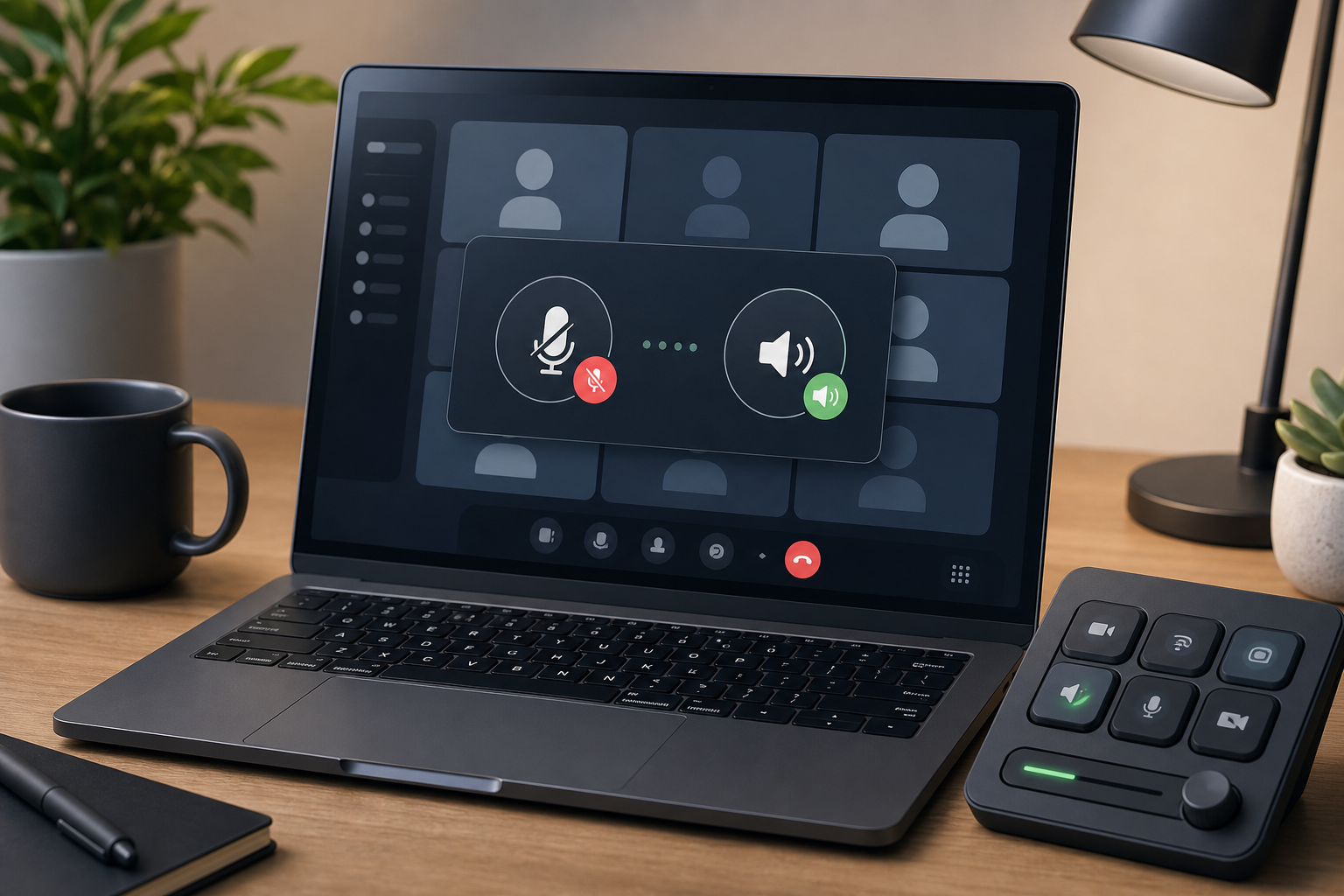
Learn how to unmute yourself in Zoom, Teams, Google Meet, and your computer settings with a layered checklist for reliable meeting audio.
Read articleThe MuteDeck blog
Practical guides, fresh ideas, and the latest from MuteDeck.
A little less friction. A better way to meet.
199 articles
Learn how to unmute yourself in Zoom, Teams, Google Meet, and your computer settings with a layered checklist for reliable meeting audio.
Read articleBuild a meeting controls checklist for mute, camera, screen sharing, focus, and recovery so calls stay predictable when apps compete for attention.
Read articleSet up Zoom host controls for mute, camera, sharing, co-hosts, and recovery so meetings stay calm when attention moves fast.
Read articleBuild a Stream Deck Google Meet control setup that handles mute, camera, screen sharing, captions, and recovery without derailing the call.
Read articleCompare Loupedeck vs Stream Deck for meeting controls, desk ergonomics, setup friction, and reliable Zoom, Teams, and Google Meet workflows.
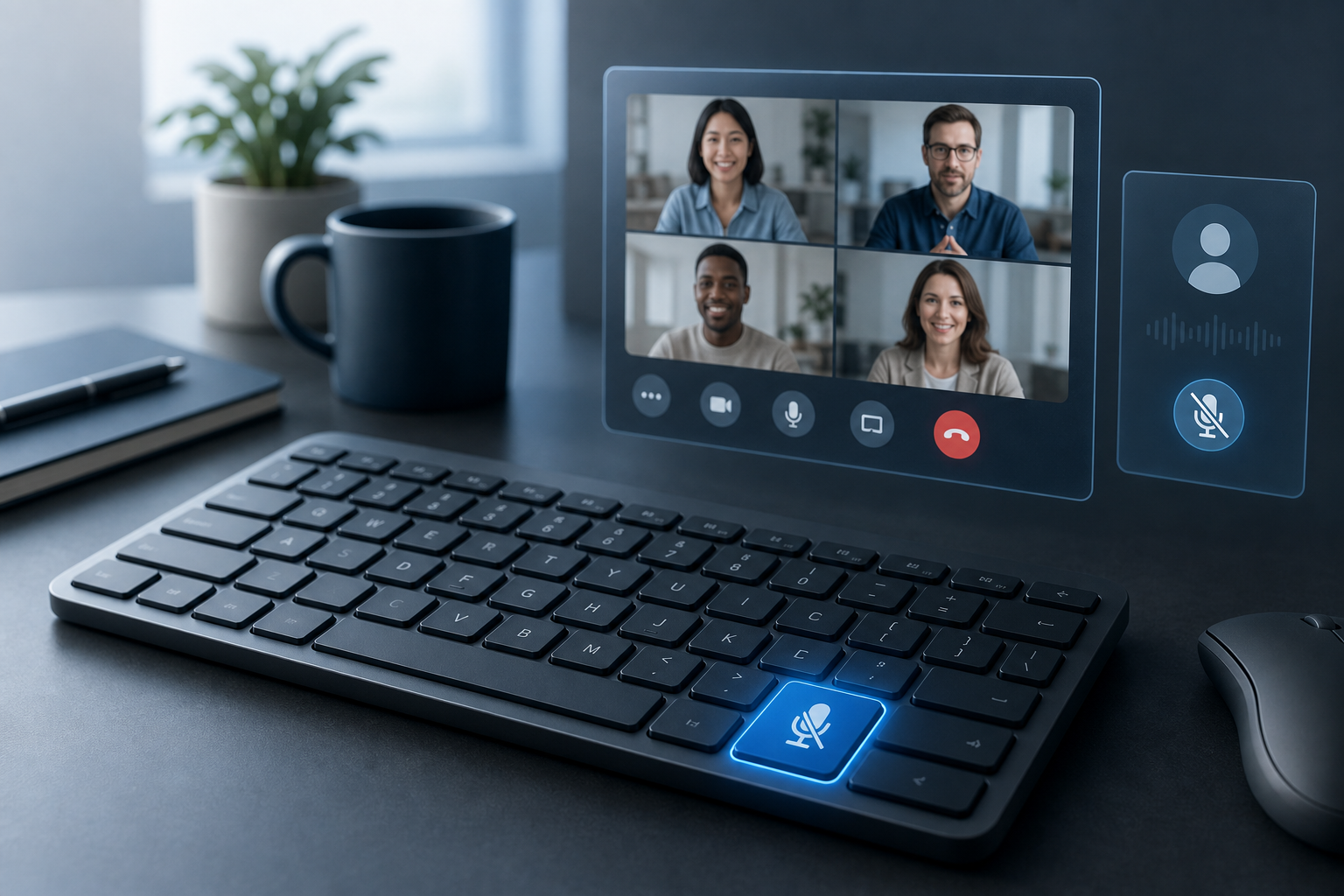
Read articleBuild a reliable mute button on keyboard workflow for Zoom, Teams, Google Meet, and MuteDeck so meeting audio control stays predictable.
Read articleLearn how to unmute computer audio before a meeting with a practical workflow for system mute, app mute, microphone routing, and host controls.
Read articleBuild an agenda for team meeting flow that keeps decisions visible, meeting controls ready, and follow-up simple for remote and hybrid teams.
Read articleUse a microphone volume booster safely in Zoom, Teams, or Google Meet with a practical workflow for input gain, OS settings, and meeting reliability.
Read articleFix a MacBook camera not working in Zoom, Teams, or Google Meet with a practical host workflow for permissions, app conflicts, browser access, and hardware checks.
Read articleUse Do Not Disturb during meetings with a practical host workflow for cleaner presentations, fewer notification leaks, and calmer call control.
Read articleConfigure Zoom noise suppression settings with a practical host workflow for cleaner speech, fewer distractions, and reliable meeting audio.
Read article