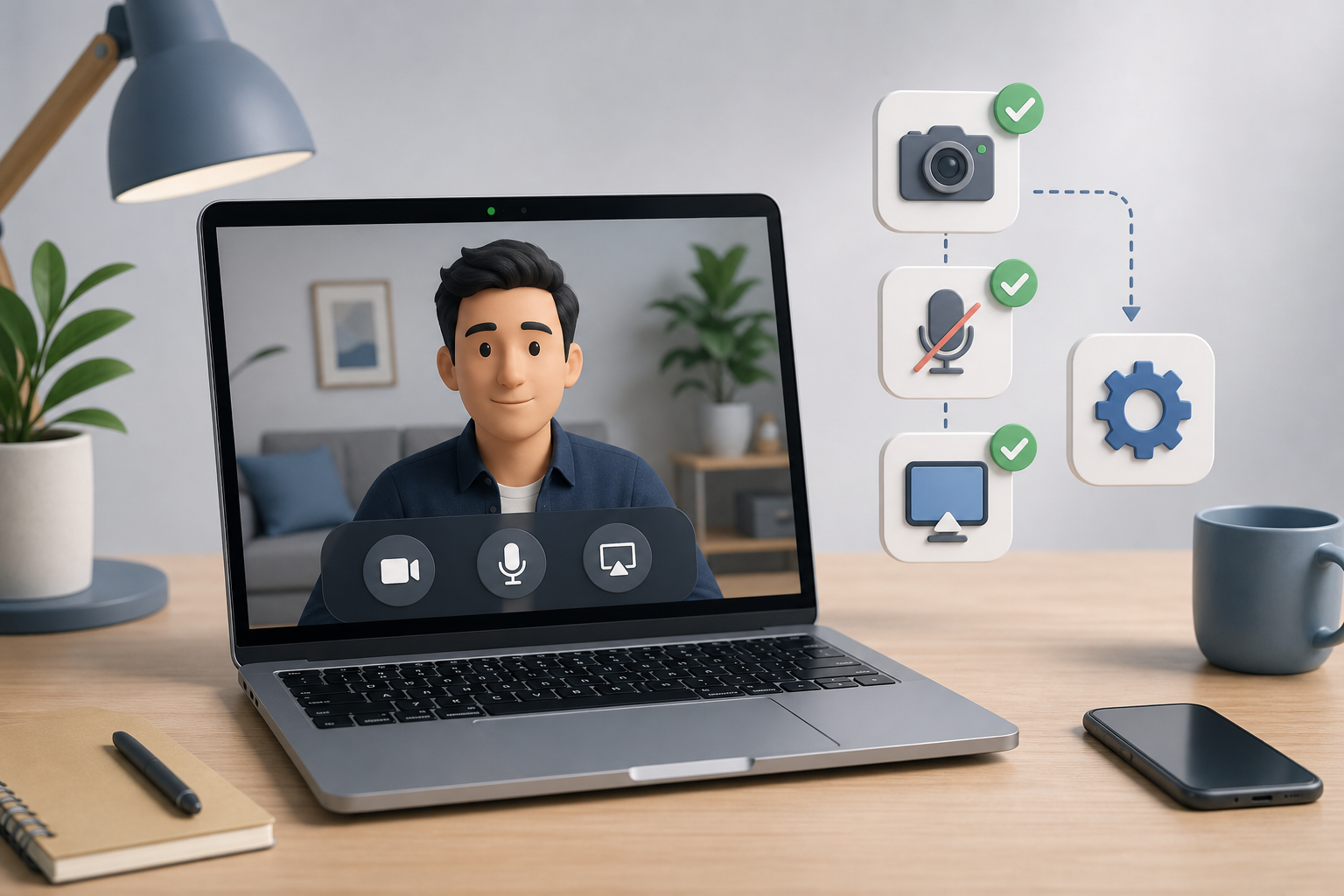
MacBook Camera Not Working in Meetings? Host Fixes
Fix a MacBook camera that is not working in Zoom, Teams, or Google Meet with a host-focused checklist for permissions, app settings, devices, and meeting recovery.
Read article29 articles
Fix a MacBook camera that is not working in Zoom, Teams, or Google Meet with a host-focused checklist for permissions, app settings, devices, and meeting recovery.
Read articleBuild reliable screen share controls for Zoom, Teams, and Google Meet so hosts can present, switch windows, and recover without awkward toolbar hunting.
Read articlePost meeting work turns a finished call into clear decisions, follow-ups, and better meeting controls. Use this host checklist after Zoom, Teams, or Google Meet.
Read articleUse video conferencing keyboard shortcuts without turning meetings into shortcut trivia. Build a small, reliable control set for Zoom, Teams, Meet, and live presentations.
Read articleFix a microphone that is not working in meetings with a host-friendly workflow for mute state, permissions, input routing, browser access, and recovery.
Read articleSet up Zoom host controls for mute, camera, sharing, co-hosts, and recovery so meetings stay calm when attention moves fast.
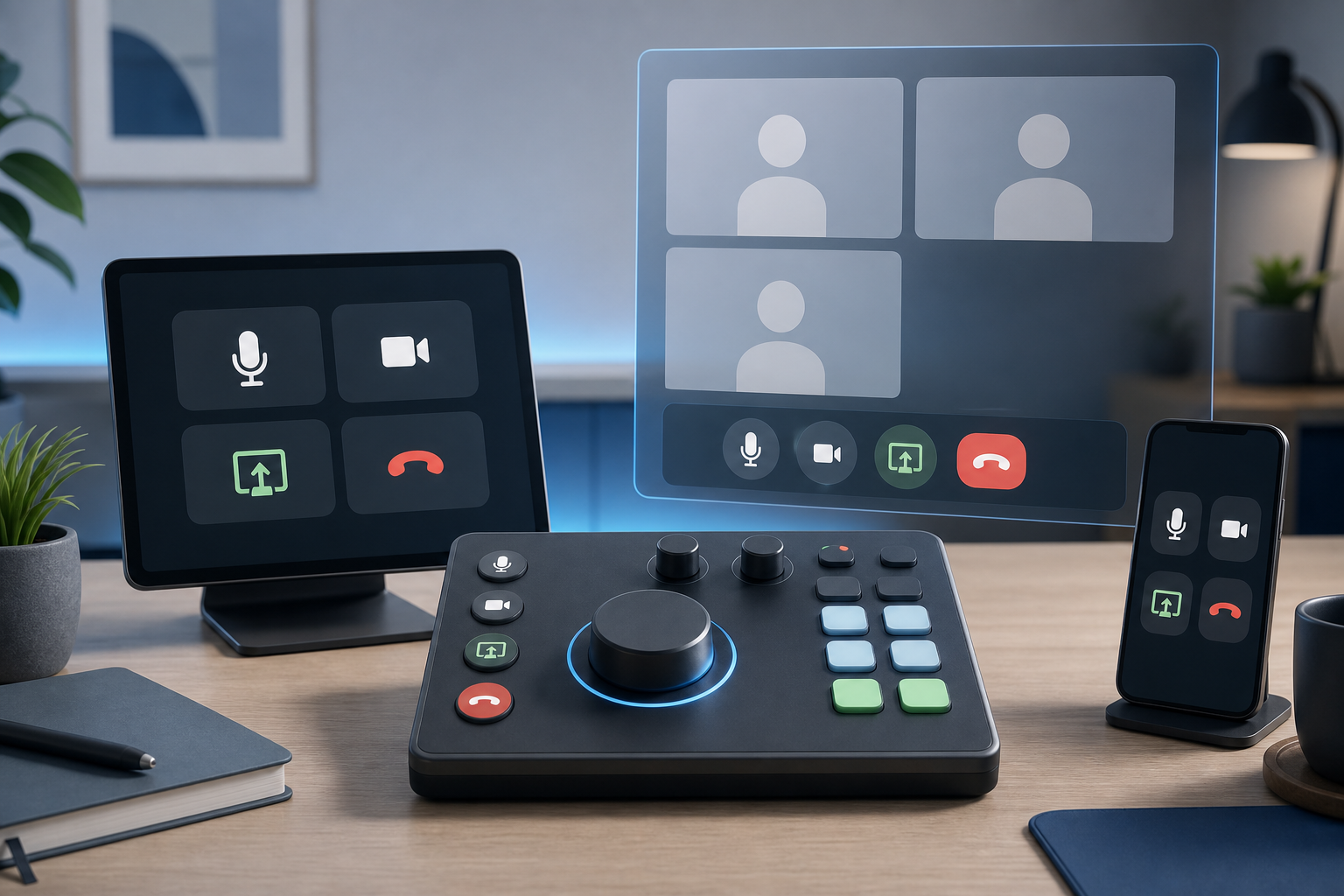
Read articleCompare Loupedeck vs Stream Deck for meeting controls, desk ergonomics, setup friction, and reliable Zoom, Teams, and Google Meet workflows.
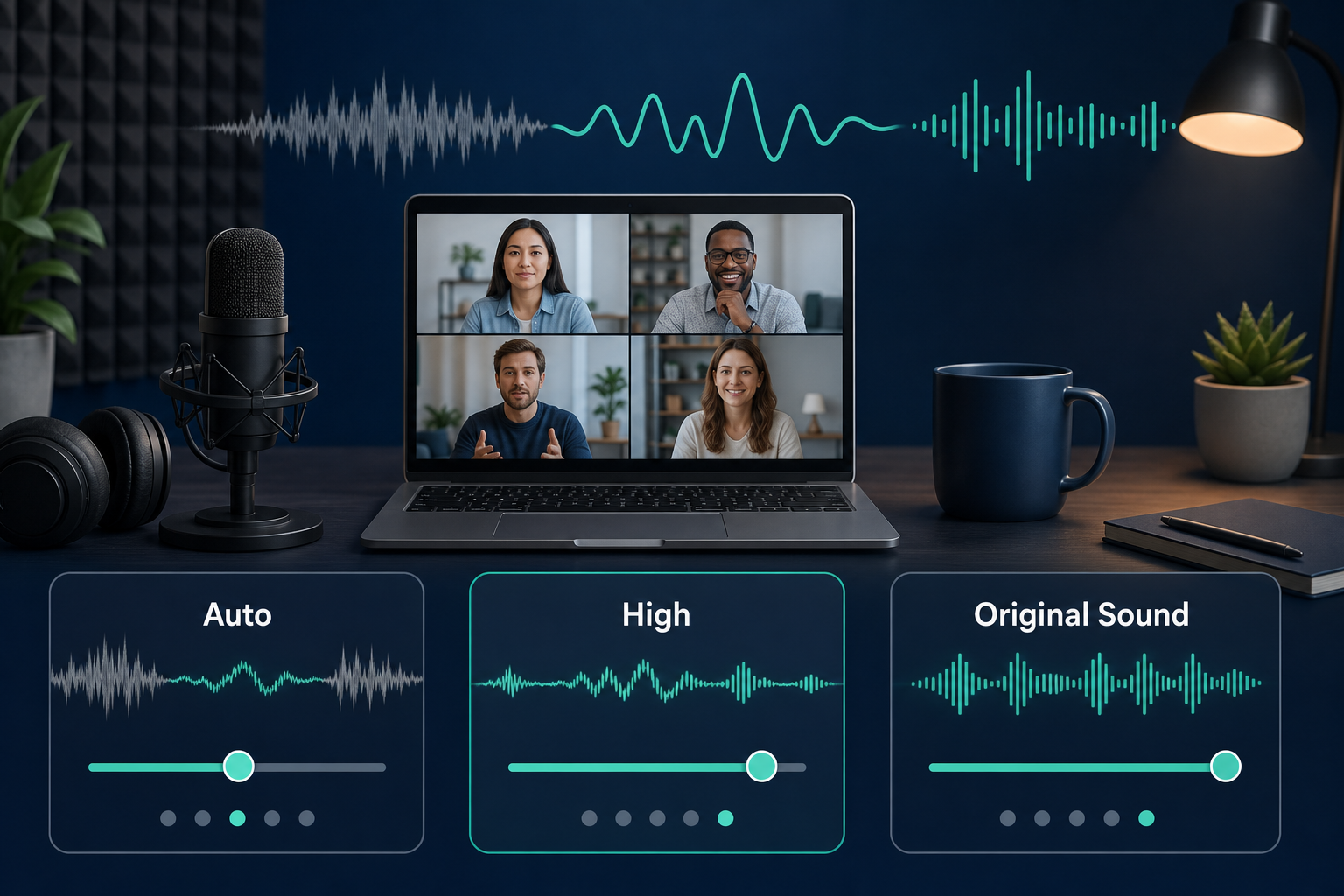
Read articleConfigure Zoom noise suppression settings with a practical host workflow for cleaner speech, fewer distractions, and reliable meeting audio.
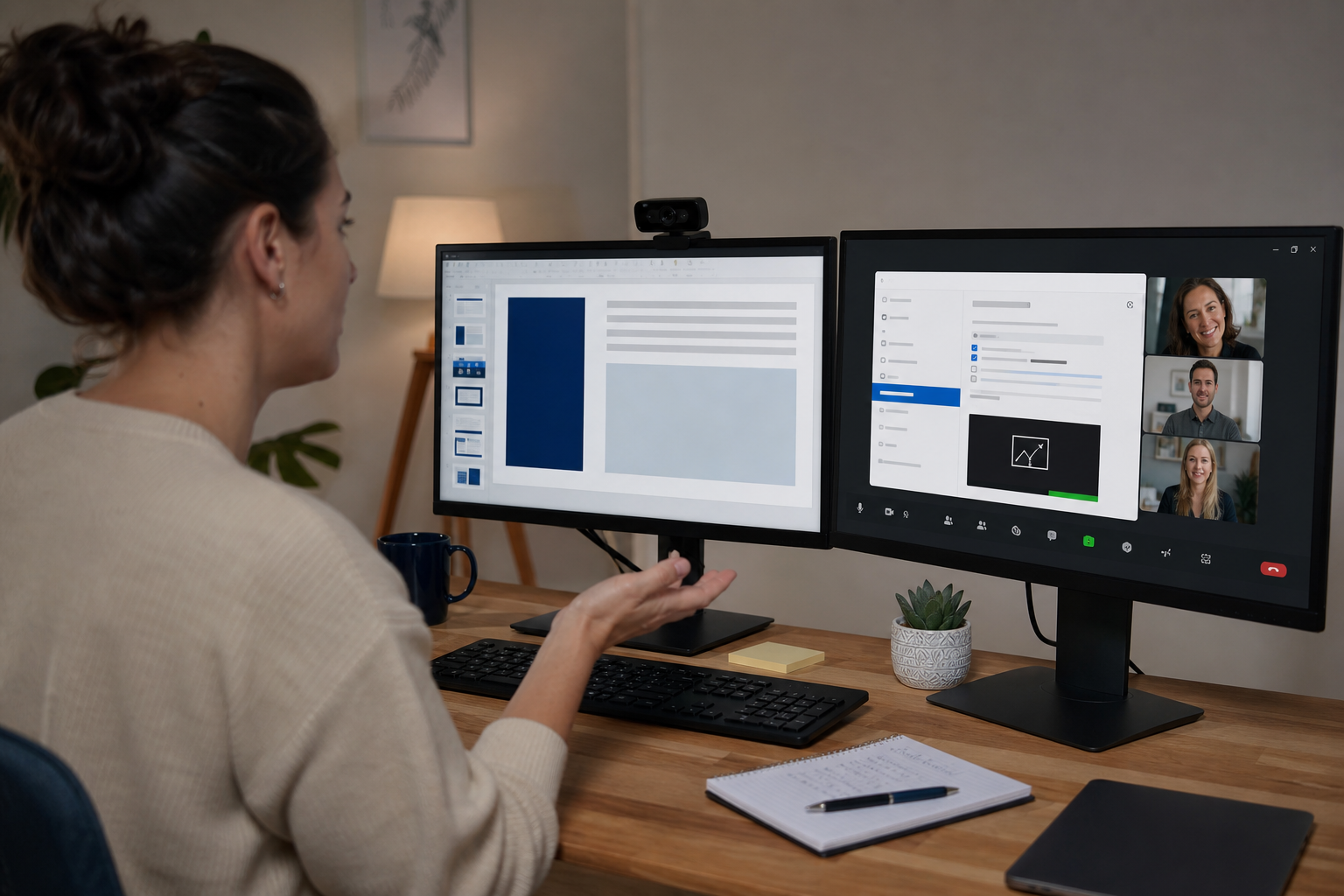
Read articleA practical troubleshooting workflow for fixing Zoom screen sharing failures, black screens, audio share issues, and host permission blocks.
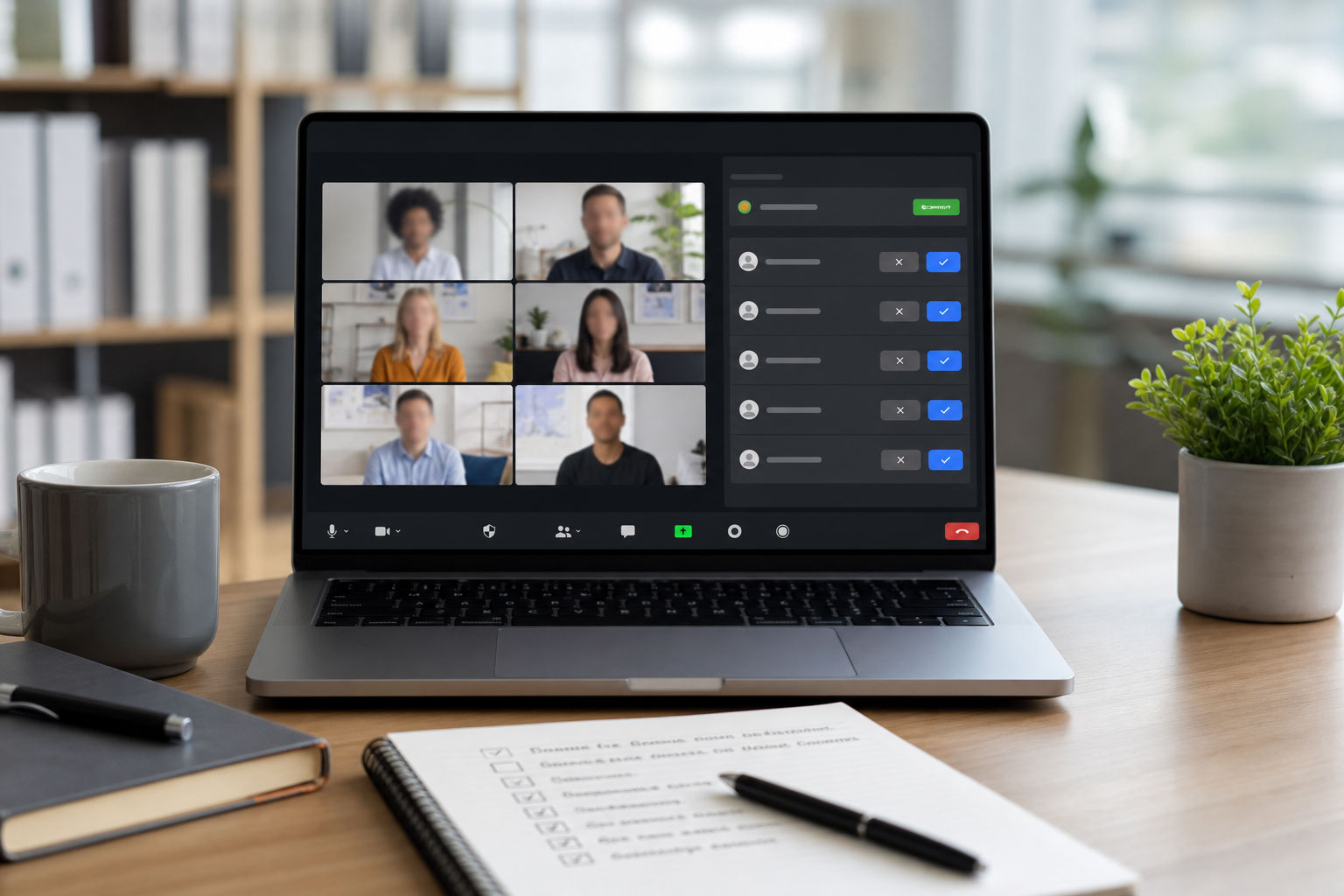
Read articleConfigure Zoom waiting room settings with a practical host runbook that improves admission speed, reduces disruption, and keeps meeting access under control.
Read articleLogitech camera not detected in Zoom, Teams, or Meet usually comes from USB path, privacy permissions, driver state, or app lock. This guide gives a fast diagnosis path and a stable host setup.
Read articleA practical, meeting focused guide to fix unstable internet warnings in Zoom, Teams, and Google Meet, with a repeatable checklist and setup tips for MuteDeck users.
Read article