Guides & tips
MacBook Camera Not Working in Meetings: Fixes
Fix MacBook camera problems in Zoom, Teams, and Google Meet with a meeting-first checklist for permissions, app settings, browsers, and recovery.
Read article60 articles
Fix MacBook camera problems in Zoom, Teams, and Google Meet with a meeting-first checklist for permissions, app settings, browsers, and recovery.
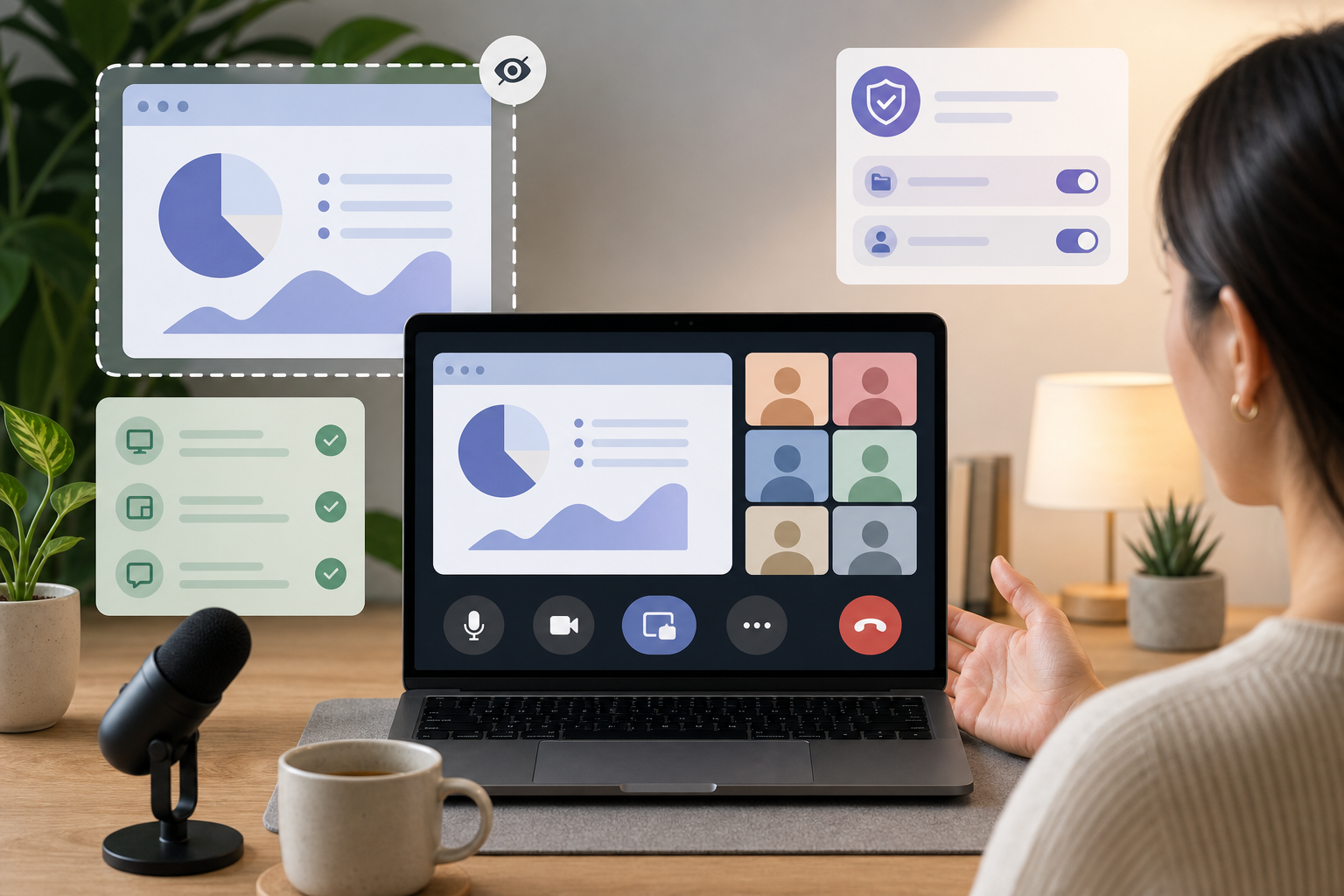
Read articleA practical screen share safety checklist for presenters who need clean handoffs, visible meeting controls, and fewer live-call surprises.
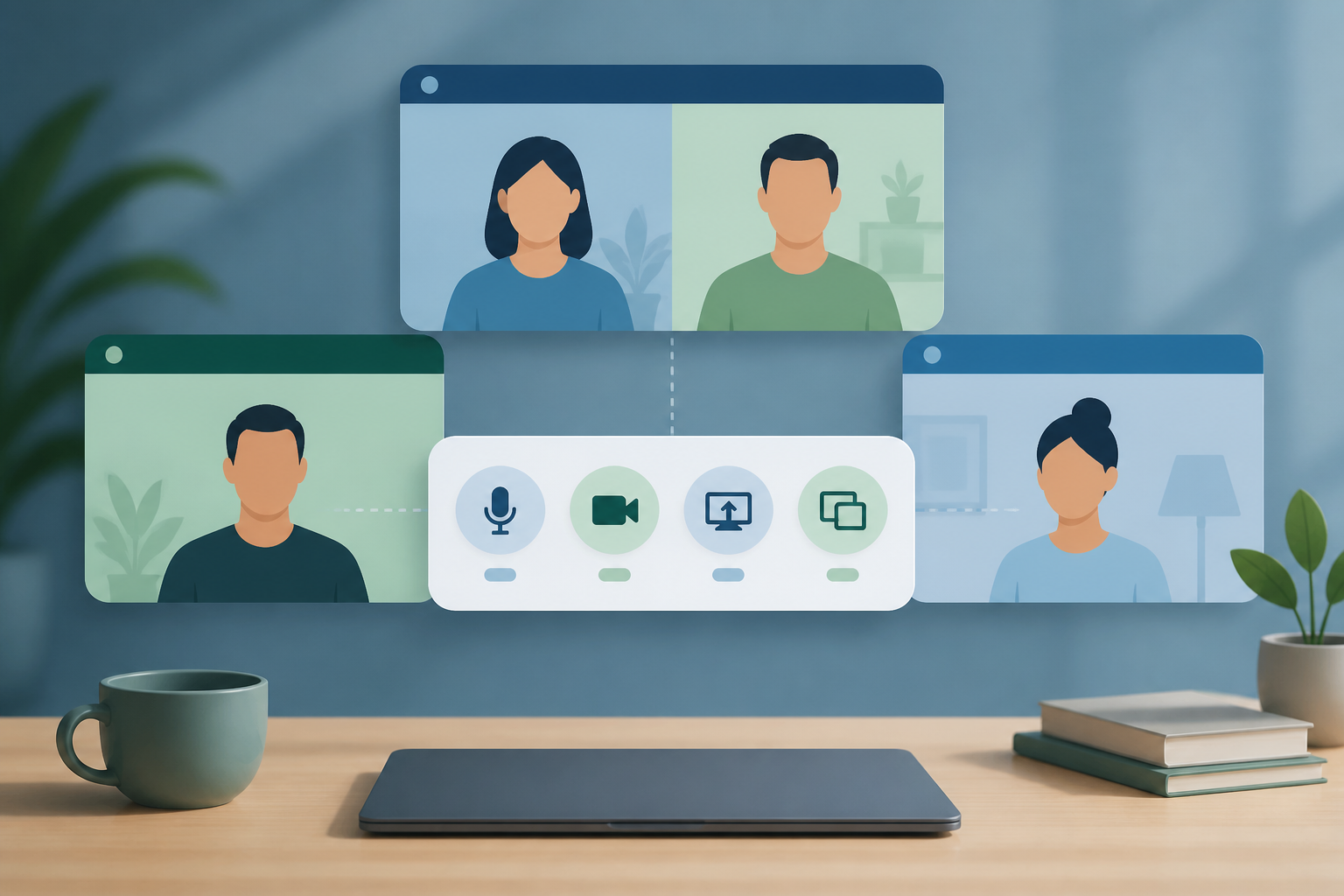
Read articleRun Zoom, Teams, and Google Meet with one meeting-control workflow so mute, camera, and screen share stay predictable.
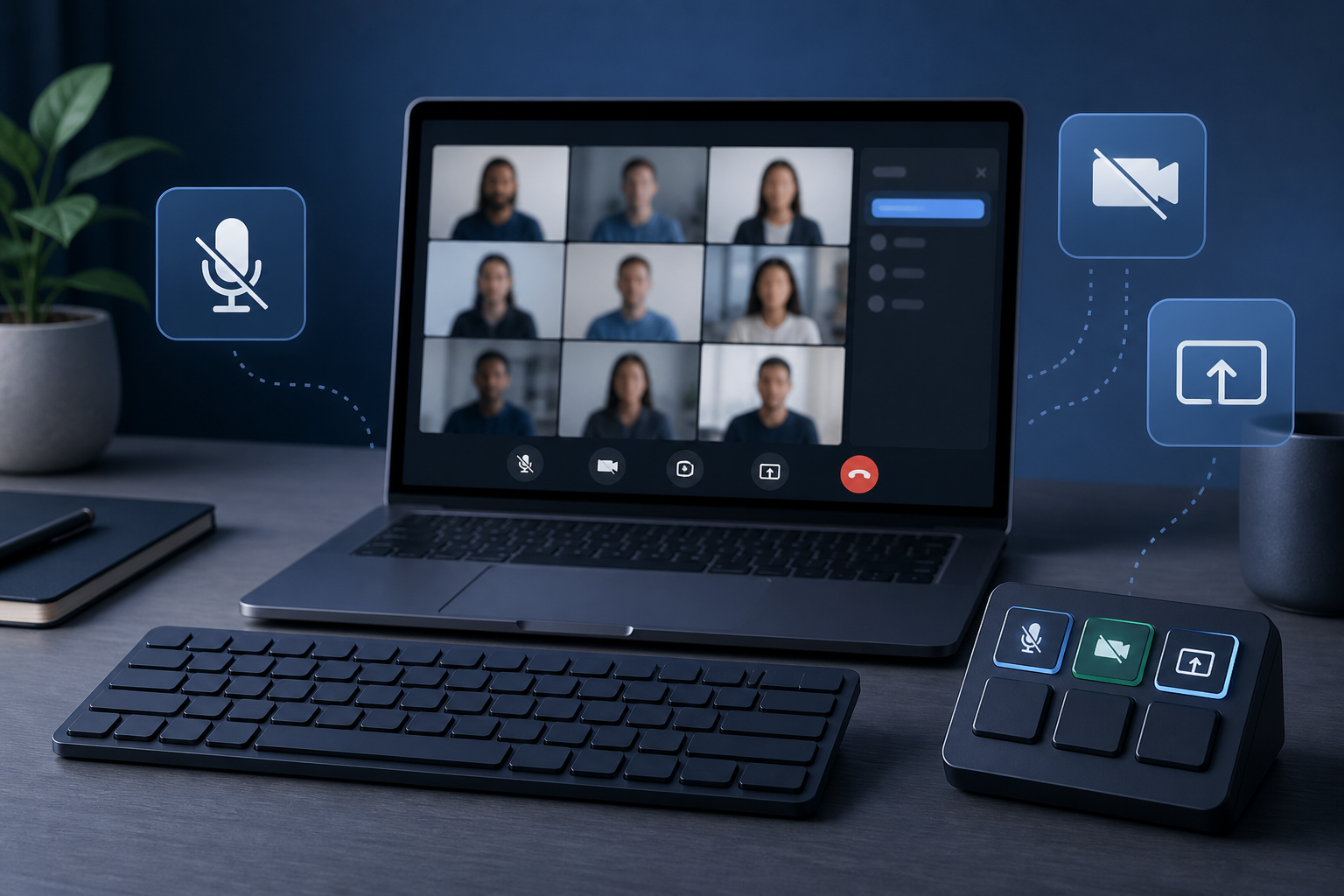
Read articleCompare Stream Deck, keyboard shortcuts, and MuteDeck for faster Zoom, Teams, and Google Meet controls without switching windows.
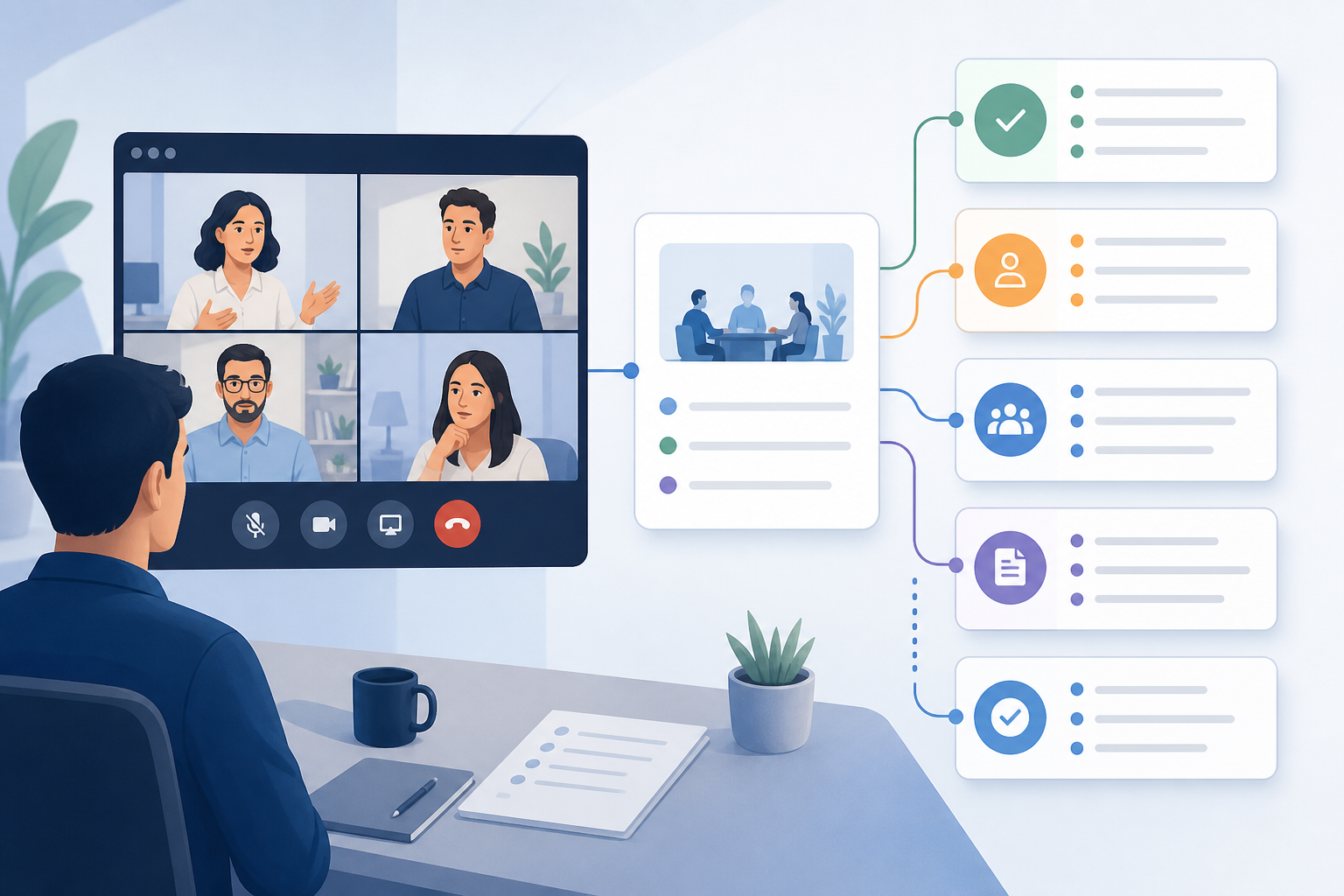
Read articleBuild a meeting follow up recap workflow that captures decisions, assigns owners, saves evidence, and fixes control issues before the next call.
Read articleLearn how to set up webinar host controls for mute, camera, screen share, roles, Q&A, and recovery before the live session starts.
Read articleLearn how to control Zoom without switching windows using shortcuts, visible meeting state, Stream Deck, and a host-ready control routine.
Read articleFix a Logitech camera not detected on Windows 11 before or during meetings with a layered checklist for Zoom, Teams, Google Meet, USB, and privacy settings.
Read articleLearn how to unmute in Zoom, Teams, Google Meet, browsers, and OS settings with a reliable meeting-control recovery routine.
Read articleA practical meeting-control guide for remote work best practices, covering mute, camera, screen share, recovery paths, and team norms.
Read articleBuild a Stream Deck mute channel setup for meetings that controls the right mic, shows state clearly, and avoids app focus problems.
Read articleBuild a reliable mute button for PC meetings with shortcuts, hardware controls, permissions, and a simple recovery workflow for Zoom, Teams, and Meet.
Read article