# Agenda for Team Meeting: A Host-Control Template That Actually Reduces Drift
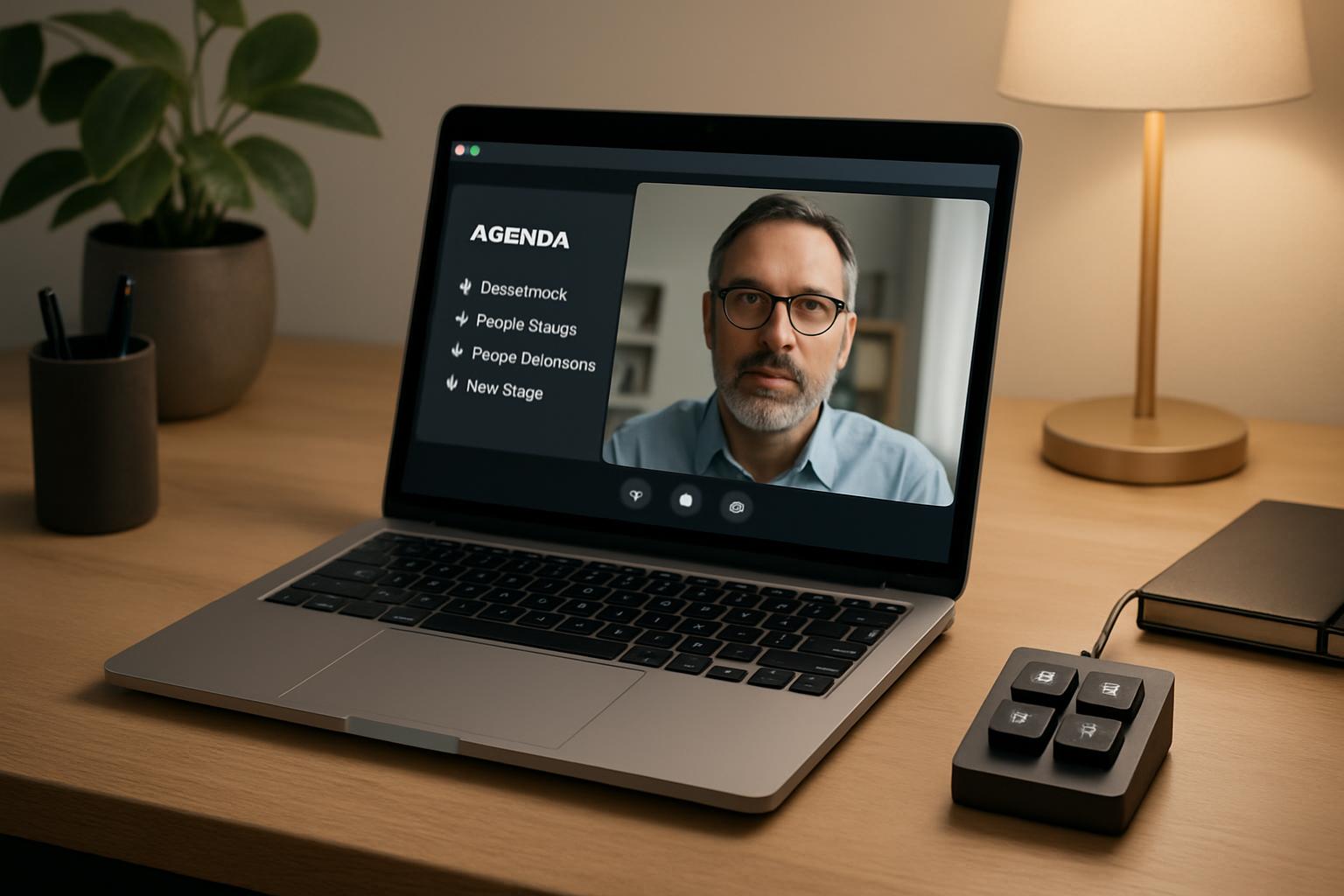
A team meeting agenda only helps if it changes what happens live in the room (or call). Most agendas fail because they are written as topics, not as decision checkpoints with clear control handoffs.
This guide gives you an agenda-for-team-meeting format you can run in Zoom, Teams, or Google Meet with fewer derailments and less host stress.
# The meeting-control agenda model
Use five sections, each with one owner and one outcome:
| Section | Timebox | Owner | Outcome |
|---|---|---|---|
| Context reset | 3 min | Host | Shared goal + constraints for this meeting |
| Decision queue | 15 min | Topic leads | Decisions captured with owner + due date |
| Risk scan | 7 min | Team | Blockers surfaced before they become surprises |
| Commitments | 5 min | Host | Next actions confirmed in plain language |
| Buffer | 5 min | Host | Overflow handling without hijacking scope |
The key is that each block has an explicit “done” condition. If a section has no outcome, it is discussion, not agenda.
# A practical template you can copy
Use this structure in your meeting notes:
- Objective (1 sentence): What must be true when this meeting ends?
- Decisions needed (max 3): What needs approval today?
- Inputs required: Docs, metrics, demos, or people required to decide.
- Out-of-scope list: What we are explicitly not solving in this slot.
- Action owners + deadlines: Who ships what by when.
This keeps the agenda operational, not aspirational.
# Scenario: weekly cross-functional sync
A product/engineering/support sync kept running 20+ minutes over because every topic turned into open discussion.
What changed:
- The host moved “status updates” to pre-read notes.
- Live meeting time was reserved only for unresolved decisions.
- A visible “parking lot” captured non-urgent tangents.
- Final 5 minutes were reserved for owner-by-owner commitment readback.
Result: shorter calls, fewer “wait, who owns this?” follow-ups, and less context loss between meetings.
# Non-obvious implementation tip
Map one physical control to each agenda phase transition.
For example, with MuteDeck + Stream Deck:
- Button 1: open agenda + timer scene
- Button 2: move to decision queue (and start 15-minute timer)
- Button 3: trigger risk scan prompt
- Button 4: open action log template
Why this works: hosts stop relying on memory to enforce pacing. The workflow becomes muscle memory, which is exactly what you want when discussions get noisy.
# Where hosts usually lose control (and how to prevent it)
- Too many decisions in one call: cap at 3 decision items.
- No pre-reads: require input docs 24h earlier or defer the decision.
- No explicit owner callouts: finish each item with a named owner + date.
- No overflow policy: move non-critical items to next slot, don’t stretch live time indefinitely.
# Bottom line
A better agenda for team meeting outcomes is not about prettier formatting. It is about control points: timeboxes, decision gates, and ownership handoffs. If you run meetings frequently, pairing this structure with one-touch controls in MuteDeck can make the process consistent across Zoom, Teams, and Meet.
KEEP EXPLORING
More guides & tips