# Post meeting workflow template: turn 30 scattered minutes into 10 controlled minutes
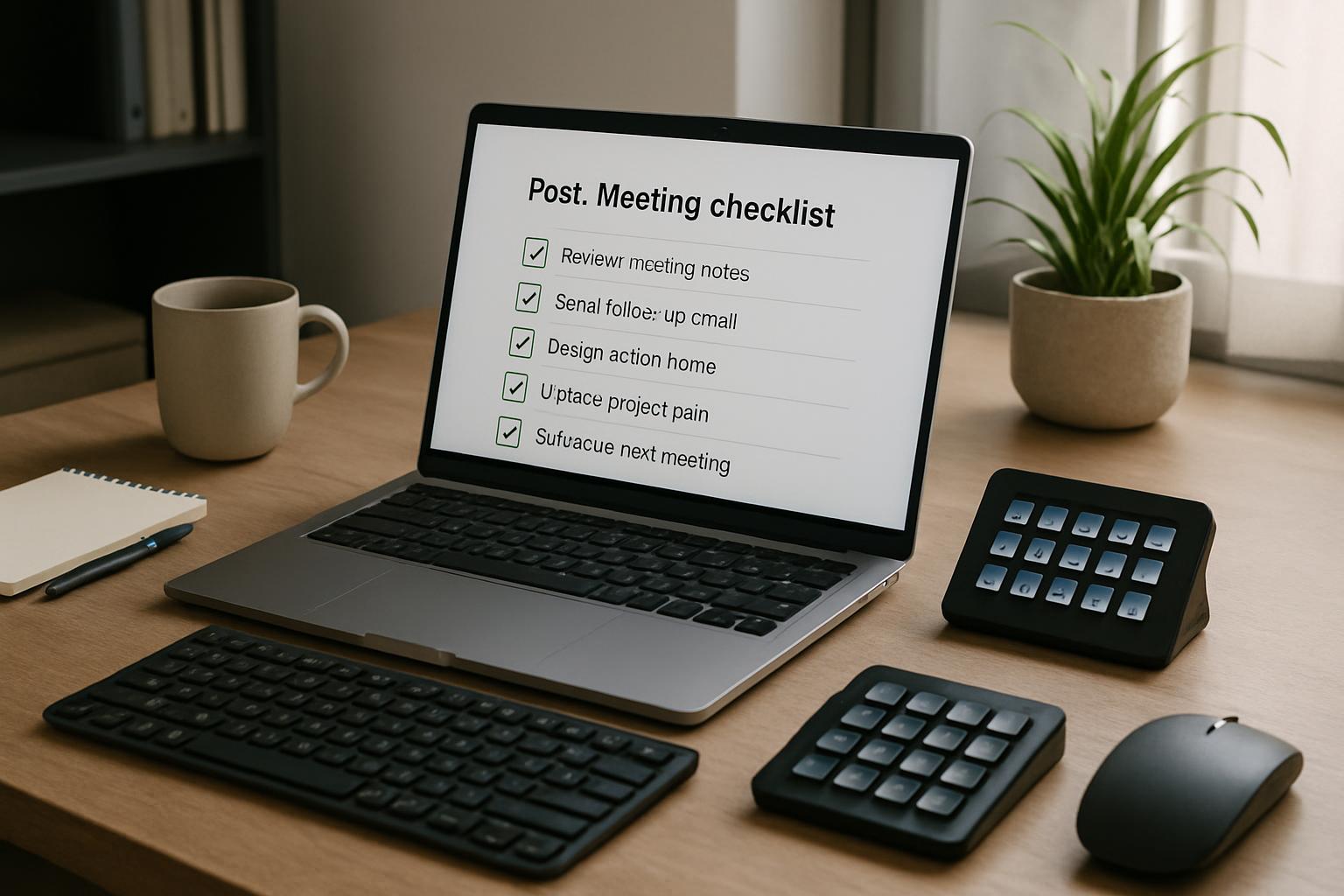
Most teams don’t lose meeting time during the call. They lose it right after.
People leave with partial notes, no clear owner list, and three follow-up messages that all say different things. A good post meeting workflow fixes that by making closeout predictable.
# The 10-minute post meeting workflow template
Use this sequence immediately after ending the call:
| Minute | Action | Output |
|---|---|---|
| 0-2 | Freeze decisions | 3-5 bullet decisions, written in one place |
| 2-4 | Assign owners + due dates | Action list with one owner per item |
| 4-6 | Capture unresolved questions | Parking lot with next checkpoint |
| 6-8 | Send summary | One short recap to all attendees |
| 8-10 | Prep next meeting controls | Agenda seed + control scene notes |
The key is to treat closeout as a workflow, not an “if there’s time” habit.
# Decision framework: what deserves same-day follow-up?
Not every discussion needs immediate action. Use this filter:
| If the item is… | Follow-up speed |
|---|---|
| Blocking someone else’s work today | Same-day |
| Needed before the next scheduled sync | Within 24 hours |
| Useful but not time-sensitive | Weekly digest |
| Still ambiguous | Add to parking lot, assign clarifier |
This prevents over-messaging while keeping critical items moving.
# Concrete cross-platform scenario
A team lead runs a 45-minute cross-functional sync (Zoom today, Teams tomorrow). During the meeting, they use MuteDeck scenes for handoffs and muting. Right after ending:
- Trigger a Closeout scene (opens notes doc + task tracker)
- Paste decisions in a fixed summary template
- Assign owners in-line while context is fresh
- Send one recap message with deadlines
Result: fewer “what did we decide?” pings and cleaner handoff into the next work block.
# Non-obvious implementation tip
Create two separate closeout templates:
- Fast closeout (10 min): for recurring operational meetings
- Deep closeout (20 min): for strategy, incidents, or vendor decisions
Why this helps: teams often use one bloated format for every meeting. Splitting templates keeps routine meetings light while preserving depth where it matters.
# Quick checklist
- [ ] Keep one canonical summary location per meeting type
- [ ] Require one owner per action (no shared ownership)
- [ ] Add due dates during closeout, not later
- [ ] Track unresolved items in a parking lot with a next review date
- [ ] Prepare next meeting’s first agenda block before context fades
# Final takeaway
A post meeting workflow template is less about documentation and more about control. If you close meetings with a repeatable 10-minute sequence, execution improves without adding another tool or another meeting.
KEEP EXPLORING
More guides & tips