# After-Meeting Report Workflow: Turn Live Meeting Controls into Clear Follow-Ups
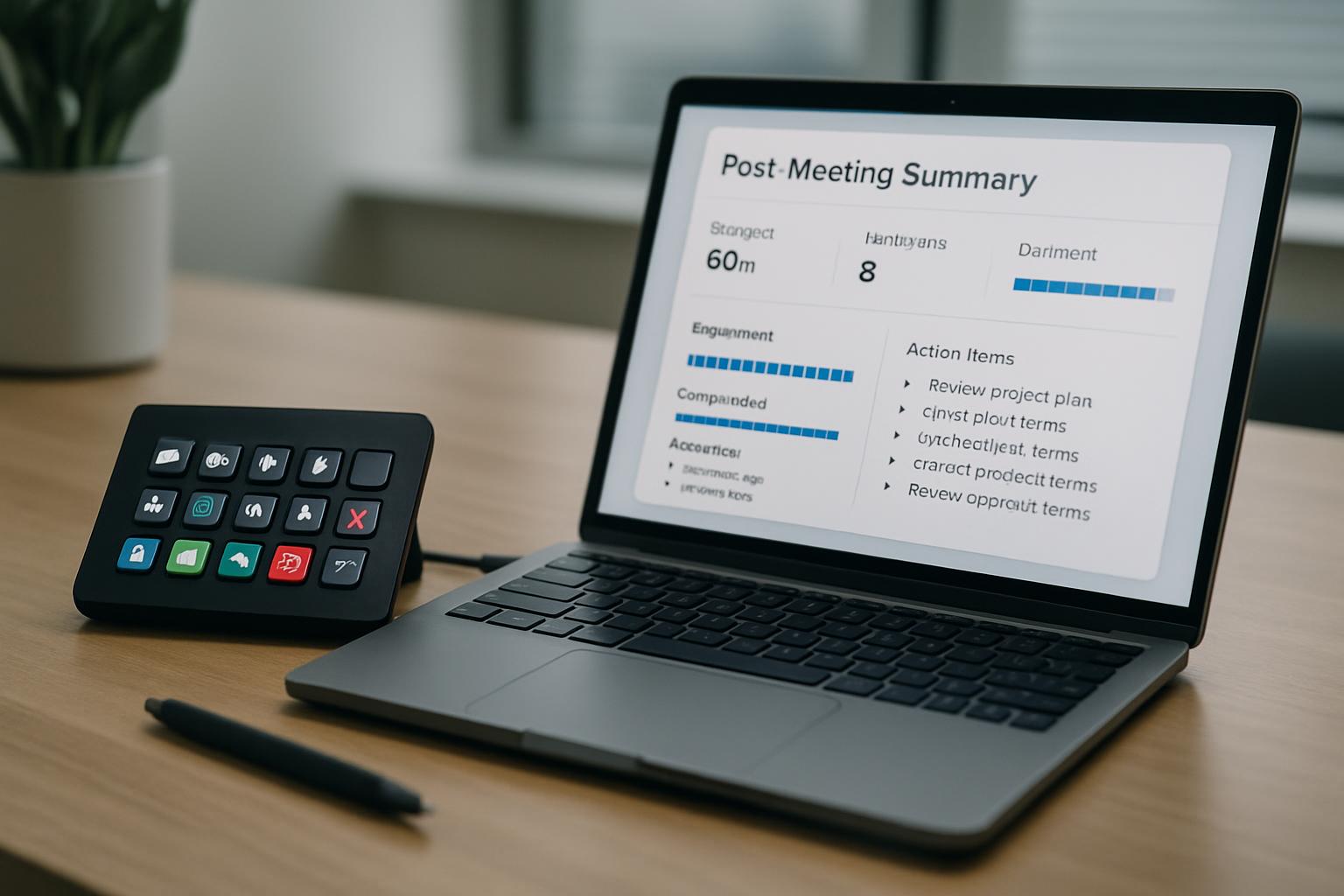
Most teams don’t struggle to talk in meetings. They struggle to close the loop afterward.
The usual pattern is familiar: good discussion, a few decisions, then scattered notes in chat, docs, and memory. By the next meeting, nobody is fully sure what was agreed.
A useful after-meeting report is not just notes. It is a control workflow that captures what happened live and converts it into accountable next actions.
# Why follow-ups break even when meetings feel productive
In recurring meetings, missed follow-ups usually come from one of these:
- decisions were spoken but not explicitly marked as decisions,
- action items had no owner or no date,
- meeting controls (mute states, handoffs, screen-share ownership) were handled live but not documented for next time,
- recap messages were too long to scan quickly.
If you run meetings often, the fix is to treat your report as an operational handoff.
# A simple decision framework for after-meeting reports
Use this framework right after each session:
| Section | What to include | Why it matters |
|---|---|---|
| Decision log | 3-5 final decisions stated in one sentence each | Removes ambiguity before memory fades |
| Action register | Task, owner, deadline, dependency | Creates accountability and sequencing |
| Control notes | What worked/failed in Zoom, Teams, or Meet controls | Prevents repeat friction in the next call |
| Risks + blockers | Open risks and who resolves them | Surfaces unresolved issues early |
| Next-meeting setup | Agenda seed + required roles | Shortens prep time for recurring meetings |
Keep the full report under one screen if possible. Long reports get ignored.
# Practical workflow: 12 minutes after the meeting ends
# Minute 0-3: Capture hard outcomes first
Before context switching, write:
- final decisions,
- committed actions,
- unresolved blockers.
Do this while your recall is still fresh.
# Minute 3-7: Add control-level notes
This is the part teams often skip.
Log short operational notes like:
- “Presenter handoff delayed because screen-share ownership was unclear.”
- “Mute/unmute transitions were clean with one control profile.”
- “Breakout return timing needs a visual cue at +1 minute.”
These notes are exactly where MuteDeck-style control layouts help: your team can standardize what each key does across Zoom, Teams, and Meet, then reference that behavior in the report.
# Minute 7-10: Publish a skim-first recap
Post a concise summary in your team channel with:
- decisions,
- top 3 actions,
- dates,
- link to full report.
If people cannot scan it in 30 seconds, shorten it.
# Minute 10-12: Seed the next meeting
Create a draft agenda with only three blocks:
- open actions review,
- new decisions needed,
- control/process adjustments.
This prevents every recurring meeting from resetting to zero.
# Example: weekly cross-functional launch meeting
A product + marketing + support team ran a 45-minute weekly launch sync. They had strong discussion quality but weak execution between meetings.
They changed one thing: every host used the same after-meeting report template and included a short control notes section.
Within three weeks:
- action completion improved because every task had one owner and one date,
- fewer repeated debates because decision history was explicit,
- faster handoffs because recurring control issues were fixed once and tracked.
The key was not more tooling. It was consistent operational reporting.
# One non-obvious implementation tip
Add a field called "Recovery Step" to any action that depends on live meeting controls.
Example:
- Action: “Host customer webinar Q&A”
- Owner: Maya
- Deadline: May 6
- Recovery Step: “If audio routing breaks, switch to backup profile and hand Q&A moderation to co-host immediately.”
This small field makes follow-ups resilient under live conditions, not just in ideal conditions.
# Fast template you can reuse
Use this structure after each important meeting:
- Decisions:
- Actions (owner/date):
- Control notes (Zoom/Teams/Meet):
- Risks/blockers:
- Next-meeting agenda seed:
If your team runs many meetings per week, this workflow will reduce dropped tasks more than adding another generic productivity app. If you want this to be easier to standardize, a dedicated post-meeting tool like MeetingDebrief can help your team keep decision logs, owners, and follow-ups consistent across meetings.
KEEP EXPLORING
More guides & tips