# Agenda Items for Team Meetings: Operator Runbook for Zoom, Teams, and Meet
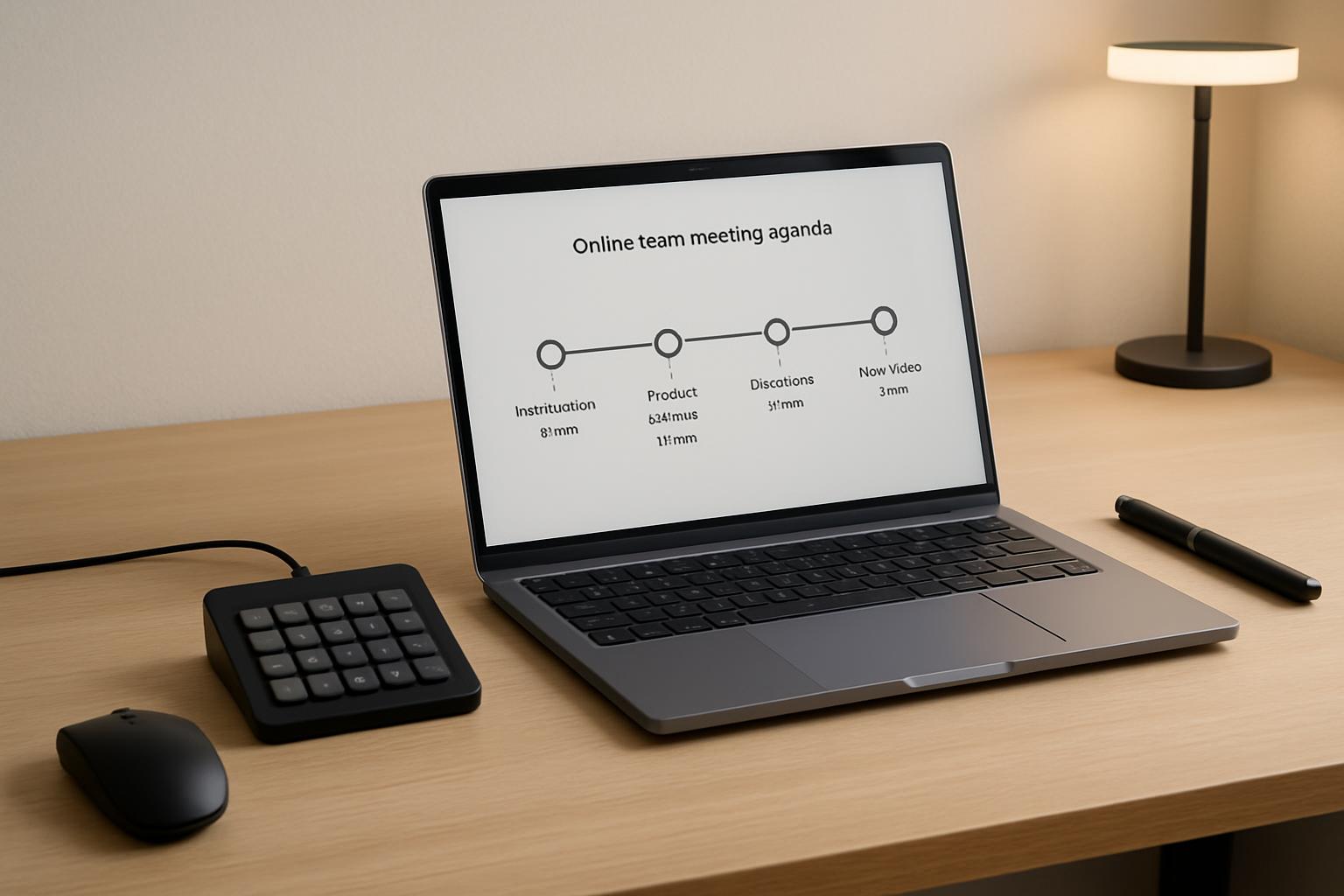
Most agenda templates stop at topics and time blocks. That is useful, but it misses the part that usually causes delays: who controls the meeting tools at each moment.
If you host meetings often, your agenda should include operator cues for mute, camera, share, recording, and handoff. That one change reduces dead air and keeps transitions clean.
This guide gives you a practical agenda-items format designed for real meetings in Zoom, Microsoft Teams, and Google Meet.
# The Operator-First Agenda Structure
Use this sequence for recurring team meetings (30 to 60 minutes):
- Open and audio check (2 minutes)
- Priority updates (10 to 15 minutes)
- Decision block (10 to 20 minutes)
- Risks and blockers (5 to 10 minutes)
- Action recap and close (3 to 5 minutes)
For each agenda item, add four fields:
- Owner: who leads the discussion
- Outcome: decision, alignment, or next action
- Time cap: hard stop for the segment
- Operator cue: what needs to happen in meeting controls
That last field is where most teams improve fast.
# Decision Framework: What to Add to Each Agenda Item
| Meeting moment | Add this agenda item | Operator cue (tool action) | Why it prevents drift |
|---|---|---|---|
| Start of meeting | Check-in + objective | Host confirms mic/video state and recording policy | Avoids first-5-minute confusion |
| Before a demo | Context + success criteria | Pre-load window, start share, mute non-speakers | Removes clumsy tab switching |
| During decision topic | Decision statement + options | Pin speaker or bring decision doc frontmost | Keeps decision visible to everyone |
| Q&A section | Time-boxed question queue | Use raise-hand/chat triage pattern | Stops Q&A from consuming close-out |
| Final recap | Owners + due dates | Stop recording, repeat actions verbally, post recap link | Improves follow-through after call |
You can map these cues to shortcut buttons in MuteDeck so the host is not hunting through menus mid-meeting.
# Example: 45-Minute Weekly Team Meeting Agenda
Here is a concrete format you can reuse:
# 0:00-0:02 — Opening and readiness
- Owner: Host
- Outcome: Everyone can hear, objective is clear
- Operator cue: Run “meeting start” sequence (mute check, camera check, optional recording confirmation)
# 0:02-0:15 — Priority updates
- Owner: Team leads
- Outcome: Shared status on top 3 priorities
- Operator cue: Keep one presenter unmuted at a time, quick mute/unmute handoff between speakers
# 0:15-0:30 — Decision block: release scope
- Owner: Product + engineering
- Outcome: Final yes/no scope call for this sprint
- Operator cue: Bring planning board window forward and keep it shared; pause side chat if needed
# 0:30-0:38 — Risks and blockers
- Owner: Ops
- Outcome: Assign owner and due date per blocker
- Operator cue: Chat monitor captures blocker list while speaker stays on mic
# 0:38-0:45 — Action recap and close
- Owner: Host
- Outcome: Named owners and deadlines confirmed
- Operator cue: Stop recording, paste action summary in chat, end on time
This works especially well for hybrid teams because control handoffs are explicit instead of improvised.
# Non-Obvious Tip: Put a “Control Buffer” Between High-Risk Agenda Items
A practical trick: add a 30-second control buffer before any agenda item that requires a tool transition (for example, switching from discussion to live demo).
In the agenda, mark it as:
- Buffer: 00:30
- Purpose: Share handoff + audio reset
- Operator cue: “Switch presenter, confirm share, clear accidental mute”
It feels tiny, but it prevents the familiar “Can everyone see this?” loop that can waste 2 to 4 minutes each time.
# Platform Notes (Zoom, Teams, Google Meet)
The agenda format stays the same, but your control friction differs by platform:
- Zoom: Fast host controls, but breakout and share permissions should be pre-set before the meeting
- Teams: Great for org contexts; make sure notification noise is controlled during decision blocks
- Google Meet: Simple for guests; assign one operator to chat and one to speaking flow in larger calls
If your team switches between platforms, use one consistent agenda template and keep control actions on physical keys (for example with MuteDeck) so host behavior stays consistent.
# Copy-Paste Agenda Items Template
Use this in your next meeting doc:
- Item:
- Owner:
- Outcome:
- Time cap:
- Operator cue:
- Fallback if delayed:
The fallback line matters. It forces a clear decision when time runs out: defer, decide with current info, or assign an offline owner.
# Final Takeaway
Good agenda items are not just discussion prompts. They are execution instructions.
When you pair each agenda item with an operator cue, meetings become easier to run, transitions get faster, and decisions happen on schedule.
That is the difference between a meeting that feels busy and one that actually moves work forward.
KEEP EXPLORING
More guides & tips