# Agenda for Team Meeting: A Practical Runbook for Hosts
Most teams don't need more meetings. They need tighter control of the meetings they already run.
If your weekly team call often runs long, drifts into side topics, or ends without clear owners, the fix is usually not a new tool. It's a better agenda for team meeting operations: clear outcomes, explicit timeboxes, and fast in-call controls so the host can keep flow.
This guide gives you a practical agenda structure you can run in Zoom, Teams, or Google Meet, plus a host workflow that reduces tab-switching and "where is that button?" delays.
# What a usable team agenda must do
A good agenda should help you do four things in real time:
- Set one decision outcome for the meeting
- Move each segment on a clock
- Capture owners and deadlines while talking
- End with a visible recap before anyone leaves
If your current agenda document doesn't support those four actions, it's a notes file—not an operating plan.
# The 45-minute agenda template (remote-team friendly)
Use this when you run recurring team meetings.
# 0:00-0:03 — Open and align
- Confirm meeting objective in one sentence
- Confirm end time
- Confirm where action items are recorded
Example objective: "By the end of this call, we will lock sprint priorities and assign owners for all P1 tasks."
# 0:03-0:10 — Status that affects decisions
Only cover updates that change today's choices.
- KPI delta since last meeting
- New blockers
- External dependencies
Avoid full round-robin updates here; they consume time without moving decisions.
# 0:10-0:30 — Decision blocks
Break this into 2-3 agenda items with strict timeboxes.
For each item, define:
- Decision needed
- Decision owner (final call)
- Inputs required
- Deadline if deferred
Format to paste in your agenda doc:
- Item: API launch window
Decision needed: Approve April 18 vs April 25
Owner: Product Lead
Timebox: 8 min
# 0:30-0:40 — Action assignment
Translate decisions into execution immediately:
- Task
- Owner
- Due date
- Dependency
If an action has no owner and date before the meeting ends, it is not an action item yet.
# 0:40-0:45 — Closeout
Host reads back:
- Decisions made
- Actions and owners
- Risks to escalate
- Next meeting objective draft
This last readback cuts follow-up confusion more than any fancy post-meeting summary.
# Pre-meeting setup checklist for hosts
Do this 10 minutes before start time.
- Open agenda doc and pin it on screen
- Open your action tracker (Notion/Asana/Jira/etc.)
- Pre-load links for dashboards and docs
- Set DND status in Slack/Teams
- Test camera and mic once
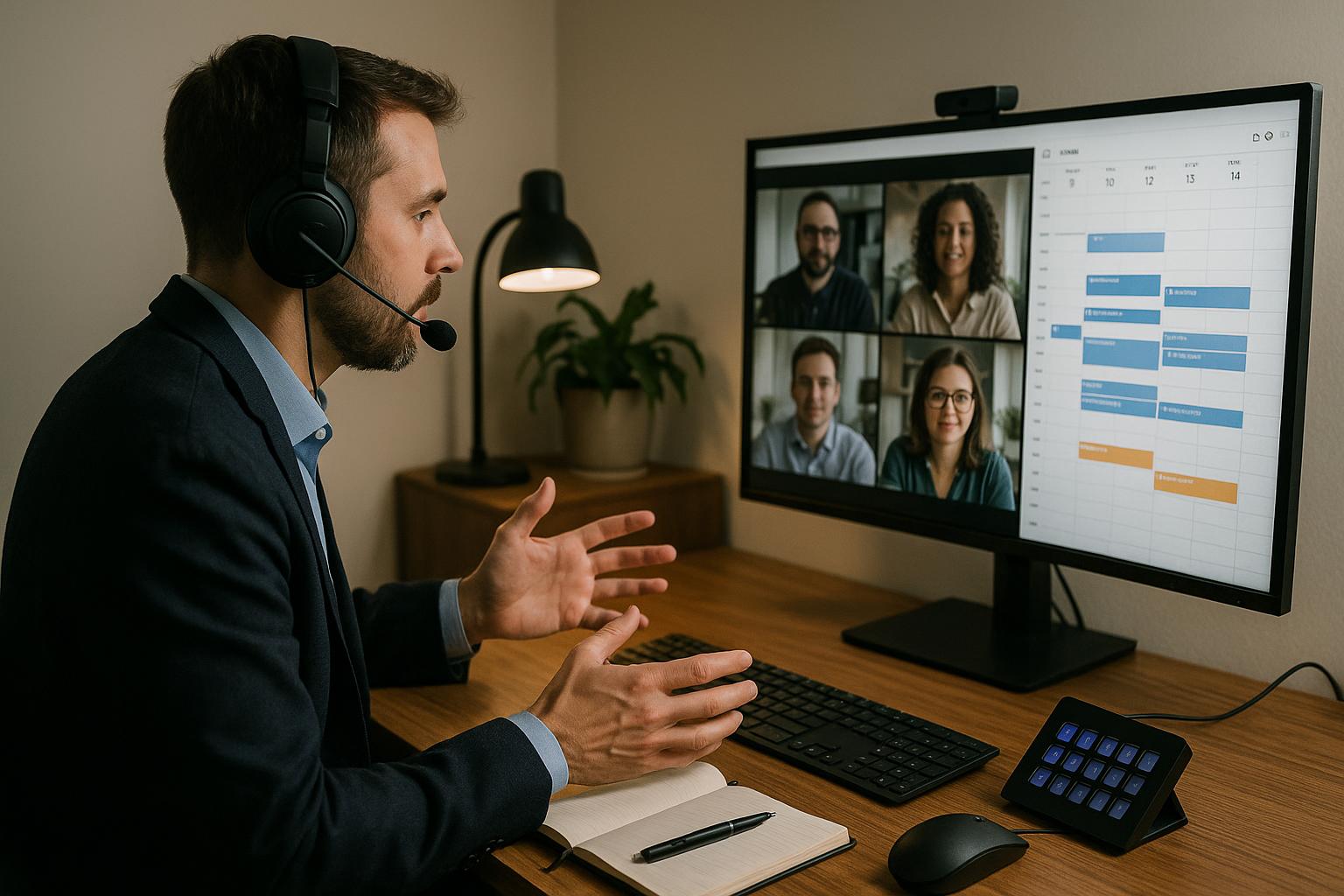
For heavy meeting operators, map these recurring controls to hardware keys (mute/unmute, camera on/off, raise hand, leave meeting, and push-to-talk). That lowers friction when you are facilitating and speaking at the same time.
# In-call control workflow (Zoom, Teams, Meet)
The host's main job is flow control. That means keeping discussion moving without hunting UI buttons.
A reliable pattern:
- Start segment and announce timebox
- Keep agenda and participant view side by side
- Use one-tap controls for mute/camera/reactions
- Park off-topic items immediately in a parking lot line
- Transition with a summary sentence, not silence
When controls are predictable, your cognitive load stays on facilitation instead of interface navigation.
# Example agenda for team meeting (copy/paste)
Use this as a base template for recurring weekly calls.
Meeting: Weekly Team Ops
Date/Time: [YYYY-MM-DD HH:MM TZ]
Objective: [single decision outcome]
Host: [name]
Note taker: [name]

1) Decision context (7 min)
- KPI changes:
- New blockers:
- Dependency updates:

2) Decision item A (8 min)
- Decision needed:
- Decision owner:
- Recommendation:
- Result:

3) Decision item B (8 min)
- Decision needed:
- Decision owner:
- Recommendation:
- Result:

4) Action assignment (10 min)
- [Task] — [Owner] — [Due date]
- [Task] — [Owner] — [Due date]

5) Closeout (5 min)
- Decisions recap:
- Risks/escalations:
- Next meeting objective draft:
# Common failure points (and fast fixes)
# 1) Agenda is too broad
Symptom: "General updates" takes 20+ minutes.
Fix: Replace broad sections with decision-framed prompts.
# 2) Too many decision items
Symptom: Last 15 minutes become rushed.
Fix: Limit to two critical decisions per 45-minute meeting.
# 3) Host context-switching
Symptom: Dead air while finding mute, admit, share, or recording controls.
Fix: Standardize your meeting control layout and keep it identical across platforms.
# 4) Weak closeout
Symptom: Team asks for clarifications in chat after meeting.
Fix: Always run a 5-minute verbal recap with owners and dates.
# Where MuteDeck fits in this workflow
If you run many meetings across Zoom, Teams, and Google Meet, consistency matters more than feature depth. MuteDeck helps by giving you one control layer for common meeting actions, so facilitation is less tied to whichever app is currently in front.
That matters most when you are hosting, presenting, and documenting decisions in parallel. Fewer UI detours means tighter agenda execution.
# Final takeaway
A practical agenda for team meeting is not a document you file away. It's a live operating script:
- one objective,
- two or three decisions,
- explicit owners,
- and a hard closeout.
Run this structure for two weeks and compare meeting overrun time and unresolved action items. Most teams see improvement quickly once the host workflow is controlled as tightly as the agenda itself.
Want more meeting operator workflows? Explore practical guides in the Meeting Masters Playbook (opens new window).