# Agenda Management Tools for Meetings: A Practical Stack for Operators
Most teams already have a calendar and a notes app. They still lose time in meetings because agenda planning and in-call control are split across too many places.
If you run meetings often, the useful question is simple: which agenda management tools for meetings help you make decisions faster with less control friction?
This guide focuses on operator workflows, not feature checklists.
# What agenda management should do in real meetings
A working setup should support five jobs:
- Capture agenda items before the meeting
- Turn items into time-boxed decision blocks
- Keep facilitation controls ready during the call
- Track outcomes and owners in real time
- Carry unresolved items into the next agenda without manual cleanup
When one of these jobs breaks, meetings drift.
# The three-layer stack that works
You do not need one perfect app. You need a clean handoff between layers.
# Layer 1: Agenda planning layer
Use your project or notes system to collect candidate agenda items throughout the week.
Practical rules:
- Require an owner for each proposed item
- Require a decision question, not only a topic name
- Require a target time block, for example 5, 10, or 15 minutes
This keeps the draft agenda small and executable.
# Layer 2: Meeting runtime layer
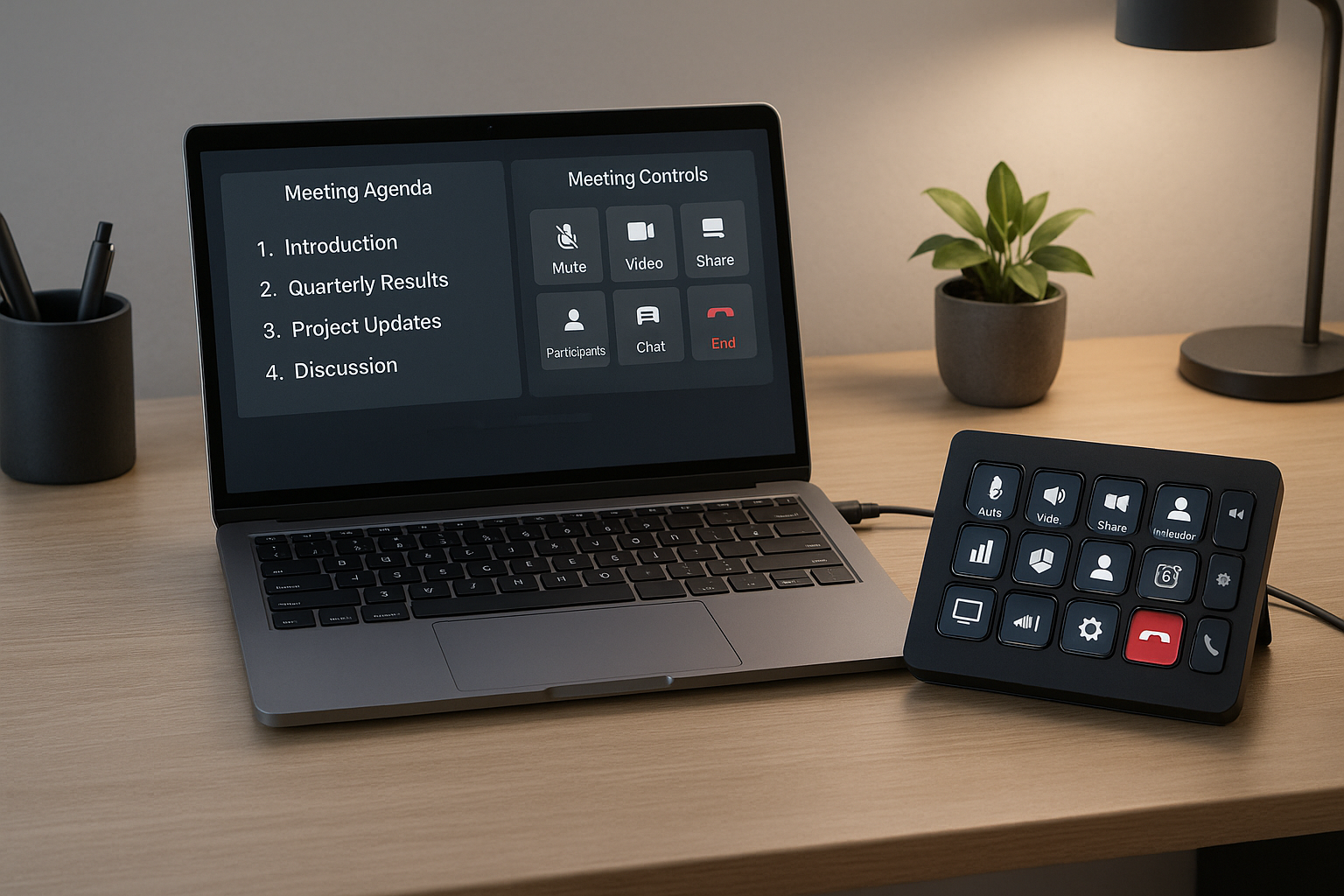
During the call, you need fast access to mute, camera, hand raise, screen share, and recording controls.
This is where meeting operators lose focus. Every second spent hunting controls is time not spent guiding the room.
MuteDeck helps here by giving you one control surface across Zoom, Teams, and Meet, so agenda facilitation and meeting controls can stay in sync.
# Layer 3: Decision log layer
After each decision block, record:
- Decision made
- Owner
- Due date
- Risk or dependency
Then mark unresolved items for rollover to the next agenda draft. This prevents repeated re-discussion.
# Tool categories to evaluate
When teams search for agenda management tools for meetings, they usually compare brand names. Start with capabilities instead.
# 1) Agenda capture tools
Use these for intake and prioritization.
Look for:
- Quick capture from chat or notes
- Lightweight tagging by meeting type
- Easy assignment of owner and target date
# 2) Facilitation control tools
Use these in the live call.
Look for:
- Fast global hotkeys
- Minimal app switching
- Consistent control mappings across platforms
# 3) Decision tracking tools
Use these for accountability after the call.
Look for:
- Structured decision fields
- Action item export to your task system
- Clear rollover workflow for open items
# A 20-minute setup for weekly team meetings
Use this starter workflow.
# Before the meeting
- Pull candidate agenda items from your backlog
- Keep only 2 to 4 decision blocks
- Assign owner plus time box for each block
- Preload your meeting controls profile
# During the meeting
- Open with goal and decision order
- Run each block with visible time checks
- Log decisions and owners as they happen
- Park deep dives into a follow-up list
# After the meeting
- Publish the decision log
- Push action items to task owners
- Move unresolved items to the next agenda draft
This loop gives you continuity without rework.
# Common failure patterns and fixes
# Failure: Agenda has too many updates and no decisions
Fix: Require a decision question for every live item.
# Failure: Host gets overloaded with controls
Fix: Use one mapped control layer and rehearse the top six controls before the call.
# Failure: Same topics appear every week
Fix: Add explicit status labels, decided, blocked, deferred, and enforce rollover rules.
# Choosing your first upgrade
If your agendas are already clear but meetings still feel chaotic, improve runtime control first.
If meetings run smoothly but outcomes vanish after the call, improve decision logging first.
If both are weak, start with a simple template and one control surface, then iterate weekly.
# Final takeaway
The best agenda management tools for meetings are the ones that connect planning, control, and follow-up in one operator workflow.
Keep the system small, repeatable, and decision-focused. Teams feel the difference within a few meetings.