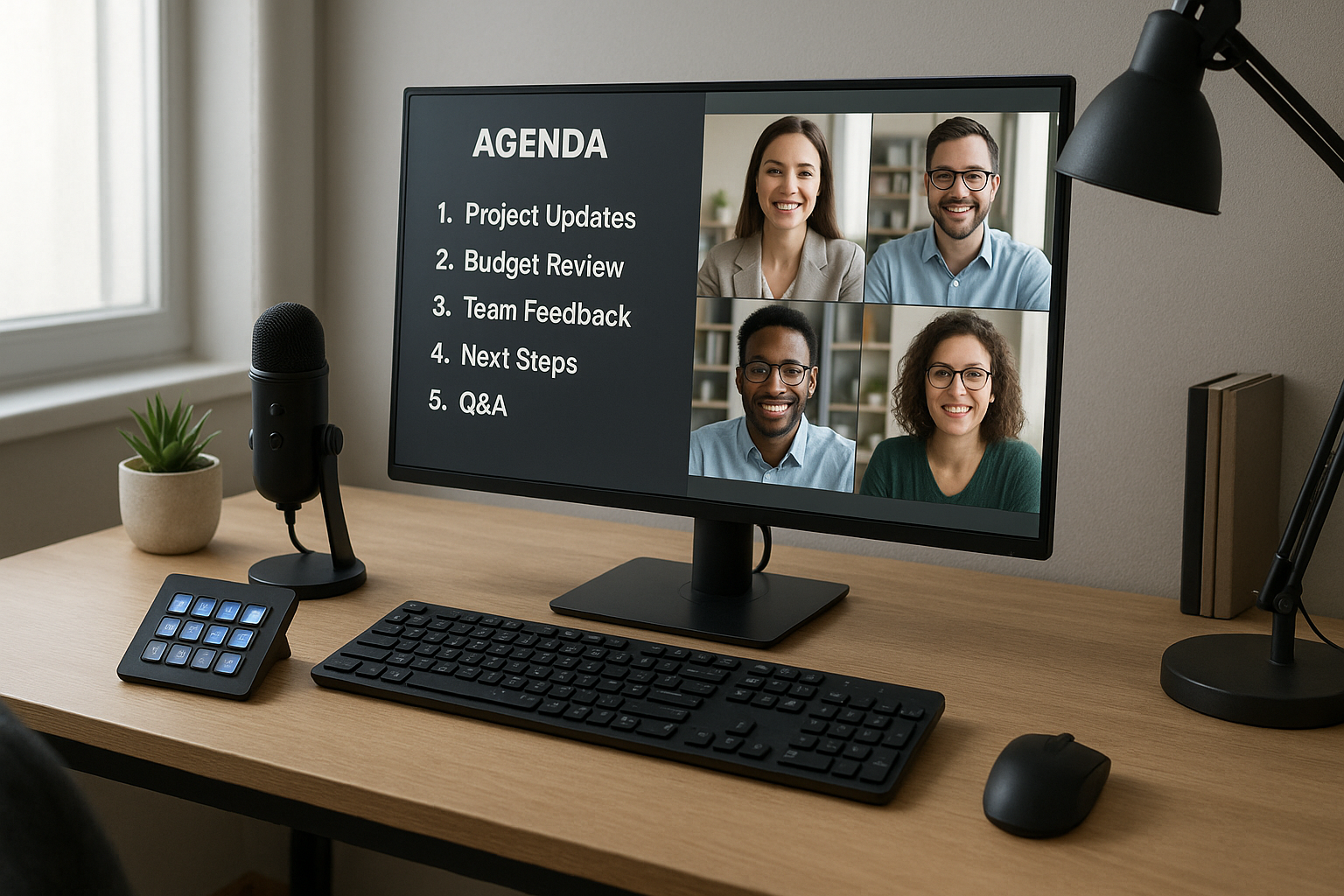
# Agenda Ideas for Team Meetings: An Operator-First Playbook
If your team meetings regularly run long, drift off-topic, or end without clear next steps, the problem is usually not motivation. It is meeting design.
Strong agenda ideas for team meetings are less about clever talking points and more about control: what gets discussed, in what order, by whom, and with which meeting controls ready.
This guide gives you practical agenda formats you can run in Zoom, Teams, or Google Meet, with operator workflows that reduce friction before and during the call.
# Why most team agendas fail in practice
Most agendas look reasonable on paper but fail live because they skip execution details.
Common failure points:
- Too many discussion items for the allotted time
- No owner per section
- No decision target (what must be decided by end of section)
- No control plan for muting, hand-raising, recording, and time checks
- No closeout block for action items
A useful agenda is a runbook, not a wishlist.
# A simple meeting architecture that works
Use this 5-block structure for most recurring team meetings:
- Open (2-3 min): goals, timing, and roles
- Signal scan (5 min): quick status, blockers, urgent flags
- Decision blocks (15-25 min): one decision at a time
- Coordination block (5-10 min): ownership, dependencies, handoffs
- Closeout (3-5 min): recap decisions + next actions
If you do only one thing differently, protect decision blocks with strict timeboxing and owner-led facilitation.
# 8 practical agenda ideas for team meetings
These formats are designed for teams that meet often and need repeatable outcomes.
# 1) The blocker-clearing agenda
Best for: engineering, ops, and cross-functional delivery teams.
- 2 min: outcomes and timing
- 8 min: top blockers only (no updates without blockers)
- 15 min: unblock decisions with named owners
- 5 min: dependency handoffs
- 3 min: action recap
Operator tip: assign a dedicated “parking lot” item for deep dives that do not need full-group airtime.
# 2) The launch-readiness agenda
Best for: product launches, campaigns, release readiness.
- 3 min: launch objective and launch date checkpoint
- 12 min: status by workstream (green/yellow/red)
- 15 min: risk review and mitigations
- 8 min: final go/no-go criteria review
- 4 min: who does what in next 24 hours
Operator tip: keep one screen/share view with checklist status and another with decision log. Avoid tab-hopping mid-call.
# 3) The incident follow-up agenda
Best for: post-incident team meetings.
- 3 min: scope and timeline summary
- 10 min: what failed in process, not just tooling
- 15 min: control improvements and owner assignment
- 7 min: communication standards for next incident
- 5 min: due dates and checkpoint schedule
Operator tip: record only the decision segment if your policy allows it, then share timestamps in follow-up notes.
# 4) The weekly planning agenda
Best for: teams balancing delivery and interrupts.
- 3 min: weekly priorities (max three)
- 10 min: capacity and calendar constraints
- 15 min: task sequencing and handoffs
- 7 min: dependency risks
- 5 min: commitments by owner
Operator tip: ask owners to confirm commitments verbally before closeout. It reduces ambiguity.
# 5) The customer-feedback agenda
Best for: support, product, and success teams.
- 3 min: goal of feedback review
- 12 min: top patterns from customer conversations
- 12 min: triage (fix now, queue, decline)
- 8 min: ownership and customer comms plan
- 5 min: timeline + follow-up check
Operator tip: bring a pre-filtered set of examples to avoid losing time during retrieval.
# 6) The decision-only agenda
Best for: leadership meetings that drift into updates.
- 2 min: decision list and order
- 20-30 min: decisions only (context capped at 2 min each)
- 8 min: confirm owners, deadlines, dependencies
- 5 min: unresolved items and escalation path
Operator tip: no decision, no airtime. Move updates to async notes.
# 7) The cross-team alignment agenda
Best for: multi-team initiatives with handoff risk.
- 3 min: shared objective
- 10 min: each team’s next critical deliverable
- 15 min: handoff timing and interfaces
- 8 min: conflict resolution and re-prioritization
- 4 min: owner matrix + next sync date
Operator tip: use explicit “ready for handoff” criteria to prevent rework.
# 8) The training or enablement agenda
Best for: onboarding, tool rollouts, presenter upskilling.
- 4 min: learning objective and outcomes
- 12 min: live walkthrough
- 12 min: guided practice
- 8 min: scenario Q&A
- 4 min: checklist and next-step assignment
Operator tip: pre-assign who controls recording, participant mute, and chat triage so the facilitator stays focused.
# Meeting control layer: the part most agendas ignore
Even great agendas break when call controls are chaotic. Treat controls as part of your agenda design.
Before each meeting, verify:
- Mute/unmute workflow
- Camera on/off fallback
- Raise hand and participant queue process
- Screen share ownership and backup host
- Recording state and policy compliance
If you regularly host meetings, centralizing these controls helps. MuteDeck can map meeting actions across platforms so operators spend less time searching for buttons and more time guiding the discussion.
# A reusable agenda template you can copy
Use this template for weekly team meetings:
- Meeting goal:
- Decision targets (max 3):
- Timebox:
- Owner by section:
- Agenda blocks:
- Open:
- Signal scan:
- Decision 1:
- Decision 2:
- Coordination:
- Closeout:
- Control checks before start:
- Action items + owners + due dates:
Keep it short, but never skip owners and decision targets.
# How to avoid agenda overload
Teams often over-schedule topics because every topic feels important. Use these guardrails:
- Cap agenda to 2-3 high-value decisions
- Move status updates to async channels
- Timebox each segment and enforce cutoffs
- Carry forward unresolved items explicitly
- End with a decision and action recap every time
When teams adopt this, meetings get shorter without losing quality.
# Final takeaway
The best agenda ideas for team meetings are operational, not theoretical. Build around decisions, ownership, and control readiness.
When your agenda and meeting controls work together, calls become faster, clearer, and easier to repeat across Zoom, Teams, and Meet.