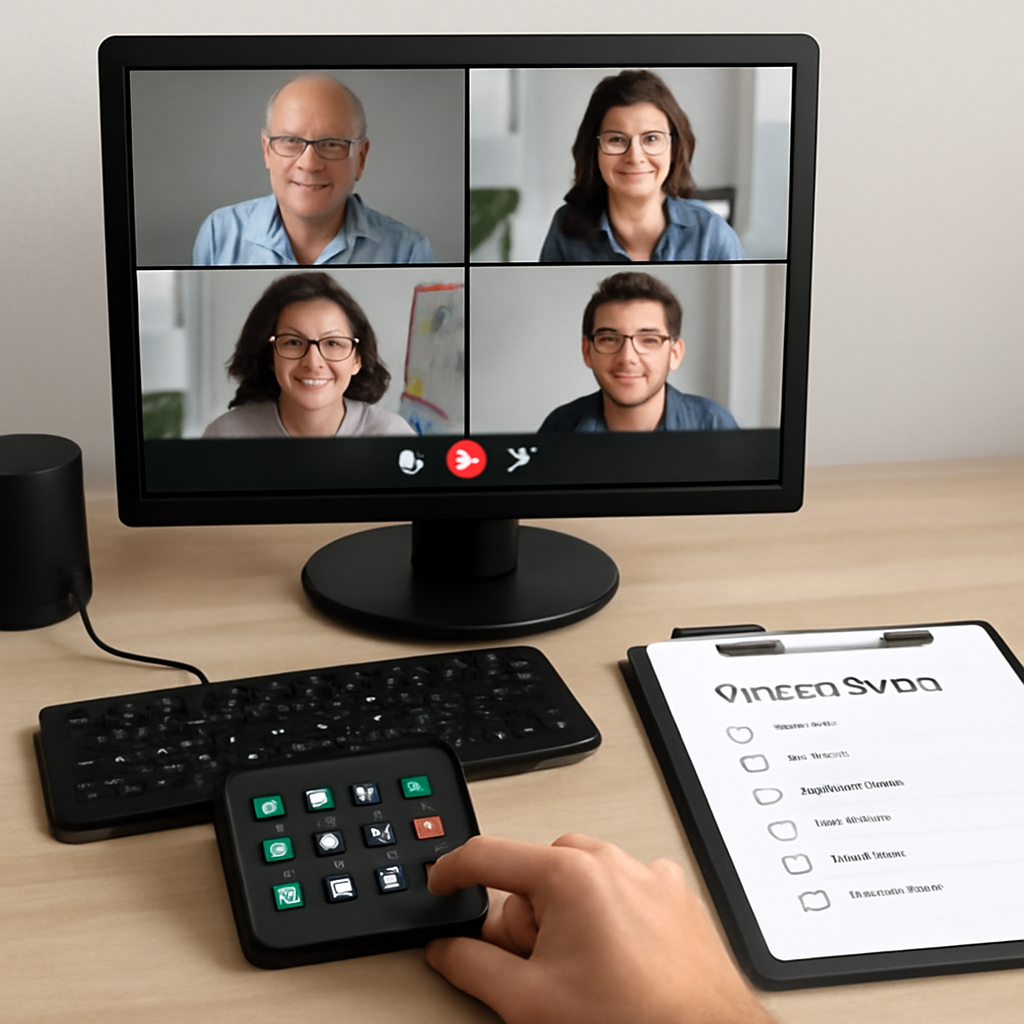
# Agenda Items for Team Meetings: 21 Practical Items That Keep Remote Calls Moving
Most remote meetings drift for one reason: the agenda is a topic list, not an operating plan.
If you host often, your agenda should do two jobs at once:
- guide discussion
- guide control actions (handoffs, share changes, recap timing)
This guide gives you practical agenda items for team meetings you can plug in immediately, with a control-first structure that works in Zoom, Teams, and Meet.
# What makes an agenda item actually useful
A useful agenda item is specific enough to run in real time.
For each item, define:
- Owner: who leads it
- Output: what must exist when the item ends
- Decision type: decide now, gather input, or assign follow-up
- Timebox: hard stop in minutes
If one of these is missing, the item often turns into open-ended discussion.
# A control-first meeting flow (before the 21 items)
Use this sequence:
- Open with technical preflight and outcomes
- Run decision-heavy items while attention is high
- Move status and updates to the middle
- End with risks, commitments, and recap
When operators follow the same flow weekly, participants know what to expect and meetings speed up.
# 21 agenda items for team meetings (copy and use)
Pick 7–10 for a 30–45 minute call, or 10–14 for a 60-minute call.
# 1) Technical preflight (2 min)
- Mic/camera check for presenters
- Confirm recording + note location
- Verify screen-share source is ready
Output: meeting can run without first-10-minute friction.
# 2) Meeting outcomes (3 min)
- Define 1–3 outcomes for this call
- Mark each as decision, alignment, or update
Output: clear finish line for the meeting.
# 3) Last meeting commitments review (5 min)
- What shipped?
- What slipped?
- What changed since last call?
Output: commitment status is visible and current.
# 4) Priority decision #1
- Present options in one screen
- Decide owner + next checkpoint
Output: one decision with accountable owner.
# 5) Priority decision #2
Use only if needed. Keep the same structure as item #4.
Output: second high-impact decision captured.
# 6) Customer or stakeholder signal snapshot
- New feedback, tickets, or escalations
- What changed urgency this week?
Output: shared context for planning choices.
# 7) Roadblock triage
- Top blockers by impact
- Which blocker needs escalation now?
Output: unblock plan with named owners.
# 8) Cross-team dependency check
- Needed inputs from other teams
- Dates and risk level
Output: dependency map with next actions.
# 9) Resource or staffing adjustments
- Capacity gaps
- Coverage for meetings, support, or launches
Output: resourcing decision or escalation path.
# 10) KPI pulse (tight)
- 2–4 metrics only
- Trend and explanation, not dashboard tour
Output: metric-informed context for decisions.
# 11) Demo or walkthrough (timeboxed)
- One owner, one objective
- Max 5–7 minutes
Output: actionable feedback or go/no-go input.
# 12) Incident or quality review
- What happened
- Root cause summary
- Preventive action
Output: one prevention commitment.
# 13) Process friction spotlight
- One recurring drag point
- Proposed fix for next week
Output: single process improvement experiment.
# 14) Meeting-control quality check
- Audio/video failures?
- Slow handoffs?
- Share confusion?
Output: one operator improvement for next meeting.
# 15) Upcoming high-stakes meeting prep
- Presenter owner
- Asset readiness
- Backup plan if tech fails
Output: prep checklist owner and deadline.
# 16) Tooling and automation updates
- Shortcut updates
- Stream Deck profile changes
- Workflow automation wins/issues
Output: tooling action list tied to meeting operations.
# 17) Risk forecast (next 2 weeks)
- Delivery risks
- Communication risks
- Meeting execution risks
Output: short risk register with severity tags.
# 18) Decision log readout
- Read decisions out loud
- Confirm wording before close
Output: no ambiguity in what was decided.
# 19) Action register confirmation
- Owner
- Deadline
- First checkpoint date
Output: execution-ready action list.
# 20) Communication plan
- Who gets updated
- What format (doc, message, standup)
- By when
Output: aligned follow-through communication.
# 21) Close and timing check
- End on time
- Confirm next meeting objective
Output: clean handoff into execution.
# Example 45-minute operator-ready agenda
Use this when your team needs decisions plus a quick operational sweep:
- 2 min: Technical preflight
- 3 min: Outcomes
- 8 min: Priority decision #1
- 8 min: Priority decision #2
- 6 min: Roadblock triage
- 6 min: Dependency check
- 5 min: Decision log + action register
- 3 min: Close
- 4 min buffer: overruns and transitions
The buffer is deliberate. Without it, recap time gets eaten first.
# How to keep agenda items from turning into status theater
Apply these rules:
- One slide or doc section per item
- No item without a named owner
- No item without an output statement
- Park deep dives to follow-up tasks
- Protect final recap block from overrun
If people feel rushed at the end, shorten middle blocks next week instead of dropping recap.
# Where MuteDeck fits in this workflow
Meeting quality often depends on how quickly the host can execute control actions without leaving the conversation.
A practical setup:
- dedicated controls for mute, camera, and screen share
- one-tap jump to agenda and action log
- predictable handoff routine between speakers
MuteDeck helps keep those control actions consistent across repeated meetings, so the agenda can stay focused on decisions instead of troubleshooting.
# Copy-ready template: agenda items for team meetings
Meeting:
Date/Time:
Host:
Operator:
Note-taker:

1) Technical preflight (2m) — Output:
2) Outcomes (3m) — Output:
3) Commitments review (5m) — Output:
4) Priority decision #1 (8m) — Output:
5) Priority decision #2 (8m) — Output:
6) Roadblock triage (6m) — Output:
7) Dependency check (6m) — Output:
8) Decision log + actions (5m) — Output:
9) Close (2m) — Output:
# Final take
Strong agenda items for team meetings are operational, not decorative.
When every item has an owner, output, decision type, and timebox, remote calls become easier to run and easier to trust. Add consistent meeting controls on top, and your team spends less time coordinating and more time shipping.