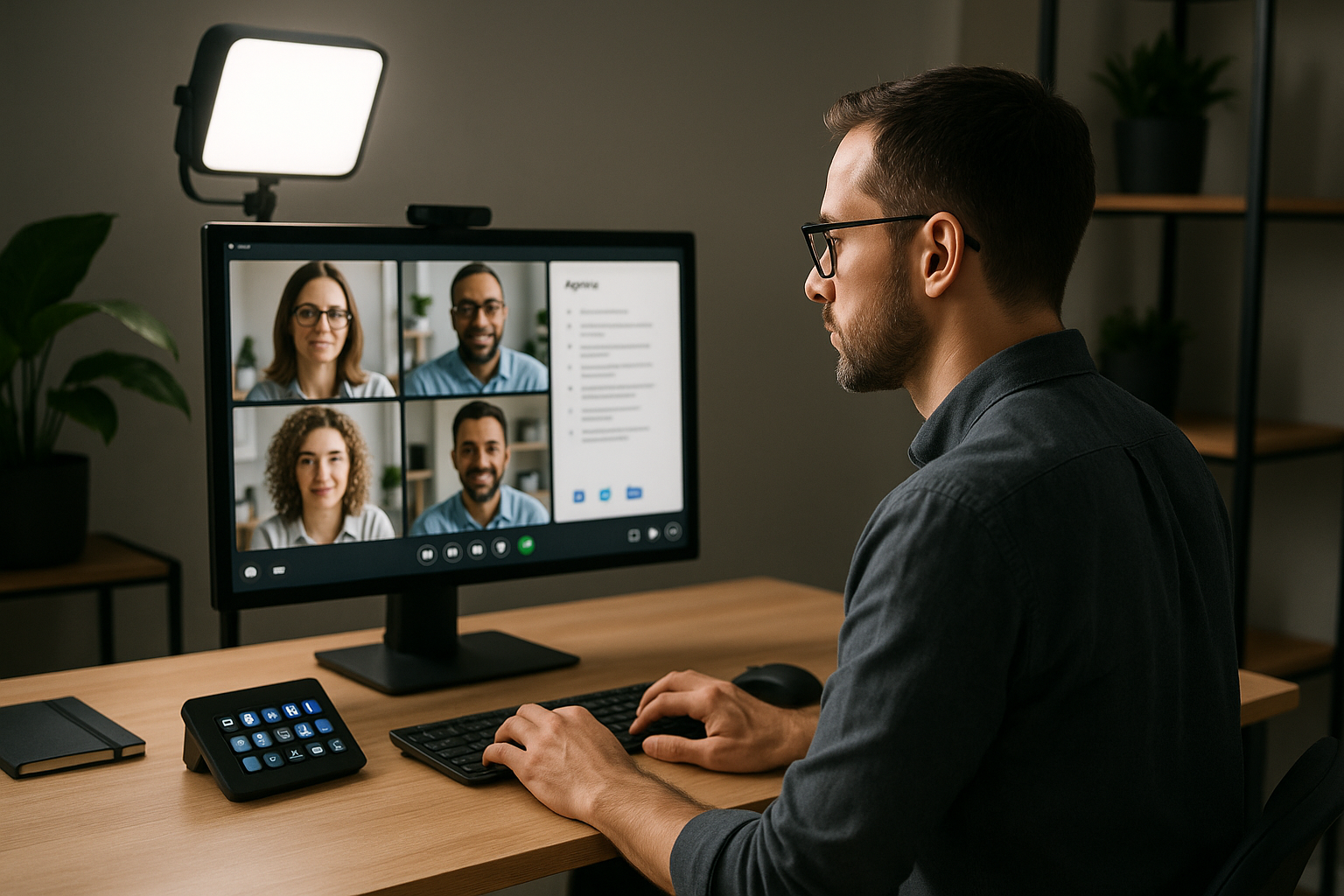
# Agenda Topics for Meetings: A Practical Operator Playbook
Most agenda templates focus on what to discuss.
If you run lots of meetings, that is only half the job. You also need to control pacing, handoffs, and live meeting tools without slowing everyone down.
This guide gives you agenda topics for meetings that are built for operators: hosts, presenters, trainers, and team leads who need calls to run cleanly in Zoom, Microsoft Teams, and Google Meet.
# Why agenda quality shows up as control quality
When agendas are vague, live controls get messy:
- screen share starts late because ownership is unclear,
- mute states are inconsistent during transitions,
- Q&A overruns because no time-box exists,
- recap is rushed, so action owners leave unclear.
A stronger agenda fixes this by defining both conversation flow and control flow.
# The 7 agenda topics that reduce meeting friction
Use these seven agenda topics in order. They work for internal meetings, demos, and training calls.
# 1) Outcome and decision target (2 minutes)
Start with one sentence:
- What must be decided, aligned, or approved by the end?
Operator note:
- Put this on screen before discussion starts.
- Keep camera/mic stable while reading the objective to avoid a chaotic opening.
# 2) Context snapshot (3-5 minutes)
Share only what people need to make the decision:
- current state,
- constraints,
- relevant metrics or customer context.
Operator note:
- Preload the correct window/tab before the meeting.
- Use one-button share actions (for example via Stream Deck + MuteDeck) so context starts instantly.
# 3) Issue framing and risks (8-10 minutes)
Define the real problem and likely failure points:
- what is breaking,
- what happens if nothing changes,
- where ownership is currently unclear.
Operator note:
- Time-box this section hard.
- Add a visual timer cue in your host workflow so framing does not consume the whole call.
# 4) Options and trade-offs (10-15 minutes)
Review realistic paths, not theoretical ideas:
- option A/B/C,
- implementation effort,
- operational risk,
- impact on teams that run meetings daily.
Operator note:
- Assign who presents each option before the call.
- Create handoff moments in your control layout (mute/unmute, spotlight, share switch) to avoid dead air.
# 5) Decision checkpoint (5 minutes)
Land one explicit result:
- chosen path,
- success criteria,
- review date.
Operator note:
- Keep everyone off mute chaos by controlling turns at this moment.
- Use a dedicated “decision checkpoint” scene in your run-of-show notes.
# 6) Action owners and deadlines (5 minutes)
Translate decision into execution:
- owner,
- first deliverable,
- deadline,
- dependency.
Operator note:
- Capture this live in a visible document.
- Keep share on the action tracker until every owner confirms.
# 7) Close and fallback channel (2 minutes)
End with operational clarity:
- summary,
- next sync,
- where blockers are raised asynchronously.
Operator note:
- This is where meetings often unravel.
- Use a standard closing script and one final “check for blockers” prompt.
# A reusable 30-minute agenda structure
If you need a default template, start here:
- 00:00-02:00 — Outcome and decision target
- 02:00-07:00 — Context snapshot
- 07:00-17:00 — Issue framing + options
- 17:00-22:00 — Decision checkpoint
- 22:00-27:00 — Action owners and deadlines
- 27:00-30:00 — Close + fallback channel
This structure is short enough for recurring team meetings and rigid enough for webinar prep calls.
# How to run this across Zoom, Teams, and Meet
Platform differences are real, so standardize your operator layer:
- Keep the same agenda order across all platforms.
- Map identical control actions to the same hardware buttons.
- Use a preflight checklist: mic, camera, share source, recording state.
MuteDeck helps here by giving you one control workflow across meeting apps, instead of relearning controls each time you switch platforms.
# Common agenda-topic mistakes (and fixes)
Too many discussion items
Fix: cap to one decision thread per meeting.No owner for each section
Fix: assign section leads before the meeting starts.No decision checkpoint
Fix: reserve a non-negotiable five-minute decision slot.Actions captured after the call
Fix: capture and confirm actions live while still on screen.
# Final take
Good agenda topics for meetings are operational tools, not admin rituals.
If your meetings involve real-time presenting, training, or cross-team coordination, design your agenda around control points: outcome, handoff, decision, and action ownership.
That shift alone usually reduces overruns, mute confusion, and post-meeting ambiguity.
For teams that run high volumes of calls, pair this agenda structure with a consistent control setup so execution stays smooth even when the platform changes.