# MuteDeck v4.9.3: Tray Clicks, Teams Everywhere, and a False Alarm Silenced
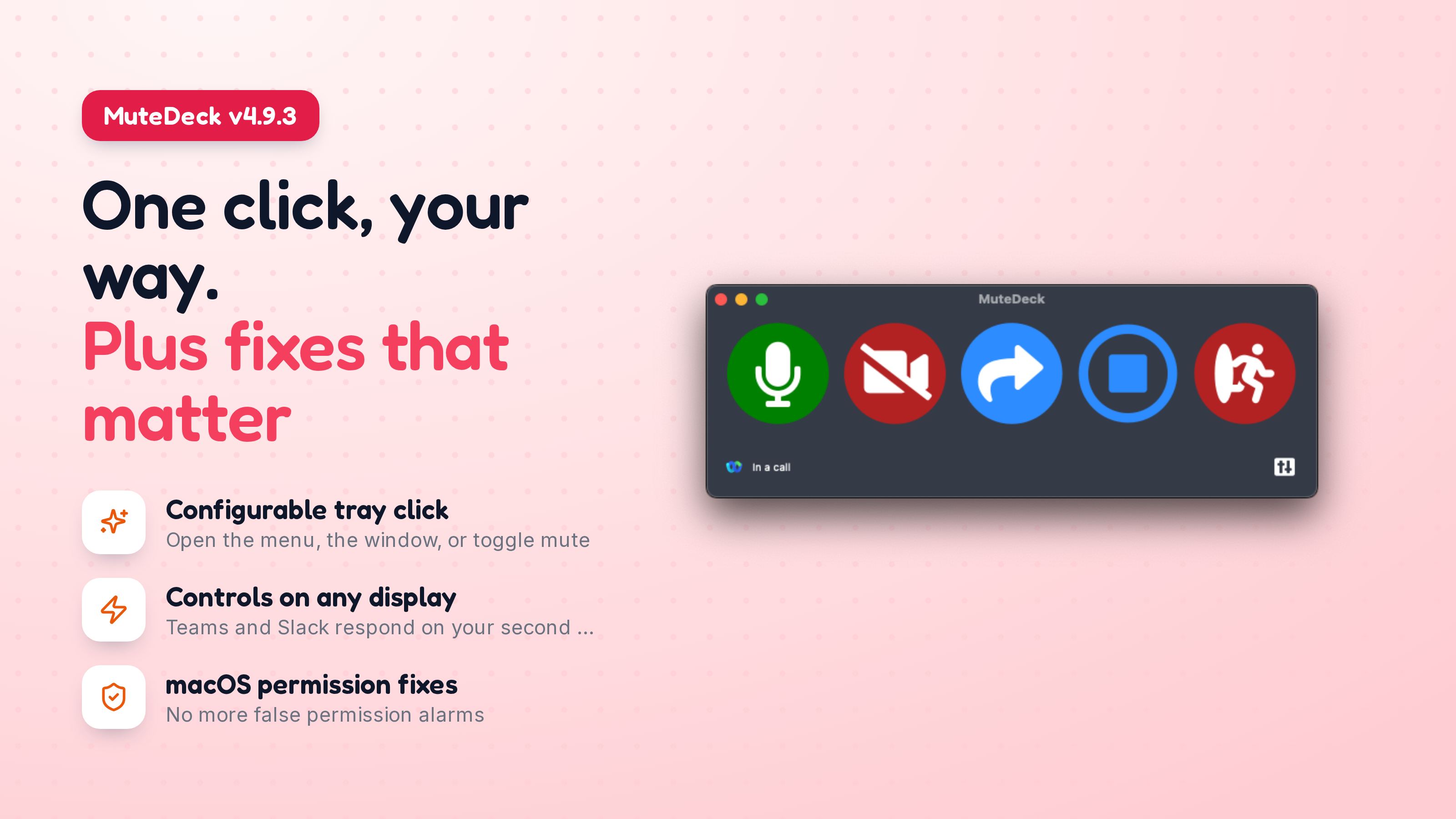
MuteDeck v4.9.3 is out. This one lets you decide what clicking the tray icon does, restores meeting detection for people who were being told their Accessibility permission was broken when it wasn't, and fixes Teams and Slack controls on multi-display setups. Microsoft also pulled the Teams API out from under everyone, so Teams pairing is gone from Settings, everything keeps working through interface control.
# Choose What Clicking the Tray Icon Does
A single click on the tray (Windows) or menu bar (macOS) icon can now open the menu, open the MuteDeck window, or toggle your mic. Your pick, under Settings → General. A right-click always opens the menu, whatever you choose, so nothing is ever out of reach.
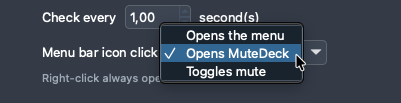
The defaults match what each platform already did: macOS opens the menu, where the in-call quick actions live, and Windows opens the MuteDeck window. If you never touch the setting, nothing changes for you.
On macOS, opening MuteDeck from the menu bar icon now parks the window right under the icon, and clicking the icon again tucks it away. It behaves like a panel belonging to the icon instead of reappearing at whatever position you last used, possibly on a display you're not even looking at. Drag the window and it goes back to remembering where you put it.
# Teams Pairing Is Gone (and that's fine)
Microsoft has removed the third-party device API from Teams, so the pairing option in Settings had nothing left to connect to, it just sat there retrying forever. It's been removed, along with the API/Interface status line that went with it.
Teams keeps working exactly as before through interface control: Accessibility on macOS, UI Automation on Windows. The one thing that matters now is the Teams language dropdown. Set it to the language Teams itself is displayed in, otherwise MuteDeck can't find the mute and camera buttons, it's looking for them by name. Settings explains this where the pairing button used to be.
If you use the HTTP API, the teams_api field is still in the status payload and now always reports disabled so integrations don't break.
# Meeting Detection No Longer Stops for the Wrong Reason (macOS)
Some people were told MuteDeck's Accessibility permission was broken when it was perfectly fine. Worse, since 4.9.1 that warning silently stopped all meeting detection, so nothing was detected at all until MuteDeck was restarted.
The cause was MuteDeck's own health check being too suspicious. It asked Finder a question that a Finder stuck on an unreachable network drive can't answer in time, and treated the timeout as "permission revoked". A meeting app that was still starting up caused the same false alarm. Every request to it fails for the first second or so, which says nothing at all about MuteDeck's permission.
Now only an actual denial counts, and it has to happen three times in a row before MuteDeck says anything. If permission really is revoked, you'll still know within a few seconds. And a suspected problem never stops meeting detection on its own any more - the warning stays a warning.
# Teams and Slack Controls on a Second Display (macOS)
If your Teams meeting or Slack huddle lived on a second display while something else had focus on the first, mute, video and leave silently did nothing. The meeting window came forward, but the click landed somewhere else entirely, and moving your mouse over to that display made it start working again, which was the giveaway.
Several things were going wrong at once, and all of them are fixed. MuteDeck brought the app forward but not the meeting window itself, so it stayed covered by the main window on the first display. Teams and Slack hide their meeting control bar when the pointer is elsewhere, so the click hit the video underneath it. And when a click missed, MuteDeck reported success anyway, so the keyboard-shortcut fallback never got its turn.
Two related problems went with it: a Dutch or German Mac running Teams in English couldn't find the meeting window at all, and MuteDeck could target the wrong Teams process on machines that still have Teams classic installed.
# Smaller Fixes
Dropdown options are no longer cut off by the arrow on the right. This affected every dropdown in the app and was worst in translated languages, where labels run longer than the English originals.
And picking "Open Settings" from the tray menu now opens Settings only. It used to drag the main MuteDeck window onto your screen along with it.
As always, if you run into issues, let me know at [email protected].
KEEP EXPLORING
More product updates