# Visual Collaboration Tool for Remote Workshops: Operator Playbook for Smoother Sessions
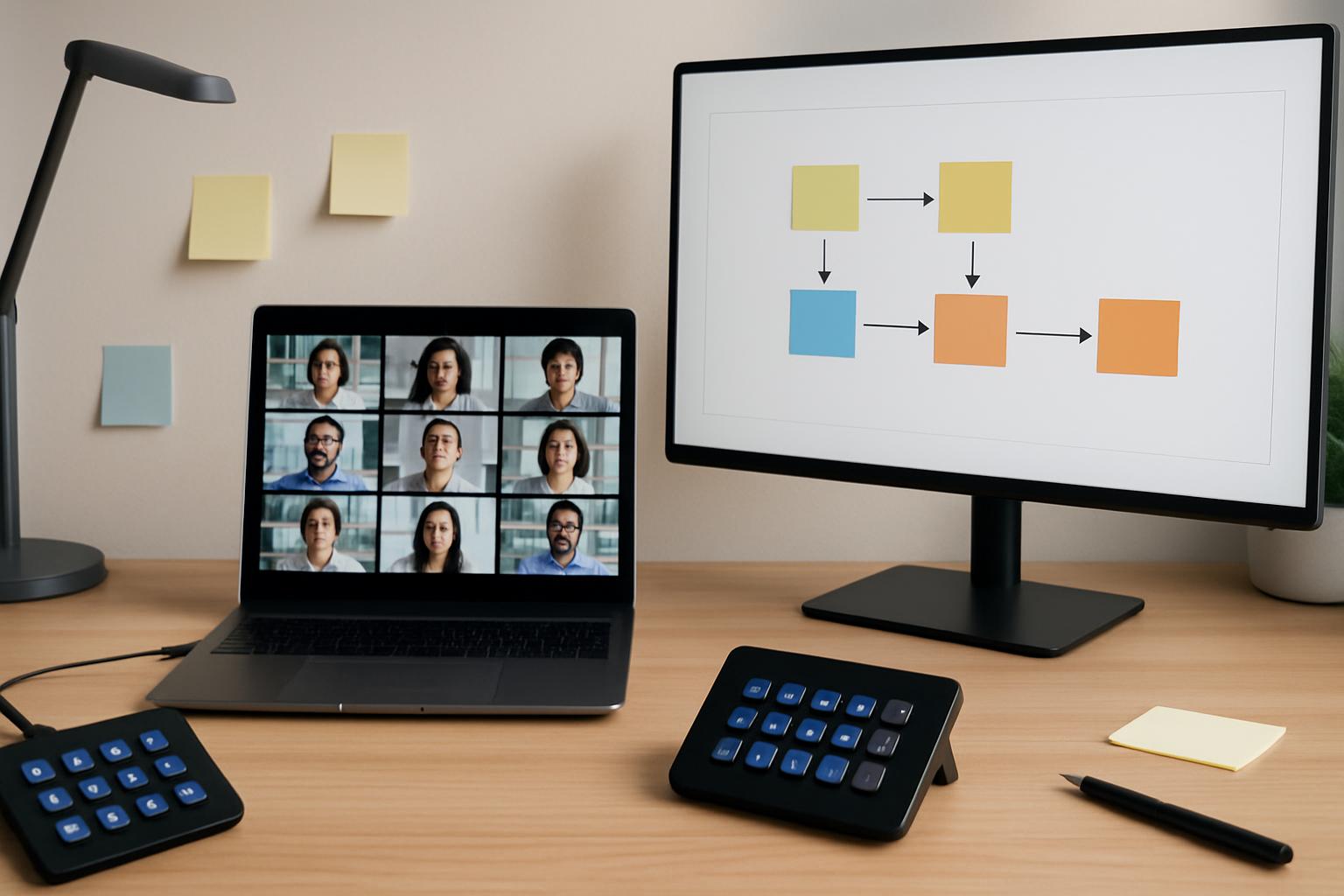
Most workshop guides focus on facilitation prompts. Fewer explain how to run the call itself when people are speaking, annotating, and switching screens quickly.
If you host remote workshops often, the visual board and the meeting controls have to work as one system. This playbook gives you a practical way to set that up.
# The Core Setup: Separate Facilitator Flow from Operator Flow
Use two clearly defined roles, even if one person covers both in small sessions:
- Facilitator flow: asks questions, drives decisions, manages group energy
- Operator flow: controls mute states, screen share, spotlight/pin, recording, and timing cues
When those flows are mixed ad hoc, workshops slow down in the transition moments.
# Decision Framework: Pick Your Visual Collaboration Setup by Workshop Type
| Workshop type | Primary visual artifact | Control priority | Recommended setup |
|---|---|---|---|
| Discovery / brainstorm | Open canvas with clusters | Fast speaker handoff + safe unmute | One-key mute toggle + "return to board" window shortcut |
| Prioritization | Structured matrix (impact vs effort) | Stable share + low interruption | Lock one screen share owner, use operator chat triage |
| Process mapping | Sequential flow diagram | Precise pointer visibility + zooming | Dedicated zoom-in/out controls and pre-saved board views |
| Retrospective | Multi-column board | Time-box transitions + pulse checks | Scene keys: intro, silent write, discuss, recap |
The key is deciding up front what can change live and what stays fixed.
# A Concrete 60-Minute Remote Workshop Scenario
Here is a practical runbook for a cross-functional planning workshop in Zoom, Teams, or Meet:
# 0:00–0:05 — Entry and control check
- Confirm who is facilitator and who is operator
- Verify mic defaults (host muted, participants unmuted only when called)
- Open the board and one fallback static agenda doc
# 0:05–0:20 — Silent input round on the board
- Participants add notes in silence
- Operator keeps the board full screen and handles join/tech interruptions in chat
- Facilitator announces 5-minute and 1-minute marks
# 0:20–0:40 — Cluster and decision pass
- Facilitator groups notes and proposes 2–3 decision paths
- Operator performs quick speaker spotlights and keeps non-speakers muted during noisy sections
- Capture decisions directly on the board (not in a separate doc)
# 0:40–0:55 — Ownership and deadlines
- Convert board clusters into named actions
- Operator pastes action lines into chat for visibility
- Facilitator gets verbal confirmation from each owner
# 0:55–1:00 — Close and export
- Operator saves board snapshot/PDF and posts location in chat
- Facilitator states top three outcomes and next checkpoint
This format reduces the usual 3–6 minutes lost to repeated “can you see this?” and “who is sharing?” loops.
# Non-Obvious Implementation Tip: Add a "Board Recovery" Hotkey
Set one dedicated key that always restores your workshop to a known-good state:
- bring meeting app to front
- re-focus the visual board tab/window
- unmute host only
- stop any accidental secondary share
This is especially useful after breakout returns or when a participant starts sharing unexpectedly. In practice, a single recovery key prevents cascading confusion and keeps momentum.
MuteDeck helps here because the recovery action can be one repeatable control sequence instead of four manual clicks across windows.
# Platform-Specific Notes
- Zoom: Great for host-level control depth. Preconfigure share permissions before the session starts.
- Microsoft Teams: Strong in org contexts. Keep notification noise low during silent board rounds.
- Google Meet: Simple guest access. Assign one operator to chat moderation for larger workshops.
Keep the workshop structure consistent across platforms so only control mappings change, not your facilitation rhythm.
# Practical Checklist Before You Hit "Start"
- Board template loaded and permissions verified
- Operator shortcuts tested once end-to-end
- Fallback static agenda open in case board latency spikes
- Action capture format agreed (owner + date + success condition)
- Recovery hotkey validated
# Final Takeaway
A visual collaboration tool does not speed up workshops by itself. The speed comes from predictable meeting control.
When your board workflow and operator controls are designed together, remote workshops feel calmer, transitions are faster, and decisions land with clear ownership.
KEEP EXPLORING
More guides & tips